


Overview
Webhooks in UnifyApps enable real-time execution of automations. This means the automation will run immediately upon receiving a trigger event, such as a new form submission, an update in a CRM system, or an API request to the designated webhook endpoint.
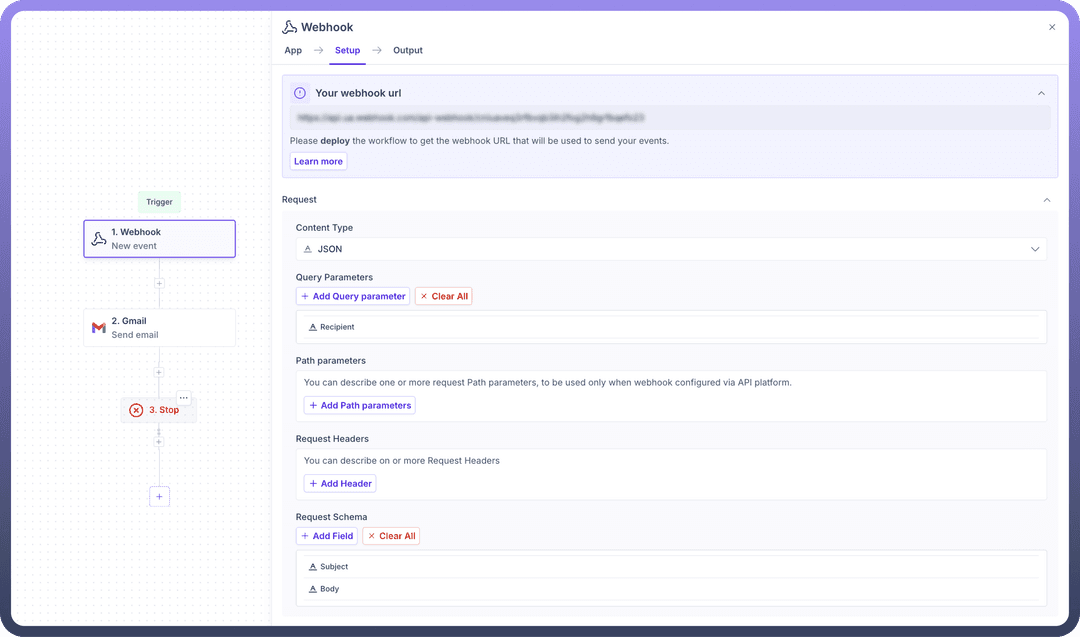
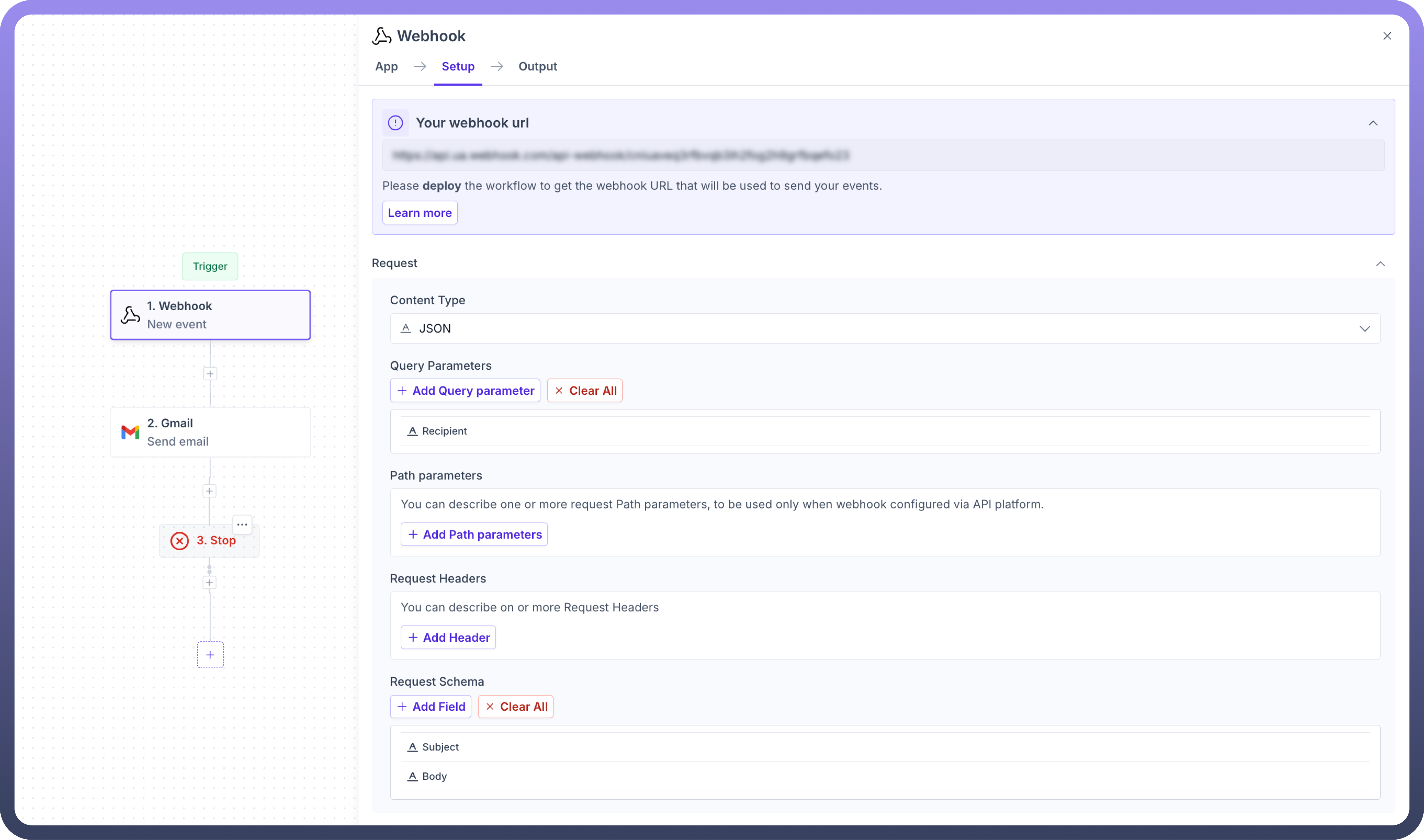
Setting up your webhook trigger
Select the content type which you want to receive using your webhook. It can be among JSON, Form-URL encoded or XML types.
Subsequently, you can define your query parameters, path parameters, and request headers.
Set up any additional fields required using the request schema.
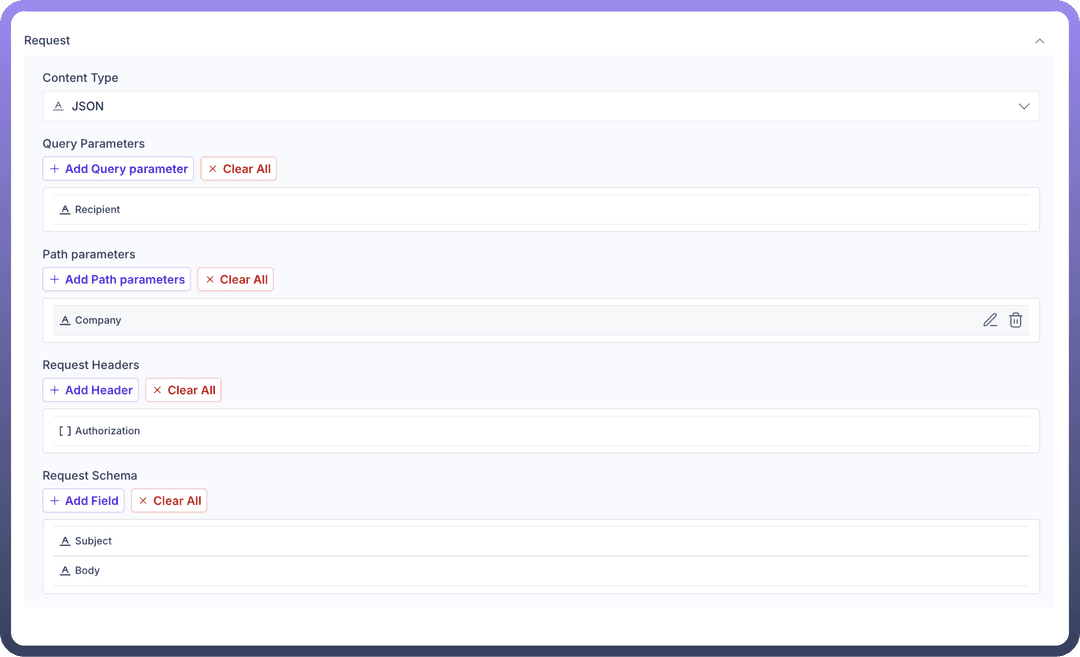
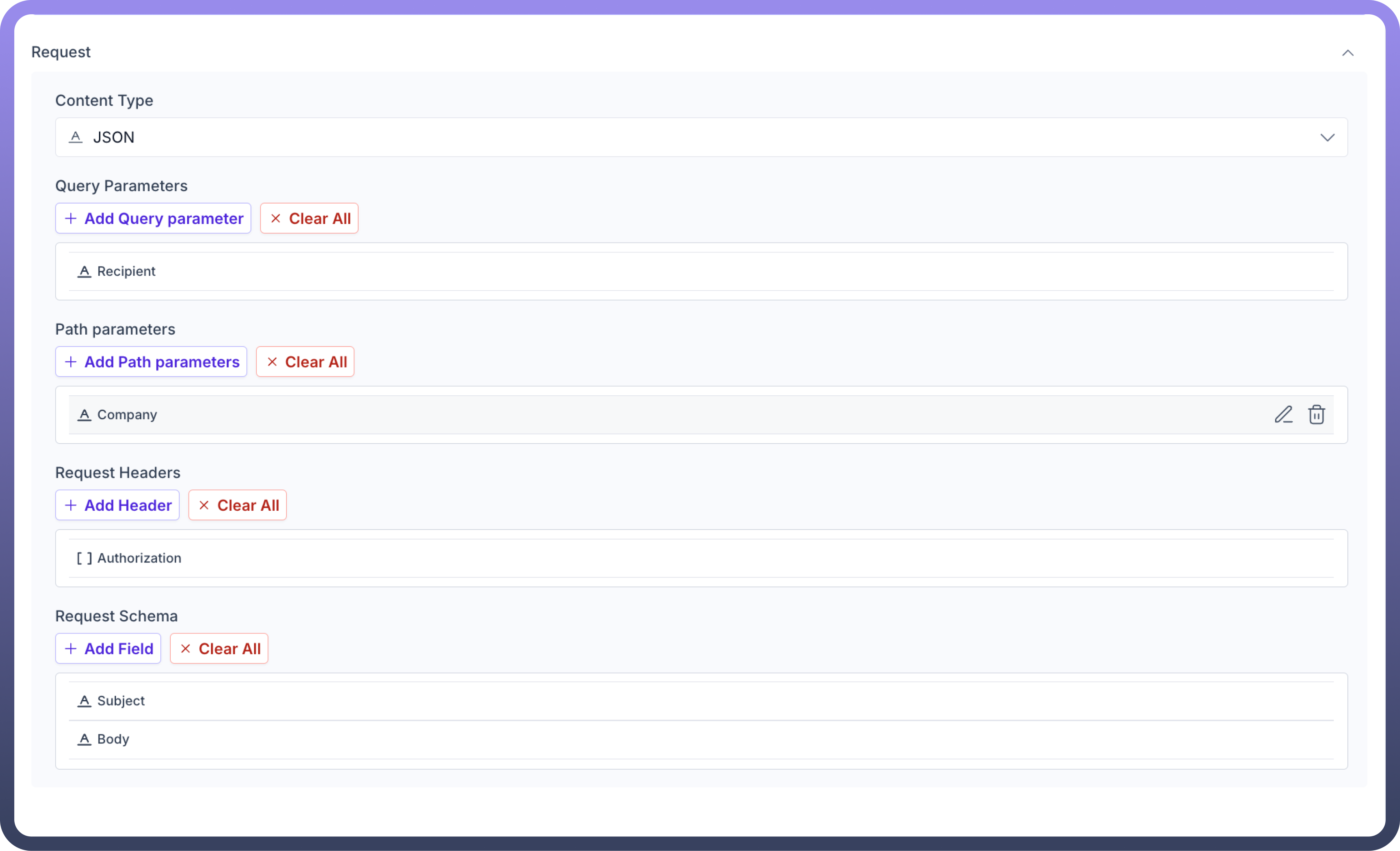
Finally, configure the application to send webhook events to your automation using the URL in the overview section.

