


Integrating your application with Zoho Invoice enables seamless invoicing, payment tracking, and customer management. It allows businesses to automate billing workflows, generate professional invoices, monitor payment statuses, and streamline financial operations efficiently.
Authentication:
Connecting your application with Zoho Invoice enables smooth invoice creation, real-time tracking, and automated financial workflows. Before you begin, ensure you have the following information:
Connection Name: Choose a meaningful name for your connection. This helps you identify it within your application or integration settings
(e.g., "MyAppZohoInvoiceIntegration").
Domain : Select your Zoho domain.
Organization ID : Your Zoho Invoice organization ID.
OAuth-Based Authentication:
Zoho Invoice uses OAuth 2.0 for secure authentication.
Go to the Zoho Developer Console.
Create a new client.
Choose Server-based Applications.
Provide required details (Client Name, Redirect URI, etc.).
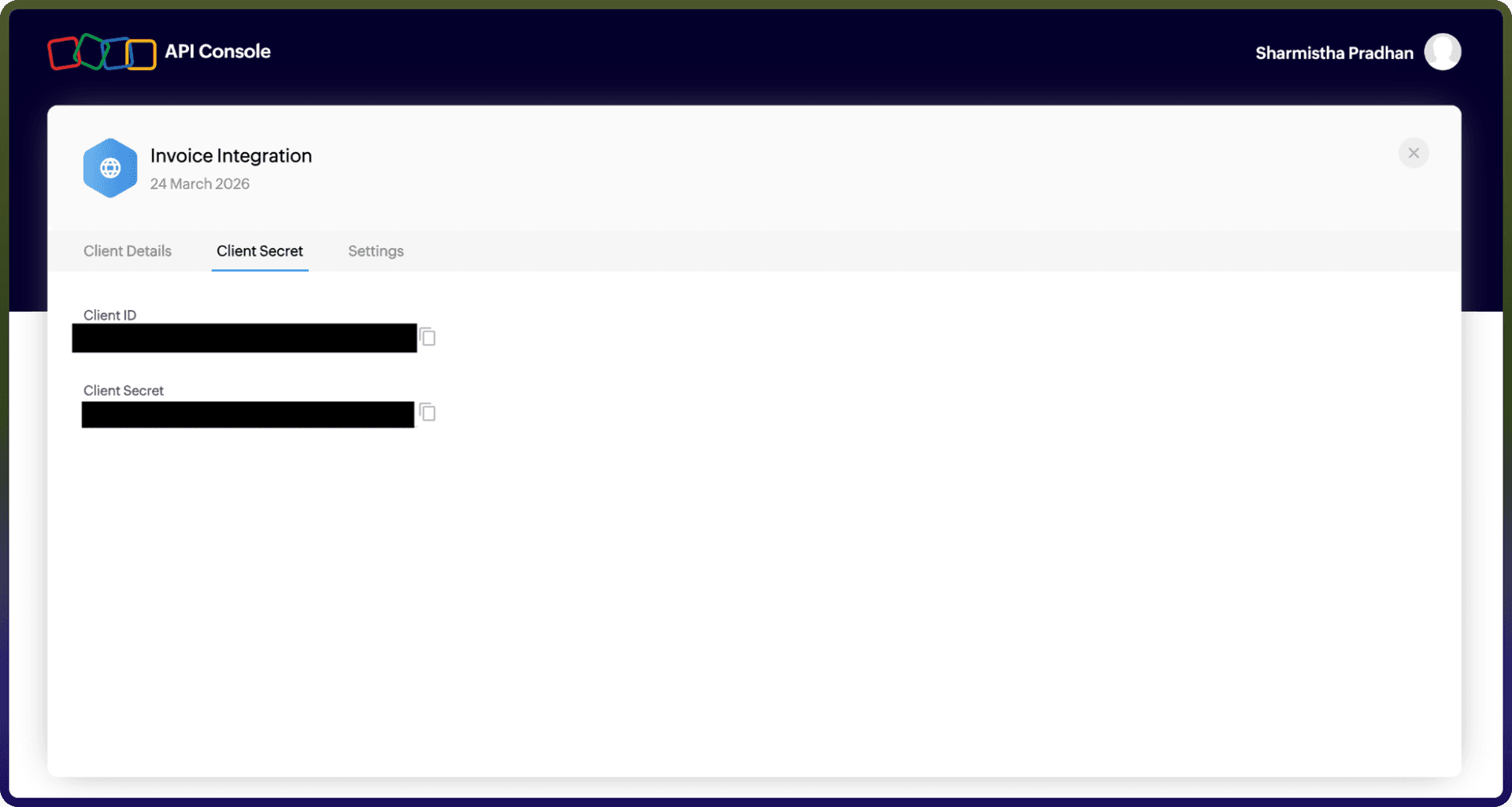
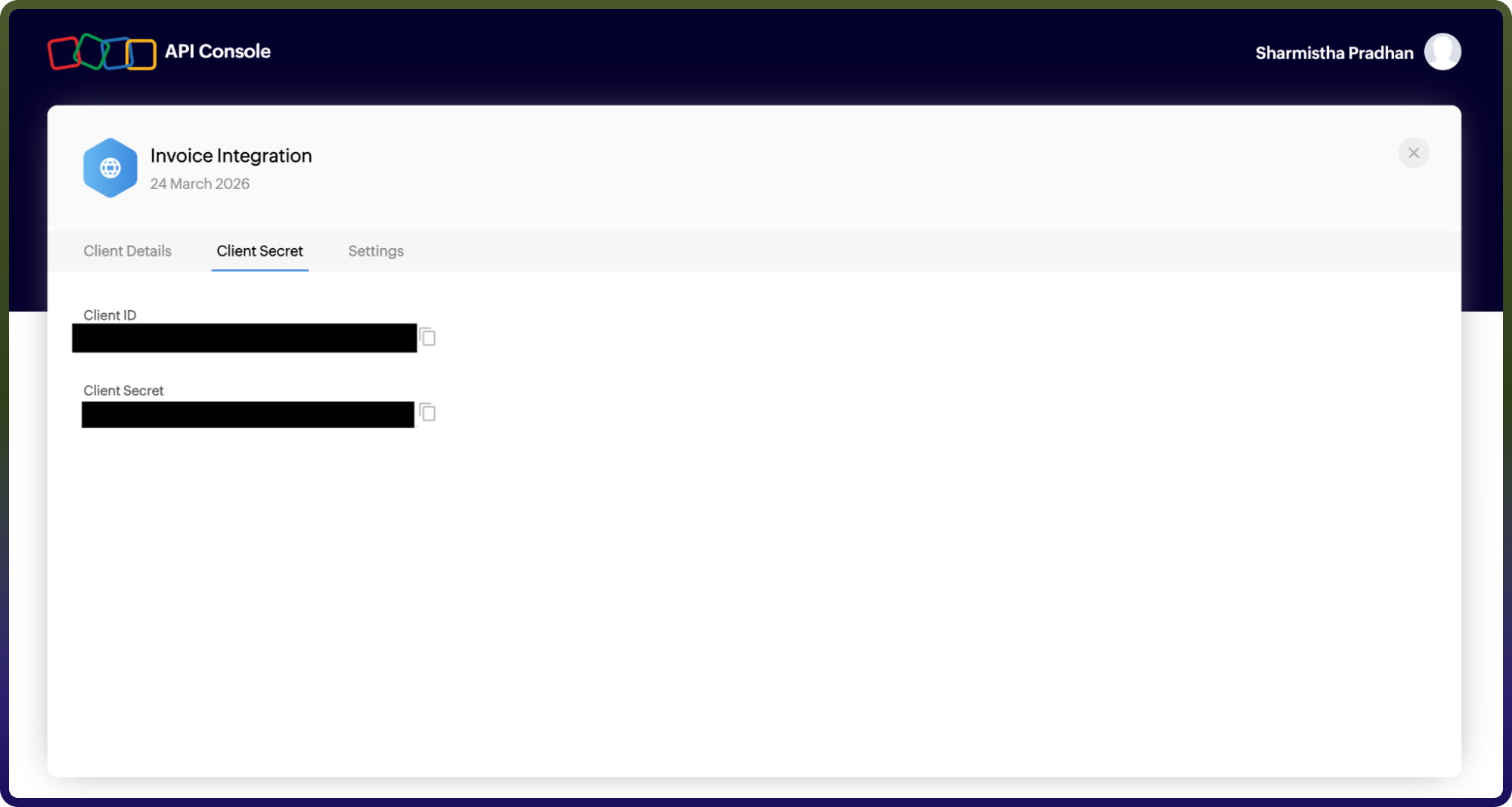
After creation, note the following:
Client ID
Client Secret
Generate a Grant Token using the authorization URL.
Exchange the grant token for:
Access Token
Refresh Token
Use the access token in API requests for authentication.
Actions
Action Name | Descriptions |
| Add a task in Zoho Invoice |
| Creates a contact in Zoho Invoice |
| Create a expense in Zoho Invoice |
| Creates an invoice in Zoho Invoice |
| Creates a project in Zoho Invoice |
| Delete a contact in Zoho invoice |
| Delete an invoice in Zoho invoice |
| Delete a project in Zoho invoice |
| Delete a task in Zoho invoice |
| Get the contact details in Zoho Invoice |
| Get expenses in Zoho Invoice |
| Get an invoice details in Zoho Invoice |
| Get the project details in Zoho Invoice |
| Get the task details in Zoho Invoice |
| List expenses from Zoho Invoice |
| List invoices in Zoho Invoice |
| Updates a contact in Zoho Invoice |
| Update expense in Zoho Invoice |
| Updates an invoice in Zoho Invoice |
| Updates a project in Zoho Invoice |
| Updates a task in Zoho Invoice |