


Use the Amazon Connect connector to manage cloud contact centers.
Integrating your application with Amazon Connect lets you use these operations in an automation. It exposes 9 actions and 1 trigger, listed below. Add the connector from the Connections area, authenticate, then select its operations in the automation builder. Capabilities: actions, triggers.
Authentication
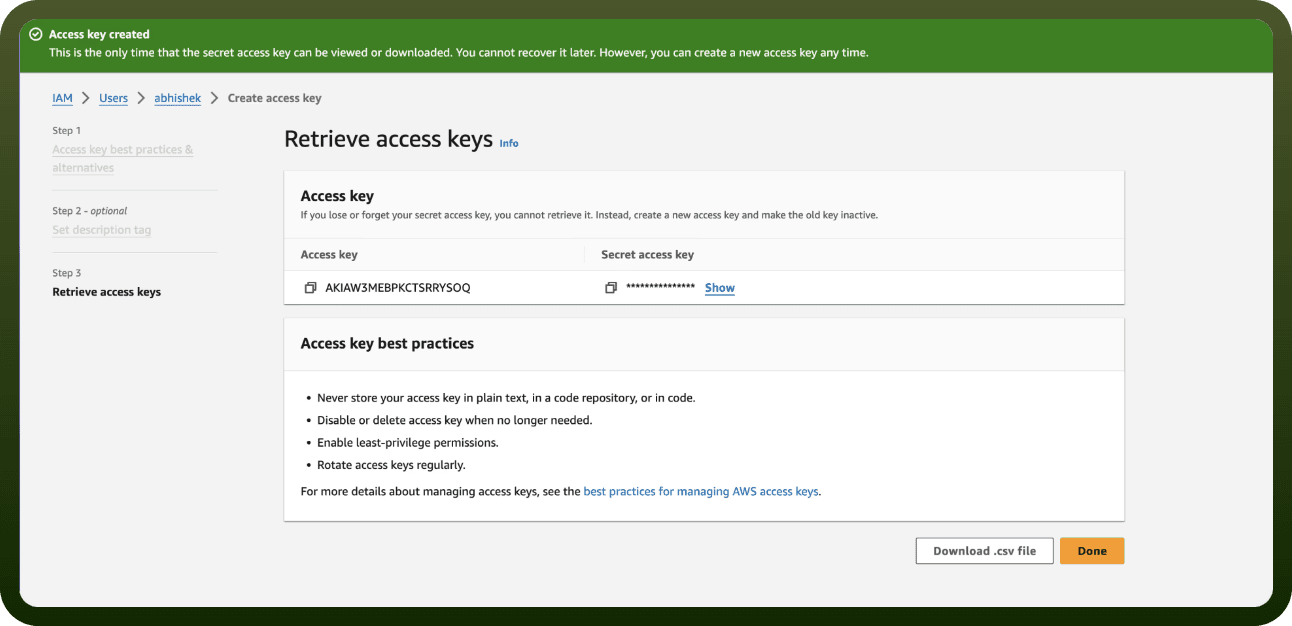
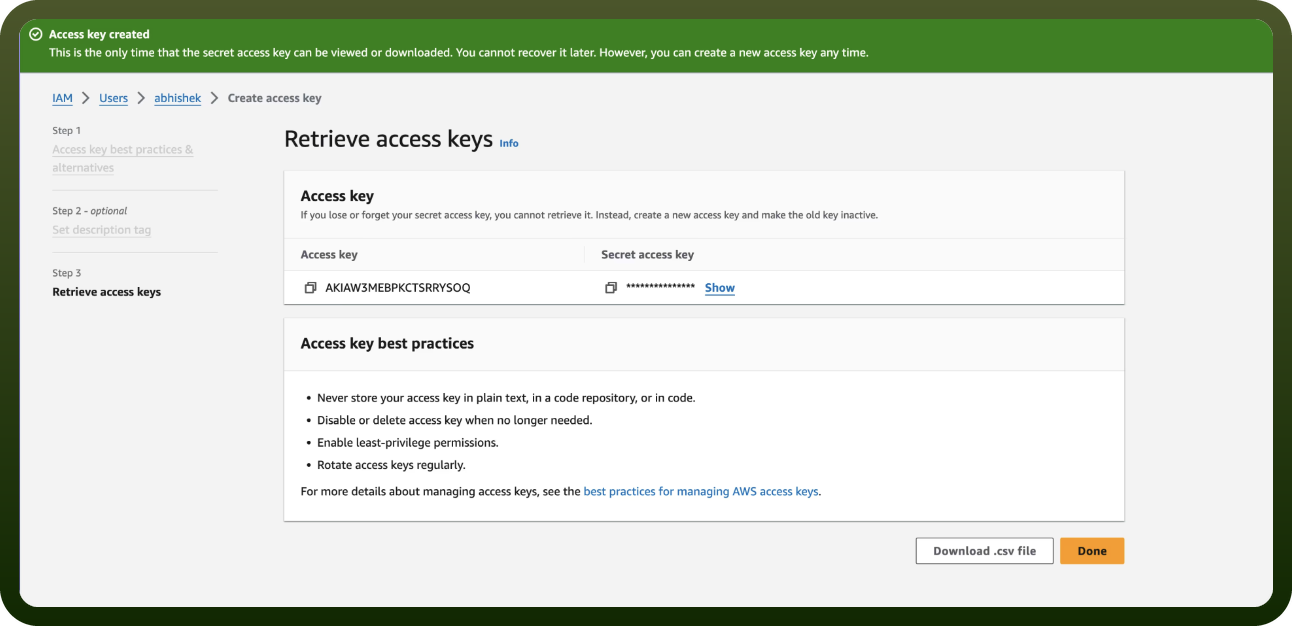
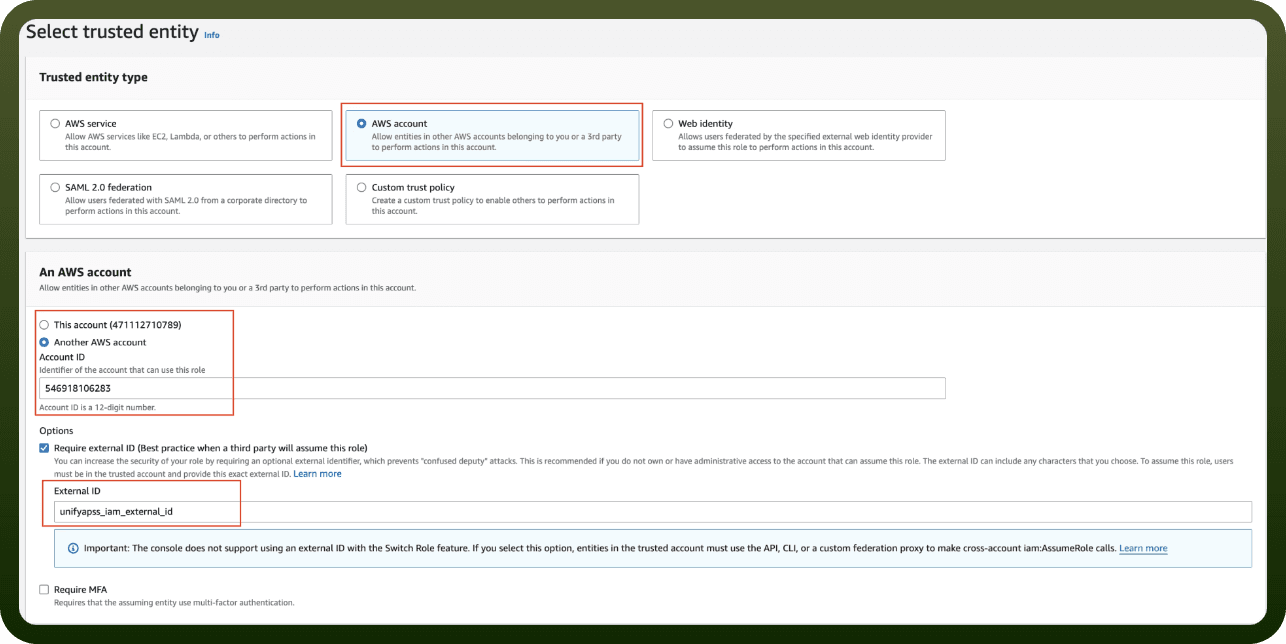
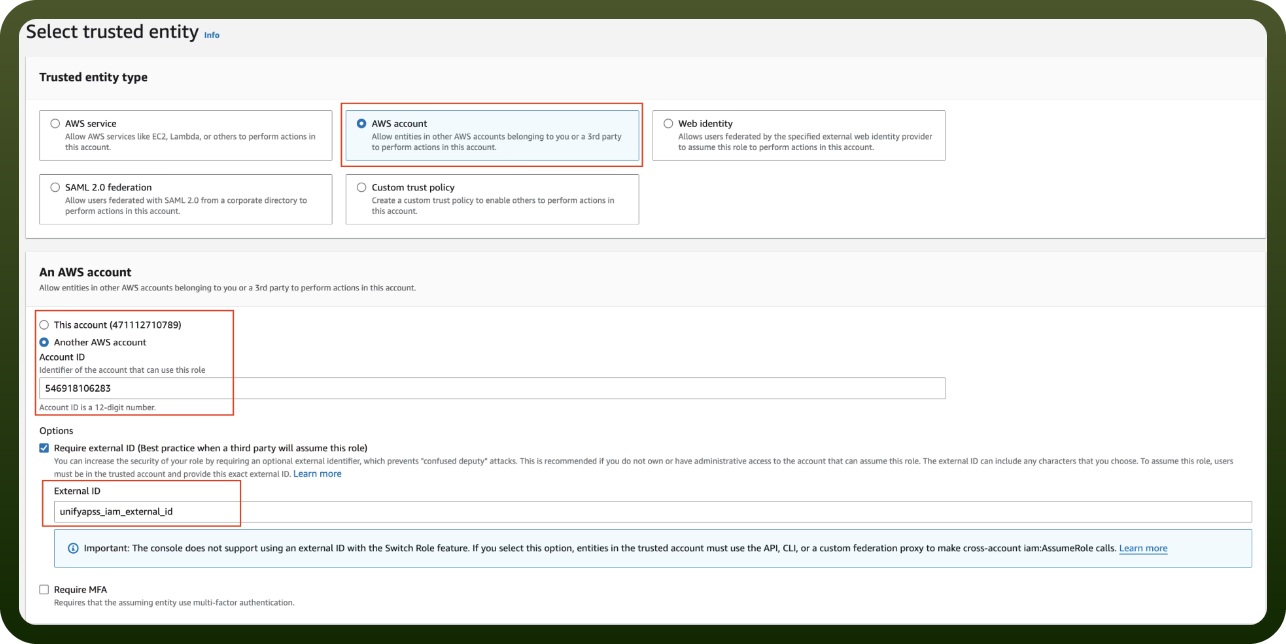
Before you begin, make sure you have the following information:
Connection Name: Choose a meaningful name for your connection. This name helps you identify the connection within your application or integration settings.
Authentication Type: The authentication method for this connector is defined in the connection setup. Select the connector in the Connections area to see the fields it requires.
Actions
Action Name | Description |
|---|---|
Complete attachment upload | Confirms that the attachment has been uploaded using the pre-signed url from start attachment upload. use the connection token from create participant connection. |
Create chat contact | Initiates a new chat contact in Amazon Connect. starts a chat for a customer with the specified contact flow and participant details. |
Create participant connection | Creates the participant's connection to the chat. use the participant token from create chat contact. returns connection credentials, websocket url, or webrtc connection details based on the type requested. |
Get attachment | Retrieves an attachment from the chat. use the connection token from create participant connection. returns a pre-signed url to download the attachment. |
Get transcript | Retrieves a transcript of the chat session, including details about any attachments. use the connection token from create participant connection. |
Send message | Sends a message from the participant to the chat. use the connection token from create participant connection. |
Start attachment upload | Provides a pre-signed Amazon S3 url for uploading a file directly to S3. use the connection token from create participant connection. |
Start streaming | Starts streaming for a contact in Amazon Connect. enables real-time streaming of contact data to the specified streaming endpoint. |
Upsert contact attributes | Creates or updates the specified contact attributes for the specified contact. Used to update attributes such as survey responses after an interaction completes. |
Triggers
Trigger Name | Description |
|---|---|
On new message | Triggers when a new message is received from Amazon Connect contact streaming via SNS. before subscribing, starts contact streaming and then subscribes to the SNS topic. |