


Use the Jira Service Management connector to manage IT service requests and incidents.
Integrating your application with Jira Service Management lets you use these operations in an automation. It exposes 20 actions, listed below. Add the connector from the Connections area, authenticate, then select its operations in the automation builder. Capabilities: actions, triggers.
Authentication
Before you begin, make sure you have the following information:
Connection Name: Choose a meaningful name for your connection. This name helps you identify the connection within your application or integration settings.
Authentication Type: Jira Service Management supports OAuth authentication.
Obtaining Your API Token
Create the API token by going to https://id.atlassian.com/manage/api-tokens
In the API token section, click on Create API token. Keep the generated token secure, as it provides access to Confluence services and may incur usage-based charges.
Obtaining Your OAuth Client Credentials
Go to developer.atlassian.com and sign in with your Atlassian account.
Click your profile icon in the top-right corner and select Developer console.
Click Create, then select OAuth 2.0 integration.
Enter a name for your app and click Create.
In the left menu, click Authorization, then click Configure next to OAuth 2.0 (3LO).
Enter a Callback URL and click Save changes.
In the left menu, click Permissions, then add the Jira Service Management API scopes your integration needs.
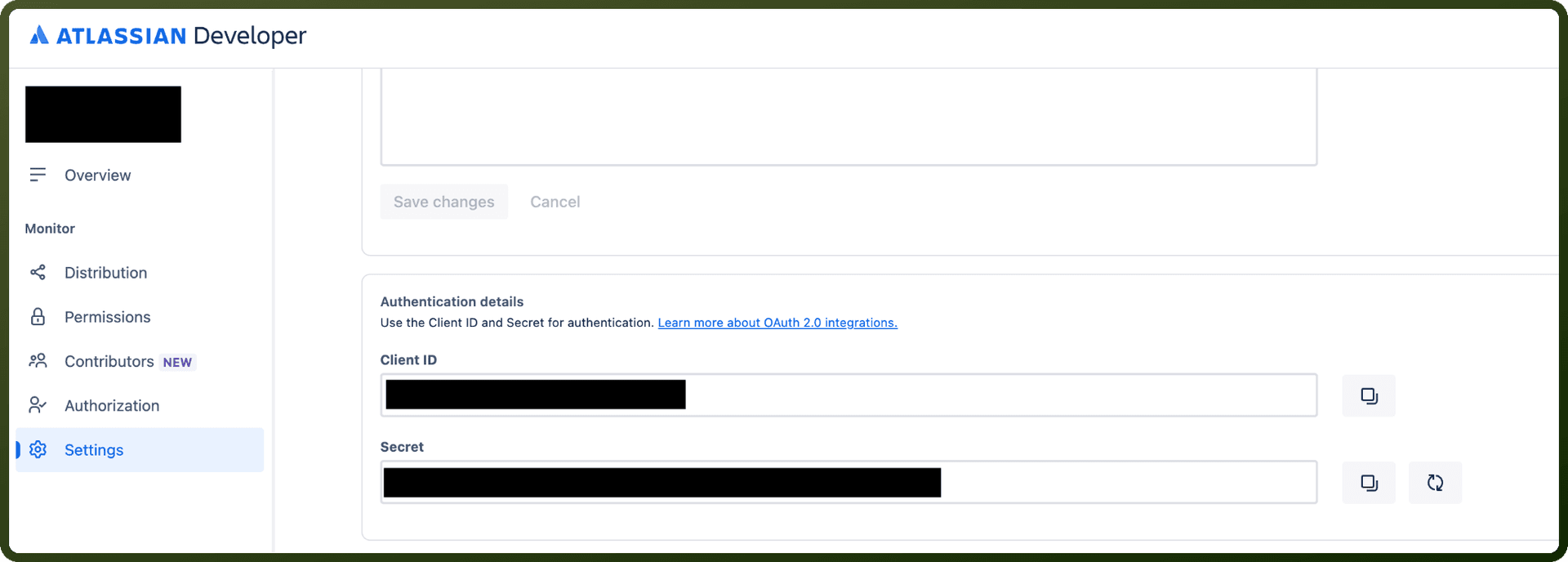
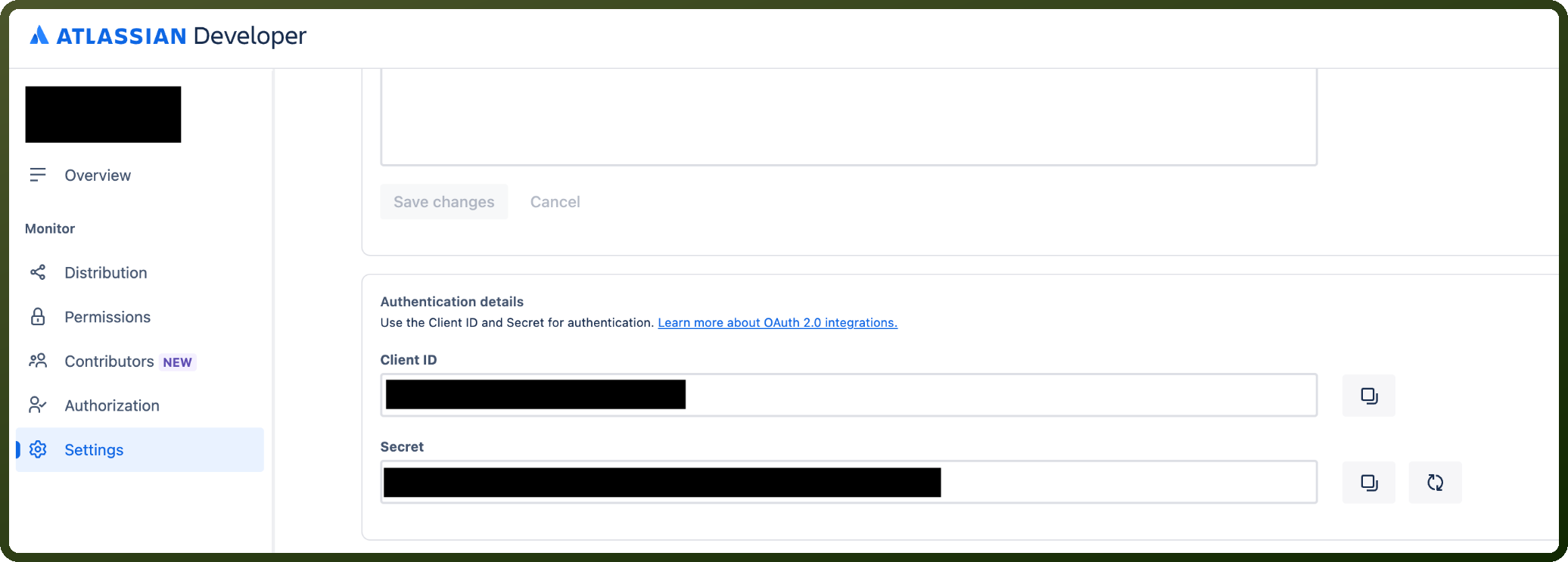
In the left menu, click Settings to view your Client ID and Secret, then copy both for use when authenticating.
Authentication & setup
The Jira Service Management REST API uses the same authentication methods as Jira Cloud platform. There are several authentication approaches available:
Basic Authentication with API Tokens: Basic auth requires API tokens (authentication using passwords has been deprecated). You generate an API token for your Atlassian account and use it to authenticate anywhere where you would have used a password. Authentication is HTTP Basic with a user-scoped API token (Base64-encoded email:token).
OAuth 2.0: For integrations, use OAuth 2.0 authorization code grants (3LO) for security. For Forge apps, REST API scopes are used when authenticating with Jira Service Management operations.
The URI structure for REST API calls is: https://<site-url>/rest/servicedeskapi/<resource-name>
Actions
Action Name | Description |
|---|---|
Attach temporary file | Attaches a temporary file to a service desk in Jira Service Management |
Create customer | This action creates a customer in Jira Service Management |
Create customer request | This action creates a customer request in Jira Service Management |
Create organization | This action creates an organization by name in Jira Service Management |
Create request comment | This action creates a request comment in Jira Service Management |
Get approval by ID | This action returns all approvals for a customer request in Jira Service Management |
Get attachment content | This action returns a attachment content for request id or key in Jira Service Management |
Get attachments for request | This action returns a attachments for request id or key in Jira Service Management |
Get comment attachments | This action returns a attachments for comment id in Jira Service Management |
Get customer request by id or key | This action returns a customer request id or key in Jira Service Management |
Get customer requests | Get customer requests in Jira Service Management |
Get customer transitions | This action returns a transitions for customer id or key in Jira Service Management |
Get info | Retrieves instance details including version and builds in Jira Service Management |
Get organization | Fetches organization details by ID in Jira Service Management |
Get organizations | Lists organizations by name in Jira Service Management |
Get properties keys | Lists organization property keys available via API in Jira Service Management |
Get request comments | This action returns a comments for request id or key in Jira Service Management |
Get request type fields | Retrieves request type fields for a request type of a service desk from jira service management |
Get users in organization | Returns all users in an organization in Jira Service Management |
Perform customer transition | This action performs a customer transition for customer id or key in Jira Service Management |
About the API
Jira Service Management provides REST API access to manage service desk operations. The API allows you to interact with service desk tickets, queues, customers, and knowledge base articles. Full capabilities include ticket management, customer profile access, and service desk automation features.
Official documentation
https://developer.atlassian.com/cloud/jira/service-desk/rest/