


Use the Informatica connector to manage enterprise data integration and governance.
Integrating your application with Informatica lets you use these operations in an automation. It exposes 9 actions, listed below. Add the connector from the Connections area, authenticate, then select its operations in the automation builder. Capabilities: actions.
Authentication
Before you begin, make sure you have the following information:
Connection Name: Choose a meaningful name for your connection. This name helps you identify the connection within your application or integration settings.
Authentication Type: Informatica supports Session based authentication.
Basic Authentication:
Log in to Informatica Intelligent Cloud Services (IICS) using an administrator account.
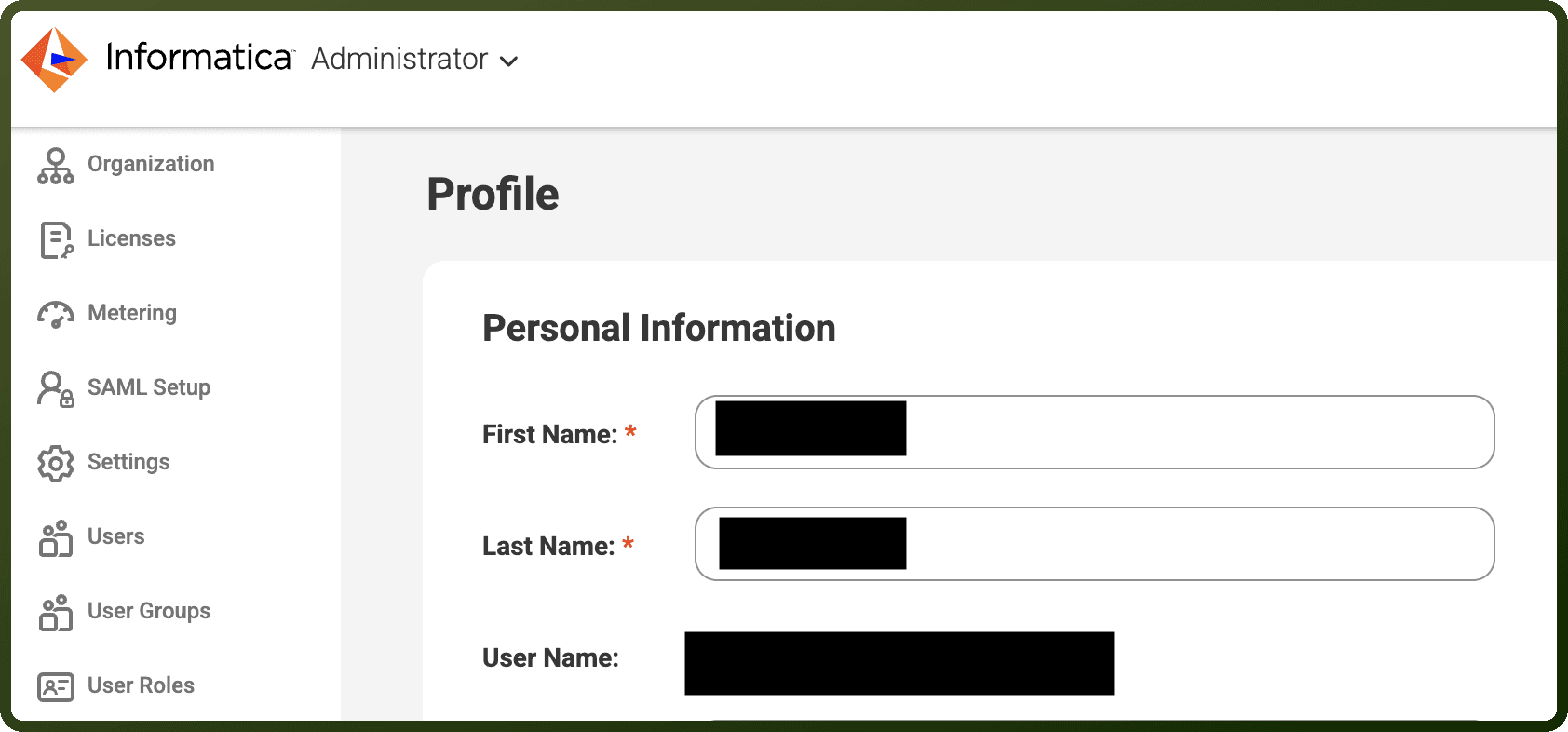
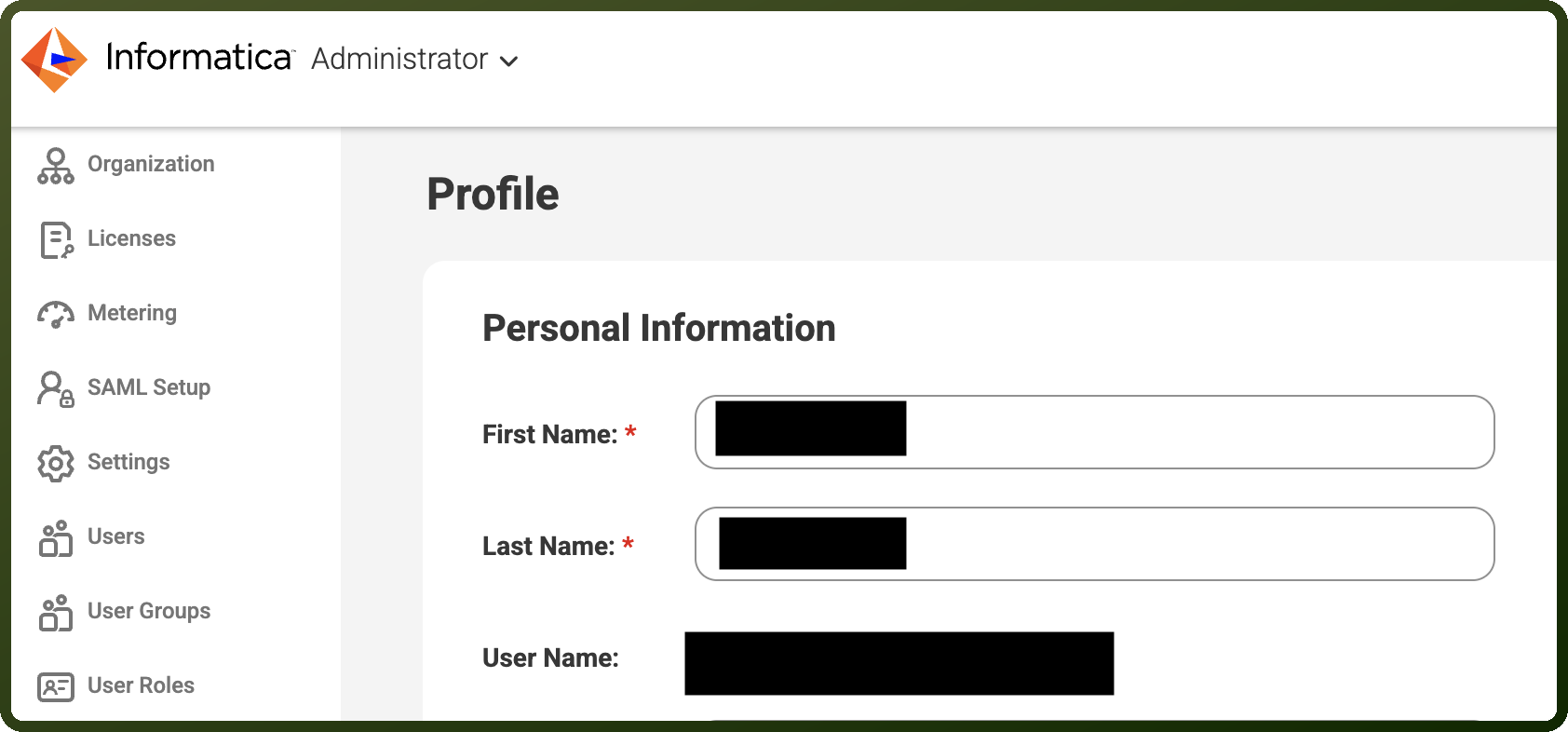
Click your profile picture in the top-right corner and select Profile.
Copy the Username displayed on the Profile page.
Use your existing Informatica login password as the password for authentication.
Note the Region from your Informatica login URL. For example, if your login URL is
https://apse1.dm-ap.informaticacloud.com/, selectdm-apas the region value.
Actions
Action Name | Description |
|---|---|
Create role | Creates a custom role in the IDMC organization with a set of privileges, specified by privilege ID |
Create user | Creates a user in the IDMC organization and assigns access through roles and/or user groups |
Create user group | Creates a user group in the IDMC organization, assigning roles by role ID and optionally adding users by user ID |
Delete user | Deletes a user from the IDMC organization by user ID |
Get license info | Gets license details for an IDMC organization, defaulting to the connected organization |
Get roles | Gets the details of roles in the IDMC organization, with optional filtering by role name and inclusion of privileges |
Get user groups | Gets the details of user groups in the IDMC organization, with optional filtering by user group name |
Get users | Gets the details of IDMC users in the organization, with optional filtering by user name |
Update user | Adds or removes role or user group assignments for an IDMC user, referenced by name |
About the API
Informatica provides:
Data Integration: ETL (Extract, Transform, Load) operations
API Management: Manage and expose APIs
Cloud Data Integration: Data synchronization and pipeline management
Data Governance: Metadata management and data quality
Analytics: Data profiling and analytics capabilities
B2B Integration: Business-to-business data exchange