


Use the Amazon Partner Central connector to manage Amazon seller and partner operations.
Integrating your application with Amazon Partner Central lets you use these operations in an automation. It exposes 7 actions, listed below. Add the connector from the Connections area, authenticate, then select its operations in the automation builder. Capabilities: actions.
Authentication
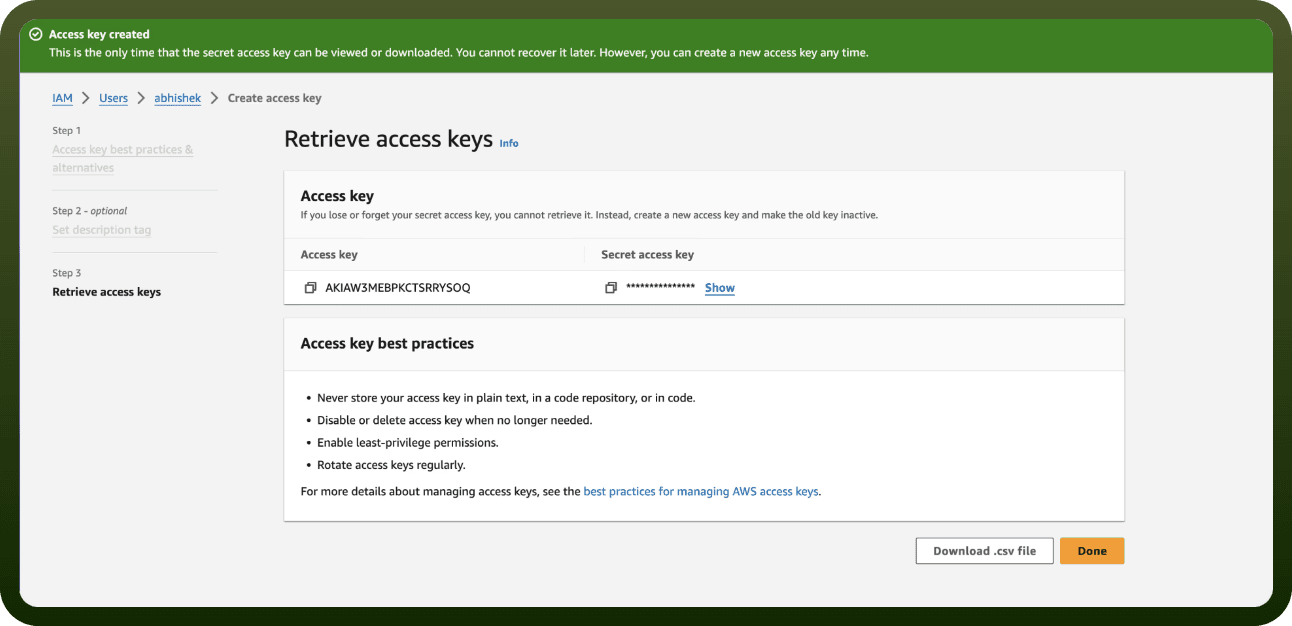
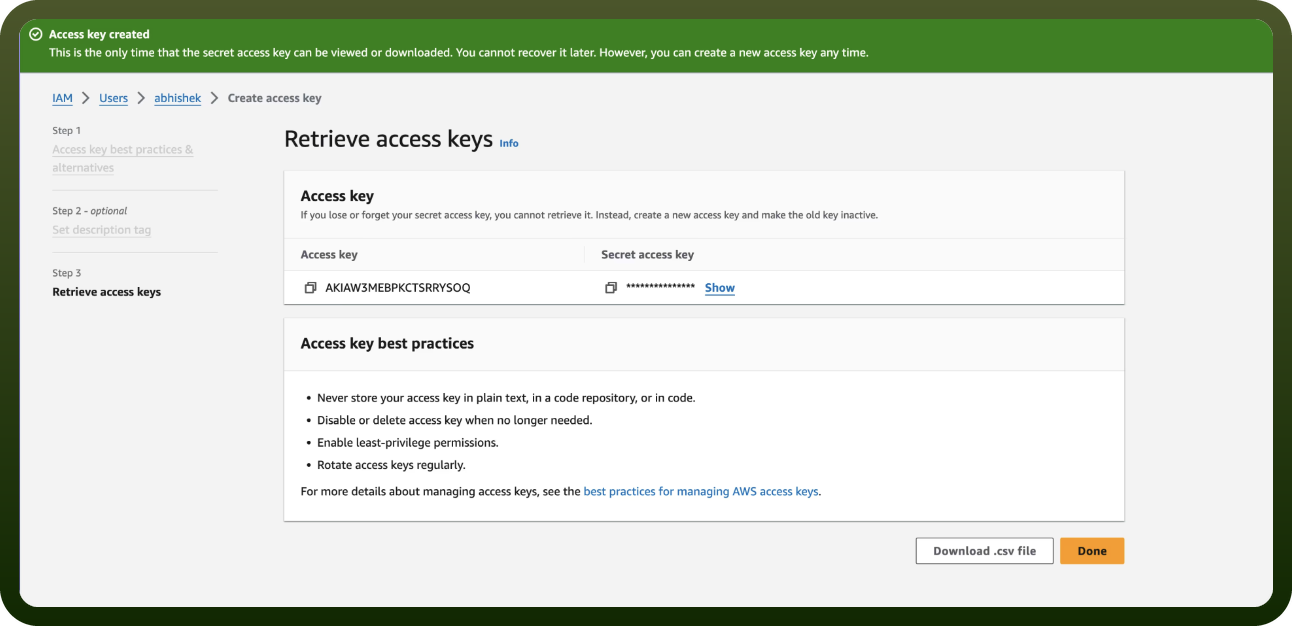
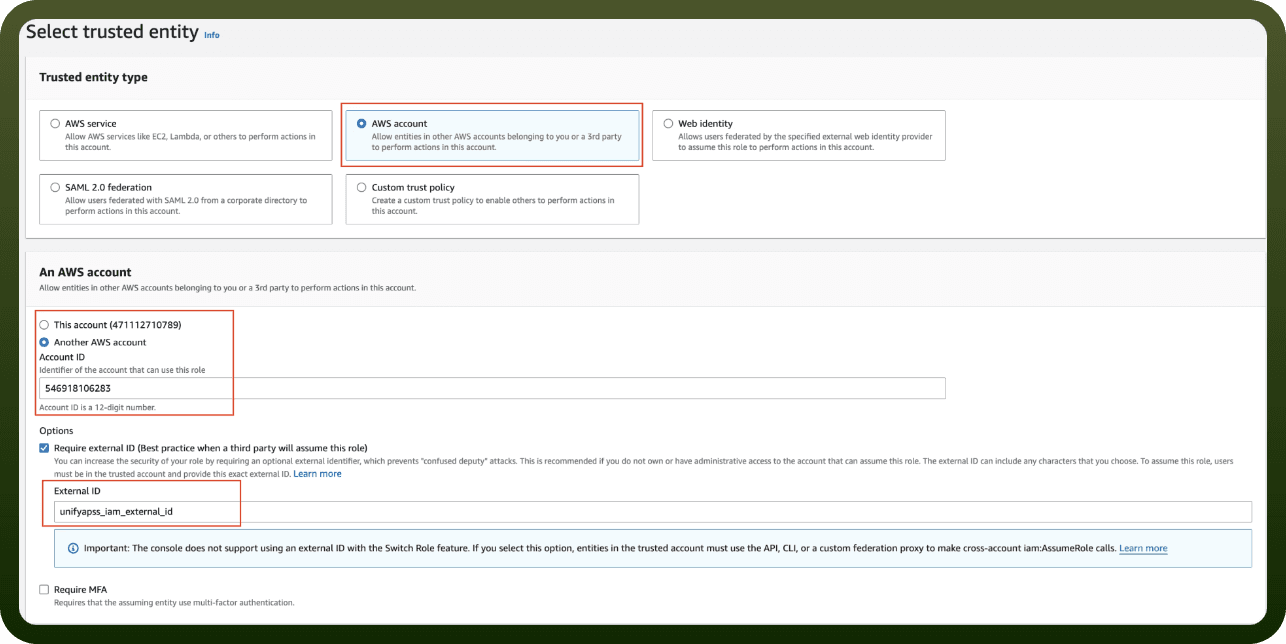
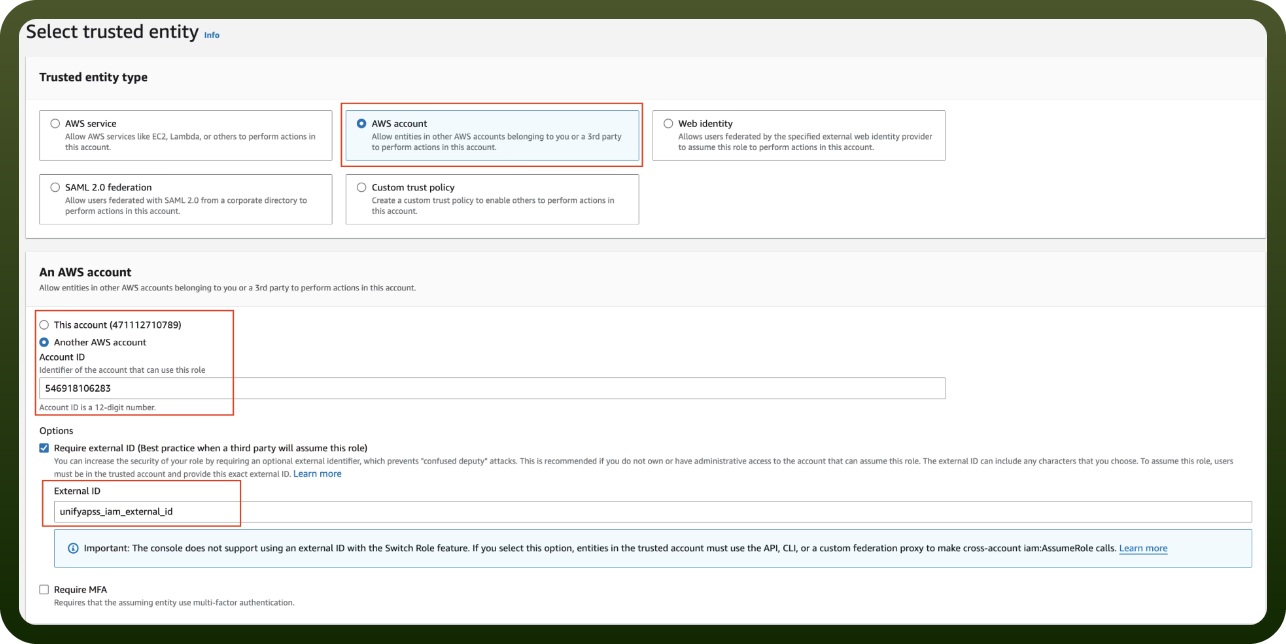
Before you begin, make sure you have the following information:
Connection Name: Choose a meaningful name for your connection. This name helps you identify the connection within your application or integration settings.
Authentication Type: The authentication method for this connector is defined in the connection setup. Select the connector in the Connections area to see the fields it requires.
Actions
Action Name | Description |
|---|---|
Associate opportunity | Associates a related entity with an opportunity in Partner Central |
Create opportunity | Creates a new opportunity in AWS Partner Central |
Get opportunity | Retrieves details of a specific opportunity from AWS Partner Central |
List opportunities | Retrieves a list of opportunities from AWS Partner Central |
Start engagement from opportunity task | Starts an engagement from an existing opportunity in AWS Partner Central |
Submit opportunity | Submits an opportunity for AWS review in Partner Central |
Update opportunity | Updates an existing opportunity in AWS Partner Central |
Where are the full docs?
The official, detailed documentation for this connector's underlying API is maintained by the provider:
https://docs.aws.amazon.com/partner-central/latest/APIReference/welcome.html
Use it for the exact request/response details of each operation. On the platform, you connect Amazon Partner Central from the Connections area (pick Amazon Partner Central, choose the authentication method above, and authenticate), then use its operations and triggers in an automation.