


ClickUp is a comprehensive tool designed to streamline work organization and tracking. It enhances productivity by enabling teams to manage tasks efficiently, stay on schedule, and maintain high standards of security.
Connecting your application to a ClickUp account enables integration of project management, automation, and task tracking.
Authentication
Before you begin, ensure you have the following information:
Connection Name: Choose a meaningful name for your connection. This name helps you identify the connection within your application or integration settings. It could be something descriptive like "MyAppClickUpIntegration".
Authentication Type: ClickUp supports two authentication types: OAuth (Client ID and Client secret) and API token.
Token Based Authentication
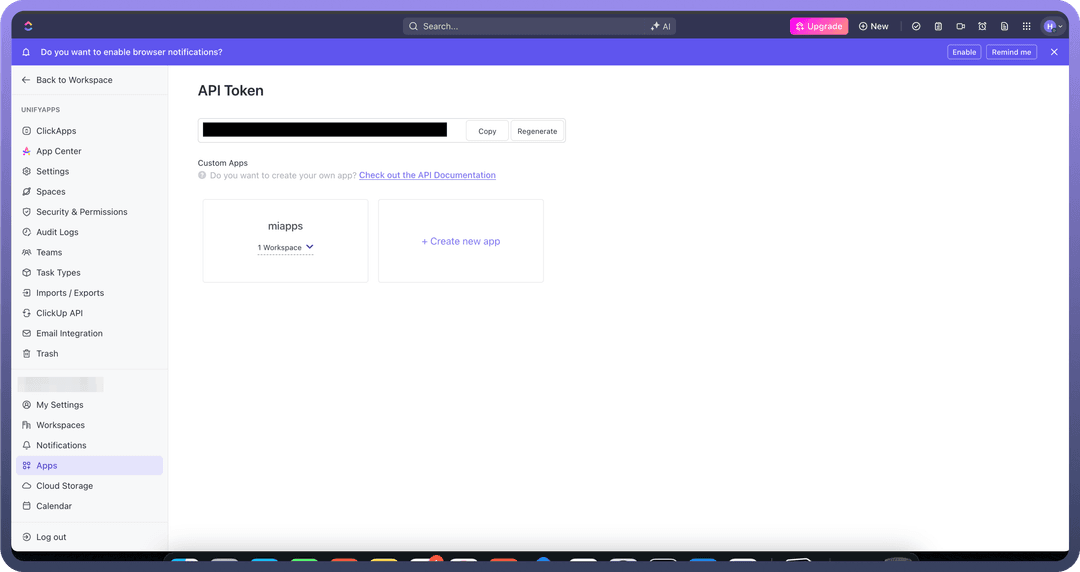
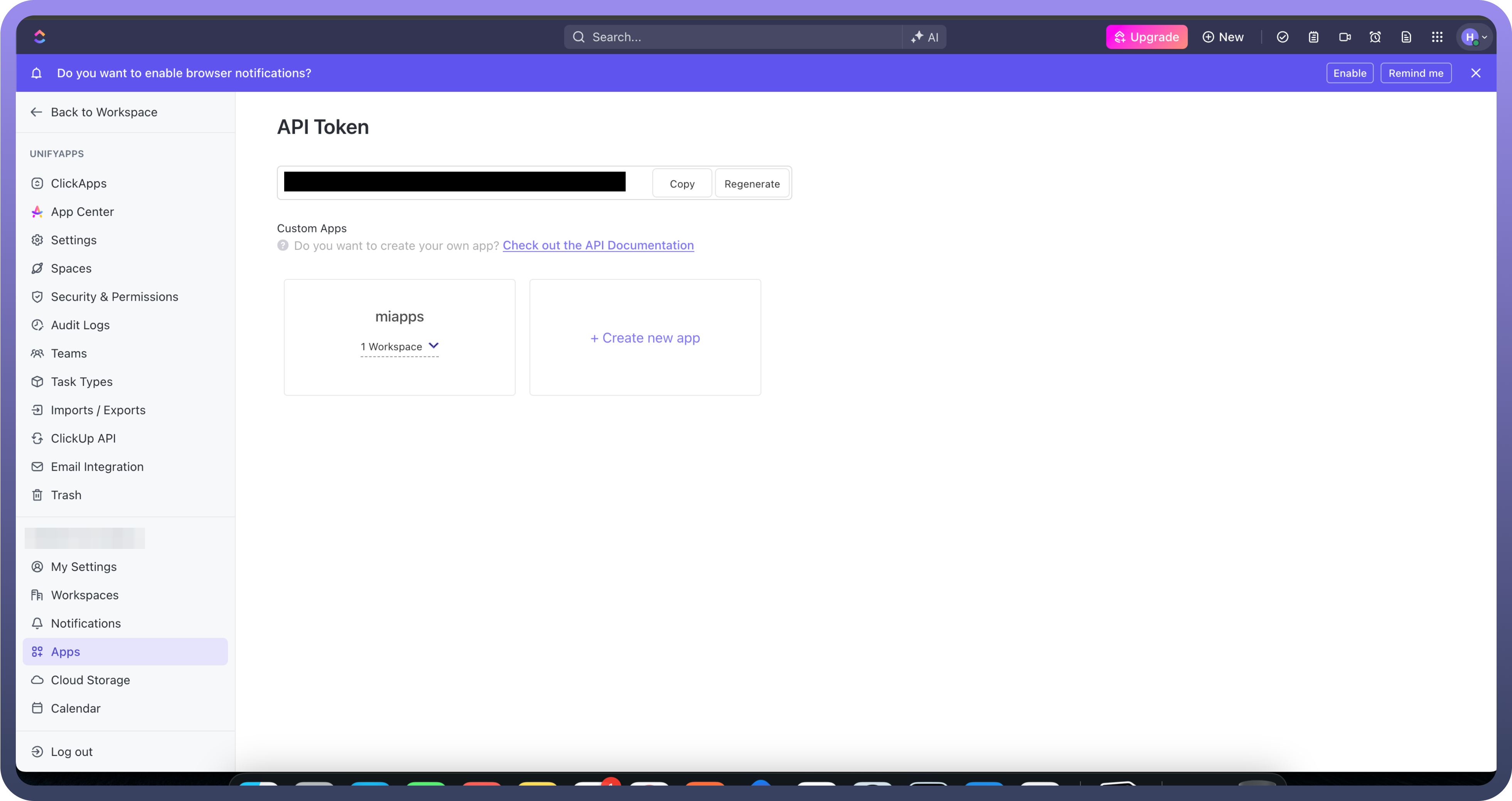
Log into the account and navigate to the profile icon located in the top-right corner and select the settings options.
In the left navigation pane, Navigate to the "
Apps" section.Under the API token section , click on Generate button to generate your API token.
You can directly access the following link to fetch the API token Here.
Treat this API Key with high confidentiality, as it allows access to your account.
OAuth Based Authentication
Go to your profile in ClickUp and click the settings icon.
Navigate to the ClickUp API section.
Click Create a new app.
Provide the redirect URL required for your UnifyApps environment, then create the app.
After the app is created, ClickUp generates a client ID and client secret.
In the UnifyApps connection form, select OAuth as the authentication type and paste the values into the Client ID and Client secret fields.
Actions
Action | Description |
|---|---|
| Creates a checklist for a task in ClickUp |
| Creates a checklist item in ClickUp |
| Creates a folder in ClickUp |
| Creates a folderless list in ClickUp |
| Creates a goal in ClickUp |
| Creates a list in ClickUp |
| Creates a list comment in ClickUp |
| Creates a space in ClickUp |
| Creates a new space tag in ClickUp |
| Creates a target in ClickUp |
| Creates a task in ClickUp |
| Creates a task comment in ClickUp |
| Creates a task dependency in ClickUp |
| Creates a new task from template in ClickUp |
| Creates a task tag in ClickUp |
| Creates a task track time in ClickUp |
| Deletes a checklist in ClickUp |
| Deletes a checklist item in ClickUp |
| Deletes a comment in ClickUp |
| Deletes a folder in ClickUp |
| Deletes a goal in ClickUp |
| Deletes a list in ClickUp |
| Deletes a space in ClickUp |
| Deletes a space tag in ClickUp |
| Deletes a key result of the Goal in ClickUp |
| Deletes a task in ClickUp |
| Deletes a task dependency in ClickUp |
| Deletes a task tag in ClickUp |
| Deletes time tracked in ClickUp |
| Retrieves the details of a space via its ID from ClickUp |
| Retrieves the details of a task via its ID from ClickUp |
| Gets details of a specific view in ClickUp |
| Retrieves the details of a folder via its ID from ClickUp |
| Gets details of a goal from ClickUp |
| Retrieves the details of a list via its ID from ClickUp |
| Searches for custom fields in ClickUp |
| Searches for folder views in ClickUp |
| Searches for folderless lists in ClickUp |
| Searches for folders in ClickUp |
| Searches for goals in ClickUp |
| Searches for list comments in ClickUp |
| Searches for list members in ClickUp |
| Searches for list views in ClickUp |
| Searches for lists in ClickUp |
| Searches for space tags in ClickUp |
| Searches for space views in ClickUp |
| Searches for spaces in ClickUp |
| Searches for task comments in ClickUp |
| Searches for task members in ClickUp |
| Searches for task templates in ClickUp |
| Searches for tasks in ClickUp |
| Searches for team views in ClickUp |
| Searches for teams in ClickUp |
| Searches tracked time in ClickUp |
| Searches for view tasks in ClickUp |
| Updates a checklist in ClickUp |
| Updates a checklist item in ClickUp |
| Updates an existing comment in ClickUp |
| Updates an existing folder in ClickUp |
| Updates a goal in ClickUp |
| Updates an existing list in ClickUp |
| Updates an existing space in ClickUp |
| Updates a space tag in ClickUp |
| Updates an existing task in ClickUp |
| Updates an existing task tracked time in ClickUp |
| Uploads an attachment to a task in ClickUp |
Triggers
| Triggers | Descriptions |
New event | Triggers when an event occurs in ClickUp |