


Use the AgentQL connector to automate web browsing and data extraction.
Integrating your application with AgentQL lets you use these operations in an automation. It exposes 2 actions, listed below. Add the connector from the Connections area, authenticate, then select its operations in the automation builder. Capabilities: actions.
Authentication
Before you begin, make sure you have the following information:
Connection Name: Choose a meaningful name for your connection. This name helps you identify the connection within your application or integration settings.
Authentication Type: The authentication method for this connector is defined in the connection setup. Select the connector in the Connections area to see the fields it requires.
Authentication & setup
AgentQL uses API key-based authentication for all REST API requests.
API Key Authentication
Include your API key in the X-API-Key HTTP header for every request:
X-API-Key: {your_api_key}
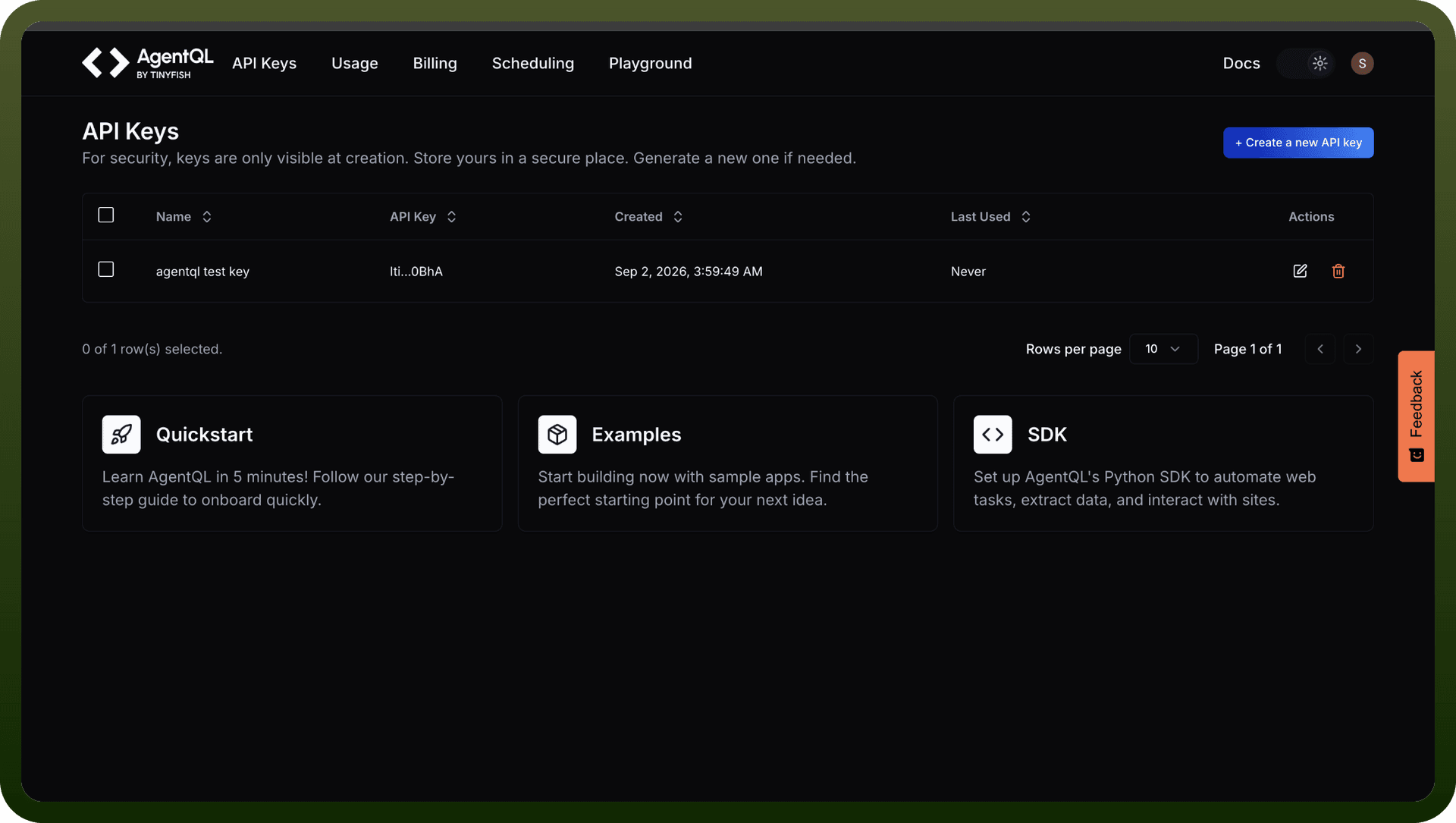
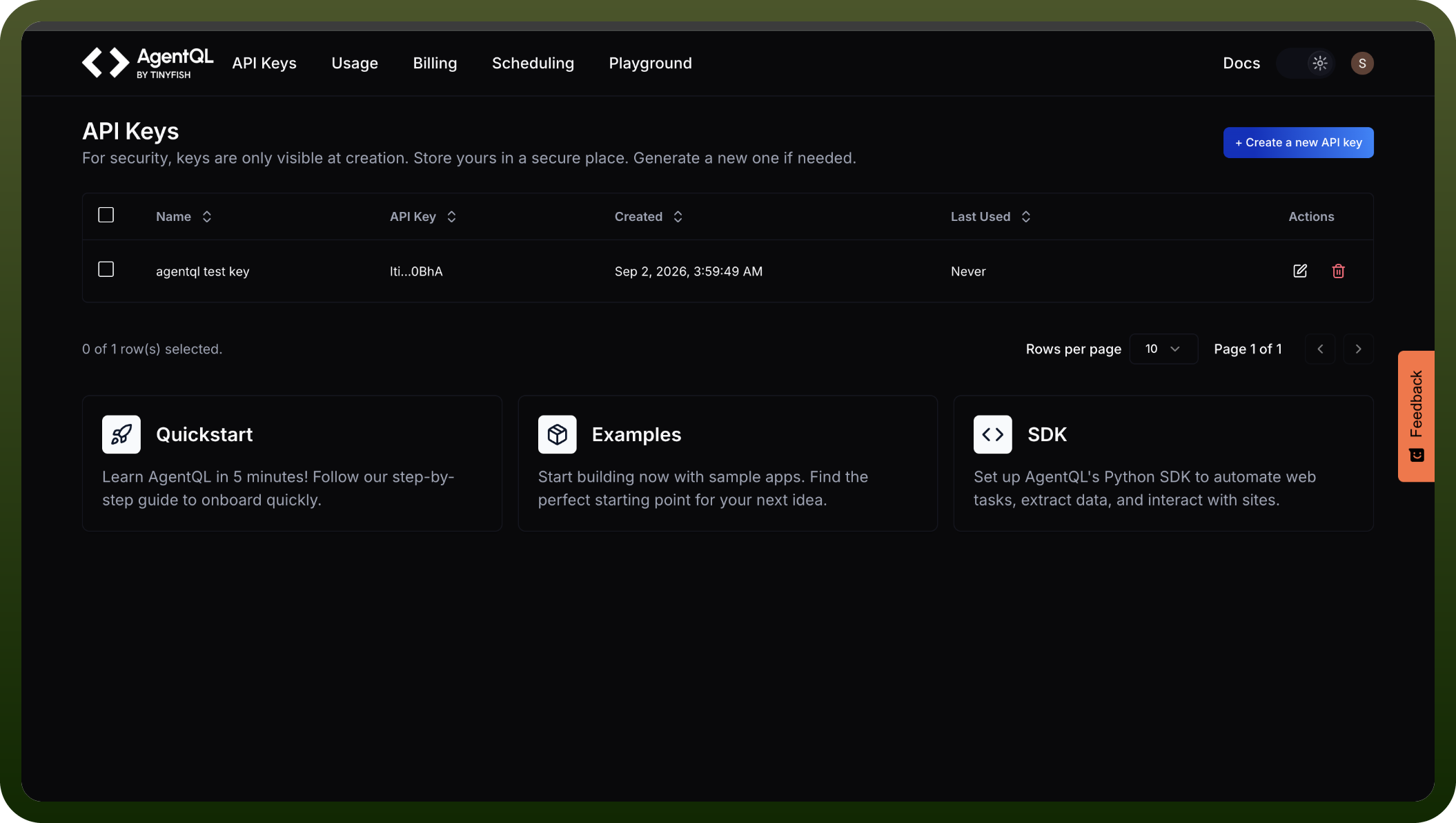
Getting Your API Key
Sign up for a free account on the AgentQL Developer Portal
Navigate to API Keys section
Click + Create new key
Enter a name for your API key
Copy the generated key (no credit card required)
Actions
Action Name | Description |
|---|---|
Create remote browser session | Creates a remote browser session in AgentQL |
Query data | Queries data in AgentQL |
About the API
AgentQL provides a powerful REST API for web automation and intelligent data extraction:
Core Endpoints
1. Query Data (/v1/query-data)
Extract structured JSON data from web pages
Supports AgentQL query language for precise element selection
Supports natural language prompts for AI-inferred data structures
Handles both live URLs and raw HTML input
Configurable parameters for page loading, scrolling, and screenshot capture
2. Remote Browser Sessions (/v1/tetra/sessions)
Create managed Chrome DevTools Protocol (CDP) browser instances
Provides WebSocket endpoints for remote browser control
Compatible with Playwright and similar automation tools
Anti-detection features for reliable web automation
Runs on remote infrastructure, eliminating local dependencies
3. Query Documents (/v1/query-document)
Extract data from PDFs and image files (JPEG, PNG)
Uses AgentQL queries for document analysis
One API call per image or per PDF page
Key Features
Performance Modes: Fast (default) for quick extraction or Standard for deeper analysis
Proxy Support: Built-in Tetra proxies or custom proxy servers
Browser Profiles: Light (headless) or Stealth (anti-detection)
Additional Options: Configurable inactivity timeouts, user-agent presets, screenshot generation
SDKs available for Python and JavaScript/TypeScript.