


Use the Aspose connector to process and convert documents programmatically.
Integrating your application with Aspose lets you use these operations in an automation. It exposes 1 action, listed below. Add the connector from the Connections area, authenticate, then select its operations in the automation builder. Capabilities: actions.
Authentication
Before you begin, make sure you have the following information:
Connection Name: Choose a meaningful name for your connection. This name helps you identify the connection within your application or integration settings.
Authentication Type: Aspose supports Client credentials authentication.
Authentication & setup
Aspose Cloud REST APIs support OAuth 2.0 authentication, which is the recommended method.
OAuth 2.0 Authentication
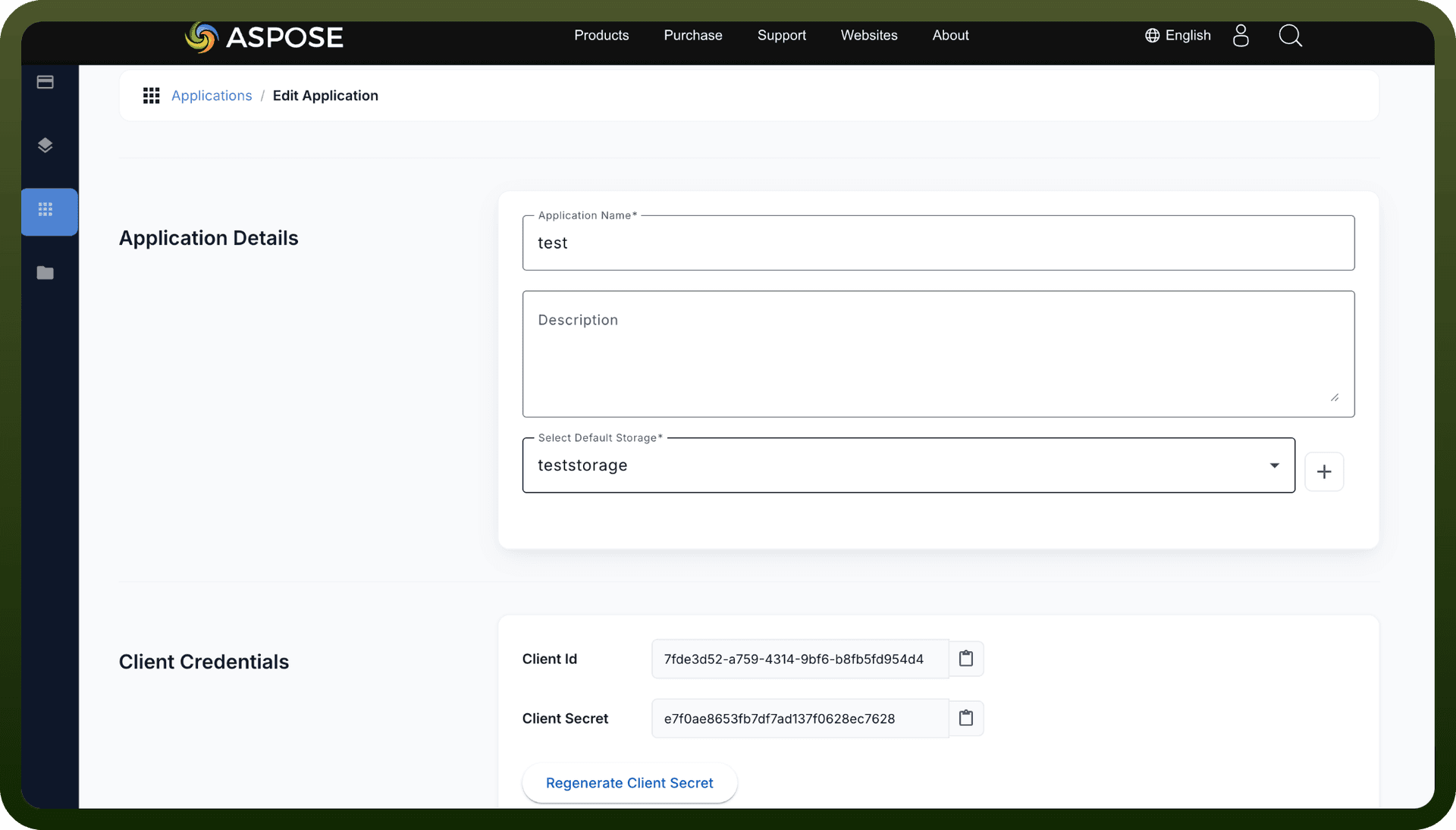
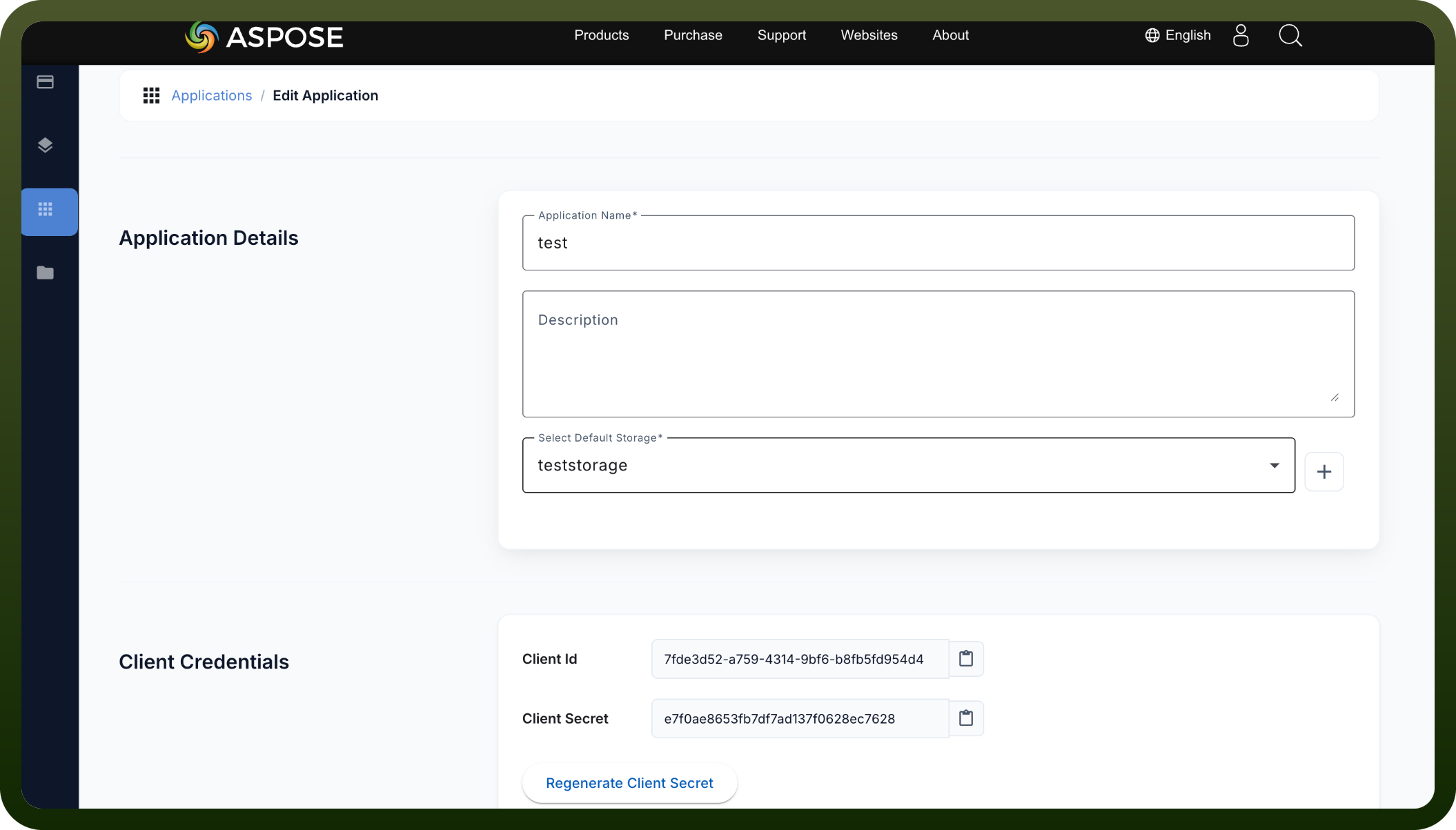
Step 1: Register Your Application
Log into the Aspose Cloud Dashboard
Navigate to the My Apps section
Create a new application
You will receive:
client_id (App SID)
client_secret (App Key)
Step 2: Get an Access Token Make a POST request to https://api.aspose.cloud/oauth2/token with:
grant_type=client_credentials client_id=YOUR_APP_SID client_secret=YOUR_APP_KEY
Step 3: Use the Token Include the access token in your API requests:
Authorization: Bearer ACCESS_TOKEN
Token Lifetimes
Access tokens are valid for approximately 1 day
Refresh tokens are valid for approximately 1 year
Use refresh tokens to obtain new access tokens before expiration
Legacy Authentication
URL signing with HMAC-SHA1 is still supported but not recommended. It requires signing requests using query parameters appSID and signature.
Actions
Action Name | Description |
|---|---|
Convert document | Convert document to specified format in Aspose |
About the API
Aspose Cloud provides REST APIs for document processing across multiple formats including Excel, PDF, Word, PowerPoint, and more. The platform emphasizes:
Secure OAuth 2.0 authentication
Cloud-based document processing
Storage management and file operations
Document property retrieval and manipulation
Microservices-based architecture
Official documentation
https://docs.aspose.cloud/storage/authenticating-api-requests/