


Use the Better Contact connector to enrich B2B contacts and lead data.
Integrating your application with Better Contact lets you use these operations in an automation. It exposes 3 actions, listed below. Add the connector from the Connections area, authenticate, then select its operations in the automation builder. Capabilities: actions.
Authentication
Before you begin, make sure you have the following information:
Connection Name: Choose a meaningful name for your connection. This name helps you identify the connection within your application or integration settings.
Authentication Type: The authentication method for this connector is defined in the connection setup. Select the connector in the Connections area to see the fields it requires.
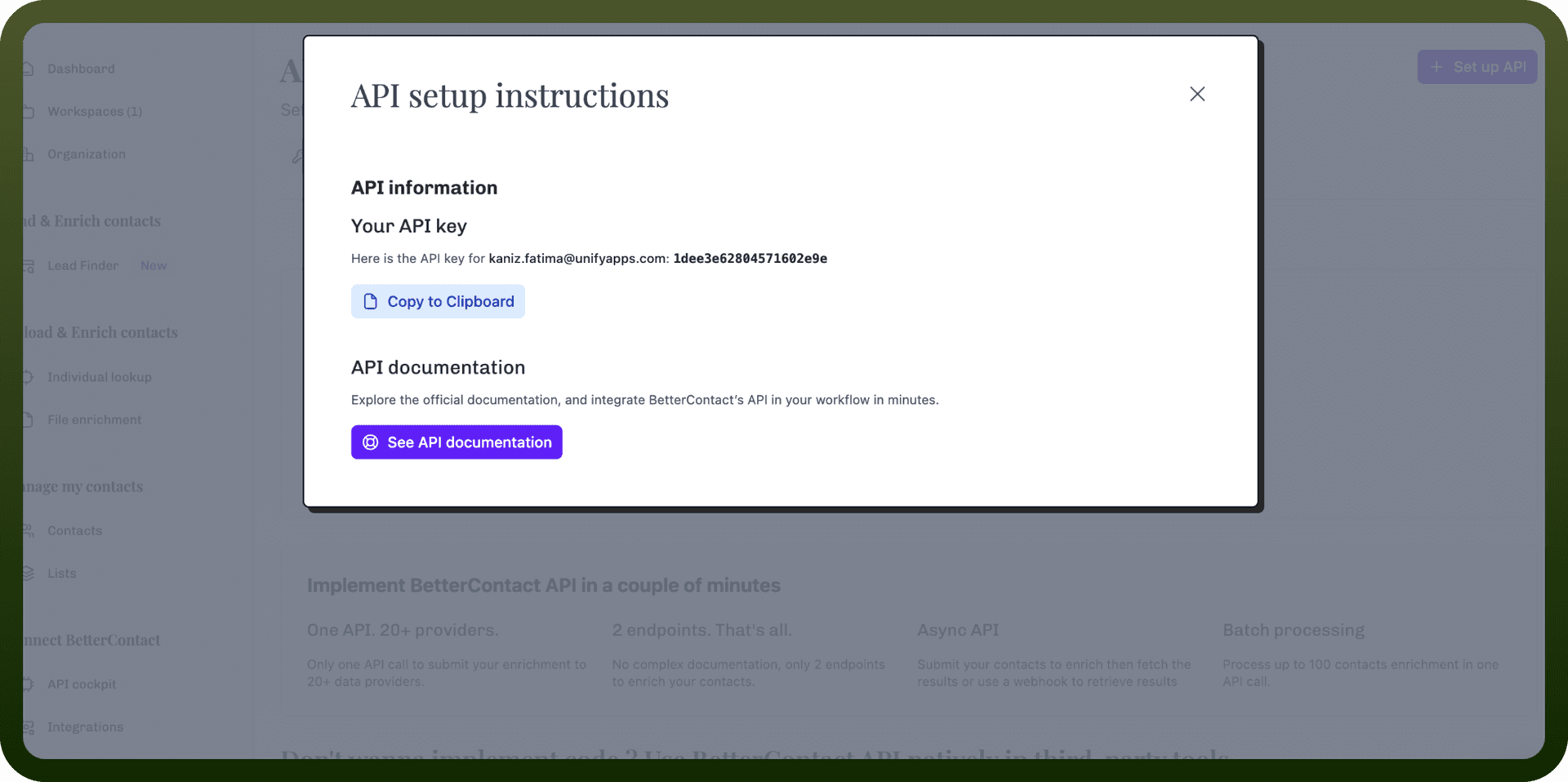
Obtaining Your API Key
Log in to your Better Contact account at app.bettercontact.rocks.
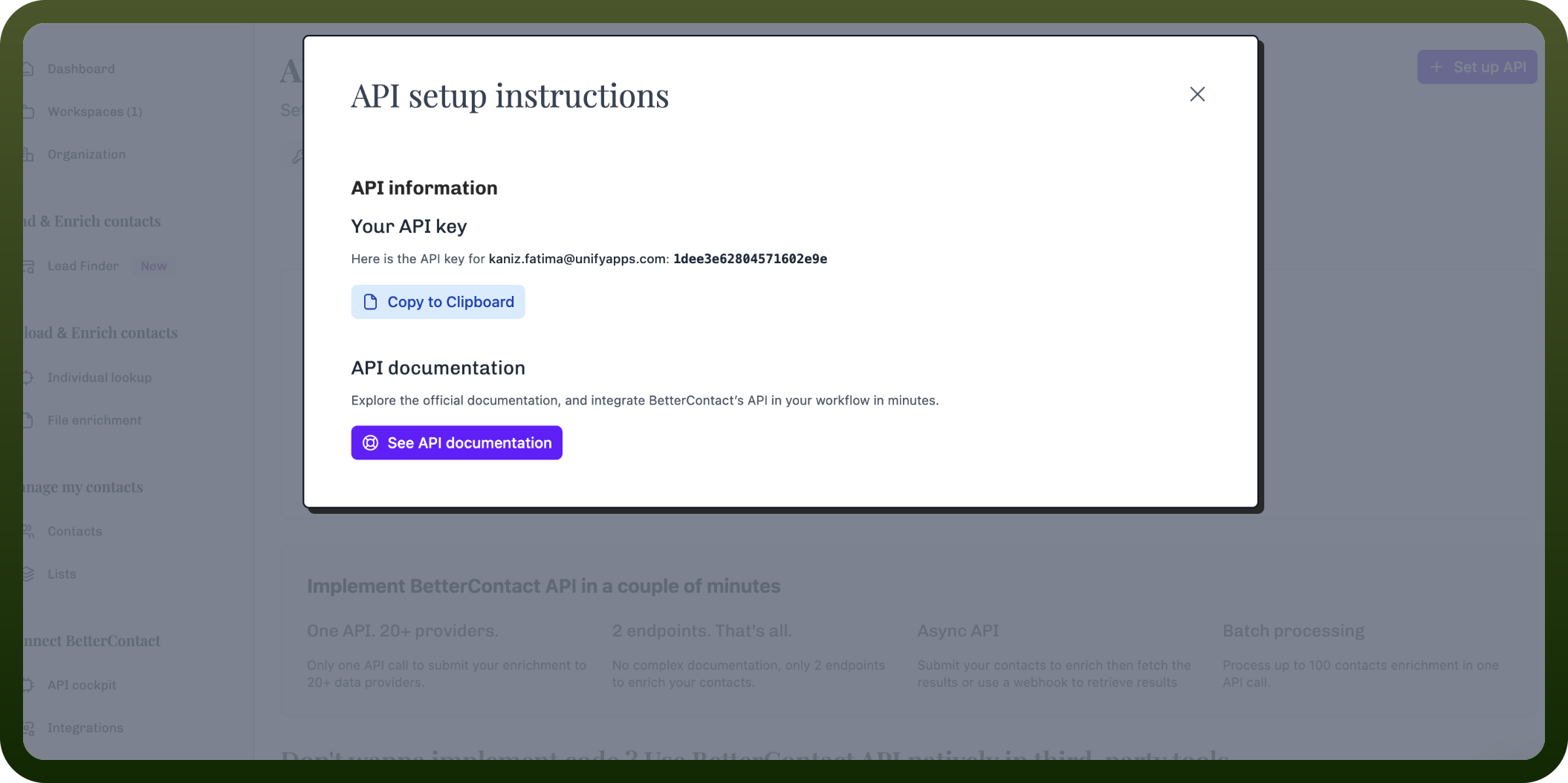
In the left sidebar, click API.
Your API key is shown on this page.
Copy the API key and store it securely for use in your connection.
Authentication & setup
API Key Authentication
Obtain API key from Better Contact account dashboard
Include api_key parameter in every API request
Keep keys secure and rotate periodically
Actions
Action Name | Description |
|---|---|
Enrich a contact | Enriches a contact in Better Contact |
Find a contact | Finds a contact in Better Contact |
Get account credits | Gets account credits in Better Contact |
About the API
Better Contact provides lead enrichment and contact information lookup APIs. The platform offers endpoints to submit one lead or batch leads for enrichment, with results retrievable asynchronously. Alternatively, configure a webhook URL in the initial API call and results will be pushed automatically upon completion. The service enriches contact data with email addresses, phone numbers, and other business information.