


Use the ExchangeRate-API connector to retrieve currency exchange rates.
Integrating your application with ExchangeRate-API lets you use these operations in an automation. It exposes 4 actions, listed below. Add the connector from the Connections area, authenticate, then select its operations in the automation builder. Capabilities: actions.
Authentication
Before you begin, make sure you have the following information:
Connection Name: Choose a meaningful name for your connection. This name helps you identify the connection within your application or integration settings.
Authentication Type: The authentication method for this connector is defined in the connection setup. Select the connector in the Connections area to see the fields it requires.
Obtaining Your API Key
Go to
https://app.exchangerate-api.com/sign-up.Enter your email address, create a password, and click Accept Terms & Create Account!.
Open the confirmation email ExchangeRate-API sends you and confirm your email address — your account and API key are enabled only after this step.
Log in at
https://app.exchangerate-api.com/sign-inwith your email and password.On your account dashboard, copy your API key and store it securely for further authentication purposes.
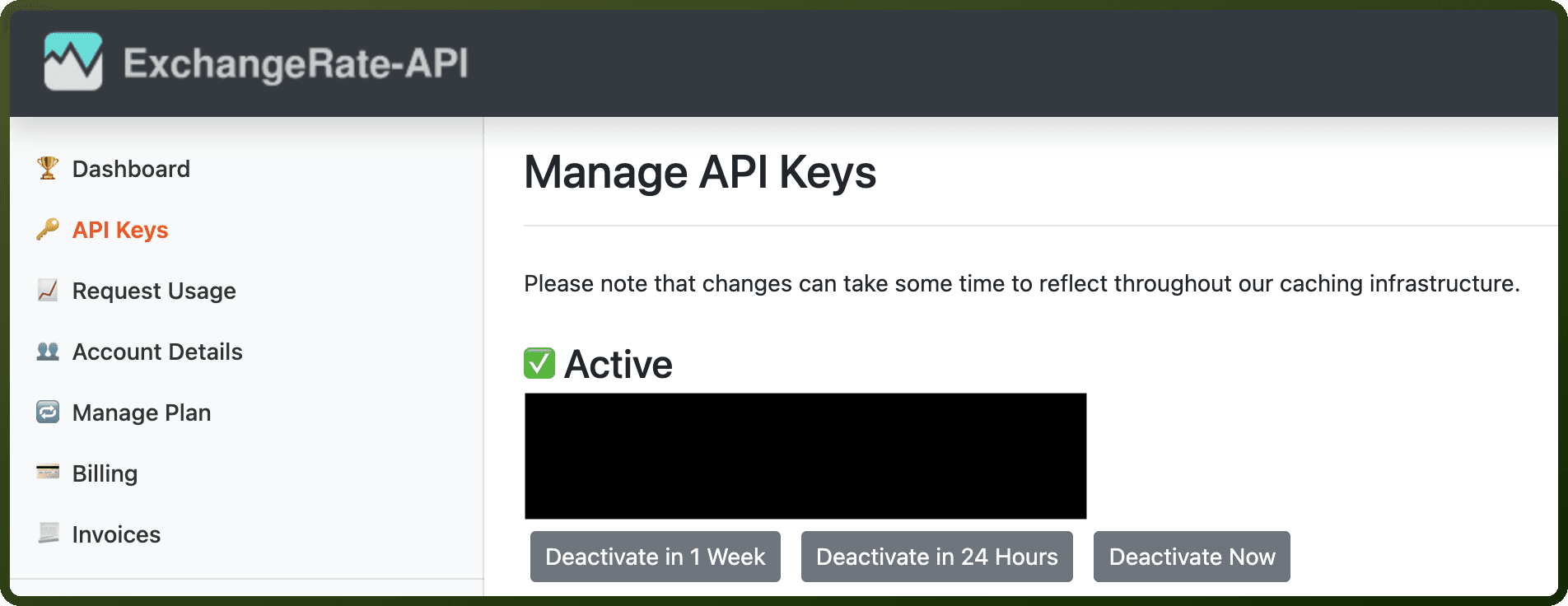
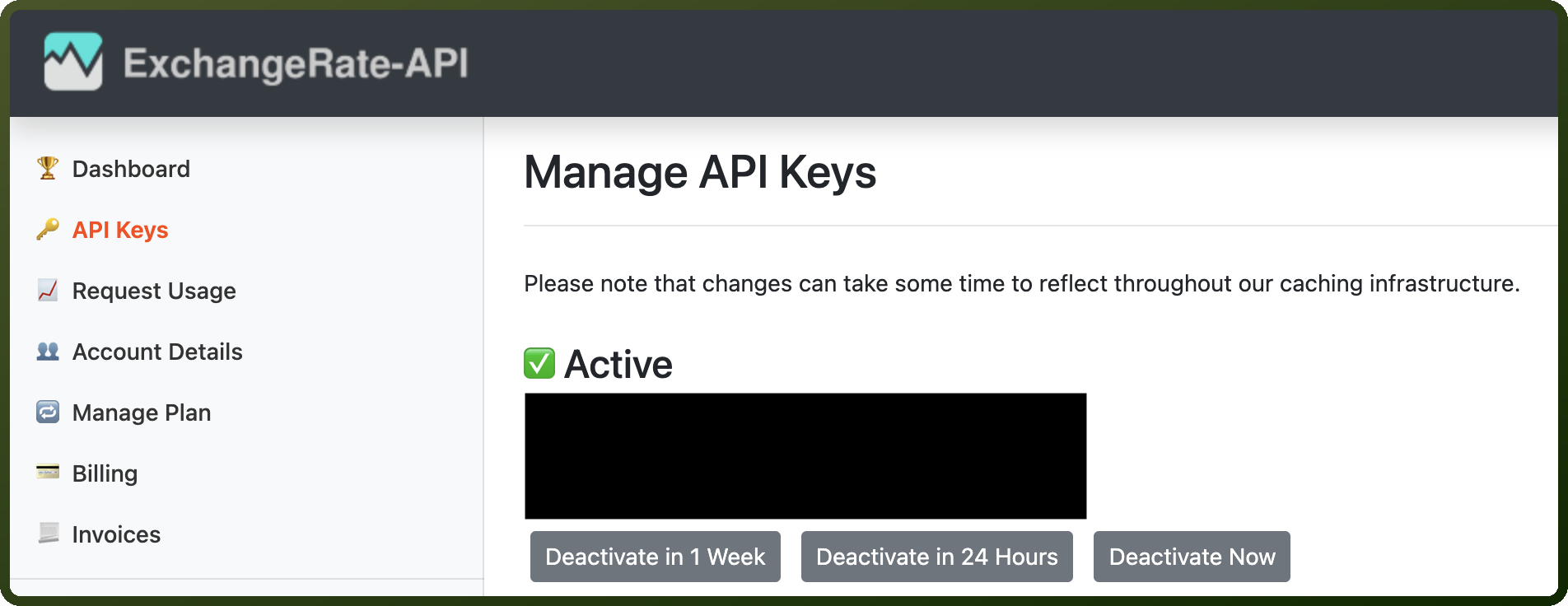
Authentication & setup
ExchangeRate-API supports two authentication methods:
API Key in URL (Default): Include your API key directly in the request URL:
GET https://v6.exchangerate-api.com/v6/YOUR-API-KEY/latest/USD
You can paste this GET request directly in your browser and immediately see your JSON response.
Token Bearer Authentication: For customers concerned about logging risks or with audit requirements, pass API key as a bearer token with no signing process required. Your API key is simply the token.
To use the API, substitute YOUR-API-KEY with the API key displayed in your dashboard. No client library is required—just use cURL or the HTTP library in your development environment. The Free plan requires no credit card details.
Actions
Action Name | Description |
|---|---|
Get latest rates | Retrieves exchange rates by base currency from the ExchangeRate-API |
Get pair conversion | Retrieves currency conversion rates from the ExchangeRate-API |
Get request quota | Retrieves API request quotas from the ExchangeRate-API |
Get supported codes | Retrieves supported currency codes from the ExchangeRate-API |
About the API
ExchangeRate-API provides currency conversion data through multiple endpoints:
Standard Response – Basic exchange rate queries
Pair Conversion – Single currency pair conversions
Enriched Data – Enhanced conversion information
Historical Data – Past exchange rate records
Supported Codes – List of available currencies
Request Quota – Check API usage limits
Open Access – Free tier option