


Anthropic
Anthropic enables teams to integrate powerful AI capabilities using Claude models for text completion, chat, summarization, reasoning, and content generation. With a strong focus on safety, reliability, and enterprise readiness, Anthropic helps organizations build intelligent applications that enhance productivity, automate workflows, and deliver better user experiences through secure API-based integrations.
Authentication
Integrating your application with Anthropic allows secure access to Claude models via API Key authentication. Before starting, ensure you have the following information from your Anthropic account:
Connection Name: Choose a meaningful name for your connection. This name helps you identify the connection within your application or integration settings. It could be something descriptive like “MyAppAnthropicIntegration”.
API Token Based:
Log in to your Anthropic account.
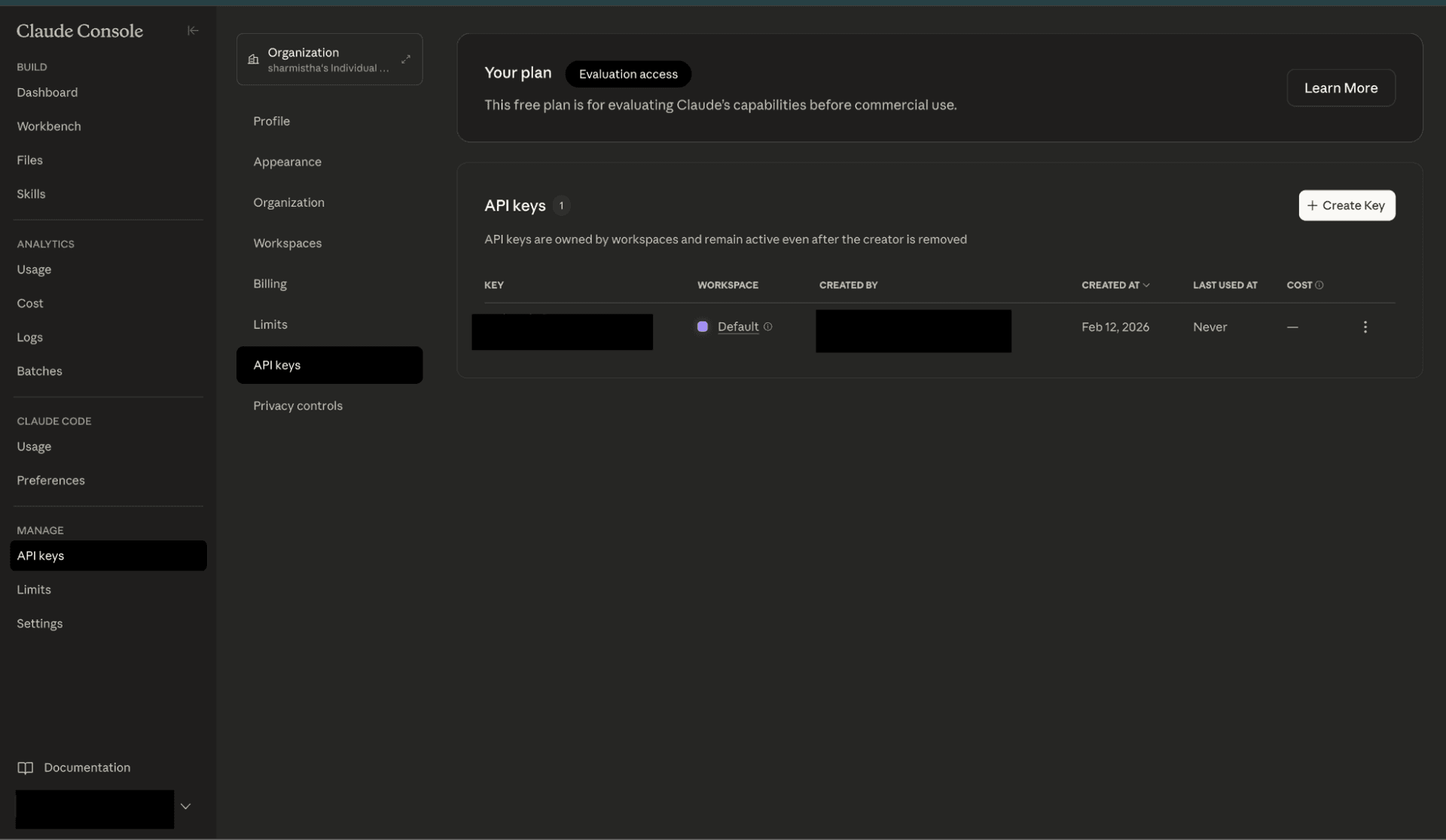
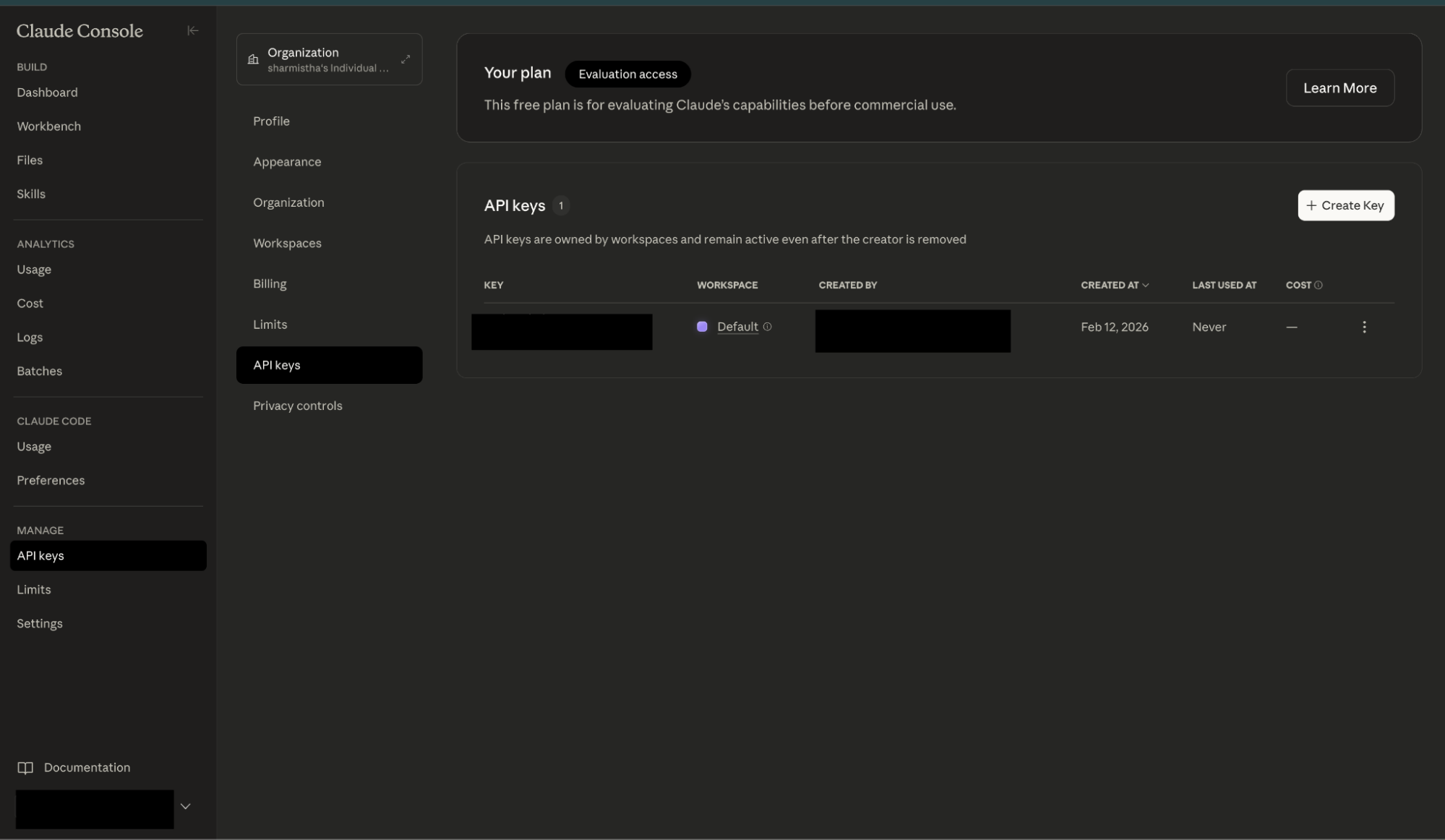
From the left menu, click on API Keys.
Click Create Key.
Provide a name for the key and click on Create Key.
Copy the generated API key.
Paste this API key into the connection setup in your platform.
ACTIONS :
Action Name | Descriptions |
| Send a structured list of input messages with text and/or image content, and the model will generate the next message in the conversation. |
| Send a structured list of input messages with text and/or image content, and the model will generate the next message in streaming. |
| Download a file from Anthropic's Files API |
| List available models |