


Use the Amazon Rekognition connector to analyze images and videos using AI.
Integrating your application with Amazon Rekognition lets you use these operations in an automation. It exposes 4 actions, listed below. Add the connector from the Connections area, authenticate, then select its operations in the automation builder. Capabilities: actions.
Authentication
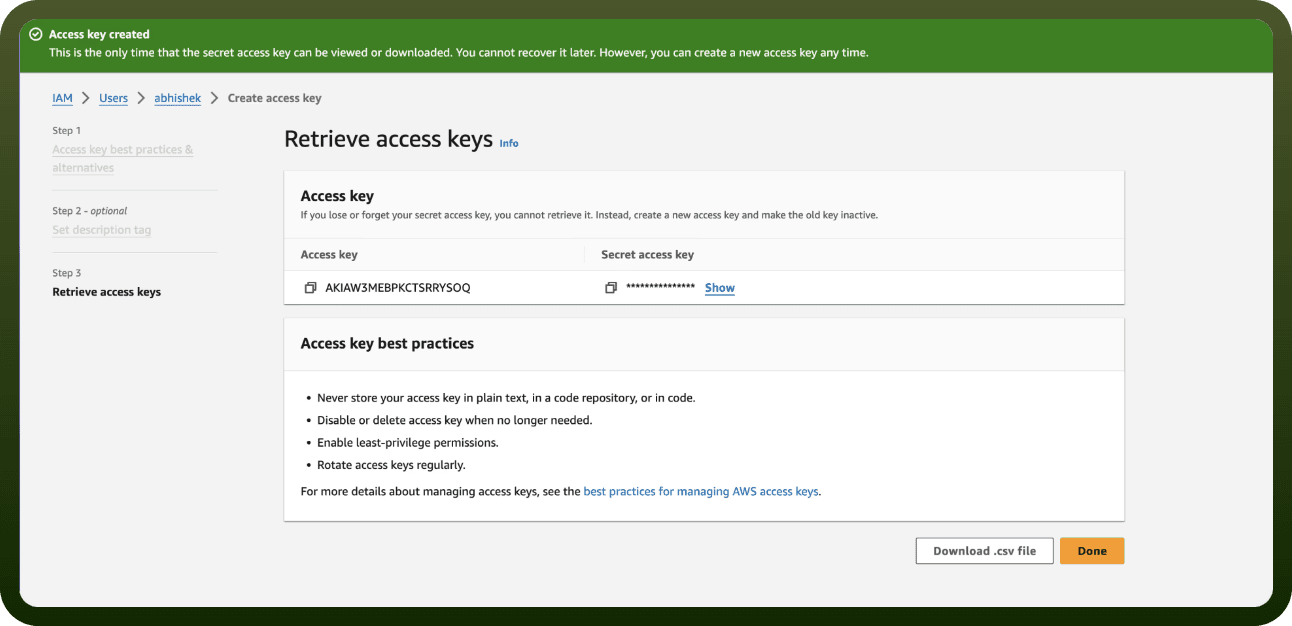
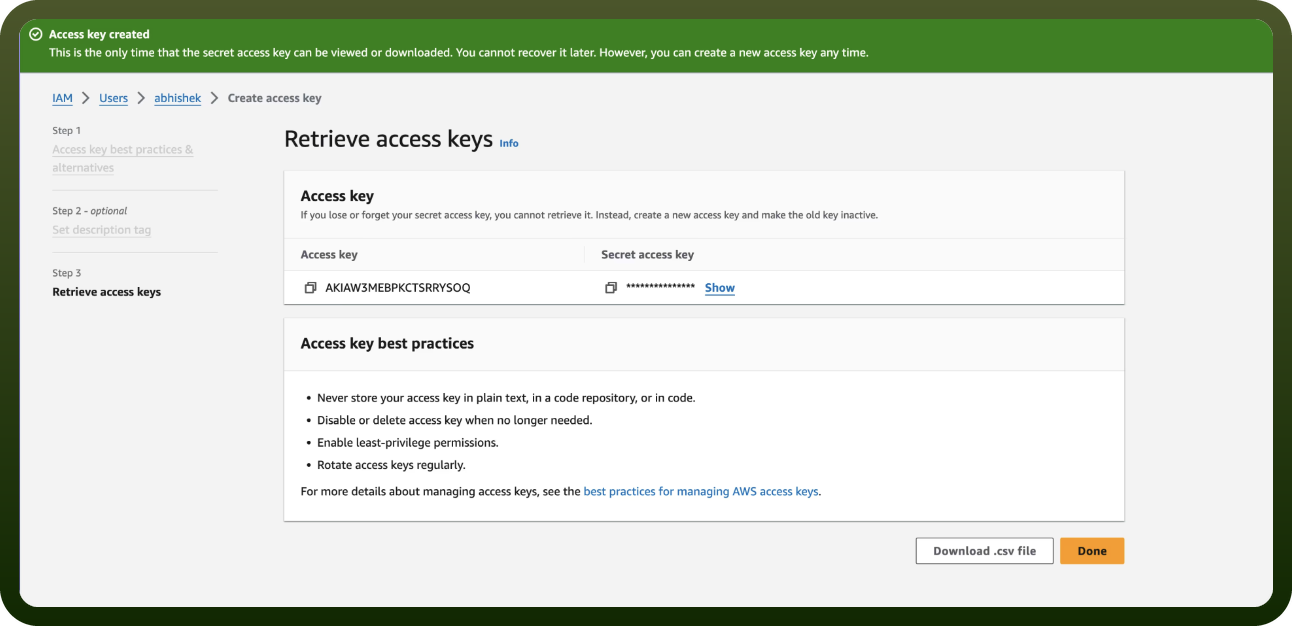
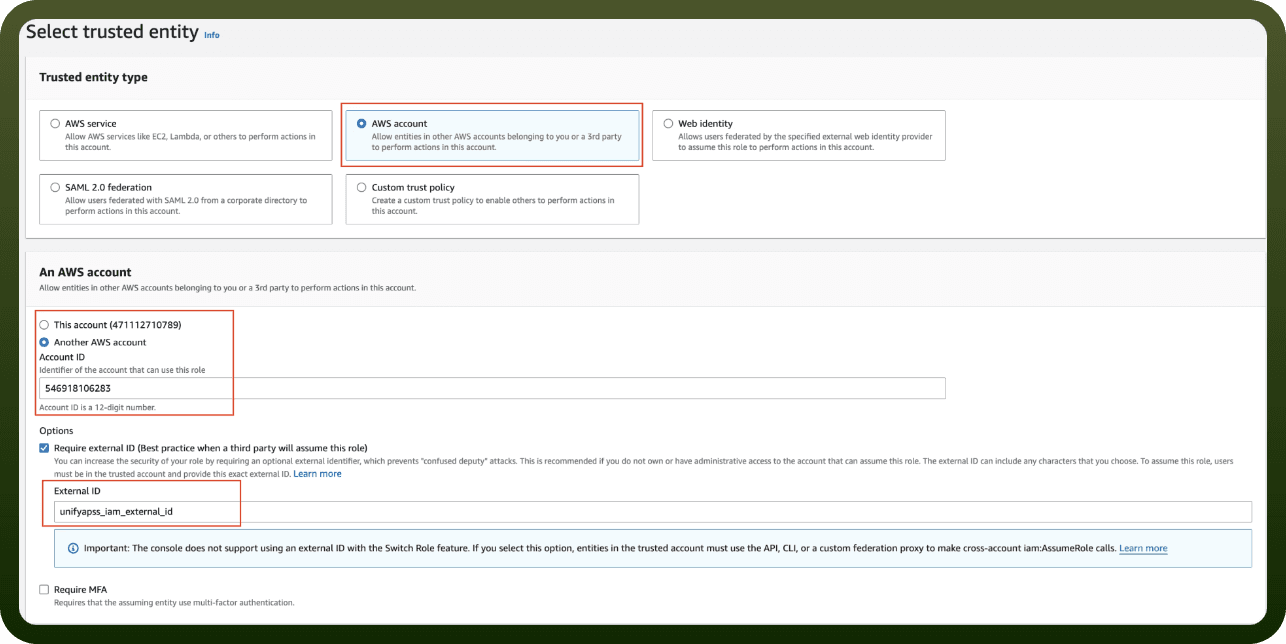
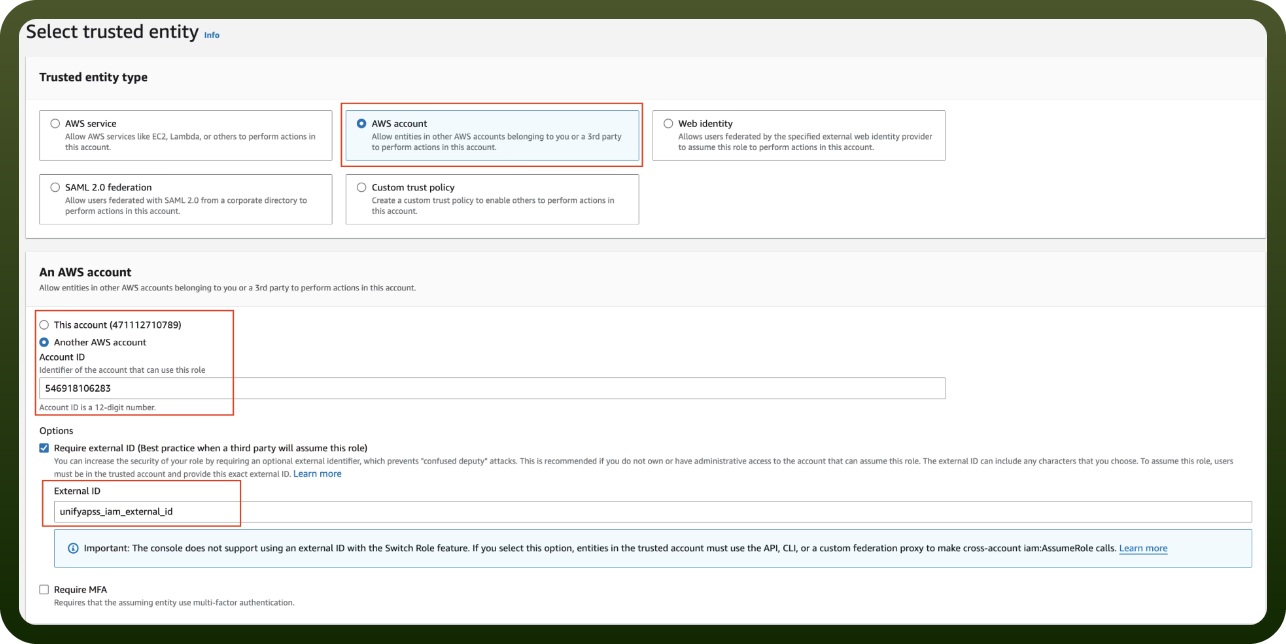
Before you begin, make sure you have the following information:
Connection Name: Choose a meaningful name for your connection. This name helps you identify the connection within your application or integration settings.
Authentication Type: The authentication method for this connector is defined in the connection setup. Select the connector in the Connections area to see the fields it requires.
Actions
Action Name | Description |
|---|---|
Compare faces in images | Compare faces in two images using Amazon Rekognition |
Detect faces from image | Detect faces from image using Amazon Rekognition |
Get face detection from video | Get face detection from video using Amazon Rekognition |
Start face detection from video | Start face detection from video using Amazon Rekognition |