


Use the Deputy connector to manage employee scheduling and time tracking.
Integrating your application with Deputy lets you use these operations in an automation. It exposes 12 actions and 4 triggers, listed below. Add the connector from the Connections area, authenticate, then select its operations in the automation builder. Capabilities: actions, triggers.
Authentication
Before you begin, make sure you have the following information:
Connection Name: Choose a meaningful name for your connection. This name helps you identify the connection within your application or integration settings.
Authentication Type: The authentication method for this connector is defined in the connection setup. Select the connector in the Connections area to see the fields it requires.
Obtaining Your Permanent Access Token
Log in to your Deputy account as an administrator.
Go to the OAuth Clients page in your Deputy installation's admin area, at
https://{install}.{geo}.deputy.com/exec/devapp/oauth_clients(replace{install}with your company's Deputy subdomain and{geo}with your region: au, eu, uk, or us).Create a new Client ID for the Deputy API.
On the Client ID page, click Get an Access Token.
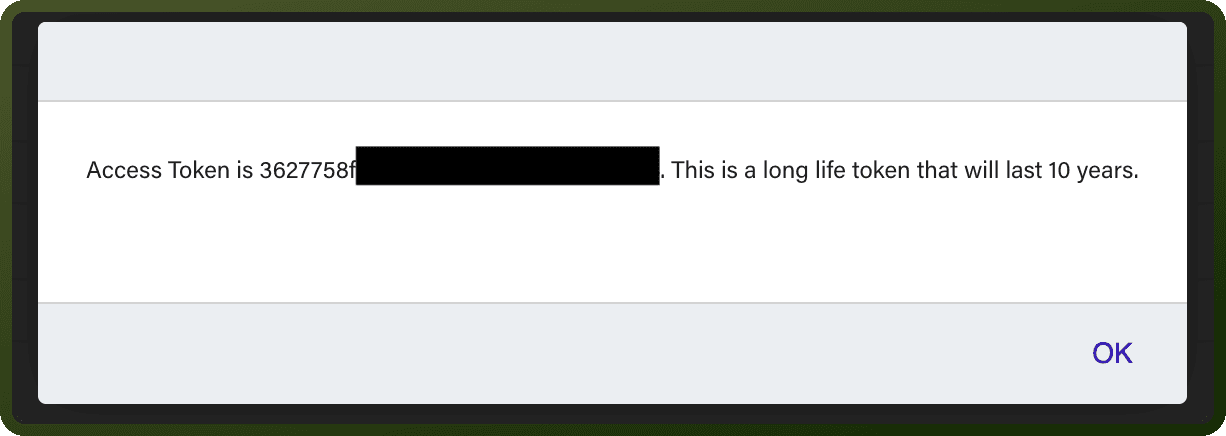
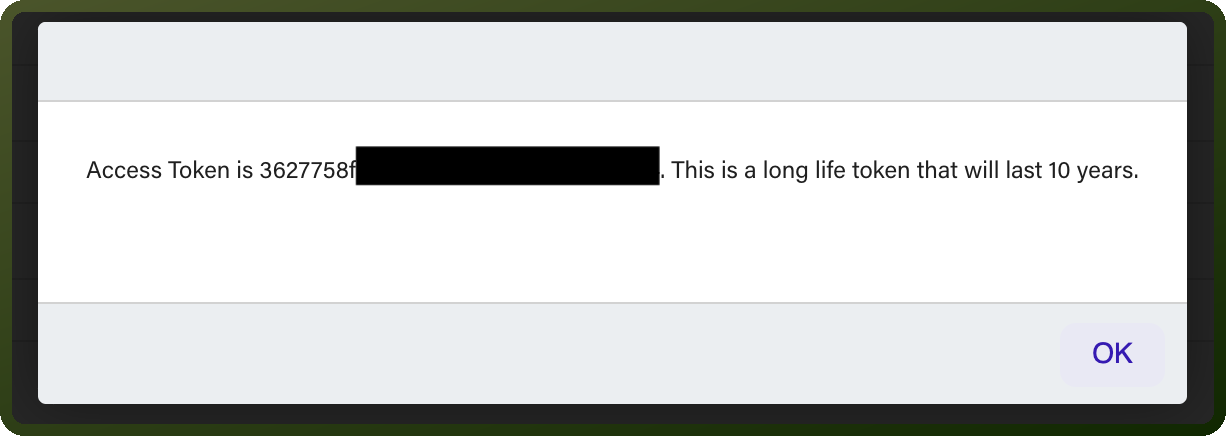
Copy the permanent token shown in the dialog and store it securely — it is displayed only once and cannot be retrieved again.

Actions
Action Name | Description |
|---|---|
Associate an employee | Associates an employee in Deputy |
Create a leave | Creates a leave in Deputy |
Create a sales data | Creates sales data in Deputy |
Create a timesheet | Creates a timesheet in Deputy |
Create an employee | Creates an employee in Deputy |
Delete an employee account | Deletes an employee account in Deputy |
Get details for all employees | Gets details for all employees from Deputy |
Get details for an employee | Gets details for an employee from Deputy |
Retrieves sales data | Retrieves sales data from Deputy |
Terminate an employee | Terminates an employee in Deputy |
Unassociate an employee | Unassociates an employee in Deputy |
Update an employee | Updates an employee in Deputy |
Triggers
Trigger Name | Description |
|---|---|
Trigger on new employee | Triggers when a new employee is added in Deputy |
Trigger on new leave | Triggers when a new leave is created in Deputy |
Trigger on new timesheet | Triggers when a new timesheet is created in Deputy |
Trigger on update employee | Triggers when an employee is updated in Deputy |