


Use the Groove HQ connector to manage customer support and helpdesk.
Integrating your application with Groove HQ lets you use these operations in an automation. It exposes 12 actions, listed below. Add the connector from the Connections area, authenticate, then select its operations in the automation builder. Capabilities: actions.
Authentication
Before you begin, make sure you have the following information:
Connection Name: Choose a meaningful name for your connection. This name helps you identify the connection within your application or integration settings.
Authentication Type: The authentication method for this connector is defined in the connection setup. Select the connector in the Connections area to see the fields it requires.
Authentication & setup
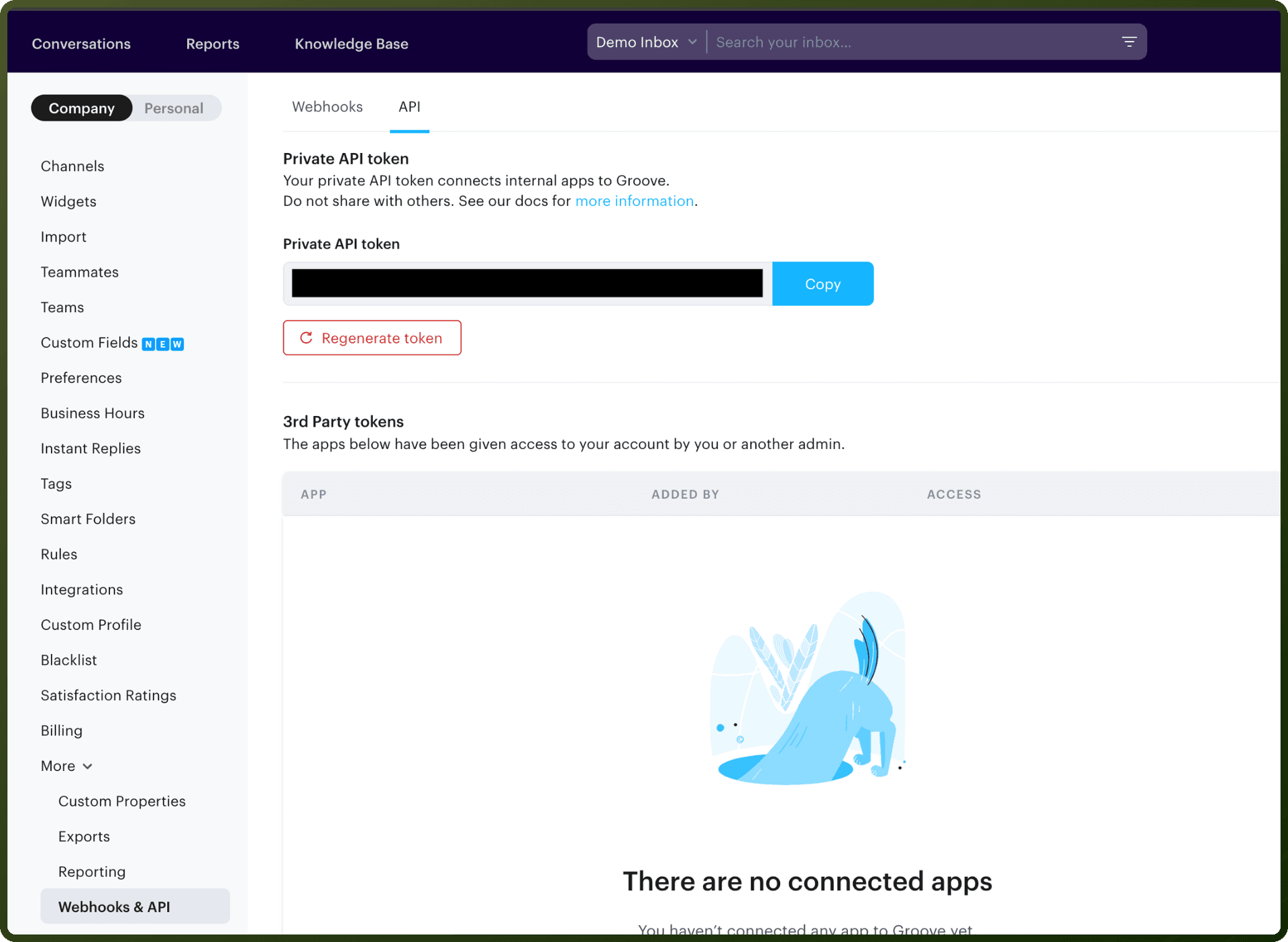
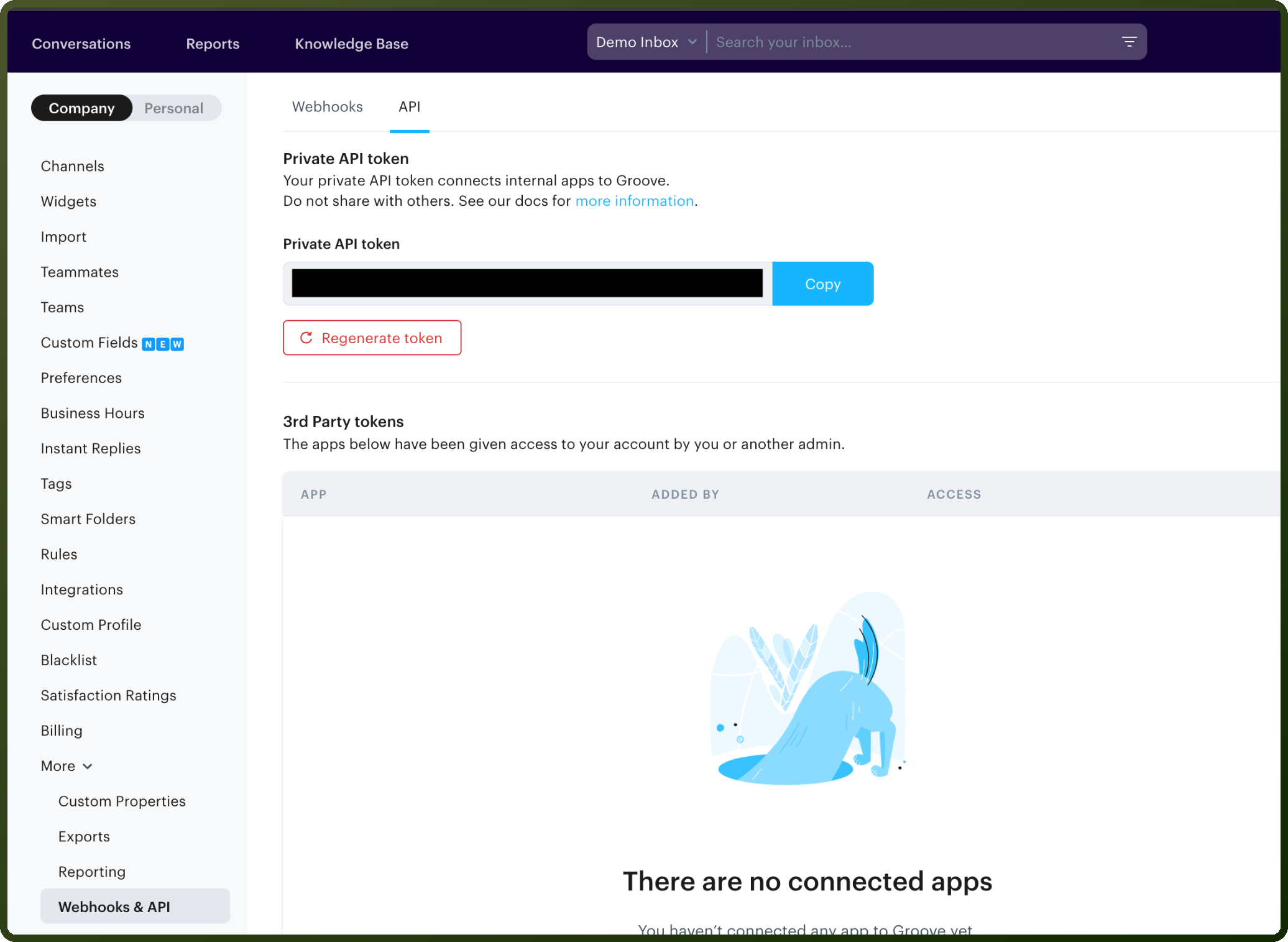
Groove HQ uses OAuth 2.0 for API authentication. The authentication process involves a two-step authorization flow.
To authenticate:
Contact Groove to enable OAuth 2.0 for your application
You'll receive a Client ID and Client Secret, plus an approved redirect URI
Implement the OAuth flow:
Step 1: Direct users to
https://api.groovehq.com/oauth/authorizewith yourclient_id,response_type=code, andredirect_uriStep 2: POST to
https://api.groovehq.com/oauth/tokenwith your credentials to receive a bearer token
Store the access token securely; it expires after 2 hours
Use the refresh token to obtain new access tokens when needed
Response format:
{ "access_token": "...", "token_type": "bearer", "expires_in": 7200, "refresh_token": "..." }
Actions
Action Name | Description |
|---|---|
Create group | Creates a new group to segregate the tickets in Groove HQ |
Create message | Creates a new message to a ticket in Groove HQ |
Create ticket | Creates a new ticket in Groove HQ |
Find customer | Finds a customer in Groove HQ |
Find group | Finds a group using its group ID in Groove HQ |
Find message | Finds a message using its ID in Groove HQ |
Find ticket | Finds a ticket using its ticket number in Groove HQ |
Find ticket state | Finds the state of a ticket in Groove HQ |
List tickets | Lists details of all tickets in Groove HQ |
Update customer | Updates a customer in Groove HQ |
Update ticket state | Updates the state of a ticket in Groove HQ |
Updating group | Updating group in groovehq. |
About the API
Note: Groove REST API is no longer in active development. Groove recommends using the new GraphQL API for more robust features.
The REST API covers:
Tickets: Create, list, update state/assignee/labels
Messages: List and create
Customers: List, find, update
Agents & Groups: Manage team members
Mailboxes & Folders: Organization tools
Attachments: Upload single or multiple files
Webhooks: Event notifications
Knowledge Base: Articles, categories, translations, settings
Widgets: Configuration and public API
Ticket Counts: Analytics and reporting