


Use the Gladia connector to convert speech to text using AI.
Integrating your application with Gladia lets you use these operations in an automation. It exposes 8 actions, listed below. Add the connector from the Connections area, authenticate, then select its operations in the automation builder. Capabilities: actions.
Authentication
Before you begin, make sure you have the following information:
Connection Name: Choose a meaningful name for your connection. This name helps you identify the connection within your application or integration settings.
Authentication Type: The authentication method for this connector is defined in the connection setup. Select the connector in the Connections area to see the fields it requires.
Authentication & setup
Gladia uses header-based API Key authentication. Include your API key in the x-gladia-key header to authenticate all API endpoints.
Getting Credentials:
Create an account at app.gladia.io
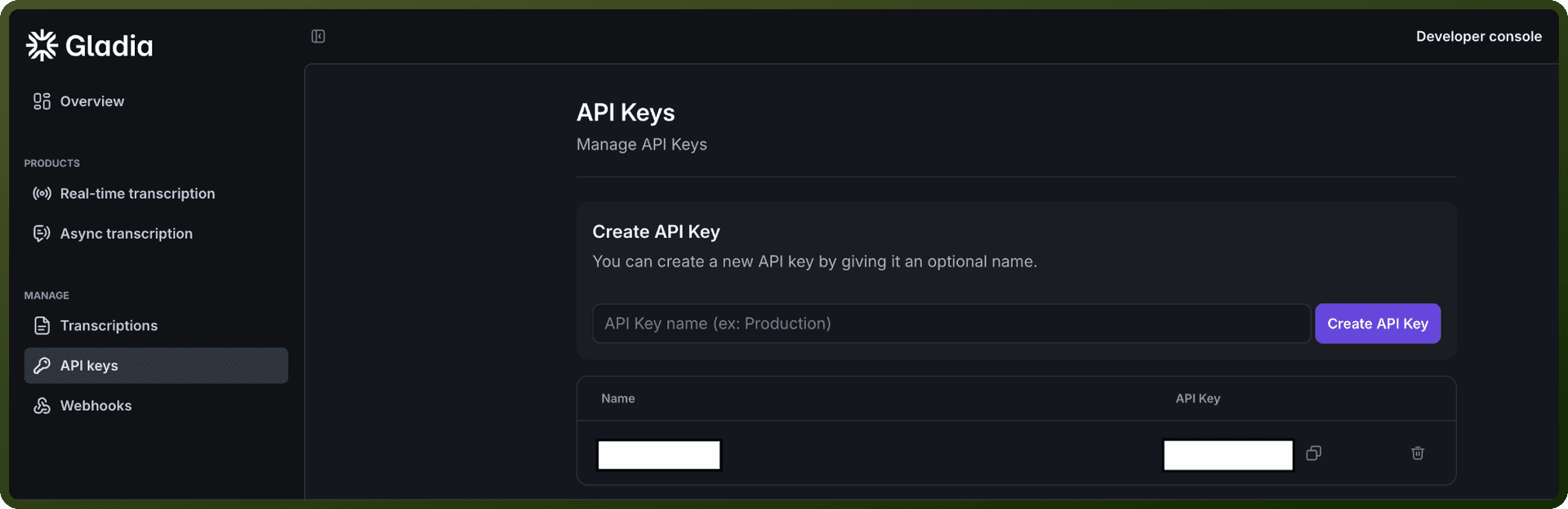
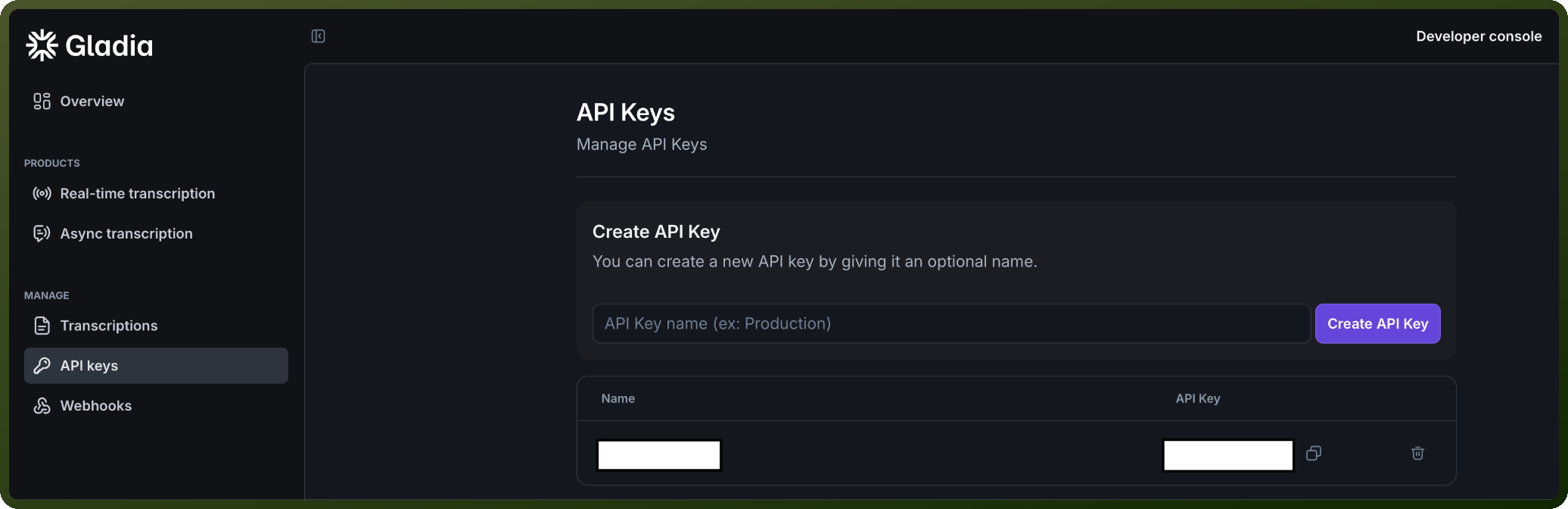
Sign in and navigate to the API keys section
Use the default key created automatically, or generate a new one
Gladia Offering: Gladia provides 10 hours of free audio transcription per month to test functionality.
Actions
Action Name | Description |
|---|---|
Delete pre-recorded transcription | Deletes a pre-recorded transcription in Gladia |
Get live session result | Gets the result of a live transcription session in Gladia |
Get pre-recorded transcription result | Gets the result of a pre-recorded transcription in Gladia |
Initiate live session | Initiates a new live transcription session in Gladia |
Initiate pre-recorded transcription | Initiates a transcription for a pre-recorded audio file in Gladia |
List live transcriptions | Lists live transcription sessions in Gladia |
List pre-recorded transcriptions | Lists pre-recorded transcription jobs in Gladia |
Upload file | Uploads an audio file to Gladia for transcription |
About the API
Gladia provides audio transcription services accessible through REST APIs. The platform offers transcription workflows with support for pre-recorded audio handling capabilities.
For complete API documentation and discovering all available endpoints and features, visit: https://docs.gladia.io/llms.txt