


Use the IPGeolocation connector to identify locations using IP addresses.
Integrating your application with IPGeolocation lets you use these operations in an automation. It exposes 5 actions, listed below. Add the connector from the Connections area, authenticate, then select its operations in the automation builder. Capabilities: actions.
Authentication
Before you begin, make sure you have the following information:
Connection Name: Choose a meaningful name for your connection. This name helps you identify the connection within your application or integration settings.
Authentication Type: The authentication method for this connector is defined in the connection setup. Select the connector in the Connections area to see the fields it requires.
Obtaining Your API Key
Go to ipgeolocation.io and click Sign Up For Free (or Free API Access).
Create your account with an email and password, or continue with Google or GitHub. No credit card is required for the free plan.
Log in to your account at app.ipgeolocation.io.
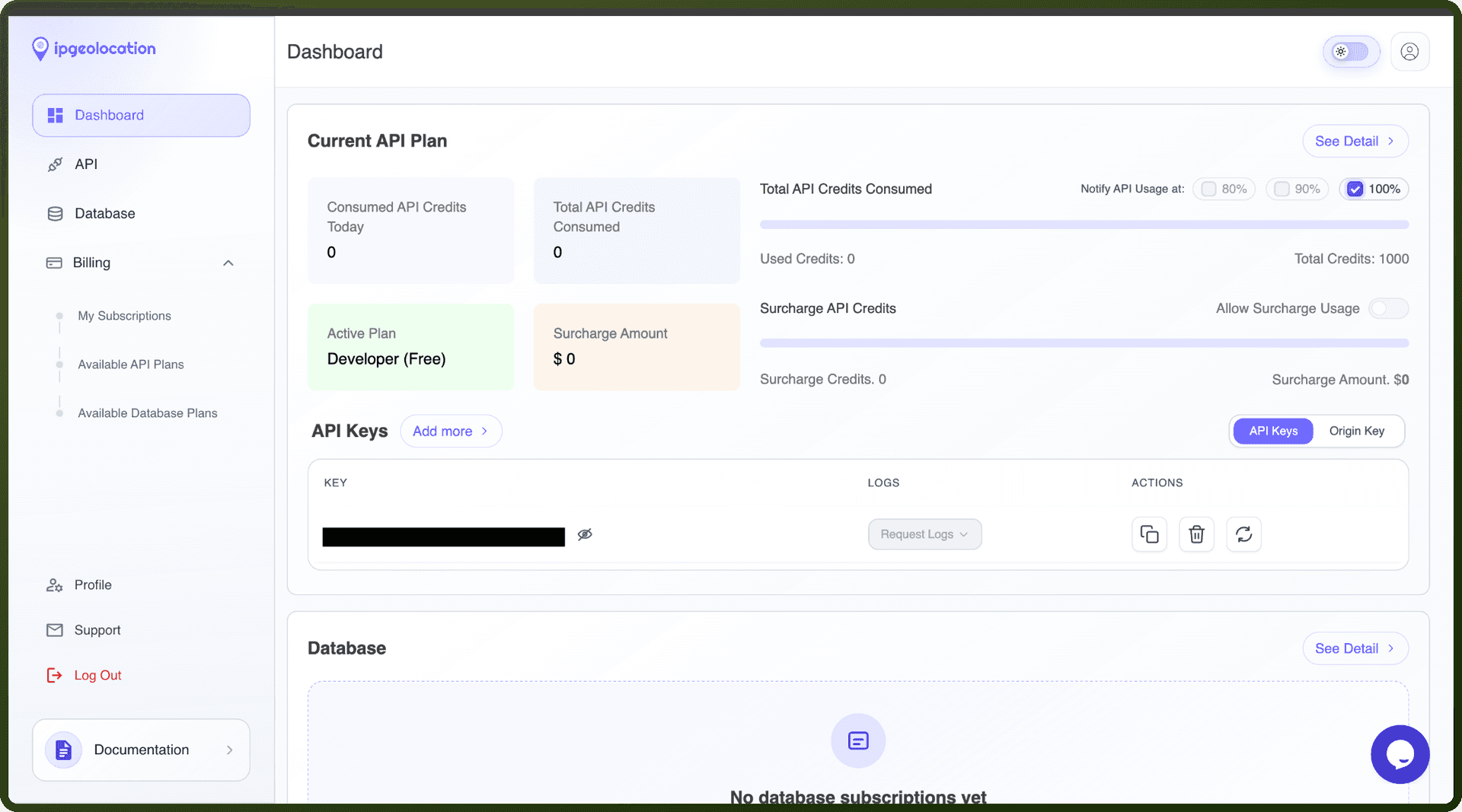
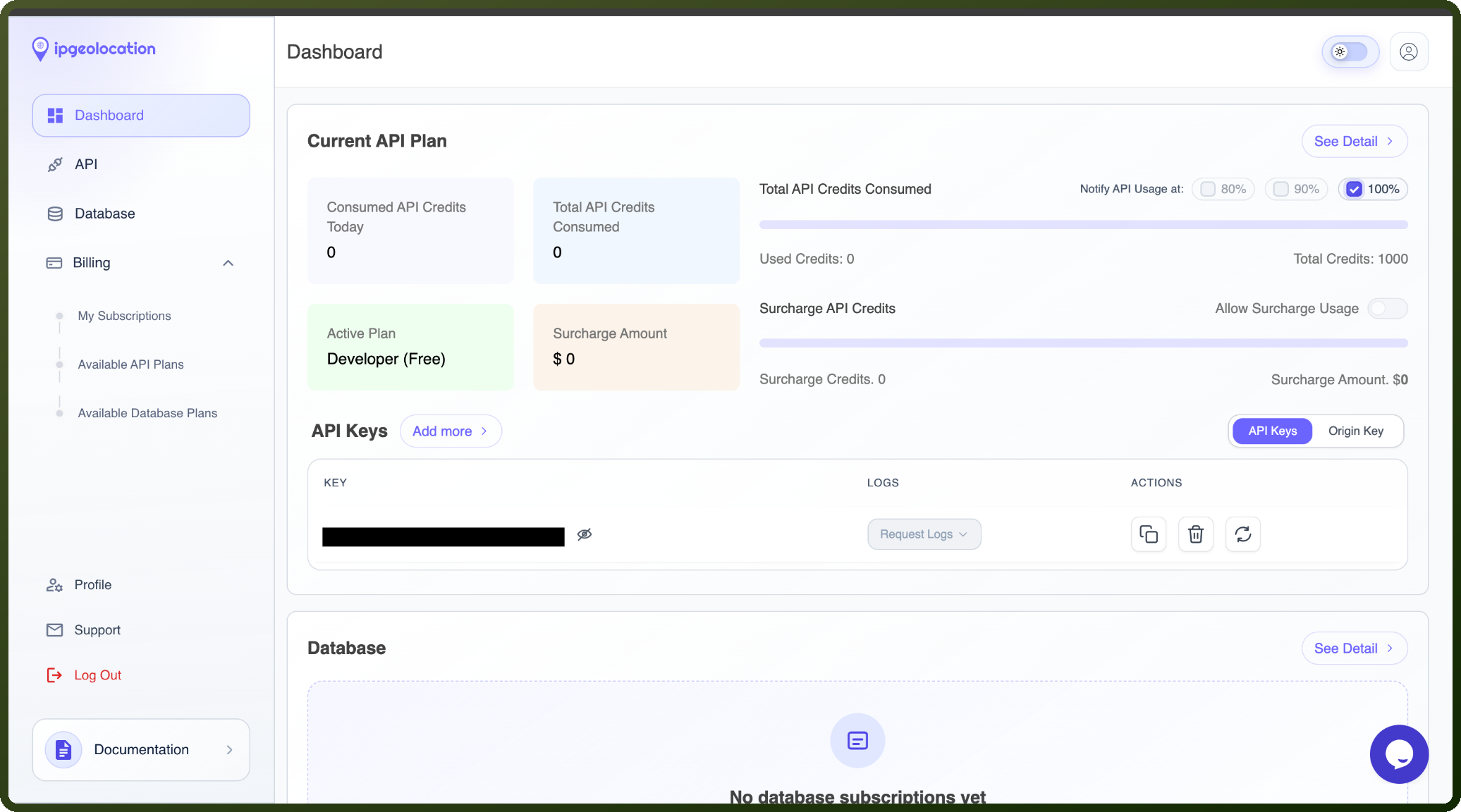
Open the Dashboard. Your API key is generated automatically and shown there.
Copy the API key and store it securely for further authentication purposes.
Authentication & setup
IPGeolocation API supports authentication using an API key or Request Origin (CORS). To authenticate API requests, you'll need an API key from ipgeolocation.io, which you can find in your Dashboard after logging in at https://app.ipgeolocation.io/dashboard. For server-side code, keep the API key in an environment variable or secret manager. If you don't set an API key, the IPGeolocation API can still authenticate your request using request origin, which is useful if you're using the SDK from a browser or server with allowed referrer/IP. However, request-origin auth does not work with /v3/ipgeo-bulk, as bulk lookup always requires api_key.
Actions
Action Name | Description |
|---|---|
Get astronomy details | Retrieves astronomy details using IPGeolocationn |
Get astronomy timezone | Retrieves astronomy details for a timezone using IPGeolocation |
Get caller IP geolocation | Retrieves caller IP geolocation details using IPGeolocation |
Get IP geolocation | Retrieves IP geolocation details using IPGeolocation |
Get time zone by coordinates | Retrieves time zone details using IPGeolocation |
About the API
IPGeolocation.io offers seven core APIs for geolocation and security intelligence:
IP Geolocation - Location data for IPv4/IPv6 addresses and domain names
IP Security - Threat intelligence detecting proxies, VPNs, TOR nodes, bots, and spam sources
ASN - Autonomous System Number details including network relationships
Abuse Contact - Contact information for reporting IP-related abuse incidents
Timezone - Date, time, and timezone data from coordinates or IP addresses
User-Agent - Browser, device, and OS details from user agent strings
Astronomy - Sun/moon rise/set times and celestial position data
The platform provides 14+ language SDKs (Python, Java, Go, PHP, JavaScript, Rust, etc.) and integrations with Shopify, Elastic Search, WordPress, Zapier, n8n, and other platforms.