


NetSuite is a cloud-based ERP platform that provides businesses with integrated financial, CRM, and e-commerce solutions. It streamlines operations, automates processes, and enhances real-time visibility across departments.
Integrating NetSuite enhances efficiency, automates workflows, and provides real-time business insights.
Authentication
Before you begin, make sure you have the following information:
Connection Name: Select a descriptive name for your connection, like "MyAppNetSuiteIntegration". This helps in easily identifying the connection within your application or integration settings.Authentication Type: NetSuite supports OAuth 2.0 Authentication for authentication.
OAuth 2.0 Based Authentication
To set up OAuth 2.0 authentication for NetSuite, follow these steps:
Obtain your NetSuite account ID from the
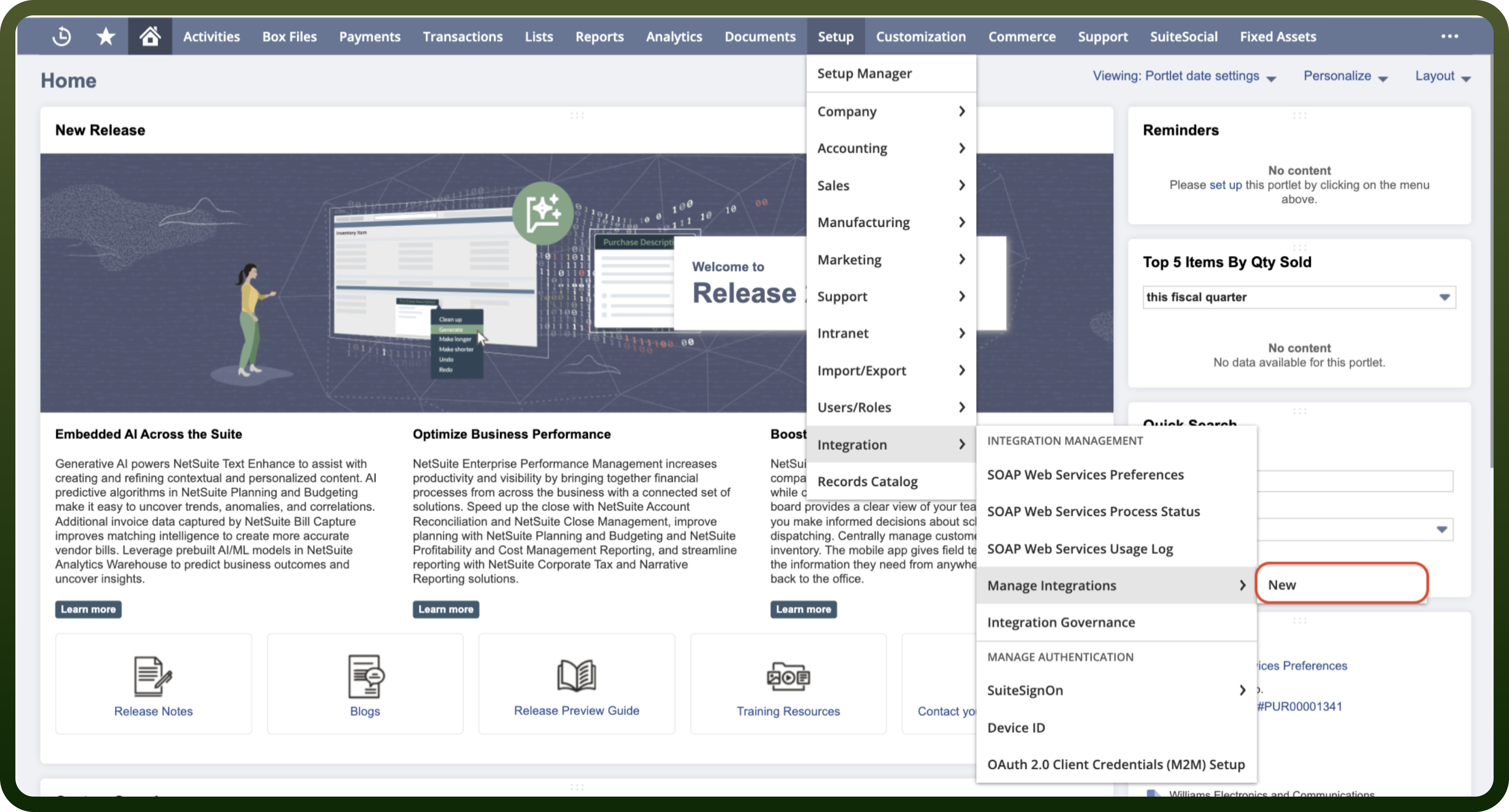
Setup>Company>Company Informationpage.Navigate to
Setup>Integration>Manage Integrationsand thenNew.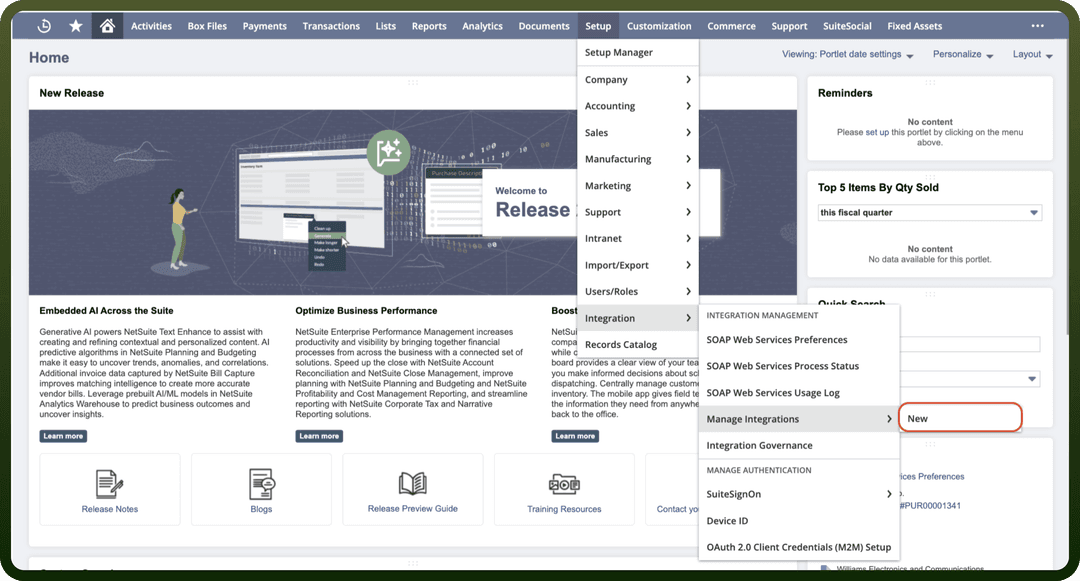
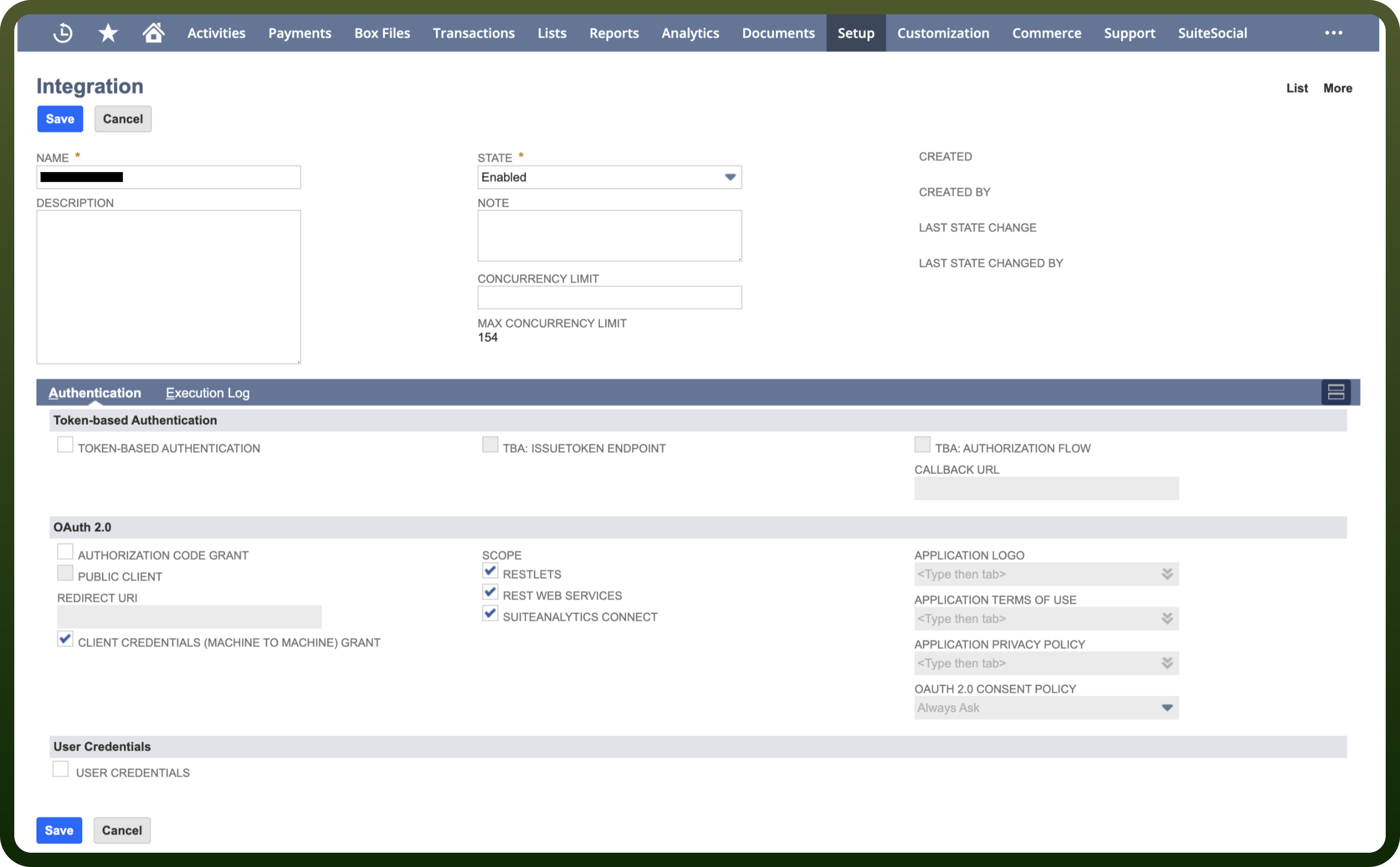
Enter a meaningful
Integration Name, such as 'MyApp NetSuite Integration'.Under
Authentication, selectOAuth 2.0.Select the
Client Credentials (Machine to Machine) Grantcheckbox.Check the required scopes:
RESTlets,REST Web Services, andSuiteAnalytics Connect.Save the record and copy the generated
Client IDandClient Secret.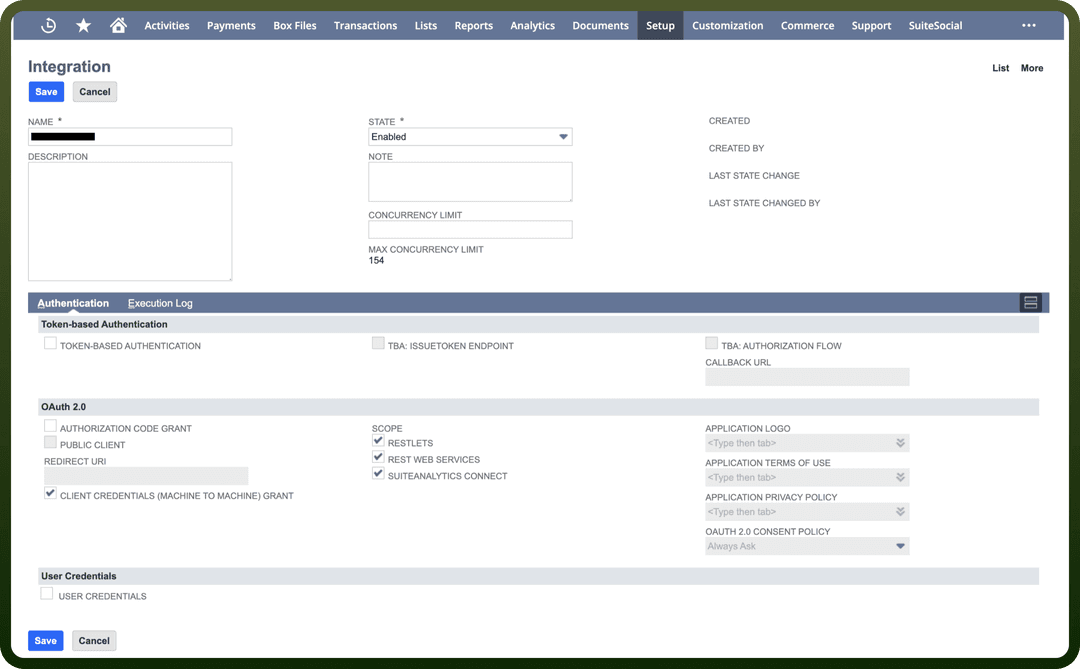
For more details, refer to the NetSuite REST API documentation.
Actions
| Actions | Description |
Create Account | Creates a new account in NetSuite |
Create Contact | Creates a new contact in NetSuite |
Create Job | Creates a new job in NetSuite |
Create Task | Creates a new task in NetSuite |
Create a inventory adjustment | Creates a inventory adjustment in NetSuite |
Create a inventory item | Creates a inventory item in NetSuite |
Create a inventory transfer | Creates a inventory transfer in NetSuite |
Create a item fulfillment | Creates a item fulfillment in NetSuite |
Create a item receipt | Creates a item receipt in NetSuite |
Create opportunity | Creates a new opportunity in NetSuite |
Delete Account | Delete an account from NetSuite |
Delete Contact | Delete a contact from NetSuite |
Delete Job | Delete a job from NetSuite |
Delete Task | Delete a task from NetSuite |
Delete opportunity | Delete an opportunity in NetSuite |
Get Account | Gets an account from NetSuite |
Get Contact | Gets a contact from NetSuite |
Get Job | Gets a job from NetSuite |
Get Task | Gets a task by ID from NetSuite |
Get a inventory adjustment | Gets the inventory adjustment by its ID in NetSuite |
Get a inventory item | Gets the inventory item by its ID in NetSuite |
Get a inventory transfer | Gets the inventory transfer by its ID in NetSuite |
Get a item fulfillment | Gets the item fulfillment by its ID in NetSuite |
Get a item receipt | Gets the item receipt by its ID in NetSuite |
Get a resource details | Gets the resource details by its reference in NetSuite |
Get opportunity | Gets an opportunity in NetSuite |
List inventory transfers | Lists inventory transfers in NetSuite |
List inventory adjustments | Lists inventory adjustments in NetSuite |
List item fulfillment | Lists item fulfillment in NetSuite |
List inventory items | Lists inventory items in NetSuite |
List item receipts | Lists item receipts in NetSuite |
Update Account | Updates an account in NetSuite |
Update Contact | Updates a contact in NetSuite |
Update Job | Updates a job in NetSuite |
Update Task | Updates a task in NetSuite |
Update a inventory adjustment | Updates the inventory adjustment by its ID in NetSuite |
Update a inventory item | Updates the inventory item by its ID in NetSuite |
Update a inventory transfer | Updates the inventory transfer by its ID in NetSuite |
Update a item fulfillment | Updates the item fulfillment by its ID in NetSuite |
Update a item receipt | Updates the item receipt by its ID in NetSuite |
Update opportunity | Updates an opportunity in NetSuite |