


Getform is a backend platform that enables you to collect form submissions from static websites without writing server-side code. Easily integrate with HTML forms and manage submissions via a clean dashboard or API.
Integrating Getform lets you effortlessly collect, manage, and automate form submissions without maintaining backend infrastructure.
Authentication
Before you begin, ensure you have the following information:
Connection Name: Select a descriptive name for your connection, like "MyAppGetformIntegration". This helps in easily identifying the connection within your application or integration settings.Authentication Type: The Getform connection doesn't use authentication. Enter a connection name and leave the AuthType and API Key fields at their defaults.
Getting your API token and Form ID
Navigate to the “
Submission API” sectionCopy the token included in the URL as ”
getform_api_token”.Copy the Form ID included in the URL as ”
form_id”.Store these securely as they provide access to your Getform account.
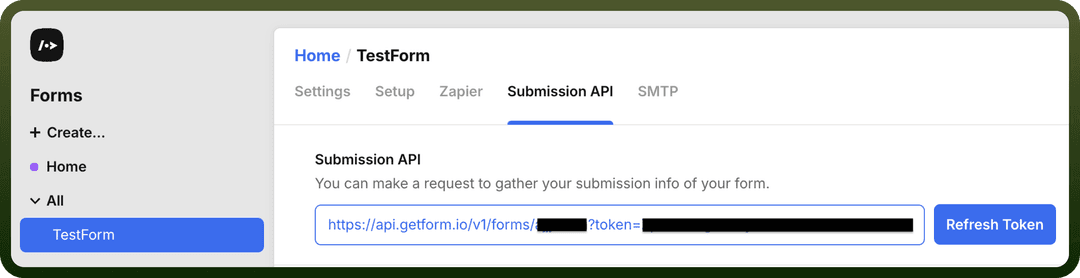
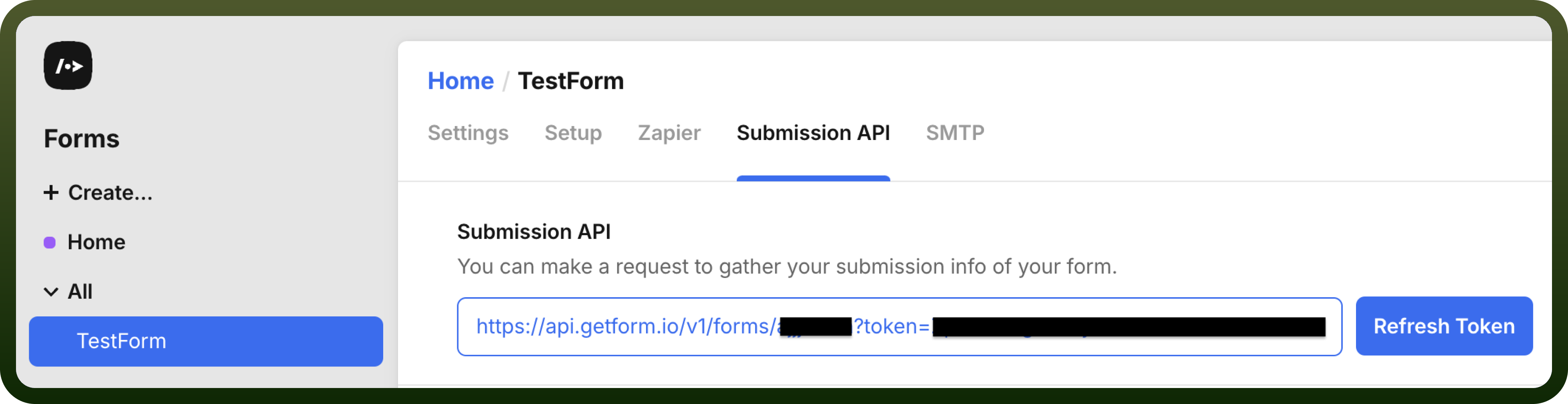
You don't enter these values in the connection. Enter the Form ID and API Token in the Get form submissions action when you add it to an automation.
Actions
| Actions | Description |
Get form submissions | Gets form submissions from Getform |