


Use the Datastax connector to manage and scale Apache Cassandra databases.
Integrating your application with Datastax lets you use these operations in an automation. It exposes 8 actions, listed below. Add the connector from the Connections area, authenticate, then select its operations in the automation builder. Capabilities: actions, knowledge (RAG).
Authentication
Before you begin, make sure you have the following information:
Connection Name: Choose a meaningful name for your connection. This name helps you identify the connection within your application or integration settings.
Authentication Type: The authentication method for this connector is defined in the connection setup. Select the connector in the Connections area to see the fields it requires.
Obtaining Your Application Token
Log in to your DataStax Astra DB account.
Select your Serverless (Vector) database, or create one if you don't have one yet.
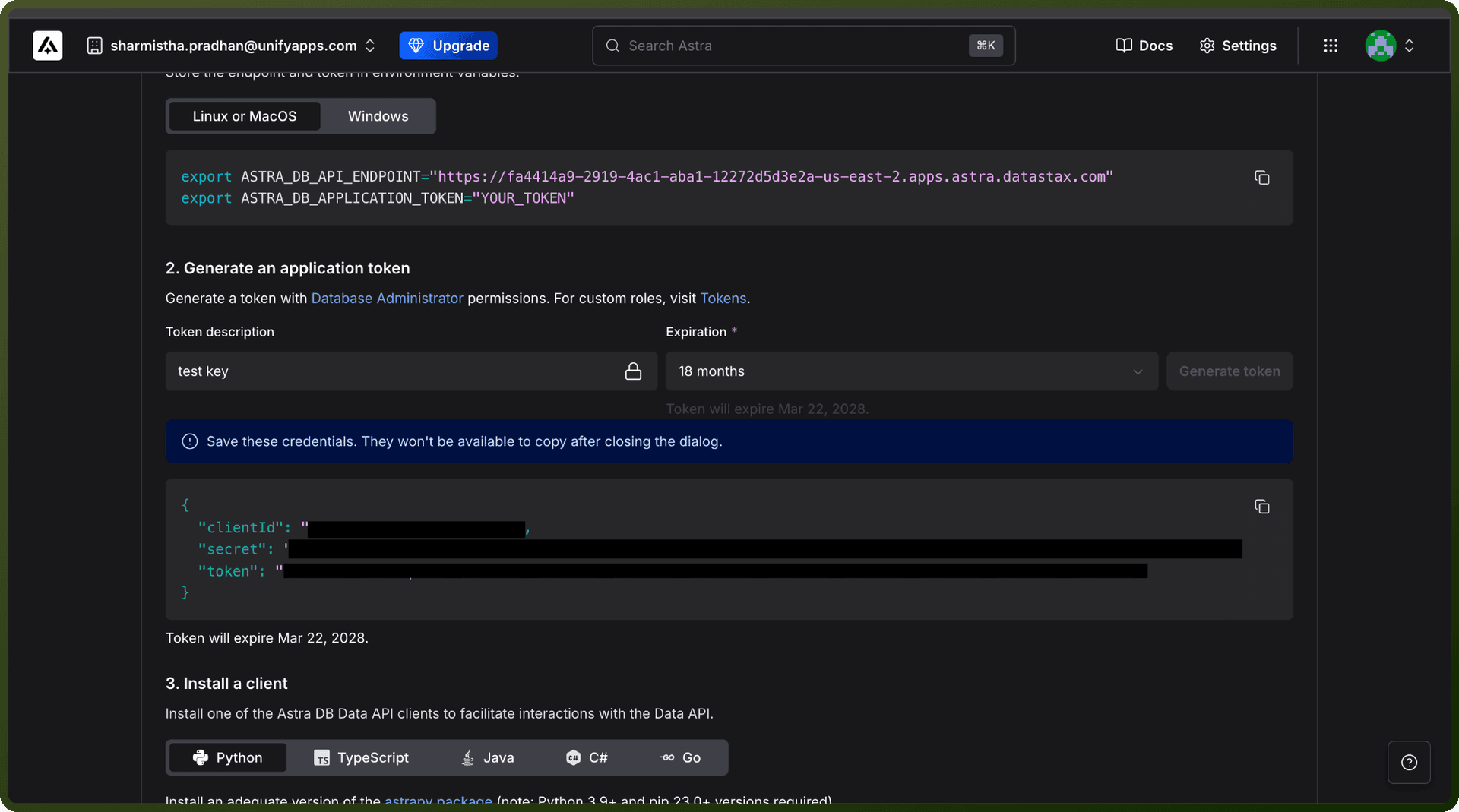
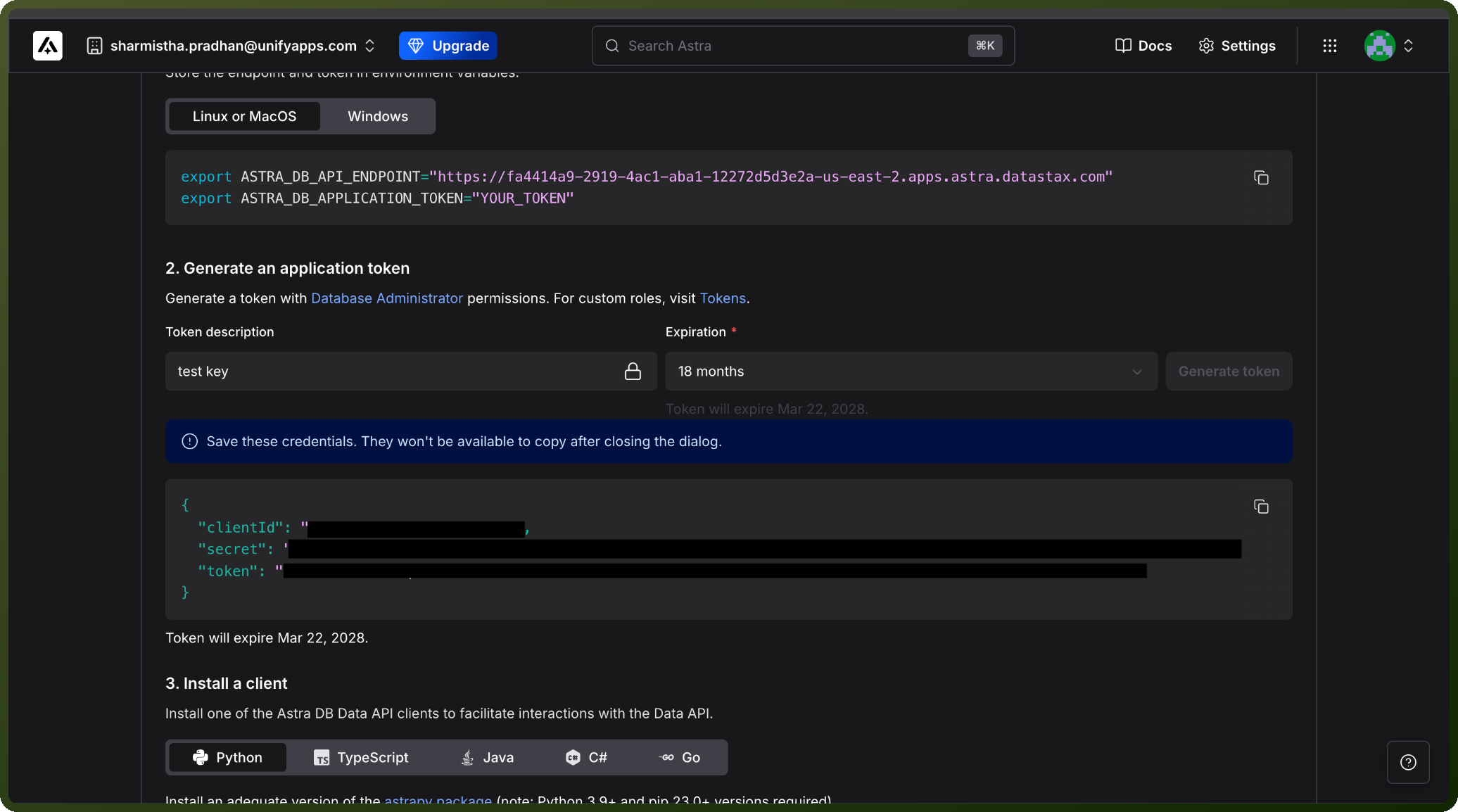
On the database's Overview tab, find the Database Details section and click Generate Token.
Optionally add a description and set an expiration for the token, then click Generate Token to confirm.
Copy the generated token (it starts with AstraCS:) and store it securely — Astra shows it only once.
Actions
Action Name | Description |
|---|---|
Create collection | Creates collection in vector database in Datastax |
Create database | Creates database in Datastax |
Find documents | Finds documents in a collection in Datastax |
Find rows | Finds rows in a table in Datastax |
Get all collections | Gets all collections in vector database in Datastax |
Get all databases | Gets all databases in Datastax |
Get all tables | Gets all tables in Datastax |
Get database by ID | Gets database by ID in Datastax |