


Use the Amazon S3 Tables connector to manage structured tables in Amazon S3.
Integrating your application with Amazon S3 Tables lets you use these operations in an automation. It exposes 8 actions, listed below. Add the connector from the Connections area, authenticate, then select its operations in the automation builder. Capabilities: actions.
Authentication
Before you begin, make sure you have the following information:
Connection Name: Choose a meaningful name for your connection. This name helps you identify the connection within your application or integration settings.
Authentication Type: The authentication method for this connector is defined in the connection setup. Select the connector in the Connections area to see the fields it requires.
Authentication & setup
Amazon S3 Tables API requests are authenticated using AWS Signature Version 4 (SigV4). The SigV4 signing name for Amazon S3 Tables Iceberg REST endpoint requests is s3tables.
Authentication Method
All API requests must be signed with your AWS credentials using AWS Signature Version 4. OAuth-based authentication is not supported for S3 Tables; the service uses AWS's standard authentication mechanisms.
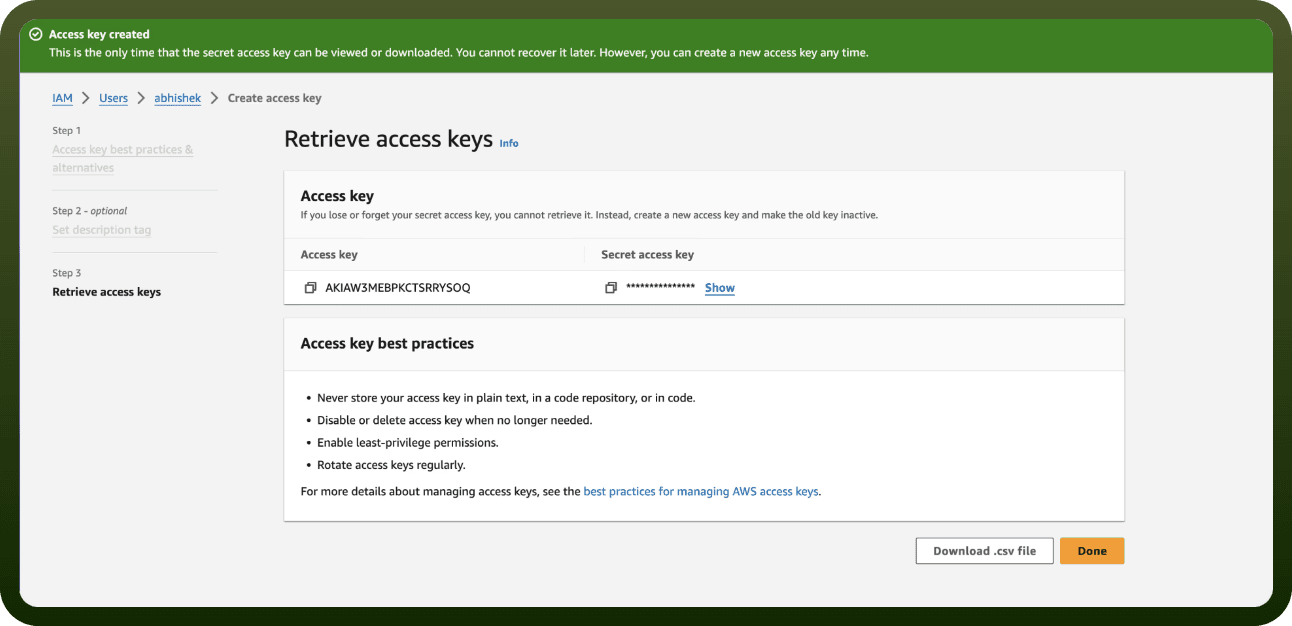
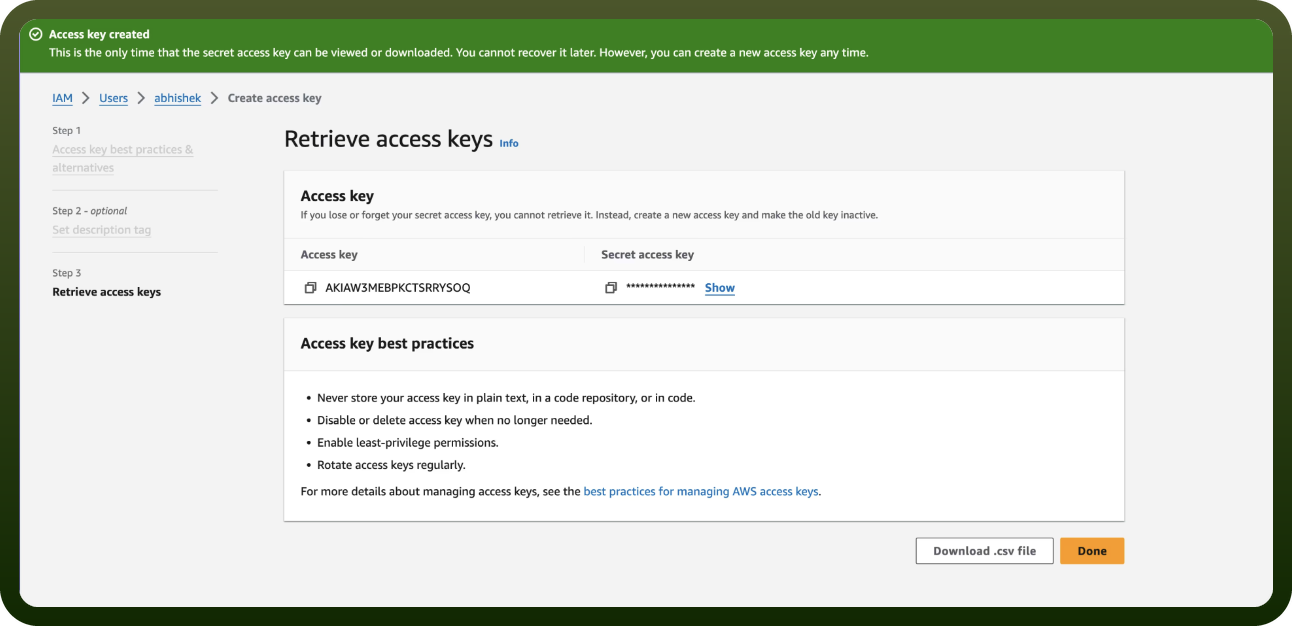
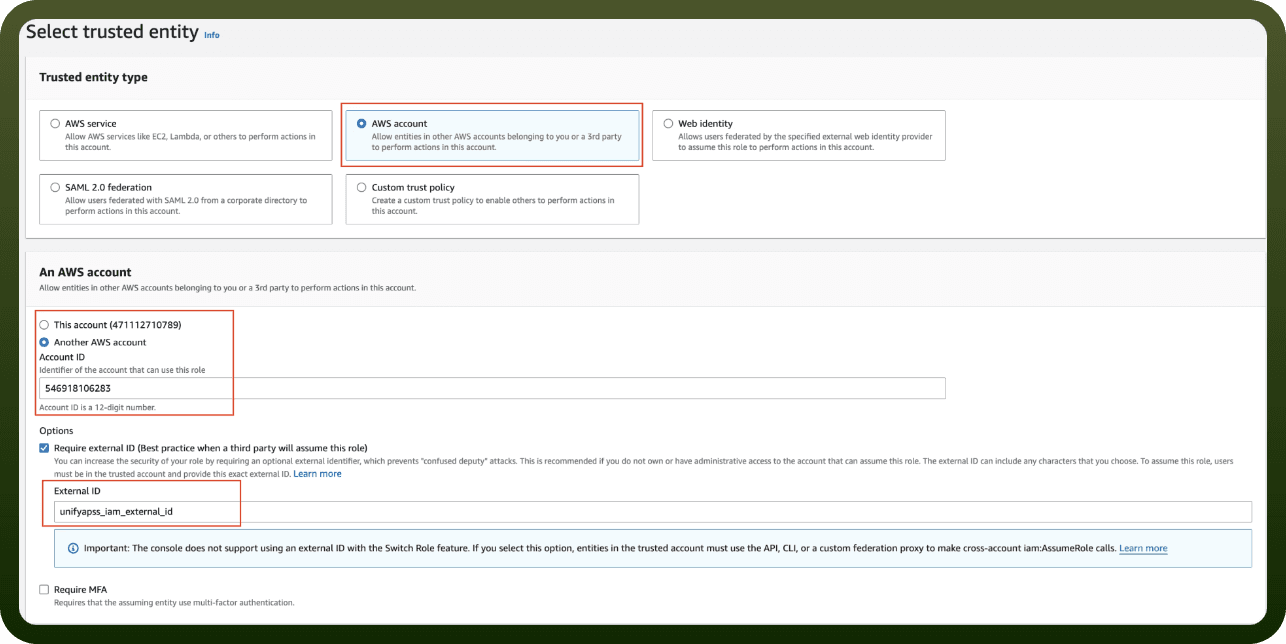
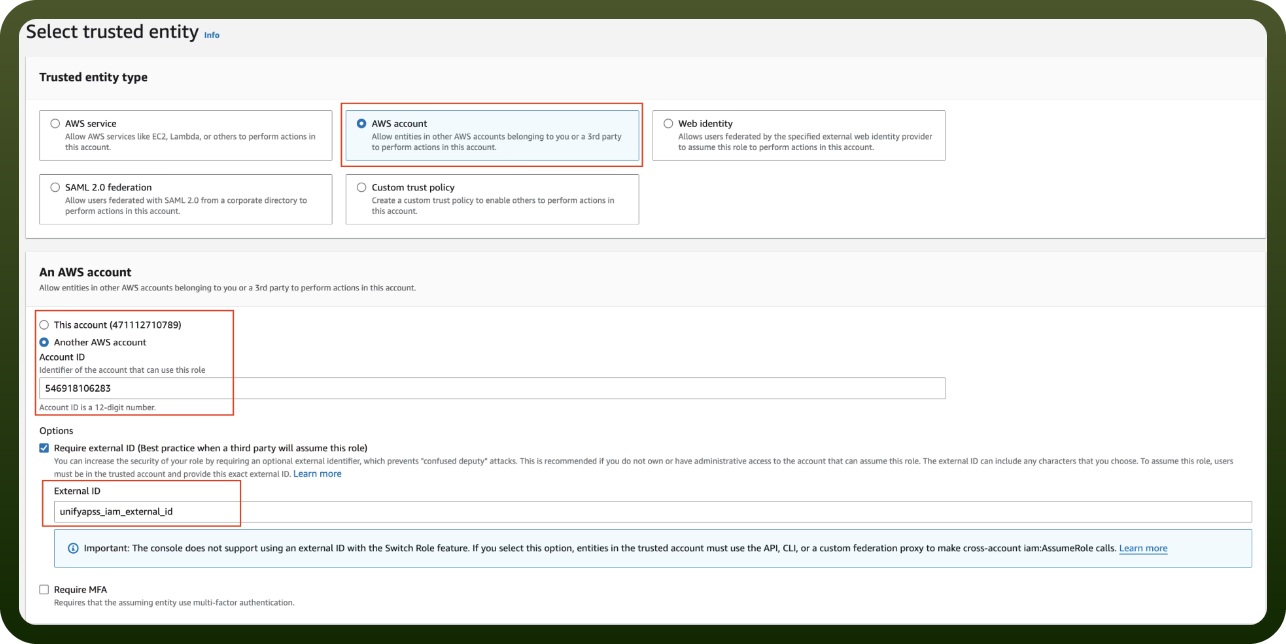
Getting Credentials
Requests are authorized using s3tables IAM actions
Permissions are defined in either IAM identity-based policies or resource-based policies attached to tables and table buckets
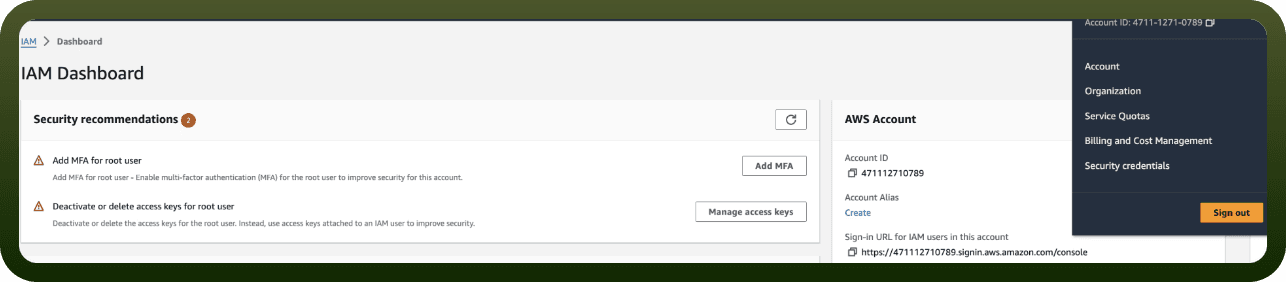
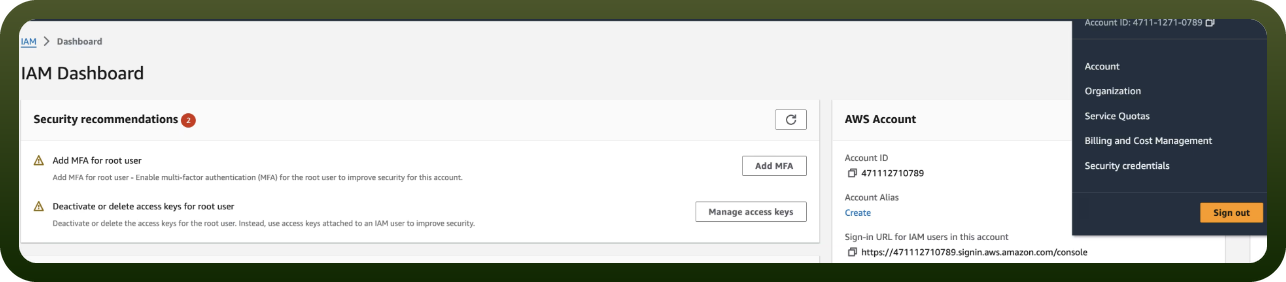
You must have an active AWS account with appropriate IAM permissions
Actions
Action Name | Description |
|---|---|
Create namespace | Creates a new namespace in an S3 table bucket |
Create table | Creates a new table in an S3 table bucket namespace |
Create table (Iceberg REST) | Creates a new table via Iceberg REST API with full Iceberg schema definition |
Delete table | Deletes a table from an S3 table bucket namespace |
Get table | Retrieves details of a specific table in an S3 table bucket |
List namespaces | Lists all namespaces in an S3 table bucket |
List tables | Lists all tables in a namespace via Iceberg REST API |
Load table (Iceberg REST) | Loads a table and returns its metadata via Iceberg REST API |
About the API
Amazon S3 Tables provides a managed Apache Iceberg table format service. The API supports operations for managing tables, namespaces, and table buckets, including:
Table Management: CreateTable, DeleteTable, RenameTable, GetTable
Namespace Management: CreateNamespace, DeleteNamespace, GetNamespace, ListNamespaces
Table Bucket Operations: CreateTableBucket, DeleteTableBucket, GetTableBucket, ListTableBuckets
Configuration: Encryption, metrics, maintenance, replication, storage class settings
Data Management: Record expiration, metadata location management
Official documentation
https://docs.aws.amazon.com/AmazonS3/latest/API/API_Operations_Amazon_S3_Tables.html