


Zoho Inventory streamlines your inventory management by providing efficient, scalable, and customizable solutions. This integration allows for real-time tracking of stock levels, order management, invoicing, and reporting.
For a smooth integration process, ensure you have the following information ready:
Authentication
Connecting your application to Zoho Inventory enables efficient inventory management, ensuring smooth operations and real-time tracking of stock.
Before starting, ensure you have the following information:
Connection Name:Choose a meaningful name for your connection. This name helps you identify the connection within your application or integration settings. It could be something descriptive like "MyAppZohoInventoryIntegration".Authentication Type: Select the authentication method as OAuth.Organization ID: The Organization ID for the Zoho Inventory application can be found in the Admin Console under Organization Profile → Organization ID.
OAuth Based:
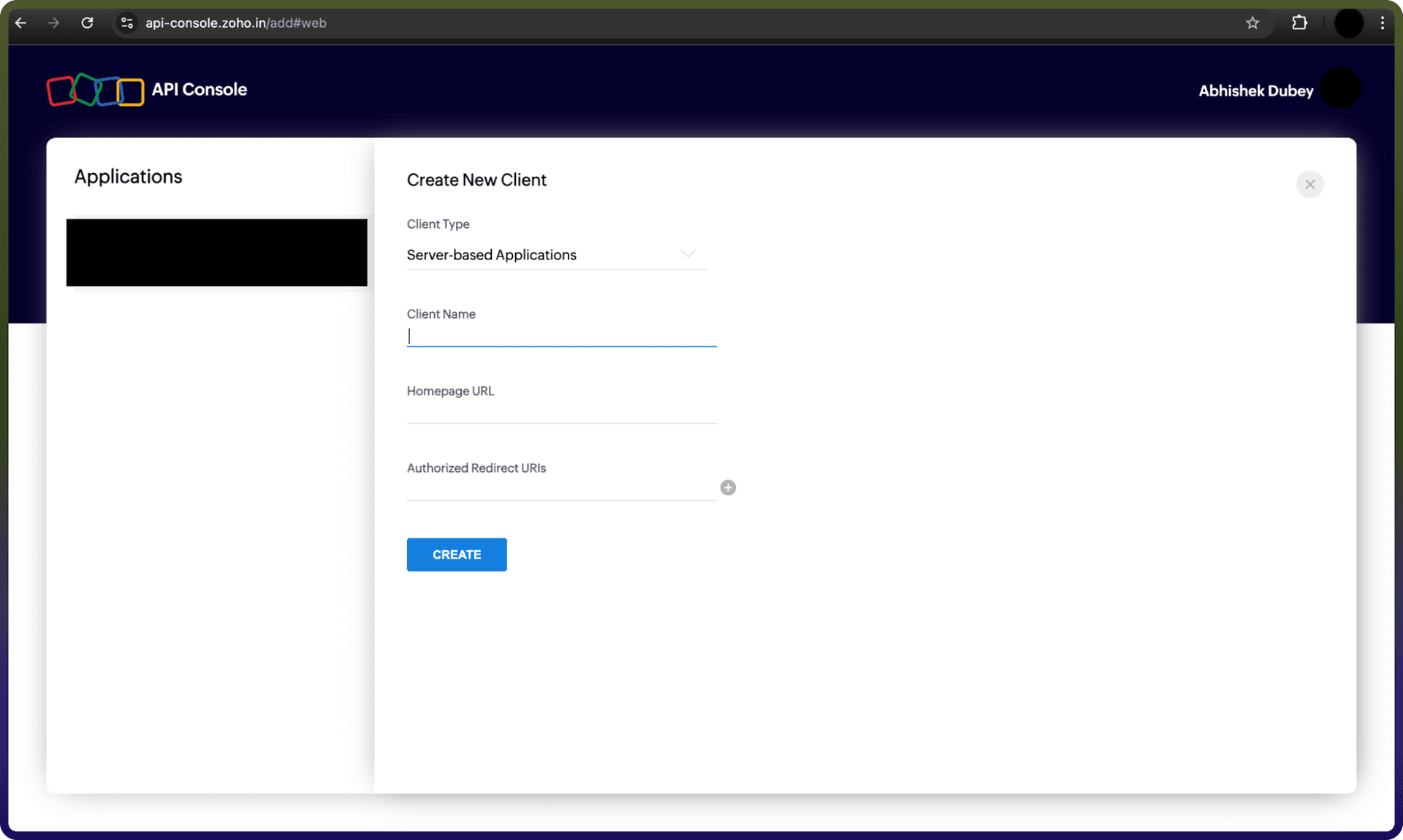
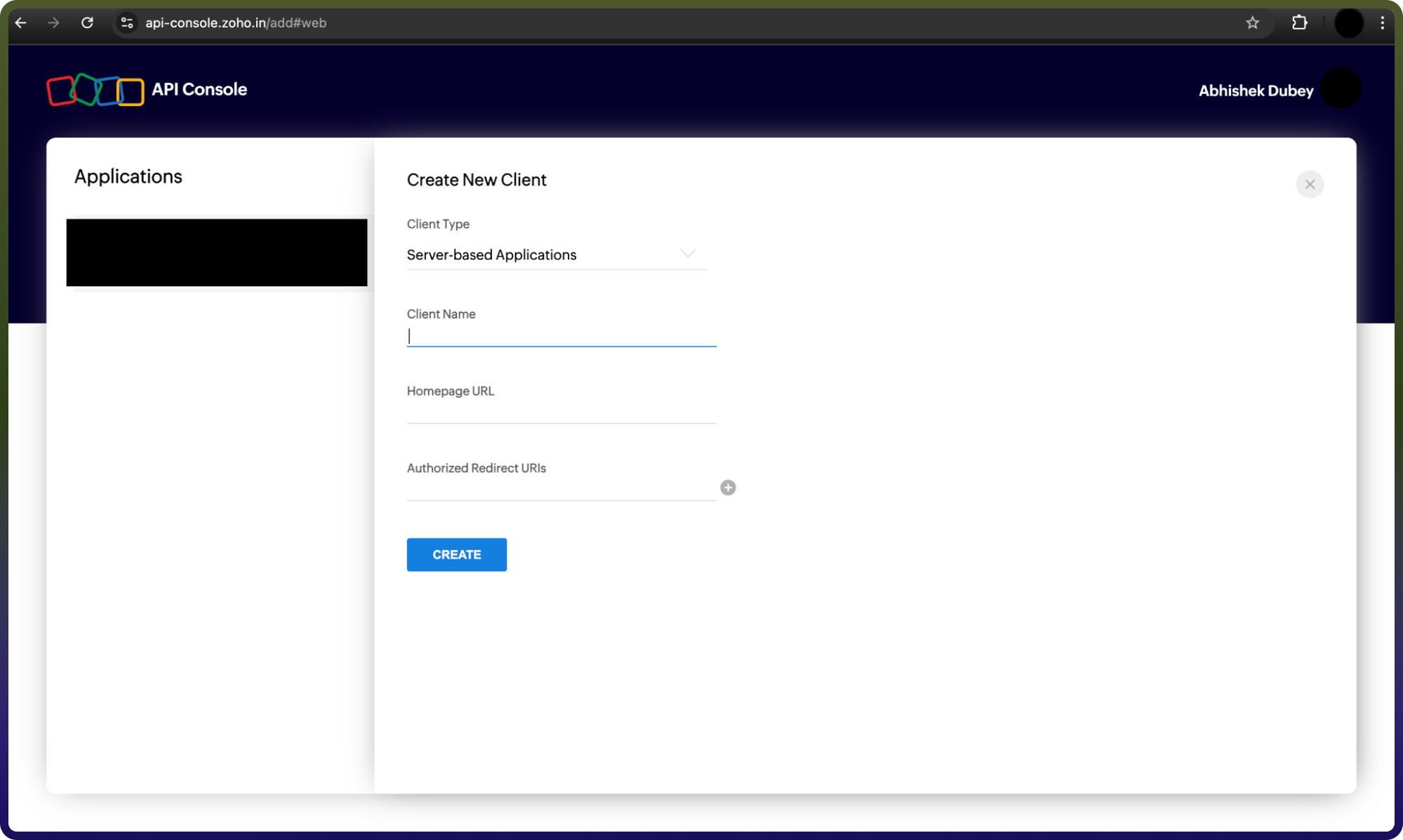
Visit Zoho Developer Console and click on Add Client ID.
Select Server-based applications.
Fill in the required details to complete the registration.
Upon successful registration, you'll receive your OAuth 2.0 credentials: Client ID and Client Secret.
Keep these credentials secure and do not share them.
Actions :
Action Name | Description |
| Creates an item in Zoho Inventory |
| Creates a transfer order in Zoho Inventory |
| Creates a vendor credit in Zoho Inventory |
| Creates a warehouse in Zoho Inventory |
| Deletes an item in Zoho Inventory |
| Deletes a vendor credit in Zoho Inventory |
| Deletes a warehouse in Zoho Inventory |
| Downloads an invoice document in Zoho Inventory |
| Gets a contact in Zoho Inventory |
| Gets a credit note in Zoho Inventory |
| Gets an invoice in Zoho Inventory |
| Gets an item in Zoho Inventory |
| Gets a purchase order in Zoho Inventory |
| Gets a retainer invoice in Zoho Inventory |
| Gets a sales order in Zoho Inventory |
| Gets a shipment in Zoho Inventory |
| Gets a vendor credit in Zoho Inventory |
| Lists all credit notes in Zoho Inventory |
| Lists all customers in Zoho Inventory |
| Lists all invoices in Zoho Inventory |
| Lists all items in Zoho Inventory |
| Lists all purchase orders in Zoho Inventory |
| Lists all retainer invoices in Zoho Inventory |
| Lists all sales orders in Zoho Inventory |
| Lists all shipments in Zoho Inventory |
| Lists all transfer orders in Zoho Inventory |
| Lists all users in Zoho Inventory |
| Lists all warehouses in Zoho Inventory |
| List comments for a contact |
| Updates an item in Zoho Inventory |
| Updates a vendor credit in Zoho Inventory |
| Updates a warehouse in Zoho Inventory |