


Use the Gatherup connector to collect and manage customer reviews.
Integrating your application with Gatherup lets you use these operations in an automation. It exposes 11 actions, listed below. Add the connector from the Connections area, authenticate, then select its operations in the automation builder. Capabilities: actions.
Authentication
Before you begin, make sure you have the following information:
Connection Name: Choose a meaningful name for your connection. This name helps you identify the connection within your application or integration settings.
Authentication Type: The authentication method for this connector is defined in the connection setup. Select the connector in the Connections area to see the fields it requires.
Obtaining Your API Key and Client ID
Log in to your GatherUp account.
Click Account Owner in the top navigation bar and select Account Owner Details.
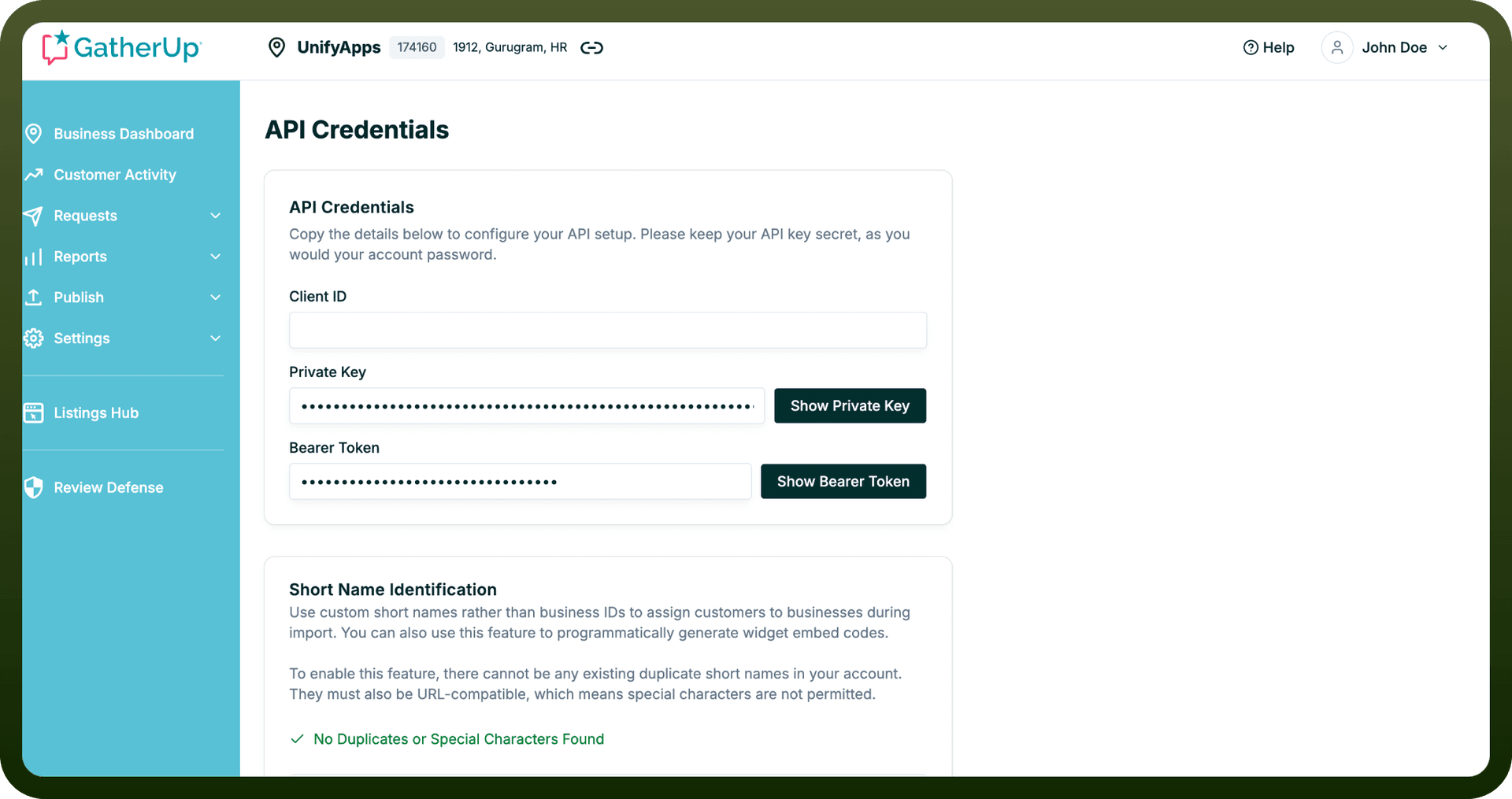
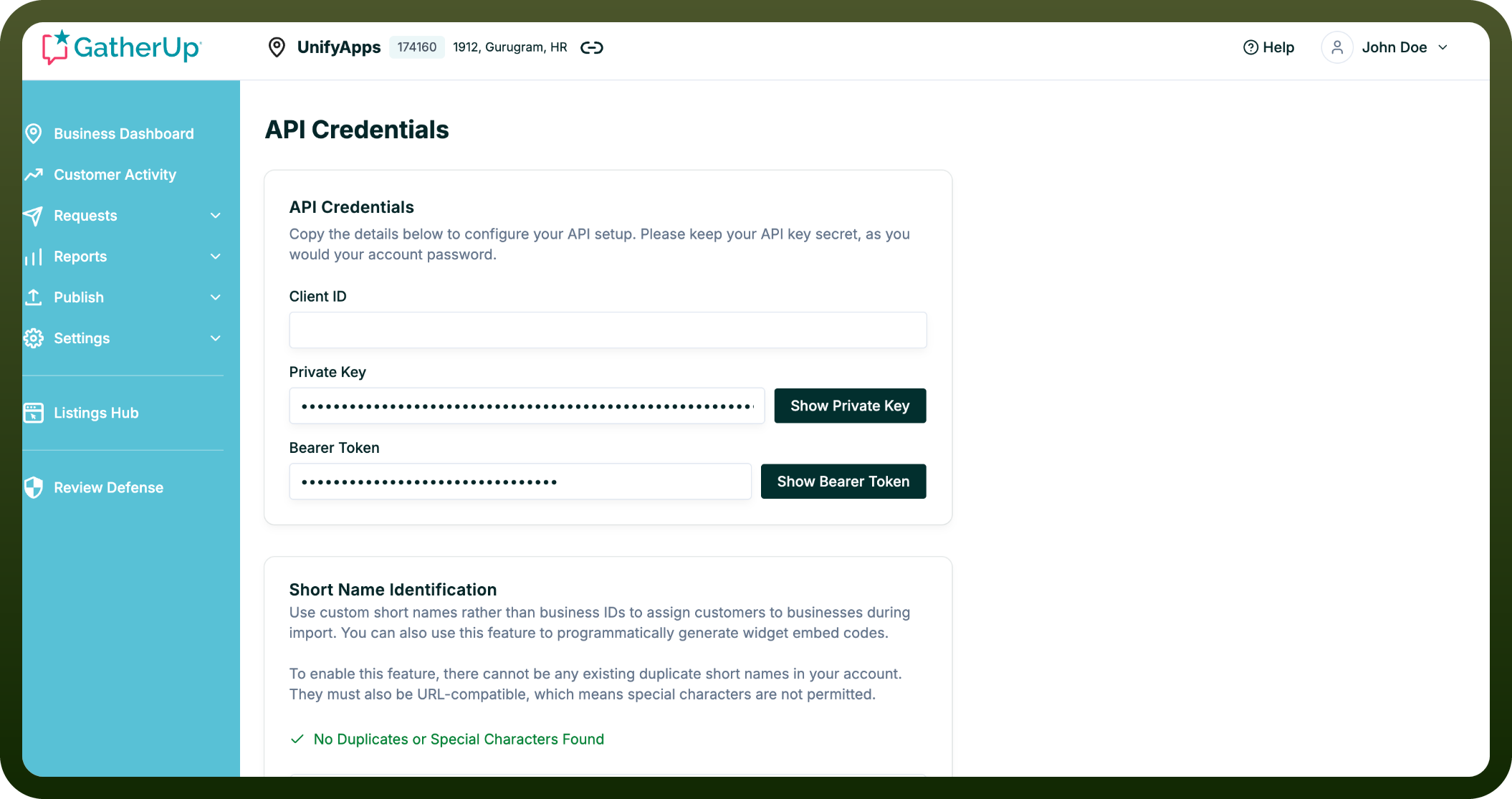
On the Account Owner Details page, locate the Client ID, API Key, and Bearer Token fields.
Click Show API Key to reveal the key. Copying the masked text without clicking this will not give you the correct value.
Copy the Client ID and the revealed API Key, and store them securely for further authentication purposes.
Actions
Action Name | Description |
|---|---|
Create a business | Create a business in Gatherup |
Create a customer | Create a customer in Gatherup |
Deactivate a business | Deactivate a business in Gatherup |
Delete a business | Delete a business in Gatherup |
Delete a customer | Delete a customer in Gatherup |
Get business details | Gets business details in Gatherup |
Get business types | Gets business types in Gatherup |
Get customer details | Gets customer details in Gatherup |
Reactivate a business | Reactivates a business in Gatherup |
Update a business | Updates a business in Gatherup |
Update a customer | Updates a customer in Gatherup |