


Use the Eventbrite connector to create and manage events and tickets.
Integrating your application with Eventbrite lets you use these operations in an automation. It exposes 4 actions and 6 triggers, listed below. Add the connector from the Connections area, authenticate, then select its operations in the automation builder. Capabilities: actions, triggers.
Authentication
Before you begin, make sure you have the following information:
Connection Name: Choose a meaningful name for your connection. This name helps you identify the connection within your application or integration settings.
Authentication Type: The authentication method for this connector is defined in the connection setup. Select the connector in the Connections area to see the fields it requires.
Obtaining Your Private Token
Log in to your Eventbrite account.
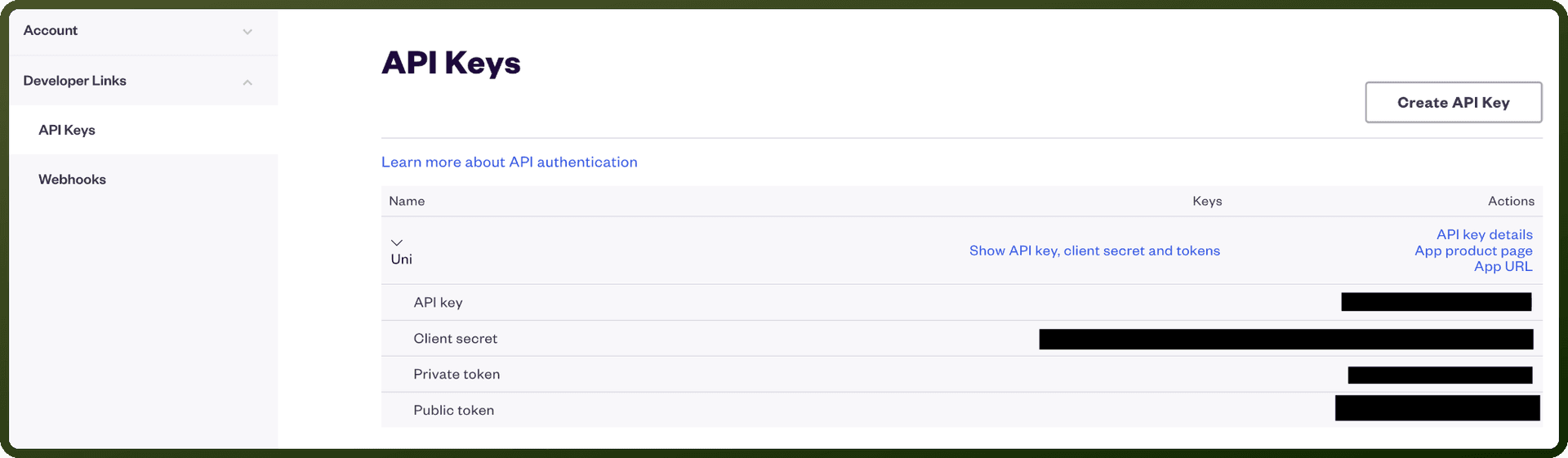
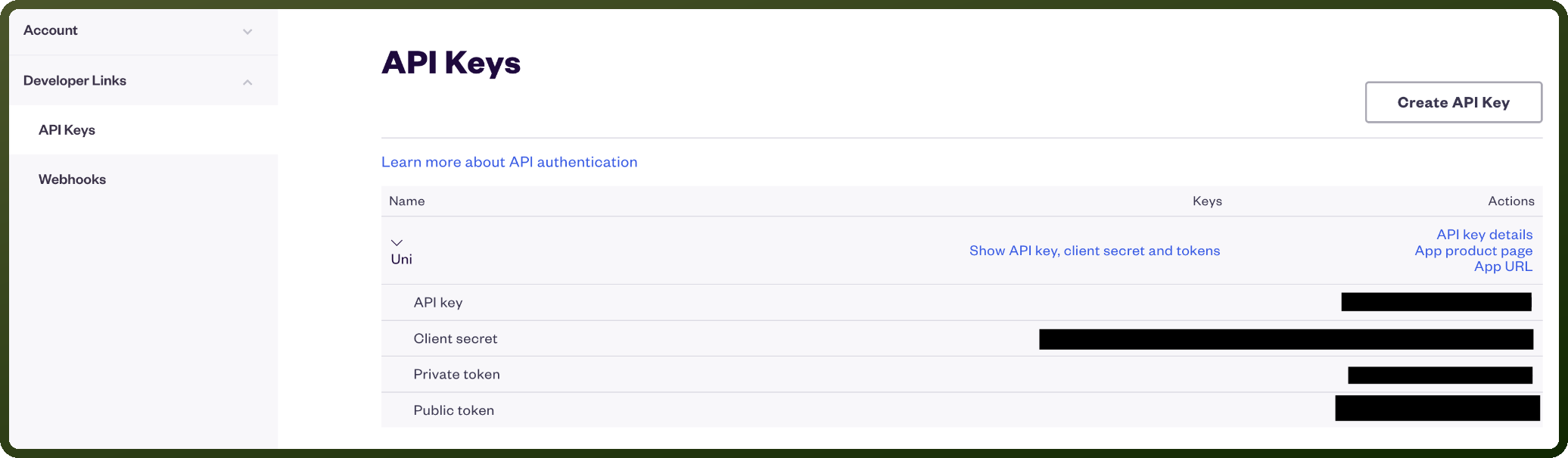
Go to Account Settings, then open the API Keys page.
Under Your API Keys, locate the Private Token field.
Copy the private token shown there. If none exists yet, Eventbrite generates it automatically the first time you open this page.
Store the private token securely; you'll use it to authenticate API requests from UnifyApps.
Actions
Action Name | Description |
|---|---|
Create event | Creates an event in Eventbrite |
Get event | Gets event details from Eventbrite |
New event created | Triggers when a new event is created in Eventbrite |
Publish event | Publishes an event in Eventbrite |
Triggers
Trigger Name | Description |
|---|---|
New attendee check-in (real-time) | Triggers when an attendee checks into an event in real-time in Eventbrite |
New attendee registered in event | Triggers when a new attendee is registered in specific event in Eventbrite |
New attendee registered in organization | Triggers when a new attendee is registered in specific organization in Eventbrite |
New event created (real-time) | Triggers when a new event is created and published in real-time in Eventbrite |
New order (real-time) | Triggers when a new order is placed for tickets to an event in real-time in Eventbrite |
Updated attendee (real-time) | Triggers when attendee data is updated in real-time in Eventbrite |