


Integrating your application with Notion enables seamless collaboration and centralized knowledge management by connecting your workflows, databases, and documentation in one flexible workspace. Notion helps teams organize projects, automate processes, sync structured data, and maintain real-time visibility across tasks and resources, improving productivity and operational alignment.
Authentication:
Integrating your application with Notion allows you to connect structured data, pages, and databases into a unified workspace, enabling dynamic content management, workflow coordination, and efficient information sharing across teams. Before you begin, ensure you have the following information:
Connection Name : Choose a meaningful name for your connection. This name helps you identify the connection within your application or integration settings. It could be something descriptive like "MyAppNotionIntegration".
Token Based:
Log into your Notion account.
Navigate to Settings & Members from the sidebar.
Click on Connections and then select Develop or Manage Integrations. You will be redirected to the Integrations page.
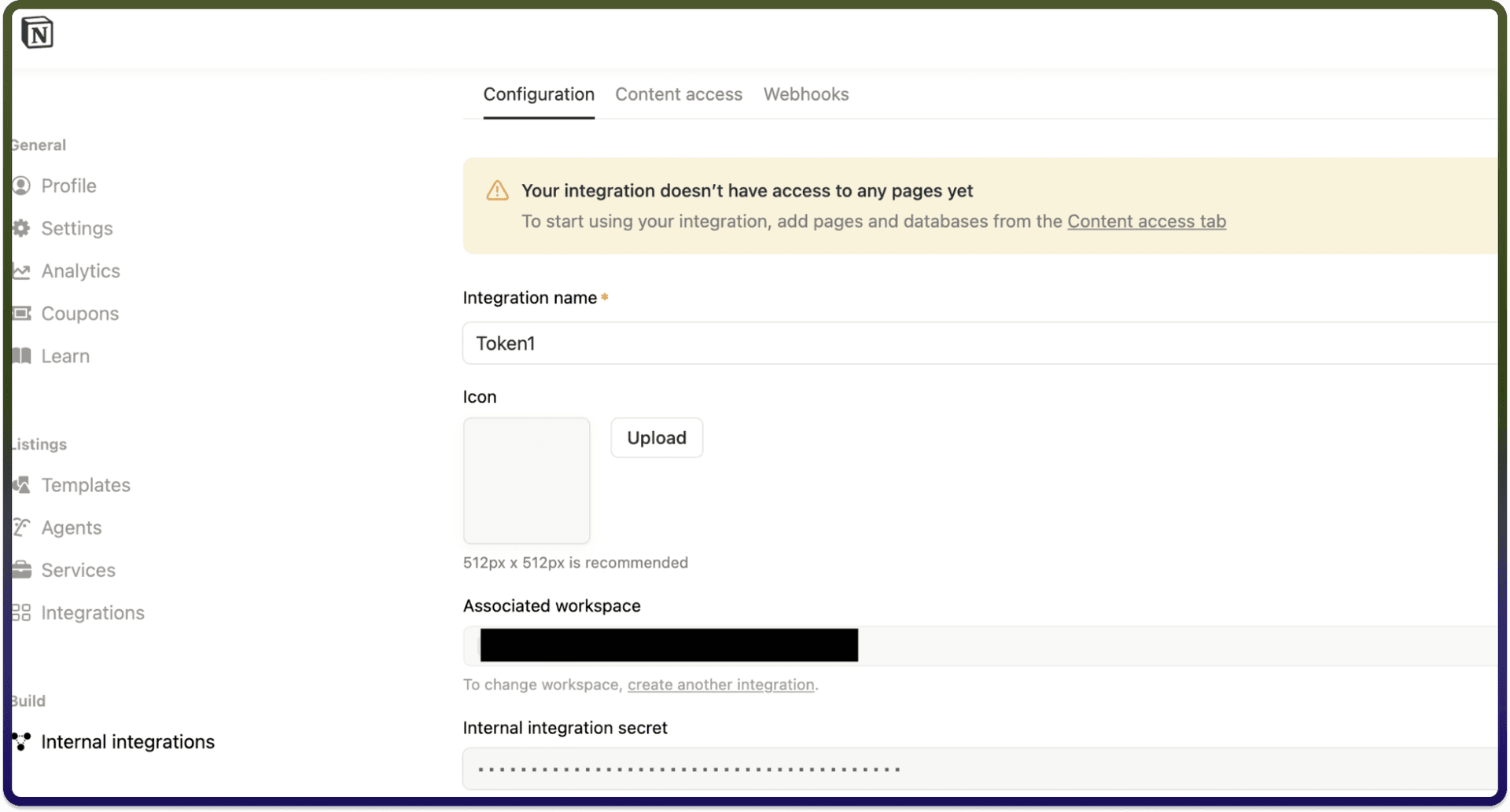
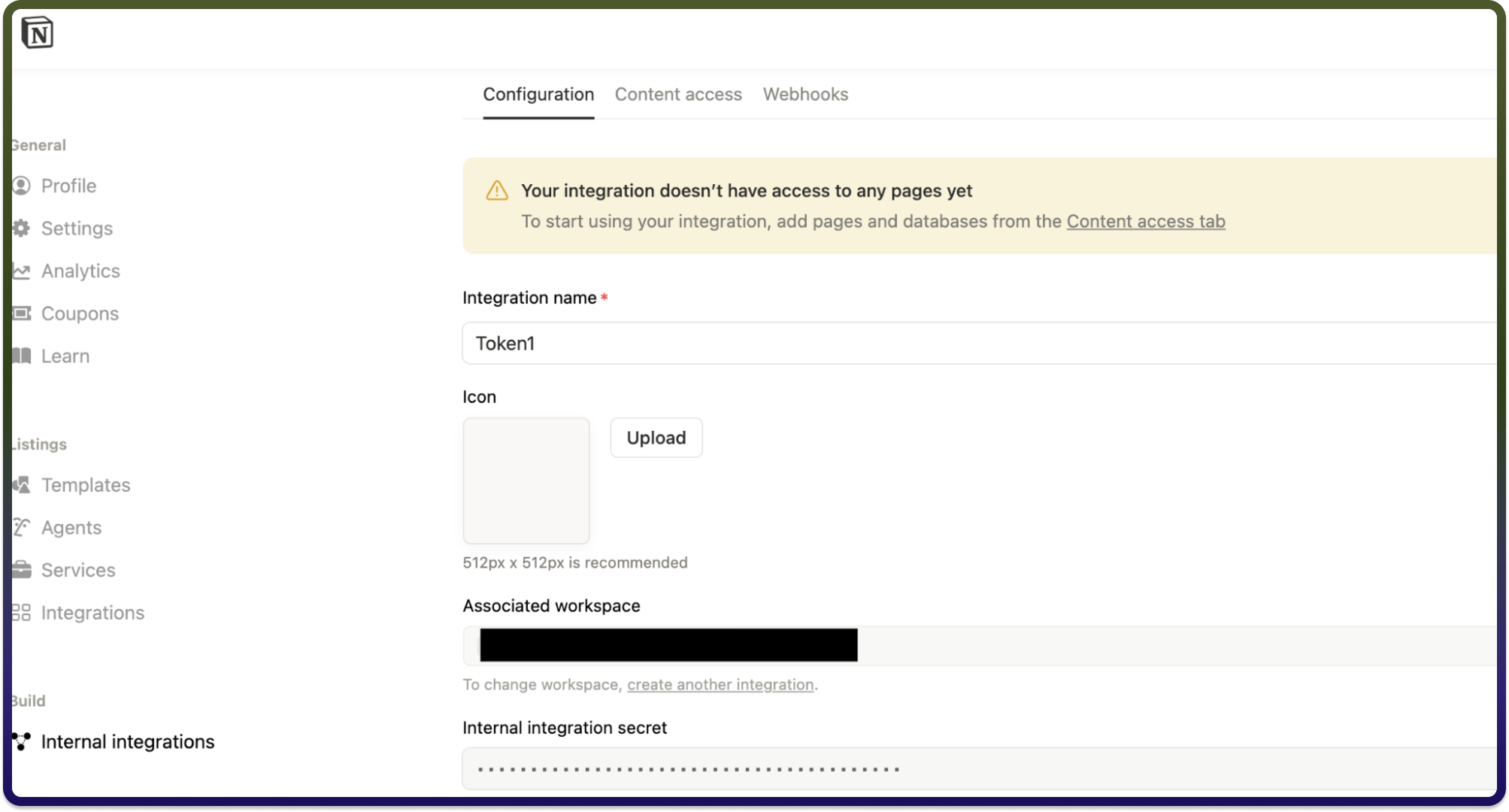
Click on Internal Integrations.
Click + New Integration, enter a unique name and click submit.
Once created, you will receive an Internal Integration Secret. Click Show, then copy the Auth Token to use it.
Actions :
Action Name | Description |
| Creates a database item in Notion |
| Creates a page in Notion |
| Gets blocks in a page by ID in Notion |
| Gets database items details in Notion |
| Fetches databases in a workspace in Notion |
| Gets page details by ID in Notion |
| Fetches pages in a workspace in Notion |
| Gets users in a workspace in Notion |
| Queries a database in Notion |
| Updates a database item in Notion |
| Updates a new page in Notion |
Triggers :
Trigger Name | Description |
| Triggers when a new or updated database record is created in Notion |
| Triggers when a page is created or updated in Notion |