


Overview
Live location tracking is the Track Live Location option of the Control User Location action. It starts or stops continuous background location tracking on the device. While tracking is on, each location fix is uploaded automatically to the e_live_location_tracking object at the interval set in your app's Location Tracking settings. For a single, one-time location read, use the Update Geolocation option of the same action, described in Mobile & Device Actions.
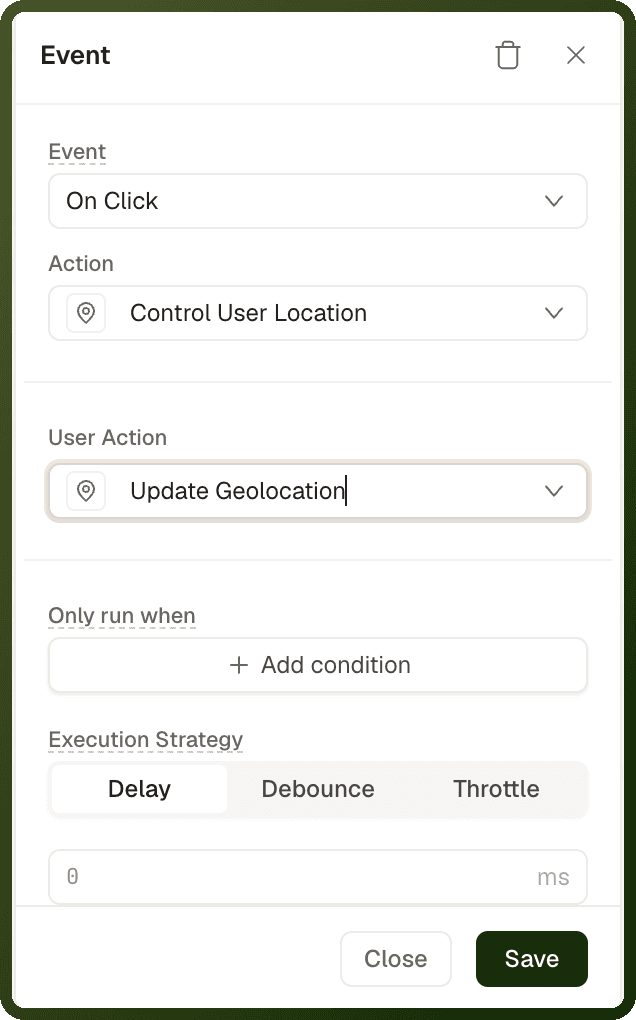
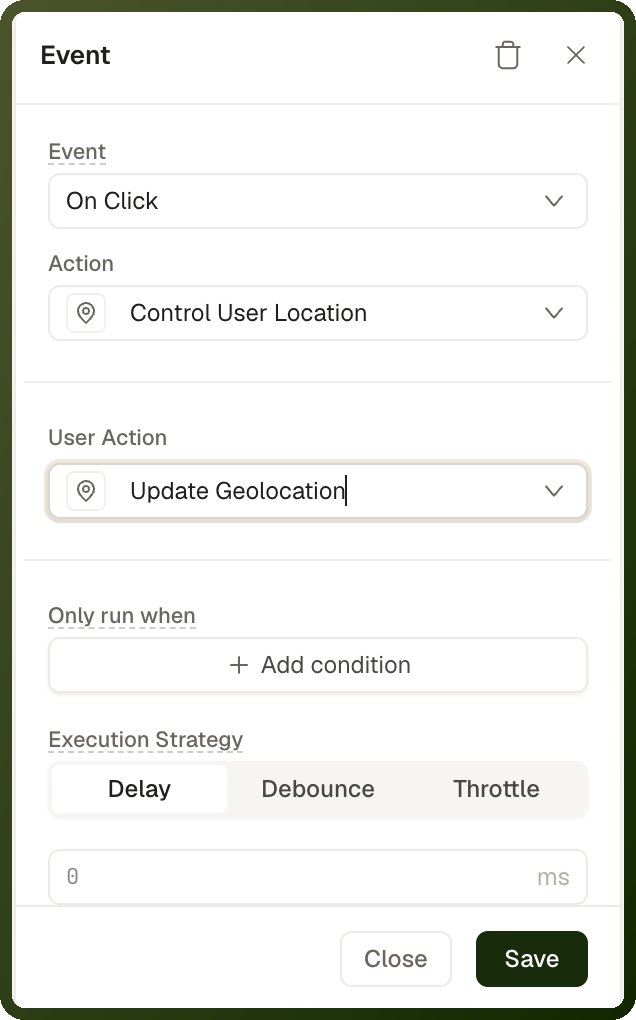
Warning: Mobile apps only. Track Live Location appears in the action picker only in mobile apps whose Location Tracking settings have live tracking turned on with Trigger mode set to Manual. On the web it tracks nothing. When tracking starts, the app asks the user for location permission; if the user denies it, nothing is tracked.
Parameters
Field | Required | Description |
|---|---|---|
User Action | Yes | Choose Track Live Location. |
Operation | Yes | Start begins tracking. Stop ends it. |
Track location for | Yes (Start only) | How long to track before tracking stops on its own: 15 min (default), 1 hour or Custom. With Custom, enter a Duration and choose Hours or Minutes. |
Note: Tracking stops automatically when the Track location for window ends, or earlier when a Stop action runs. The stop is checked on each new location fix, so it can land a little after the window ends.
Where Tracking Settings and Data Live
Interval and notification text are app settings. The tracking interval and the Android notification text come from Settings → Advanced Settings → Location Tracking, not from the action. Every Track Live Location action in the app uses them. On iOS, the operating system decides the actual update cadence.
Fixes are not returned to the page. The action returns nothing. Each fix is uploaded in the background to the
e_live_location_trackingobject, where you can query it — for example, from an automation or a data source.Manual sessions don't resume after the app is closed by the system. If the operating system kills the app, the user must open it and start tracking again.
Step-by-Step Usage Guide
Turn on live tracking: Go to Settings → Advanced Settings → Location Tracking. Turn on Enable Location Tracking and Access Live Location for Better Accuracy. Set Trigger mode to Manual. Set Tracking interval (ms) (default 30000, minimum 5000) and Foreground notification text (Android).
Create a Start Tracking button: Add a Button labelled "Start Tracking". In its event, add a Control User Location action. Set User Action to Track Live Location, Operation to Start, and choose how long to track in Track location for.
Stop tracking when done: Add a Stop Tracking button with a Control User Location action set to Track Live Location and Operation Stop.
Use the location data: Read the uploaded fixes from the
e_live_location_trackingobject.
Each record in e_live_location_tracking holds one location fix with these fields:
Group | Fields |
|---|---|
Position |
|
Trust signals |
|
User and device |
|
Examples
Start tracking for a one-hour shift
{ "actionType": "controlUserLocation", "payload": { "userControlAction": "trackLiveLocation", "liveLocationOperation": "start", "autoStopPreset": "1h" } }
Stop tracking
{ "actionType": "controlUserLocation", "payload": { "userControlAction": "trackLiveLocation", "liveLocationOperation": "stop" } }
Tip: Battery optimisation: Keep the tracking interval in Location Tracking settings as long as your use case allows, and choose the shortest Track location for window that covers the task.