


Every expression on a page evaluates against one shared namespace — a picture of everything the page knows at that moment. Blocks, data sources, page variables, and page functions sit at the top level under their own names; everything else lives under a fixed, well-known name like userContext or theme. When any part of this picture changes, every expression that reads it recomputes.
Page Entities (Named by You)
Blocks, data sources, page variables, and page functions are spread at the top level of the context under their names. You reference them directly — no namespace prefix required.
| Entity type | What it exposes | Example expressions |
| Block (by its name) | The block's exposed state — its value, selection, loading flags — plus any methods it registers. Call a state-changing method such as submitForm() only from an action or a script, never in a rendered binding: bindings re-evaluate on every change and would call it again each time. | {{ email_input.value }}
{{ orders_table.selectedRow.id }}
{{ my_form.submitForm() }} |
| Data source (by its name) | data (transformed result), rawData (untransformed), isLoading, isFetching, error, inputs. A trigger() method re-runs it on demand. For infinite sources: also hasNextPage and isFetchingNextPage. | {{ orders_query.data.objects }}
{{ orders_query.isLoading }}
{{ orders_query.error?.message }} |
| Page variable (by its name) | { value, setValue } — the bare name is the whole object. Read .value for the current value; call .setValue(x) to update it (from an action or a script only). | {{ selected_tab.value }}
{{ selected_tab.setValue('billing') }} |
| Page function (by its name) | { value, error, isEvaluated } — the computed result is at .value. A manual function also has a .trigger() method. | {{ format_title.value }}
{{ format_title.trigger() }} |
Warning: Writing {{ selected_tab }} returns the object { value, setValue }, which renders as [object Object] in a text block. Always append .value: {{ selected_tab.value }}.
Fixed Namespaces (Always Available)
These names are always in scope and do not depend on what blocks or data sources you've added to the page.
Namespace | What it holds | Example |
|---|---|---|
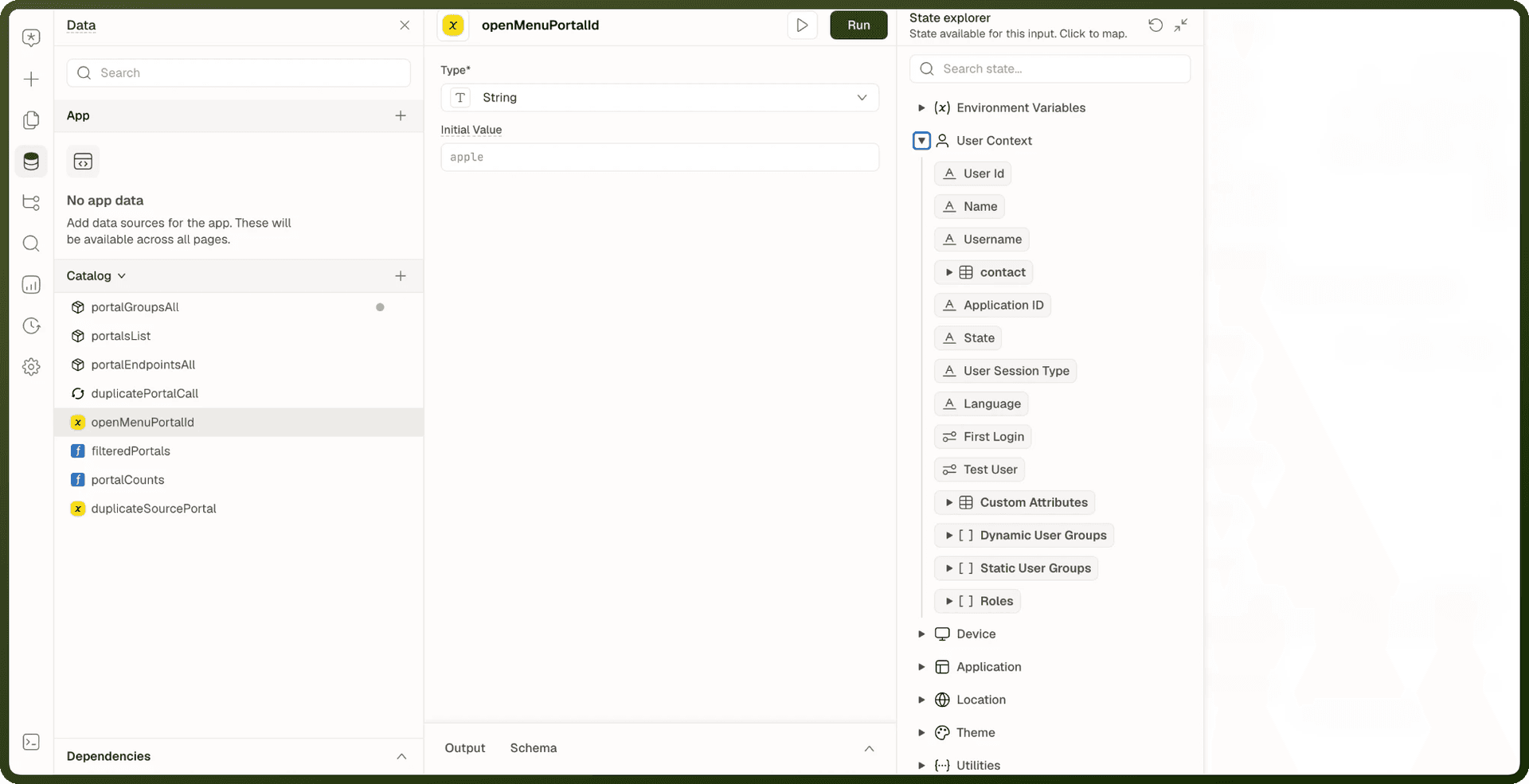
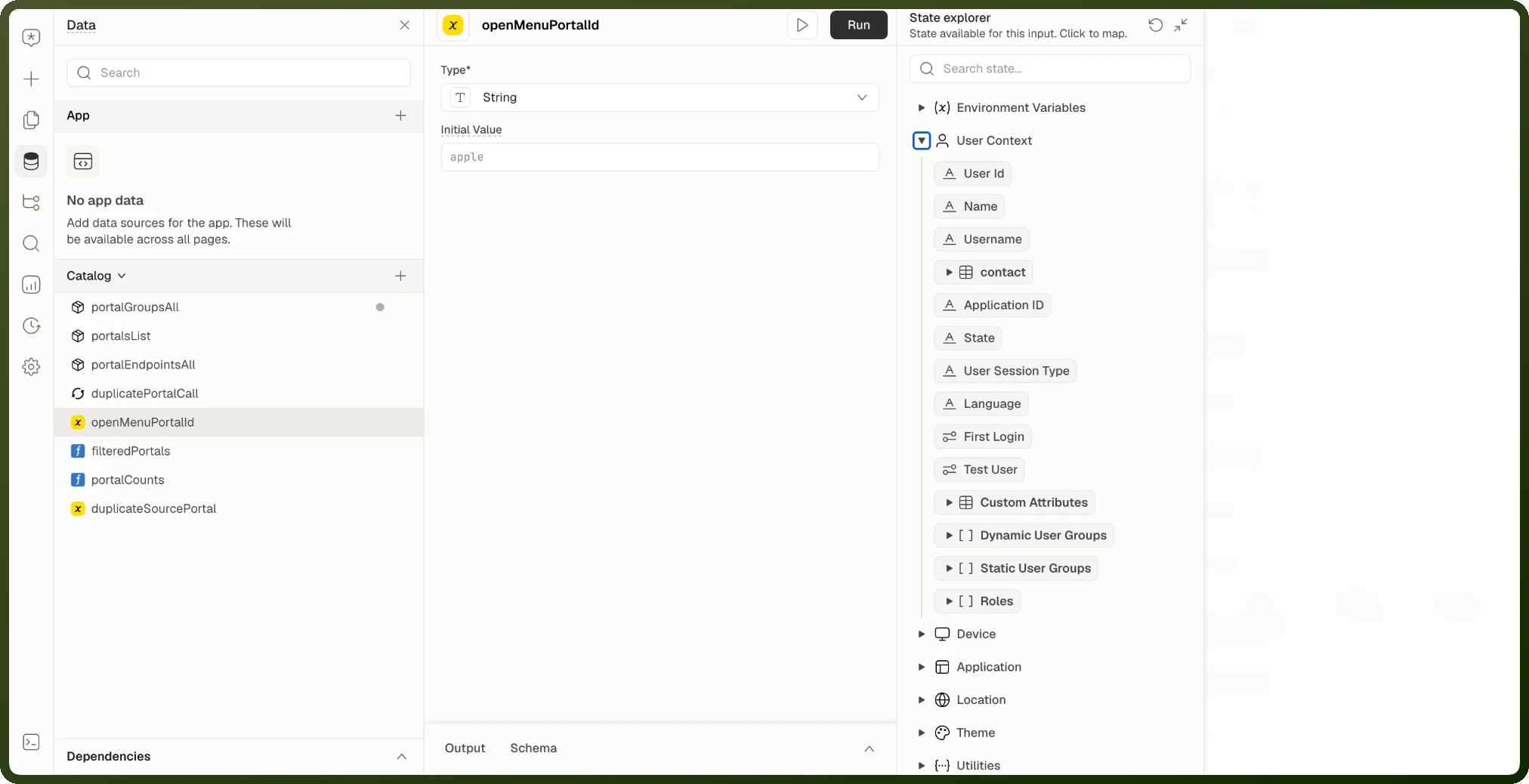
userContext | The signed-in user: |
|
pageInputs | Values the page declares as inputs — read from the URL query string (e.g. |
|
pageParams | Named path segments from the page's route. The |
|
location | The current URL broken up: |
|
theme | Active appearance: |
|
utils | Built-in helpers for dates, numbers, JSON, and downloads. See Built-in Utilities. |
|
envVariables | Environment variables configured for the app. |
|
localStorage | Values stored in browser localStorage. Has a |
|
sessionStorage | Values stored in browser sessionStorage. Has a |
|
interfaceRecord | The app itself: |
|
mediaUploads | Files selected in file-upload blocks, keyed by block name. |
|
appsAndIntegrations | Results from platform integrations (e.g. payment confirmation details from Razorpay). |
|
actions | Callable utilities — same as the visual actions, invokable from any expression or script: |
|
deviceContext | Device state. On all apps: |
|
Reading a Value from the URL
Three namespaces look similar but come from different sources:
Namespace | What it holds | Example |
|---|---|---|
| Named path segments — the | For route-based IDs like |
| Inputs the page declares. Read from the URL query string (e.g. | For URL query parameters — declare them as page inputs first |
| The raw query string: | For raw parsing of query parameters the page doesn't declare |
Row-scoped Names
Rows have their own names, and Tables and Repeatables reach them differently:
Table column expressions:
currentRowis the record behind the row being rendered, e.g.{{ currentRow.status }}.Blocks inside a Table row: reach the row through the Table's name, e.g.
{{ my_table.context.currentRow }}.Blocks inside a Repeatable row: use the Repeatable's name:
{{ my_repeatable.context.item }}(the row's data),{{ my_repeatable.context.index }}(its position, from 0) and{{ my_repeatable.context.primaryKey }}(its identity key).Across rows:
currentIndexandcurrentPrimaryKeyare keys on each entry of a Repeatable'sinstancesarray, e.g.{{ my_repeatable.instances[2].currentIndex }}. They are not names in scope on their own.
See Row-scoped Bindings for the full story.
Reserved Names
Some names are reserved — the builder rejects them for blocks, data sources, variables, and functions so they can never shadow something a binding expects. The full blocked set:
Fixed namespace names:
location,utils,lib,theme,userContext,deviceContext,pageInputs,pageParams,envVariables,localStorage,sessionStorage,interfaceRecord,mediaUploads,appsAndIntegrations,actions,dataSources,dataSourcesMeta,runtimeBlocks,queryMeta,walkthrough,serverUtilsPer-entity member names:
value,instances,context,item,inputsBrowser globals:
window,document,alert,console,navigator,location,history,screen,performance,fetch,crypto,localStorage,sessionStorage,XMLHttpRequest,Event,Node,Element,HTMLElement,CSS,CSSStyleDeclaration,matchMedia,setTimeout,clearTimeout,setInterval,clearInterval,requestAnimationFrame,cancelAnimationFrame,addEventListener,removeEventListener,dispatchEventCommon built-ins:
Array,Object,String,Number,Boolean,Date,Math,JSON,Promise,Map,Set,WeakMap,WeakSet,Error,RegExp,Function,Symbol,Proxy,Reflect,Intl,BigInt,globalThis,undefined,NaN,Infinity,isNaN,isFinite,parseFloat,parseInt,encodeURI,decodeURI,encodeURIComponent,decodeURIComponent,evalJavaScript keywords:
break,case,catch,class,const,continue,debugger,default,delete,do,else,enum,export,extends,false,finally,for,function,if,import,in,instanceof,new,null,return,super,switch,this,throw,true,try,typeof,var,void,while,withSQL keywords:
select,from,where,insert,update,delete,join,create,alter,drop,table,index,view,procedure,trigger,function,database,schema,grant,revoke,commit,rollback,savepoint,transaction,with,as,and,or,not,between,in,like,is,null,distinct,group,by,having,order,asc,desc,limit,offset,union,all,intersect,except,case,when,then,else,end,exists,for,some,any,values,into,on,inner,outer,left,right,full,cross,natural,usingGroovy and Java keywords (in addition to the JavaScript ones):
as,assert,def,goto,implements,interface,package,throws,trait,abstract,final,native,private,protected,public,static,strictfp,synchronized,transient,volatile
The check ignores case, so Theme and THEME are blocked too. currentRow is also reserved inside expressions.
Scope Across Embedded Pages
An embedded page — a module, a template component, or a copilot thread — evaluates against its own blocks, pageInputs, and pageParams, separate from the page hosting it. App-wide values stay shared: userContext, theme, envVariables, location, and browser storage are available everywhere.
Modals, Drawers, and Bottom Sheets do not get their own namespace — they are blocks on the page and share the same context as everything else on it.