


Module vs. Package
Concept | Definition |
|---|---|
| A self-contained sub-app you build once and embed in many apps — for example a standard header, a record form or a booking widget. A module has no web address of its own; you use it inside apps. See Modules Overview. |
| Bundles multiple apps and modules together with shared user access control. Use it to group related apps and govern who can use them as a set. |
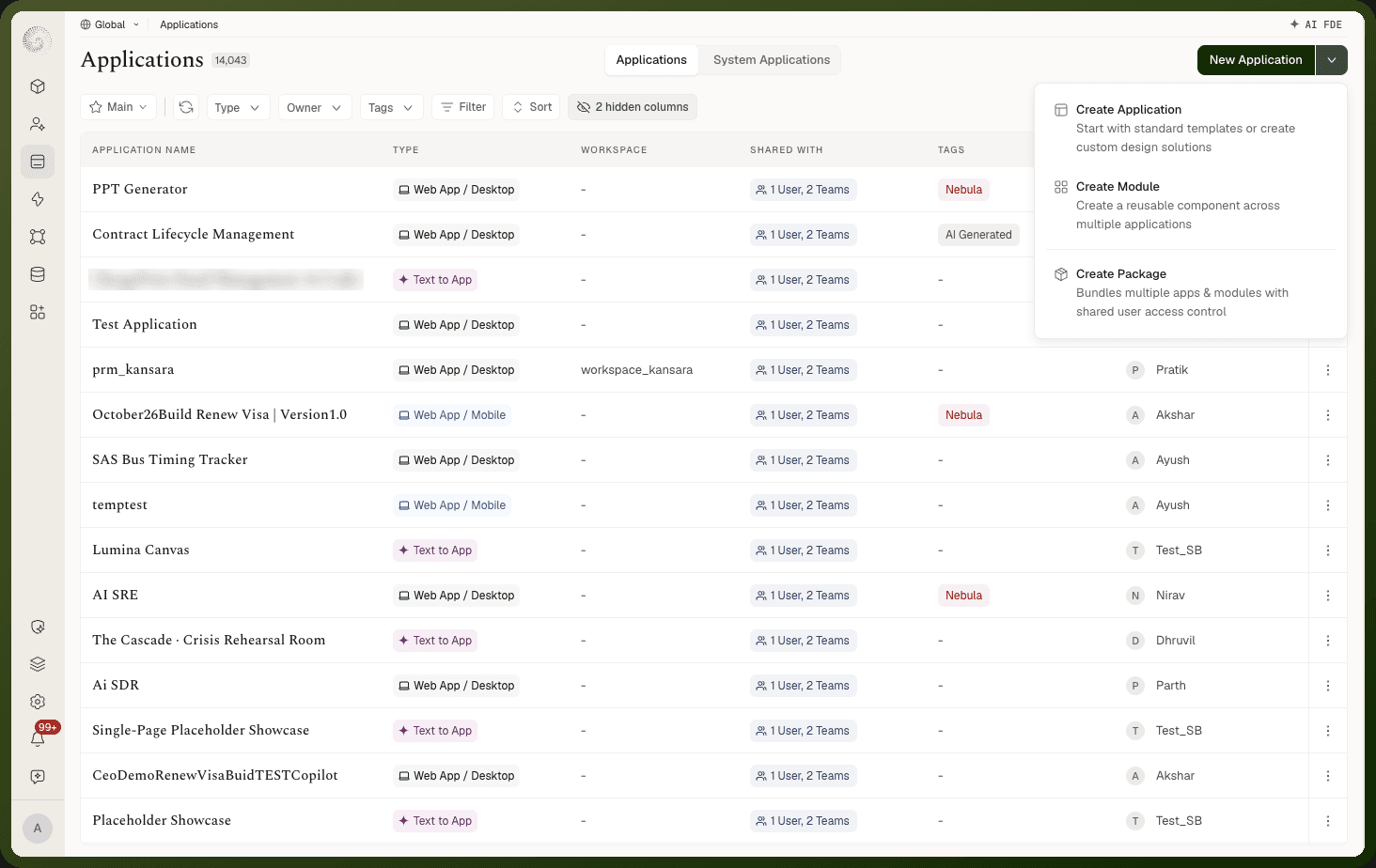
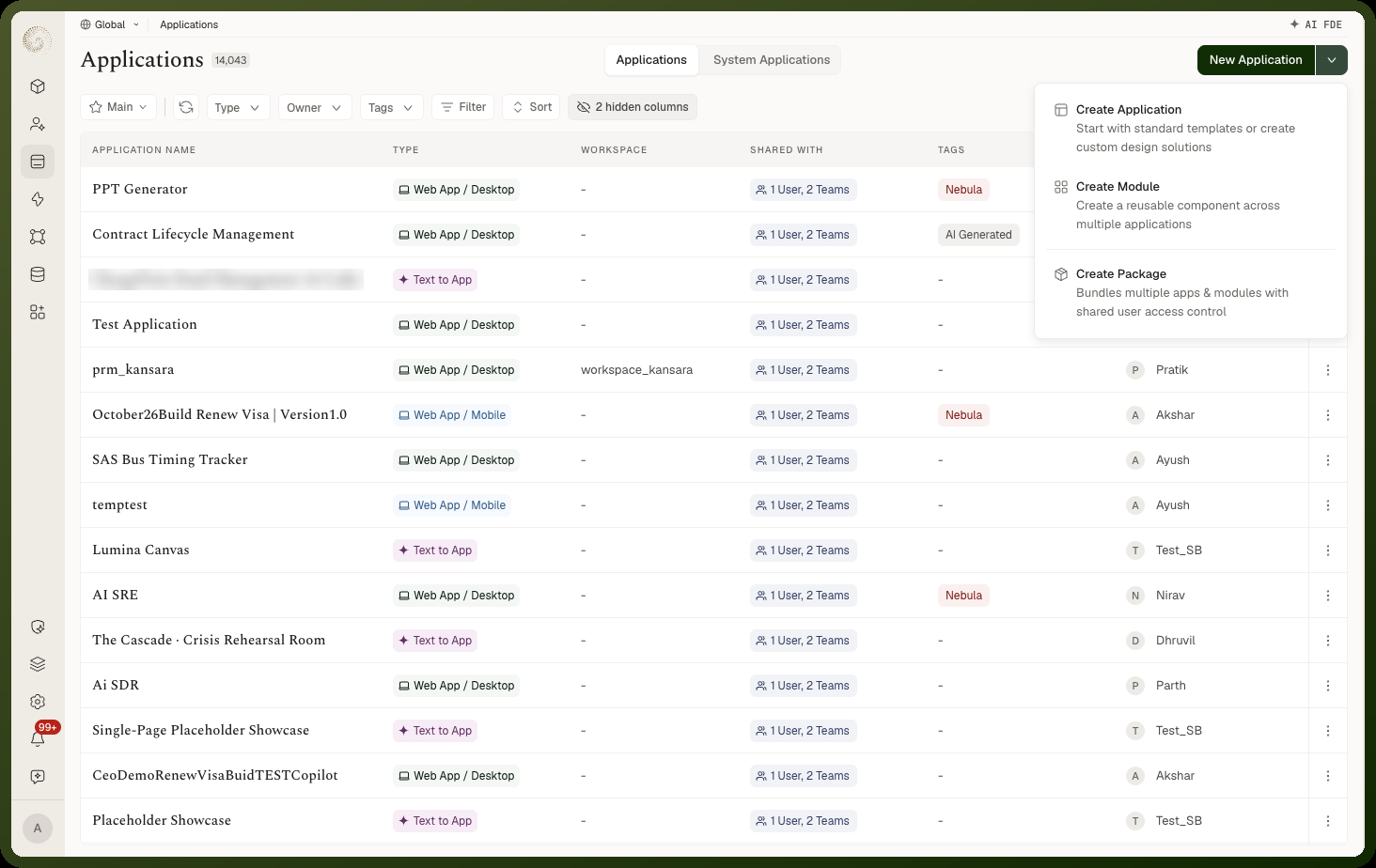
Both are created from the New Application dropdown in the Applications manager.
Creating a Module
In the Applications manager, open the New Application dropdown.
Choose Create Module.
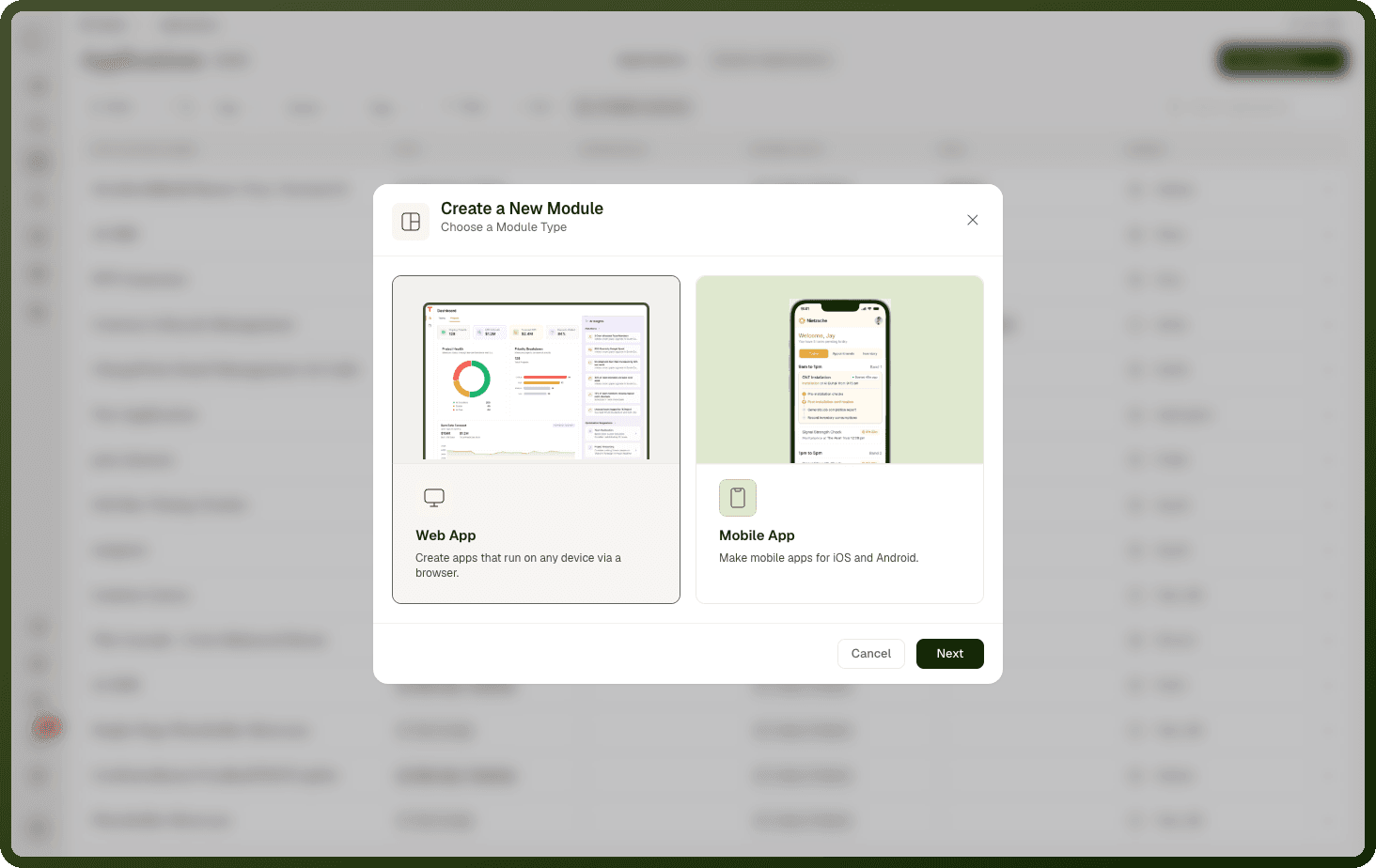
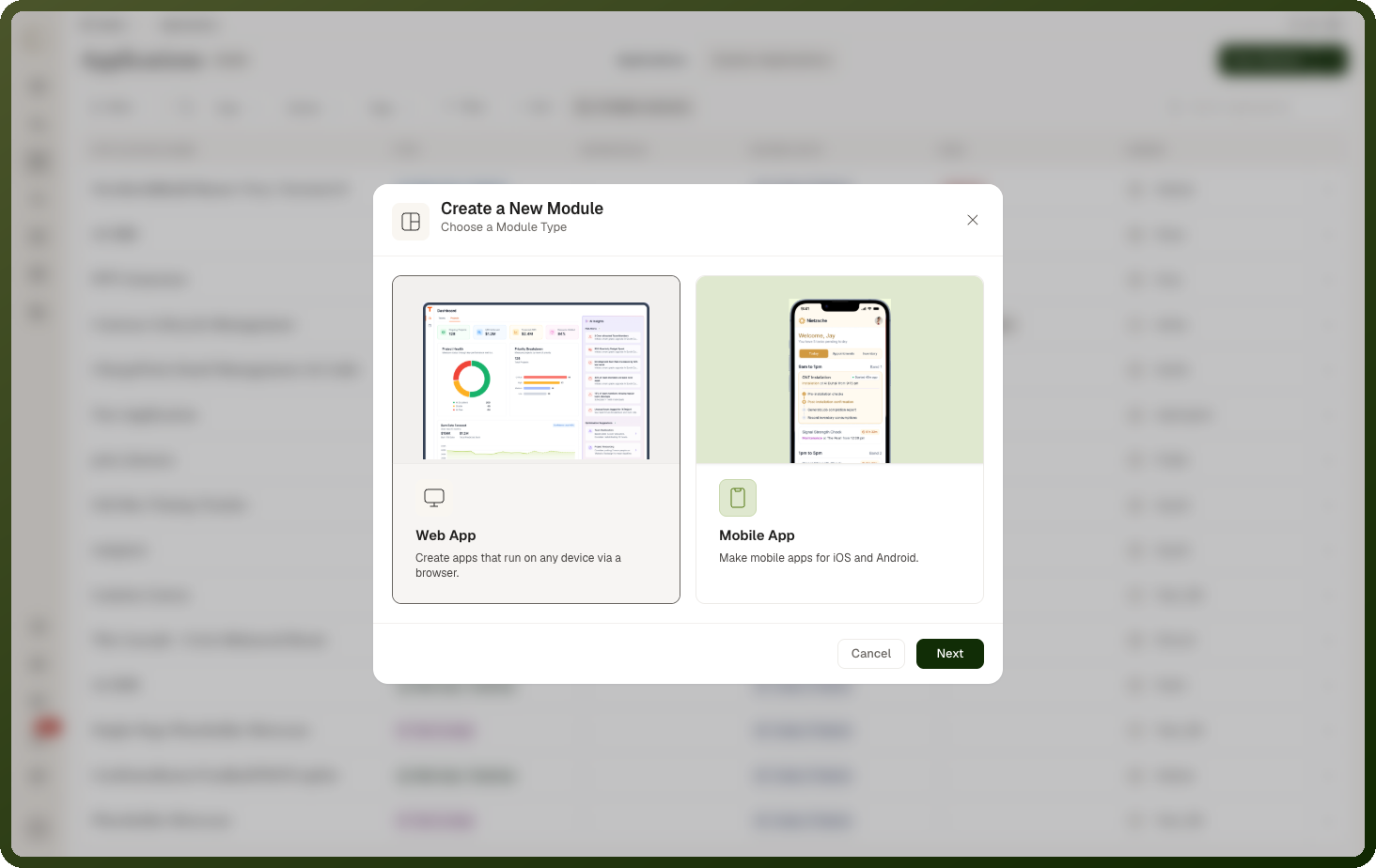
Select the module type: Web App or Mobile App.
Fill in: NameWorkspaceTags (optional)Description (optional)Base Variant (web only)
Click Create. The module opens in the module builder as a single, empty canvas that you build out. See Building a Module.
Managing an existing module
| Action | What it does |
| Edit Module Details | Update the name, workspace, tags, and description |
| Clone Module | Create a copy of the module as a starting point for a new one |
Creating a Package
In the Applications manager, open the New Application dropdown.
Choose Create Package.
Fill in:
Name
Workspace
Tags (optional)
Description (optional)
Package icon
Click Create. The package is created and you can open it to add apps and modules inside it.
Working Inside a Package
Opening a package shows its own manager — the package's icon, name, and description, a breadcrumb back to Applications, and tabs for its Applications and Settings.
The apps and modules listed there are the ones inside the package. The New Application split button creates apps and modules directly within the package. The dropdown offers Create Application and Create Module — you cannot create a package inside a package.
Note: App location: An app that lives inside a package appears only there — it doesn't also show up in the top-level applications list. Each app has exactly one home.
Deleting a package
From the package's overflow menu, choose Delete. A confirmation dialog appears before deletion. On success you'll see "Successfully deleted."
Module Lifecycle in the Applications Manager
Modules appear alongside apps in the Applications manager. Click a module to open its details page, which has Open in Builder and these tabs:
Overview — see the module's metadata and linked apps
Versions — view and manage published versions of the module
Localization — manage translations for any user-visible strings in the module
Modules are published from their own builder, not from the Applications manager. A module you create here is a global module: once published, it appears under Common in the Module block's module picker, so any app in the workspace can embed it.
A module you create inside an app, from the builder's Modules tab, belongs to that app and appears under Current app. To share it with other apps, use Move to global in Settings → Development → Pages & Modules. See Building a Module.
Access Control for Packages
A package bundles apps and modules with shared user access control. This means you can govern who can access the entire set of apps inside a package at once, rather than configuring access for each app individually. Packages are the right tool when you have a group of related apps that always go to the same users or teams.
Set this access from the package's Settings tab. An app inside a package takes its settings from the package: its own settings show Application settings are determined by package level configurations. and a Package Settings button that takes you there.
Related Pages
Modules Overview — what modules are and when to use them
Building a Module — authoring the module in its own builder
Custom Navigation Module — using a module as a navigation bar