


Overview
The Run Script action runs JavaScript you write when an event fires, such as a button click, a row action, or a page's On Page Load trigger. Use it for custom behaviour that no built-in action covers, for example calling a third-party SDK or firing several data sources at once.
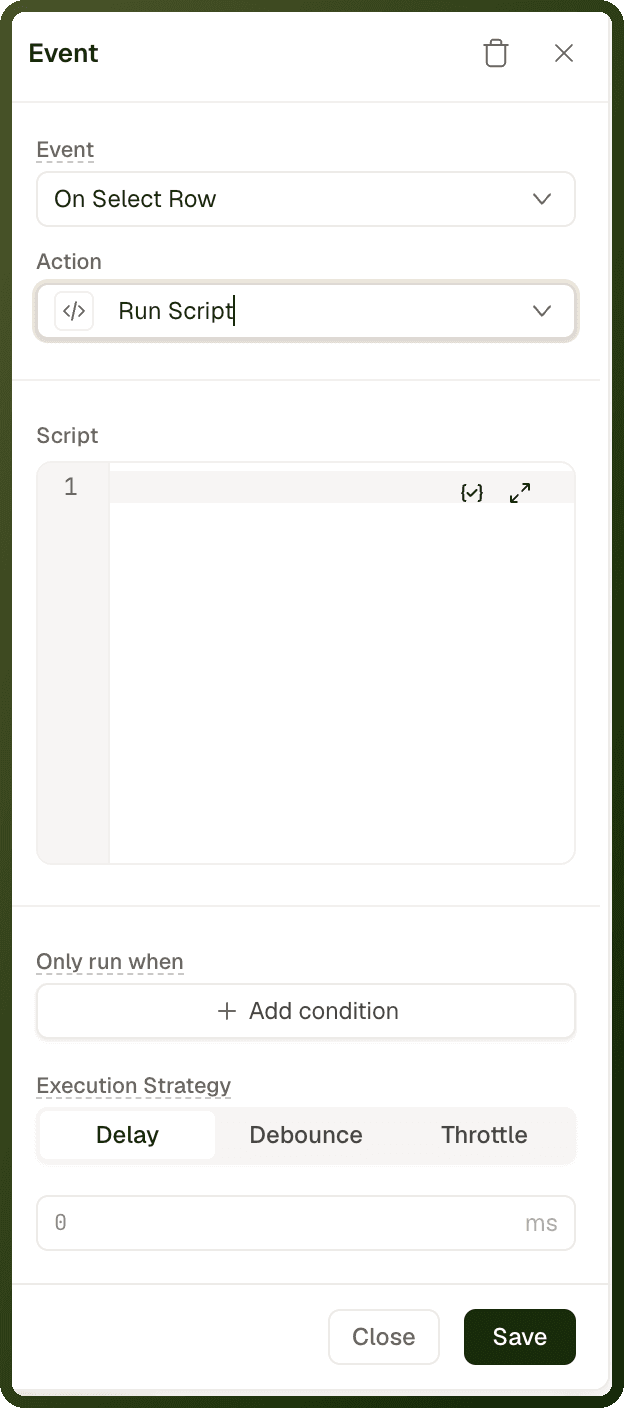
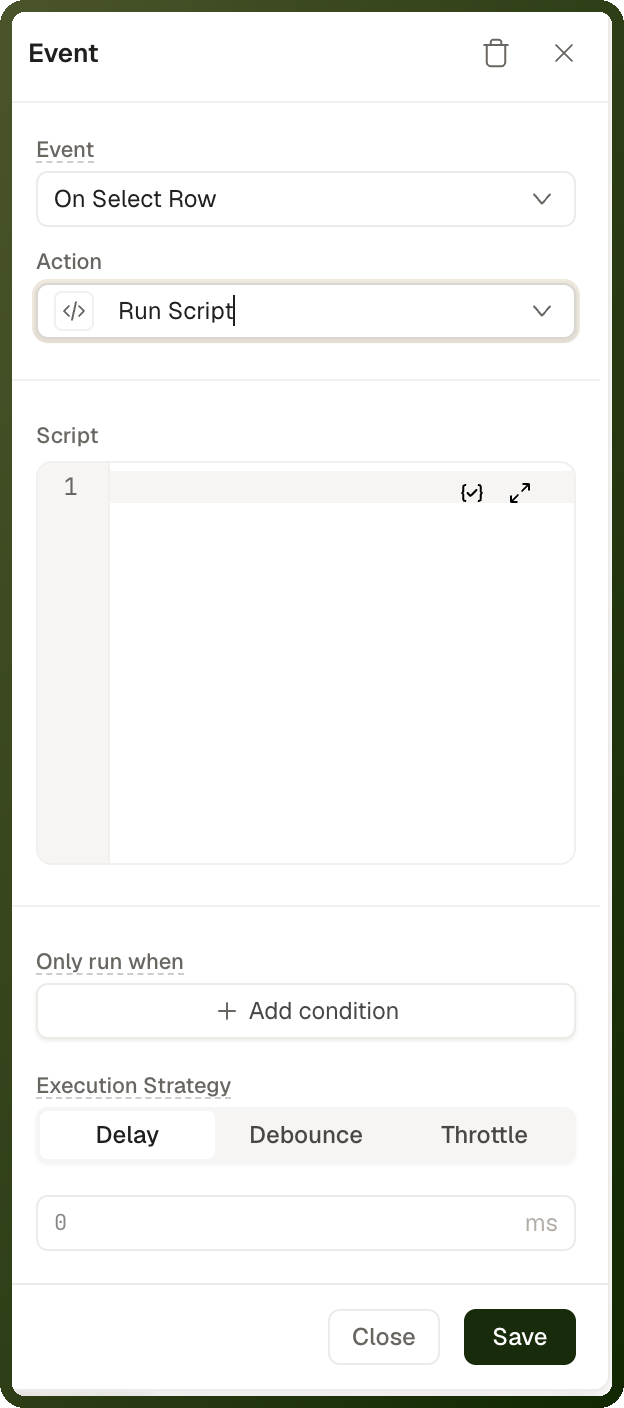
There is no separate Evaluate JavaScript action in the action picker. For scripting, use Run Script.
Tip: Prefer a built-in action whenever one exists. Setting a variable, triggering a data source, navigating and showing a message each have their own action. For calculations that blocks need to read, such as a cart total, use a page function.
Parameters
Field | Description |
|---|---|
Script | The JavaScript to run. The editor suggests bindings as you type. Bindings are not evaluated: write plain JavaScript using entity IDs. Any surrounding {{ }} braces are removed before the script runs. |
What your script can use
Your script can read the same values a {{ }} binding can: page variables, data sources and blocks, by the same IDs you use in bindings (for example var_cartItems), plus context values such as userContext and pageInputs.
A page variable is an object: read it with
var_cartItems.valueand change it withvar_cartItems.setValue(…).A data source is its last result plus a
trigger()method: reade_orders.dataand re-run it withe_orders.trigger(), using the data source's ID.On a row action in a Table, the current row is available as
currentRow. This is the same name bindings use in a row context (for example{{ currentRow.status }}), not a script-only name. Inside a Repeatable, read the row through the Repeatable's ID, for examplemy_repeatable.context.item. See Row-scoped Bindings.
How it behaves
No output. The action returns nothing. A value your script returns is discarded. To keep a result, write it to a page variable with
setValue.It does not wait for async work. The action finishes when the script's last line has run. A
fetch, promise or timer started in the script is still running when the next action starts.Errors are silent. If the script throws, the rest of the script is skipped, the error is logged to the browser console, and the next actions still run. The user sees nothing. To react to a failure, catch the error yourself and write the outcome to a page variable.
Step-by-Step Usage Guide
Add the action: Select a block, open its event (for example On Click), and add Run Script.
Write the script: Enter your JavaScript in Script. Refer to variables, data sources and blocks by their IDs.
Store any result: If later actions or blocks need a value, write it to a page variable with
setValue.Test it: Preview the page and trigger the event. If nothing happens, check the browser console for an error.
Examples
Store a cart total with tax in a page variable
const items = var_cartItems.value || []; const subtotal = items.reduce((sum, item) => sum + item.price * item.qty, 0); var_cartTotal.setValue((subtotal * 1.18).toFixed(2));
Call a third-party analytics SDK loaded on the page
window.analytics.track('cta_clicked', { source: 'home' });
Refresh two data sources at the same time
e_orders.trigger(); e_orderStats.trigger();
Each trigger() returns immediately, so both data sources start together. Two chained Trigger Data Source actions run one after the other instead. Replace e_orders and e_orderStats with your data sources' IDs.