


Overview
The Control CleverTap action records an event in CleverTap, the mobile analytics and engagement platform. You add it to any event chain without writing code. It has one operation, Record Event, which sends an event name and a set of event properties.
Events are sent directly from the device to CleverTap through the CleverTap SDK that UnifyApps bundles in your mobile app. No server-side proxy is required.
Mobile apps only. The action appears in the action picker only in mobile apps that have the CleverTap integration turned on. When the mobile app runs in a browser, such as the builder preview, the action records nothing and shows the warning "CleverTap event tracking is only supported in the native runner." To test it, use a build of the app on a device.
Prerequisites
A mobile app.
The CleverTap integration turned on and configured under Settings → Apps & Integrations → CleverTap (see step 1 below).
Parameters
Field | Required | Description |
|---|---|---|
Operation | Yes | Record Event — the only option. Records a named user action with optional event properties. |
Event Name | Yes | The name of the CleverTap event to record, for example |
Event Properties | No | Key/value pairs sent with the event. Keys and values support data pills. All values are sent as text. Pairs with an empty key or value are skipped. |
Step-by-Step Usage Guide
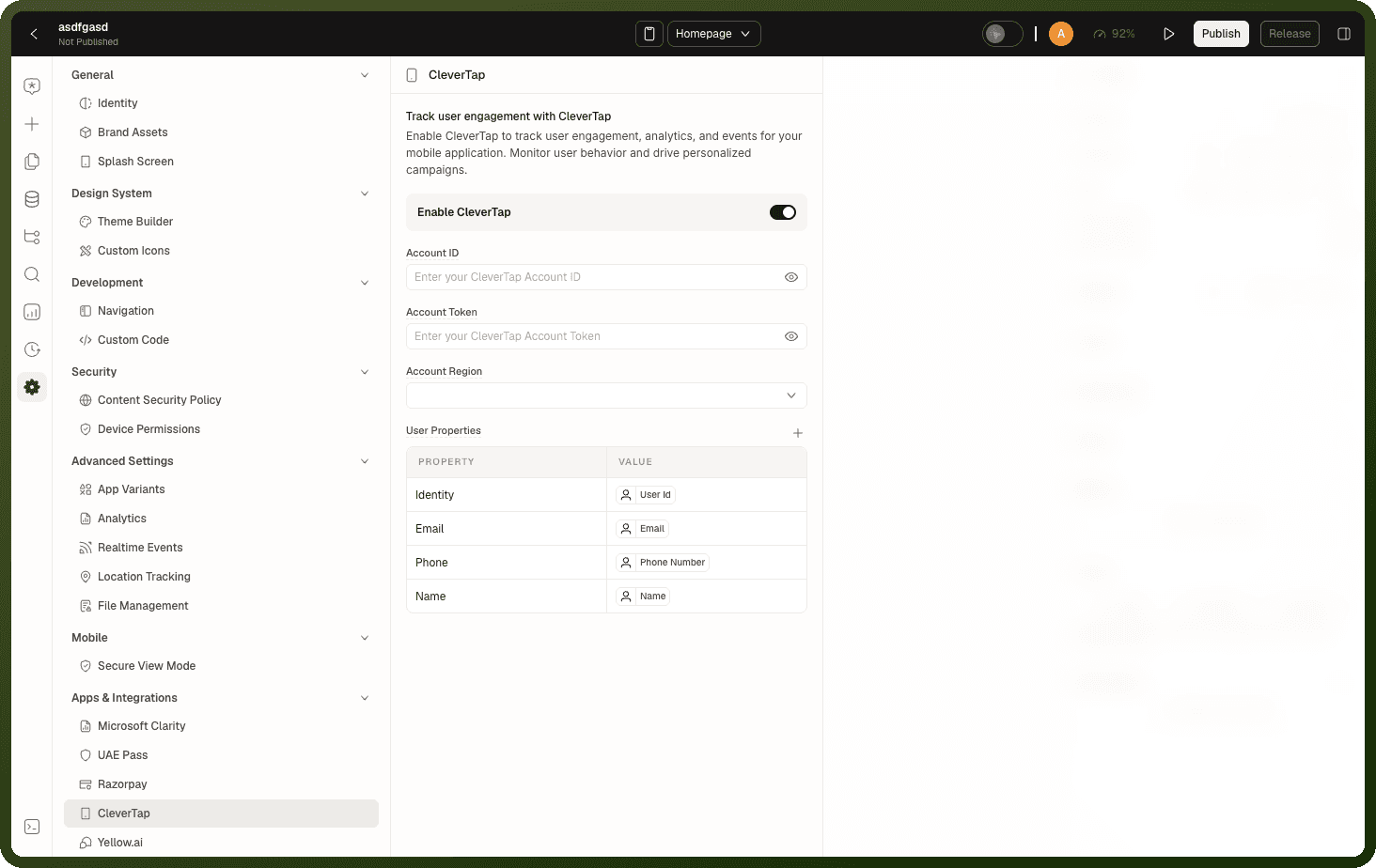
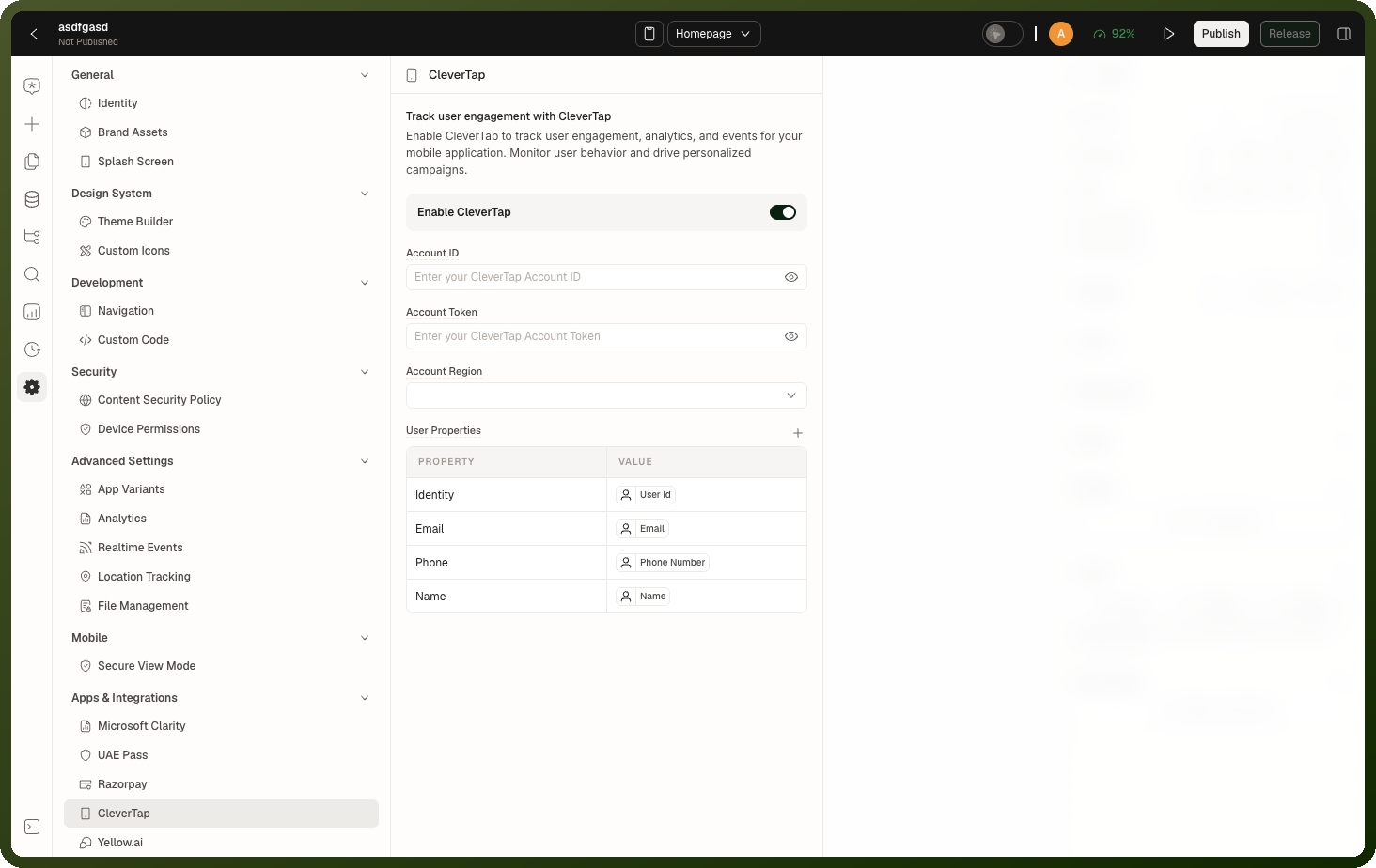
Connect CleverTap in your app settings: Go to Settings → Apps & Integrations → CleverTap. Turn on Enable CleverTap. Enter your Account ID and Account Token (find them in your CleverTap dashboard under Settings > Project). Leave Account Region on Auto (Default) unless your account is pinned to a region: India (in1), United States (us1), Singapore (sg1), Europe (eu1) or Slovakia (sk1). Under User Properties, map the profile fields you want to send, such as Identity, Email, Phone and Name. The app sends these properties as the user's CleverTap profile, and sends them again once the user's details are available after sign-in. Turning on Enable CleverTap pre-fills Identity, Email, Phone and Name from the signed-in user; delete any rows you do not want to send. Turning it off clears all CleverTap settings. Your settings save automatically. The account ID, token and region are built into the mobile app, so take a new app build for them to take effect.
Identify when to track: Map your user journey to CleverTap events. Common points: page load →
Screen Viewed, add to cart →Product Added, form submit →Lead Submitted, payment success →Payment Completed.Add the action to your event chain: In the Events panel of your trigger block (Button, Page Load, etc.), click + Add Action → Control CleverTap (under Apps and Integrations). Keep Operation set to Record Event, enter the Event Name, and add Event Properties using data pills from your data sources and variables.
Validate in the CleverTap dashboard: Open CleverTap → Events → Live View and trigger your event in a build of the mobile app on a test device. The builder preview doesn't send events. The event should appear within seconds. Check that all property values are correct before going to production.
Examples
Track a product view event
{ "actionType": "controlCleverTap", "payload": { "operation": "recordEvent", "eventName": "Product Viewed", "eventProperties": [ { "key": "Product ID", "value": "{{ row.productId }}" }, { "key": "Product Name", "value": "{{ row.name }}" }, { "key": "Category", "value": "{{ row.category }}" }, { "key": "Price", "value": "{{ row.price }}" } ] } }
Record a completed onboarding
{ "actionType": "controlCleverTap", "payload": { "operation": "recordEvent", "eventName": "Onboarding Completed", "eventProperties": [ { "key": "Plan", "value": "{{ var_selectedPlan['value'] }}" } ] } }
Record a purchase
{ "actionType": "controlCleverTap", "payload": { "operation": "recordEvent", "eventName": "Payment Completed", "eventProperties": [ { "key": "Order ID", "value": "{{ ds_placeOrder['data']['orderId'] }}" }, { "key": "Amount", "value": "{{ ds_placeOrder['data']['totalAmount'] }}" }, { "key": "Currency", "value": "INR" } ] } }