


The Media block displays a set of images and videos as a gallery — a grid or list of tiles that open in a full-screen viewer on click. Content comes in two modes: Static (you supply URLs or bind an array) and Mapped (each media attribute is extracted from fields in your bound data).
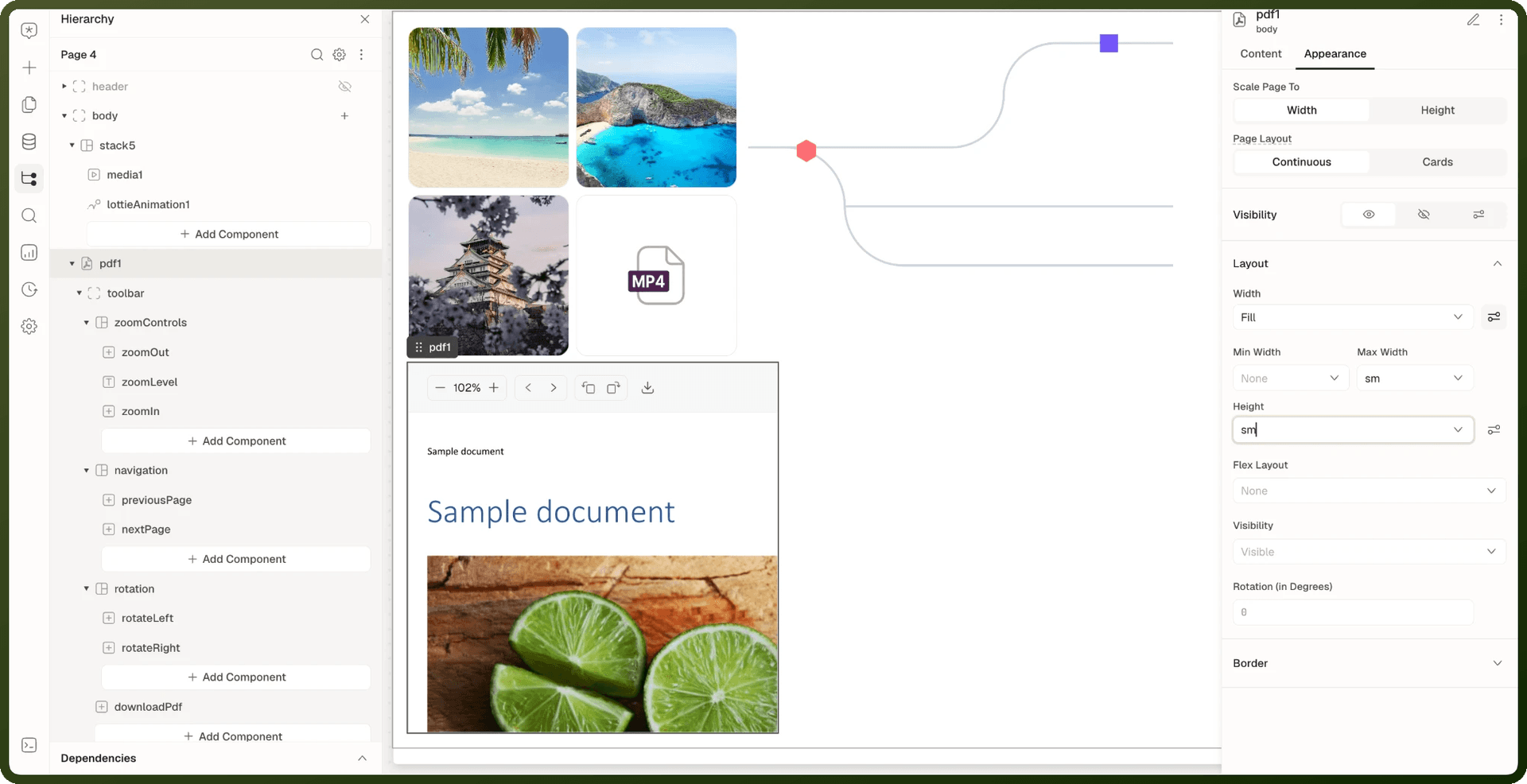
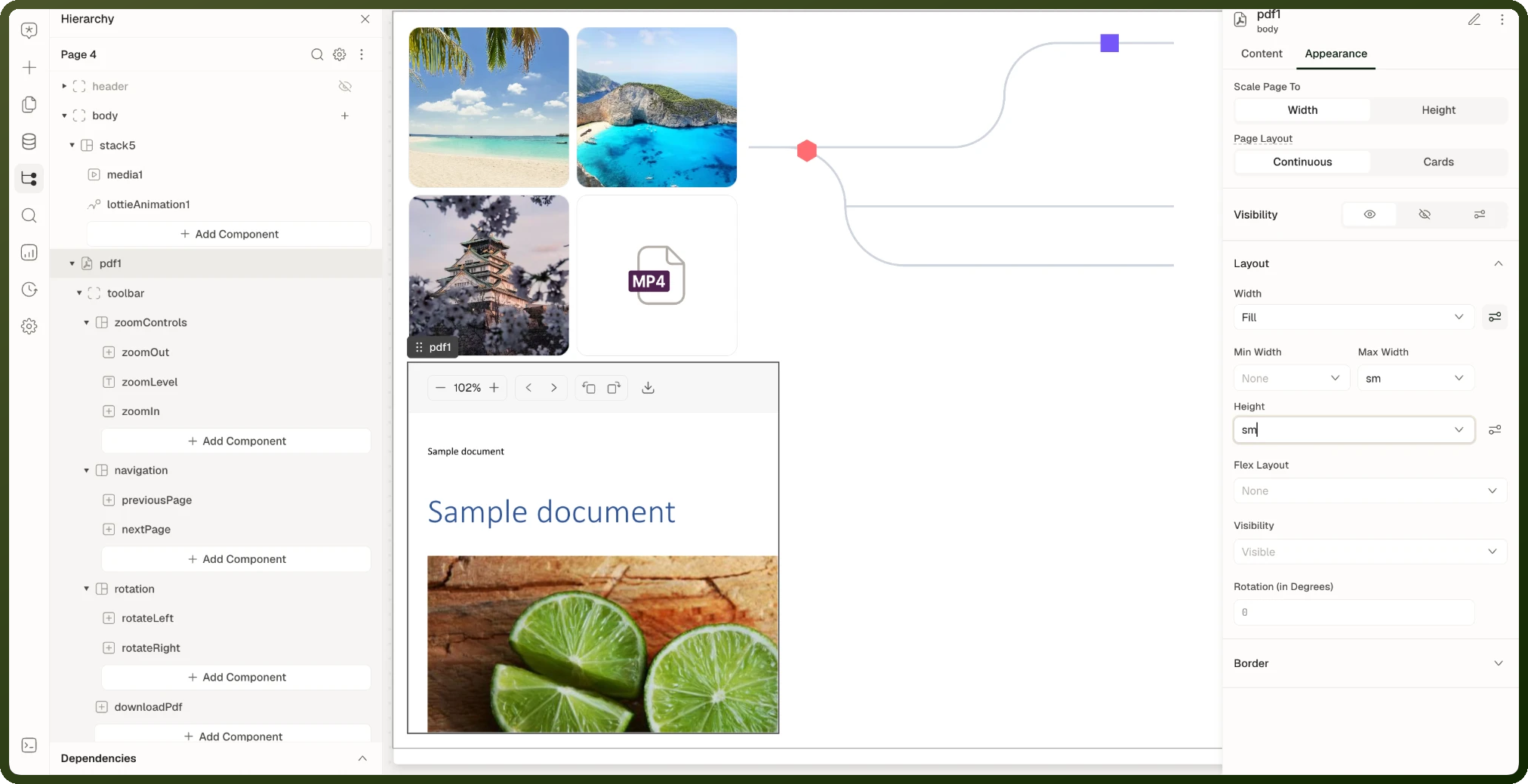
Media Source Modes
| Mode | How data is provided | Use case |
| Static | Supply URLs directly or bind an array of URLs | Fixed asset lists, simple bound arrays from APIs |
| Mapped | Bind an array in Data, then map each media attribute (Id, Name, url, Mime Type, Caption, Loading) to fields of its items | Records with attachment arrays, custom data shapes where URL/type/name are separate fields |
Media — Content Properties
Setting | Type | Default | Appears When | Description |
|---|---|---|---|---|
Type | Static | Mapped | Static | Always | Whether media items come from direct URLs or from mapped fields of bound records |
Data | URL string, array of URLs, or array of objects (bindable) | — | Always | The media data. In Static mode, a single URL, a URL array, or an array of media objects. In Mapped mode, the array of records to show, one gallery tile per item |
Id | field | — | Type = Mapped | Field that identifies each item |
Name | field | — | Type = Mapped | Field with the item's display name |
url | field | — | Type = Mapped | Field with the media URL |
Mime Type | field | — | Type = Mapped | Field with the item's MIME type (for example, image/png or video/mp4), which tells the gallery whether it's an image or a video |
Caption | field | — | Type = Mapped | Field with the item's caption |
Loading | field | — | Type = Mapped | Field that marks an item as still loading |
Permissions | permission rule | — | Always | Restrict who sees the block |
The Media block has no events. Clicking a tile opens the built-in full-screen viewer.
Media — Appearance Properties
Setting | Type | Default | Description |
|---|---|---|---|
Display | List | Grid | Grid | Grid shows tiles in a grid; List shows one item per row |
Variant | Compact | Spacious | Spacious | Grid only. The tile style |
Size | xs | sm | md | lg | lg (new blocks) | Grid only. The tile size |
Columns | number | — | Compact variant only. Number of columns |
Maximum Visible Items | number | 4 | How many items the gallery shows up front |
Show Caption | boolean | Off (new blocks) | Spacious variant only. Show each item's caption |
Visibility | conditions | — | Show or hide the block |
Styles | style set | — | Padding, margin, height, width, max width and color |
Media Example: Show a Record's Attachments (Mapped Mode)
Add a Media block to the record's detail panel.
Set Type to Mapped.
Bind Data to the attachments array from your data source, for example
{{ ds_ticket.data.attachments }}. The path depends on your data source's response.Under Mapped Media, map url to the field that holds each file's address and Mime Type to the field that holds its file type, so the gallery knows which items are videos. Map Name and Caption if your data has them.
Preview the page. Each attachment shows as a tile, and clicking one opens the full-screen viewer.
Note: If your items already use the keys id, name, url, caption, mimeType and isLoading, you don't need to map anything. If Data holds plain URL strings, the mapping is skipped and each string is used as the URL.
Video Block
The Video block embeds a single video player. It supports hosted video URLs, autoplay, loop, a thumbnail image (web apps) and player controls. Use it for a full standalone video experience; for a mixed gallery of images and videos, use the Media block instead.
Video — Key Properties
Setting | Type | Default | Description |
|---|---|---|---|
URL | URL string (bindable) | — | The video file URL. Supports mp4, WebM, and other browser-supported formats |
Thumbnail URL | URL string (bindable) | — | Web apps only. Image shown before playback starts. Leave empty to use the first video frame when available |
Autoplay | boolean | Off | Starts the video automatically when the page loads. Browser policies may restrict autoplay with sound |
Loop | boolean | Off | Restarts the video automatically after it finishes |
Simultaneous play | boolean | Off | On: multiple videos can play at the same time. Off: playing this video pauses others that are playing |
Allow download | boolean | On | Web apps only. Shows "Download video" in the player settings. On by default while Show Controls is on; turning Show Controls off turns it off. Turning it on also turns on Show Controls |
Events | event list | — | On Click |
Permissions | permission rule | — | Restrict who sees the block |
Show Controls | boolean (Appearance) | On | Show the player controls |
Controls Size | xs | sm | md | lg (Appearance) | sm | Size of the player controls. Appears when Show Controls is on |
Visibility | conditions (Appearance) | — | Show or hide the block |
Video — Methods
Method | Description |
|---|---|
Play Video | Start or resume playback |
Pause Video | Pause playback |
Restart Video | Play the video from the beginning |
Change playback speed | Set the Playback Speed, from 0.25x to 2x |
Note: Browsers may block autoplay with sound. If the video doesn't start on its own, let the user start it from the player controls, or call the Play Video method from a click action.
Audio Player Block
The Audio Player block plays an audio file from a URL and shows it as an interactive waveform. Users can play and pause, click the waveform to jump to a position, and click timestamp markers you place on the track. Use it for voice recordings, calls, podcasts, or any audio content bound from your data.
Audio Player — Key Properties
Setting | Type | Default | Description |
|---|---|---|---|
URL | URL string (bindable) | — | The audio file to play |
Marker Mode | Manual | Mapped | Manual | Where the timestamp markers come from: a list you build (Manual) or bound data (Mapped). Shown for the Expanded layout |
Markers | marker list or mapped fields | — | Manual: each marker has a timestamp (in seconds), a color and a size. Mapped: bind Data and map Id and Timestamp, then set Color and Size. Shown for the Expanded layout |
Slots | slots | — | Header, Left, Right and Footer areas of the player, where you can add your own blocks |
Add-ons | add-on toggles | Panning Waveform on | Panning Waveform: a zoomed-out strip for moving around long audio. Expanded layout only |
Interactions | event list | — | On Marker Click, On Current Time Change, On Seek |
Permissions | permission rule | — | Restrict who sees the block |
Layout | Expanded | Compact | Classic (Appearance) | Expanded | Expanded shows the full waveform player; Compact shows a single row with a play button, waveform and timer |
Played Color / Unplayed Color | color (Appearance) | — | Waveform colors. Compact layout only |
Visibility | conditions (Appearance) | — | Show or hide the block |
Audio Player — Events
Event | Fires when |
|---|---|
On Marker Click | The user clicks a timestamp marker |
On Current Time Change | The playback position advances |
On Seek | The user clicks the waveform to jump to a position |
PDF Viewer Block
The PDF Viewer block embeds a PDF document directly in the page, allowing users to read, scroll, and navigate pages without leaving the app. Supports URL-sourced and uploaded PDFs, page navigation controls, and zoom.
PDF Viewer — Key Properties
Setting | Type | Default | Description |
|---|---|---|---|
PDF Source | URL | Upload | URL | Whether the PDF comes from a URL (bindable) or a file you upload in the builder |
Alt Text | string | — | Text alternative for the document |
Slots | Toolbar | — | Toolbar area where you can add your own blocks |
Add-ons | add-on toggles | — | Highlight, for marking areas of the document. Web apps only; not offered in mobile apps |
Interactions | event list | — | On PDF Load |
Permissions | permission rule | — | Restrict who sees the block |
Scale Page To | Width | Height (Appearance) | — | Fit each page to the viewer's width or height |
Page Layout | Continuous | Cards (Appearance) | Continuous | Show pages as one continuous scroll or as separate cards |
Styles | style set (Appearance) | — | Width and height (set an explicit height so the viewer has a scrollable area), stroke, radius and more |
Warning: Set an explicit height: The PDF Viewer needs a defined height to create a scrollable viewing area. Without a height, it may collapse to zero or show only a single page. Use Styles → Height (e.g., 600px or 80vh).
PDF Viewer — Methods
Method | Description |
|---|---|
Go to Page | Jump to a page number |
Go to Next Page / Go to Previous Page | Move one page forward or back |
Zoom In / Zoom Out | Change the zoom level |
Rotate Left / Rotate Right | Rotate the document |
Download File | Download the PDF |
Go to Highlight | Scroll to a highlight |
PDF Viewer — Exposed State
Binding | Type | Description |
|---|---|---|
| number | The page in view, starting at 1. Updates as the reader scrolls and when a page method runs |
| number | Total number of pages. Set once, when the document loads |
| string | The zoom level as text with a percent sign, for example "100%" |
Replace id with your PDF Viewer's block ID. These values don't update in mobile apps.
Lottie Animation Block
The Lottie Animation block renders Lottie animations — lightweight, scalable vector animations — directly in the page. It starts playing automatically, and you control whether it plays once or loops, and how fast. Use for loading animations, success celebrations, empty-state illustrations, or any motion graphic.
Lottie Animation — Key Properties
Setting | Type | Default | Description |
|---|---|---|---|
Lottie Animation Source | URL | Upload | URL | A URL to the animation file, or an uploaded .json or .lottie file |
Permissions | permission rule | — | Restrict who sees the block |
Animation Type | Once | Loop (Appearance) | Loop | Play the animation once, or loop it |
Speed Multiplier | number (Appearance) | 1 | Playback speed. 1 = normal, 2 = double speed, 0.5 = half speed |
Visibility | conditions (Appearance) | — | Show or hide the block |
Styles | style set (Appearance) | — | Width and height of the animation canvas, margin, padding and more. Lottie scales to fit |
The Lottie Animation block has no methods, so you can't play, pause or stop it from an action. It starts playing as soon as it appears on the page.
Which Block to Use for Media
| You want to… | Use |
| Display a browsable gallery of images and videos | Media |
| Show one standalone video with a full player | Video |
| Play an audio file with controls | Audio Player |
| Embed a PDF document in the page | PDF Viewer |
| Display a Lottie JSON vector animation | Lottie Animation |
| Show one static image | Image |
| Display a swipeable set of media slides | Carousel |