Platform Tools is the UnifyApps pillar holding the shared building blocks every other pillar depends on — the connections your automations authenticate with, the objects they store data in, the reusable logic they call, and the tooling you use to ship and operate all of it.
Why Platform Tools?
Applications, Automations, Data, and Agentic AI each solve a different problem, but they all reach for the same underlying pieces: an authenticated connection to a third-party app, an object to read and write records, a decision table or template that encodes business rules, and a way to promote work from one environment to the next.
Platform Tools is where those shared pieces live. Building them once here — rather than once per automation or per app — means a credential is rotated in one place, a pricing rule is changed in one table, and a release moves across environments as one reviewed change set.
Key Features
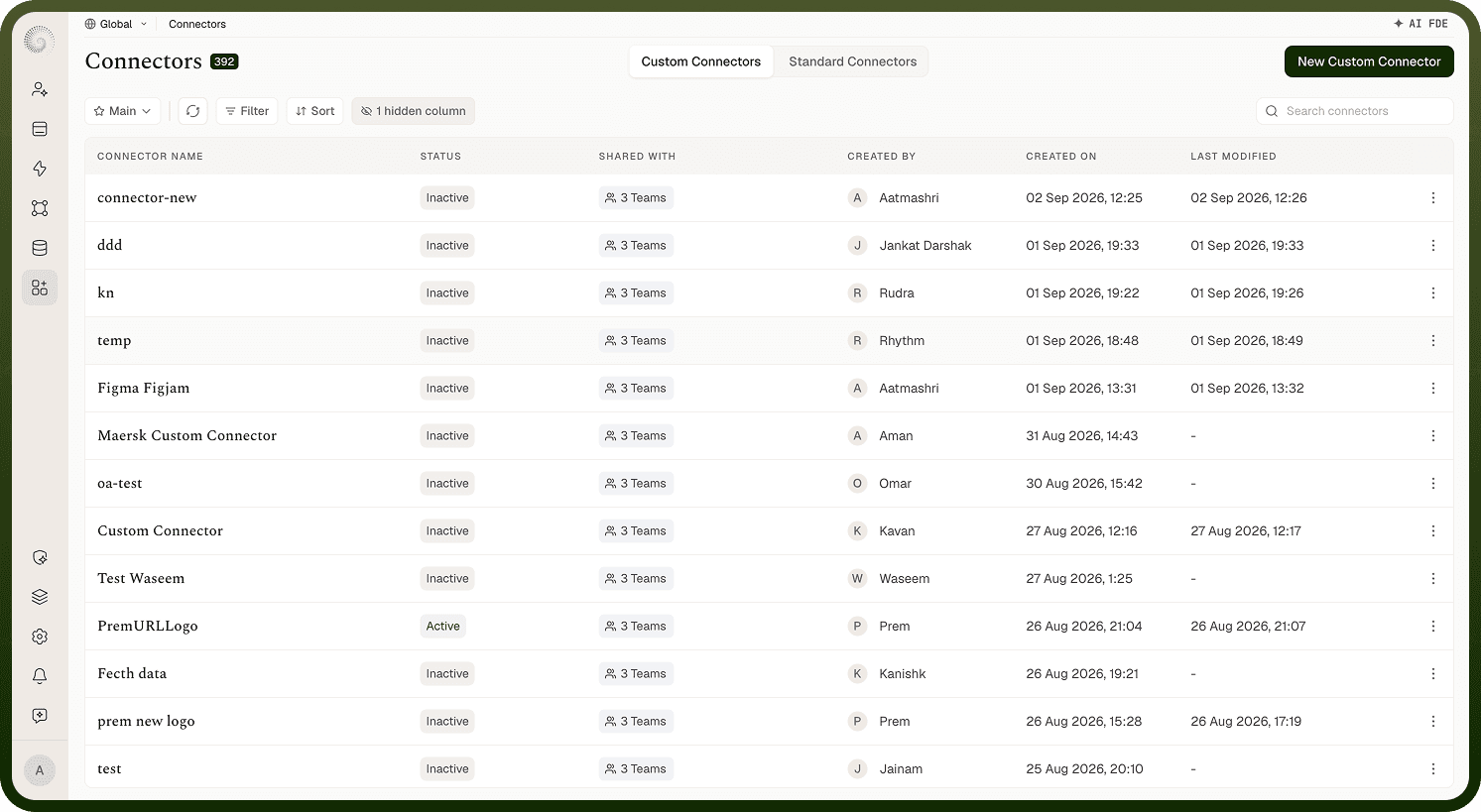
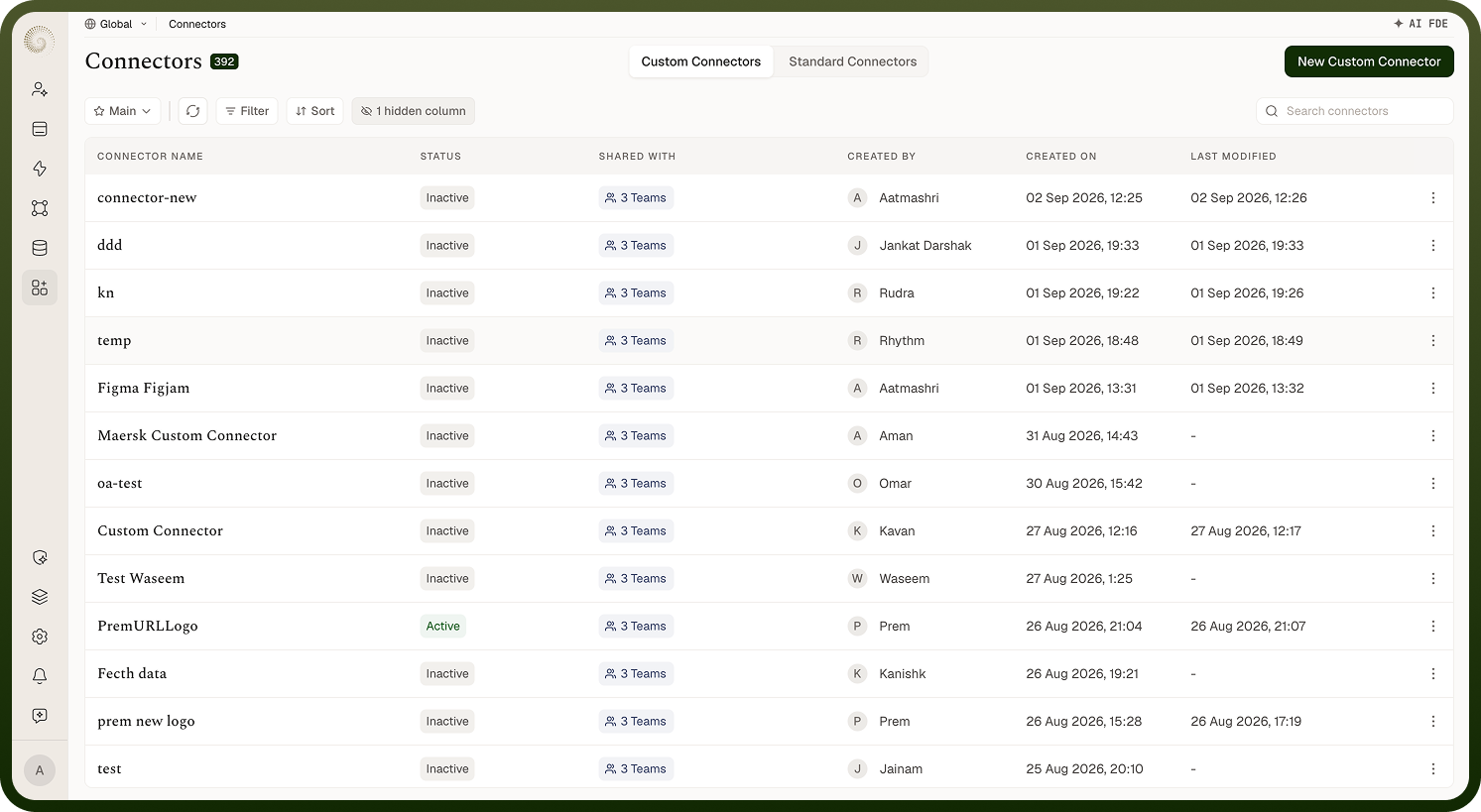
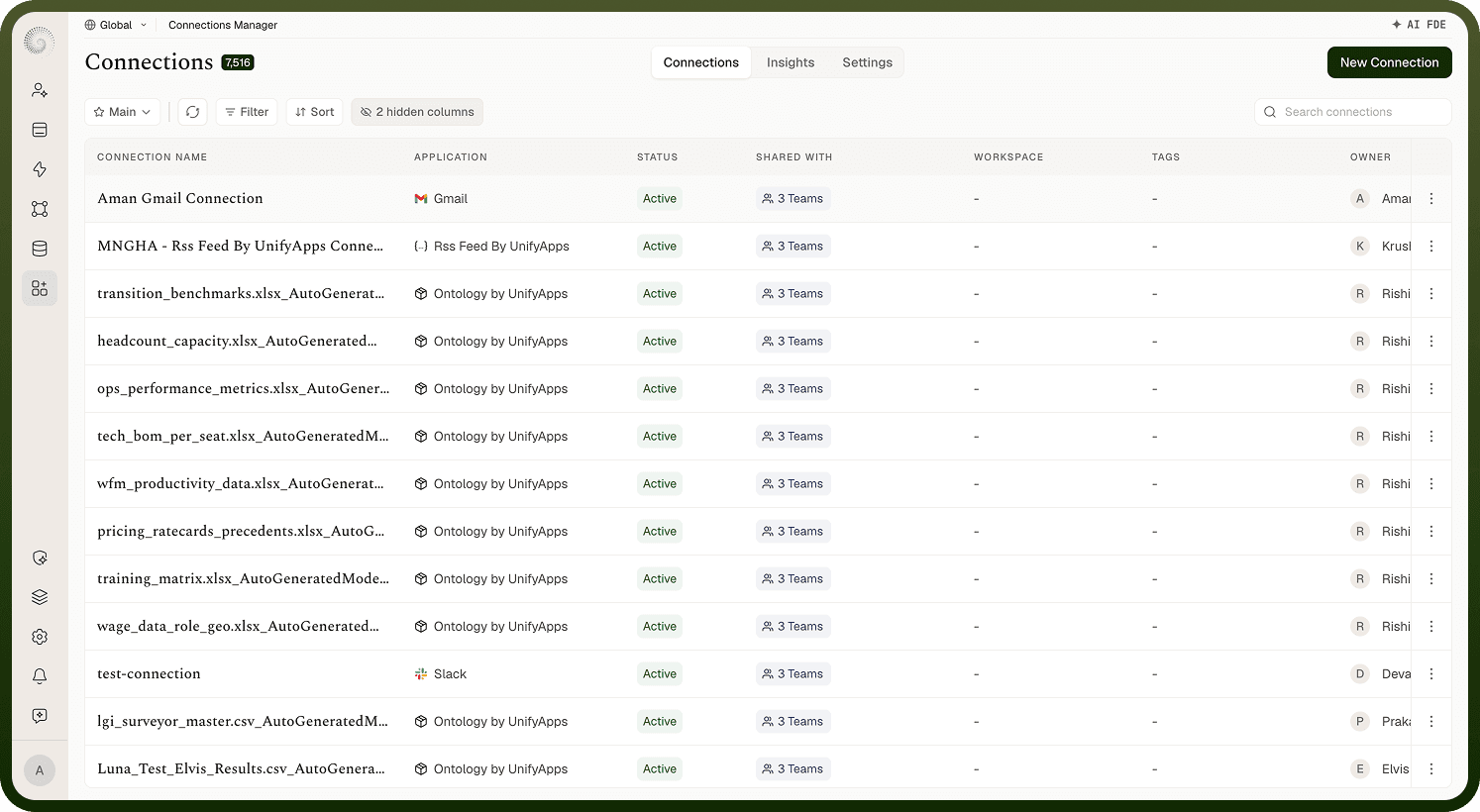
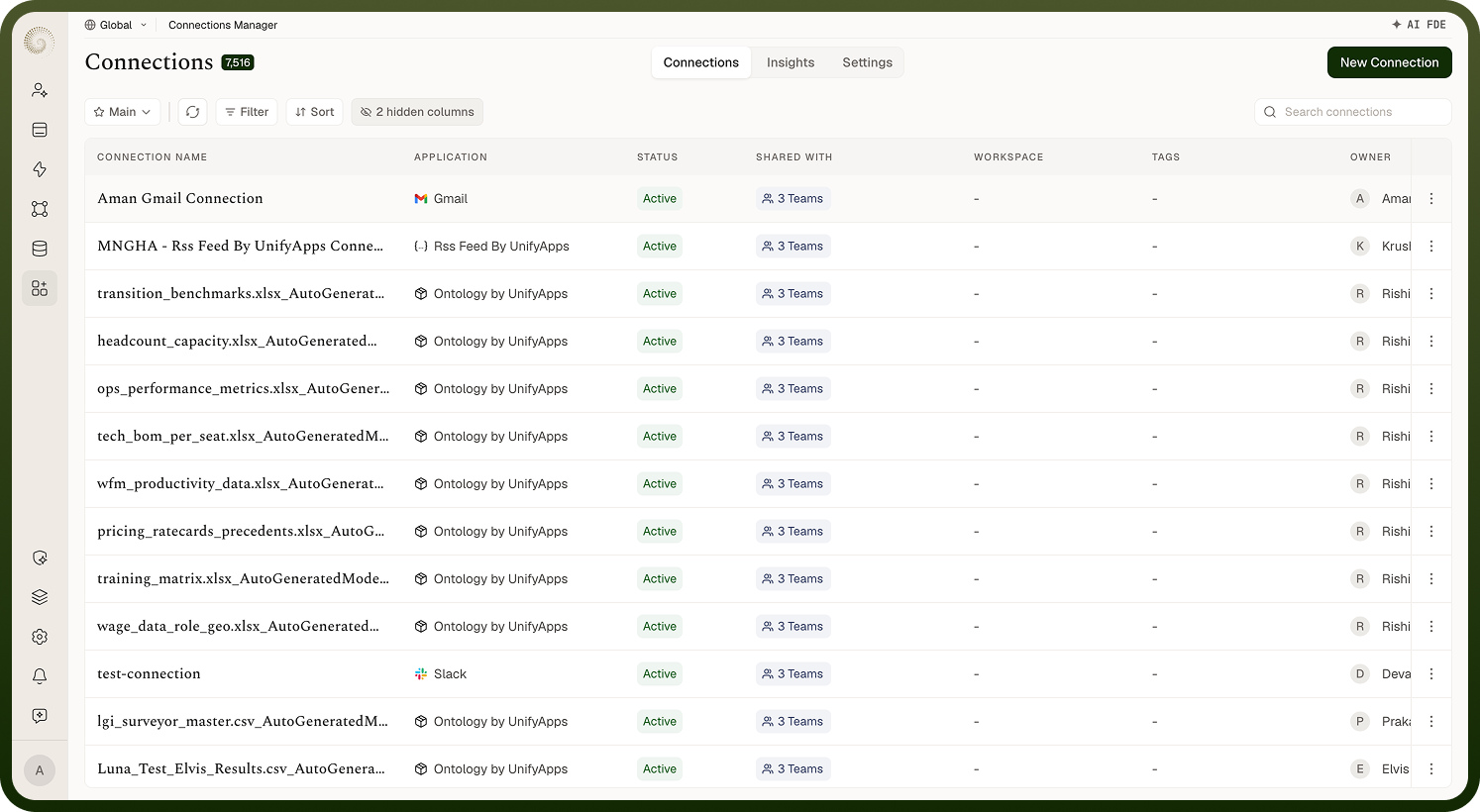
Connection Manager: Create and authenticate connections to third-party apps, monitor their Active / Inactive health, and see what depends on a connection before you change it.
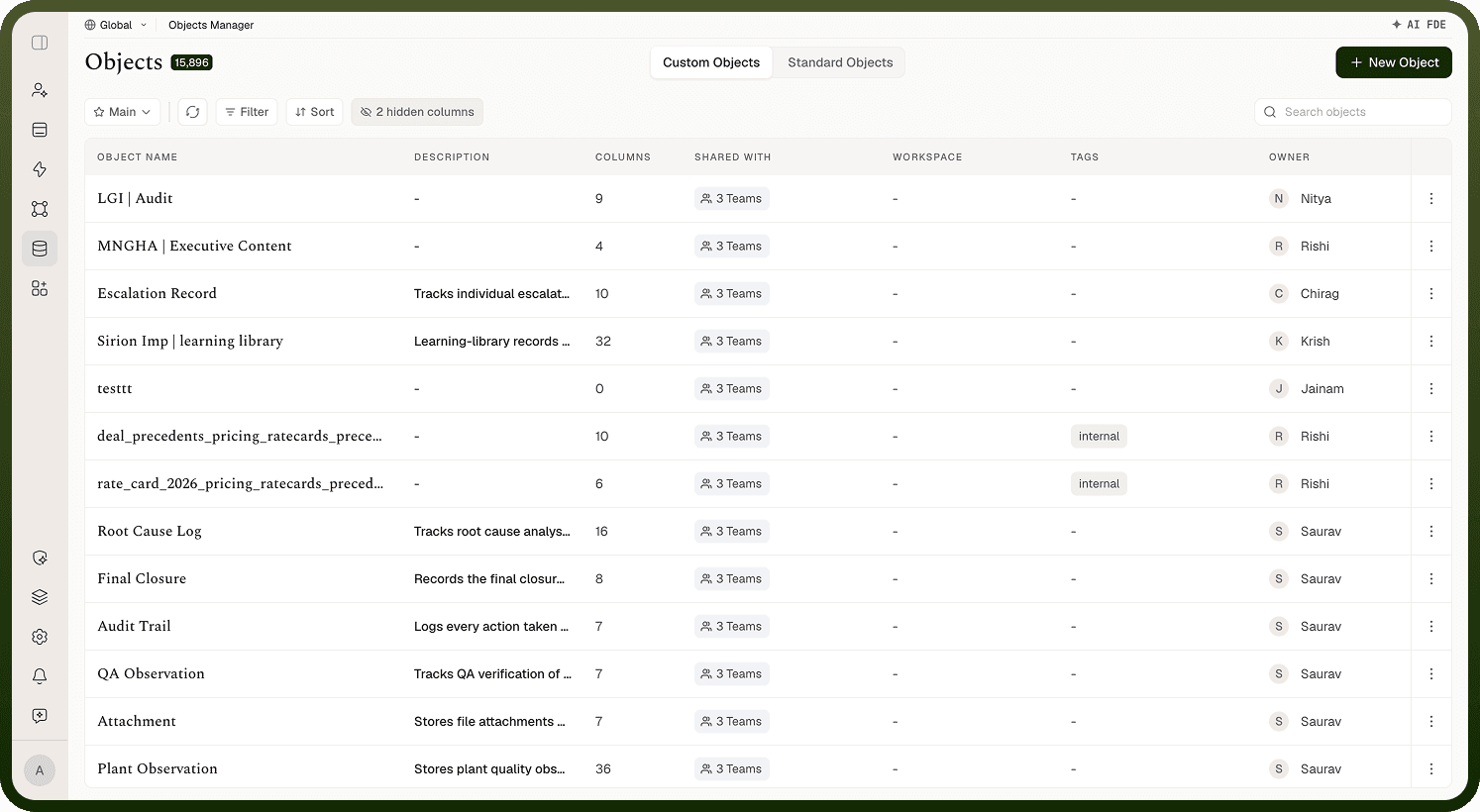
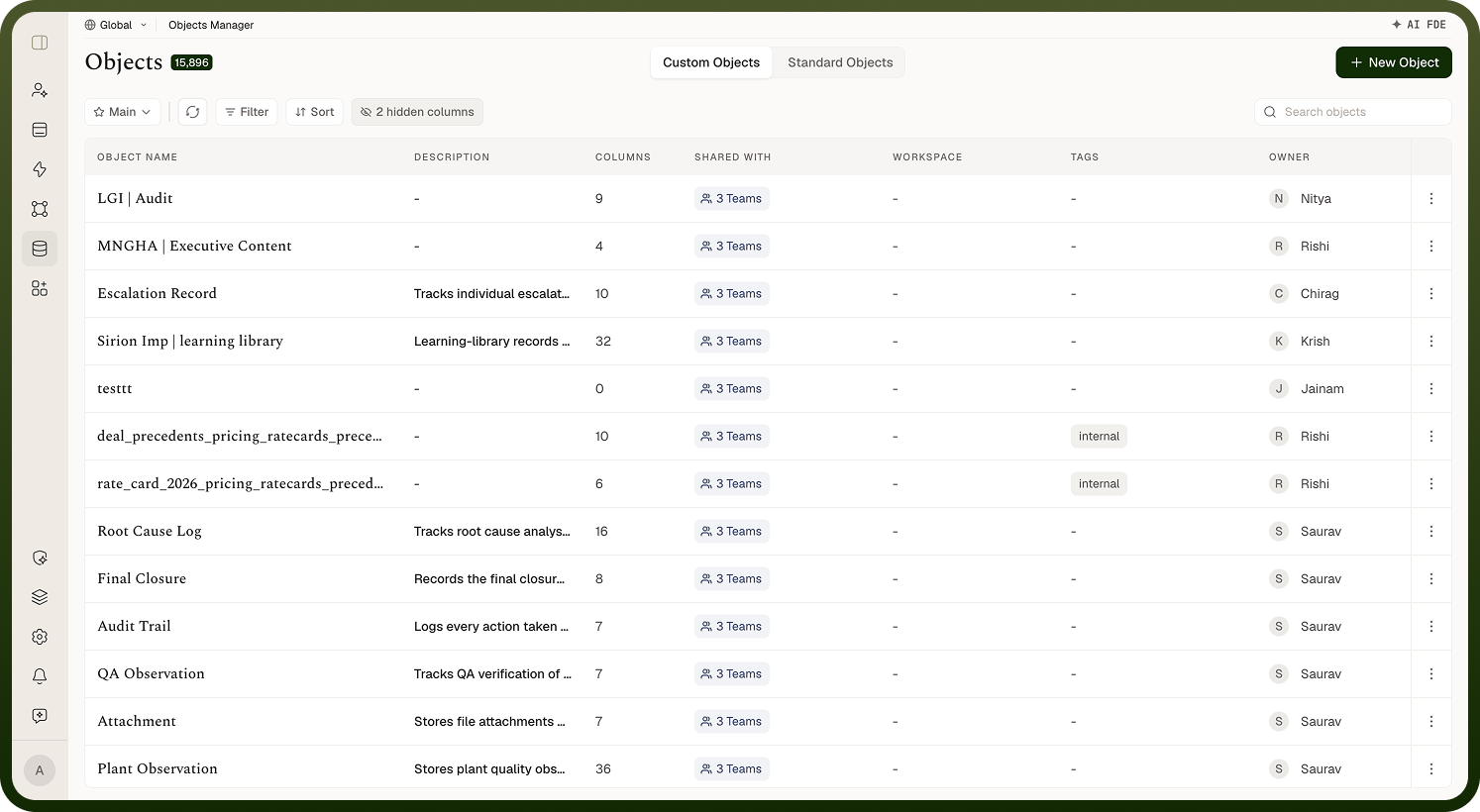
Object Manager: Define objects, their schema and field types, relationships, and the records they hold.
Connector SDK: Build a custom connector — its authentication, actions, triggers, and pagination — when no built-in connector exists.
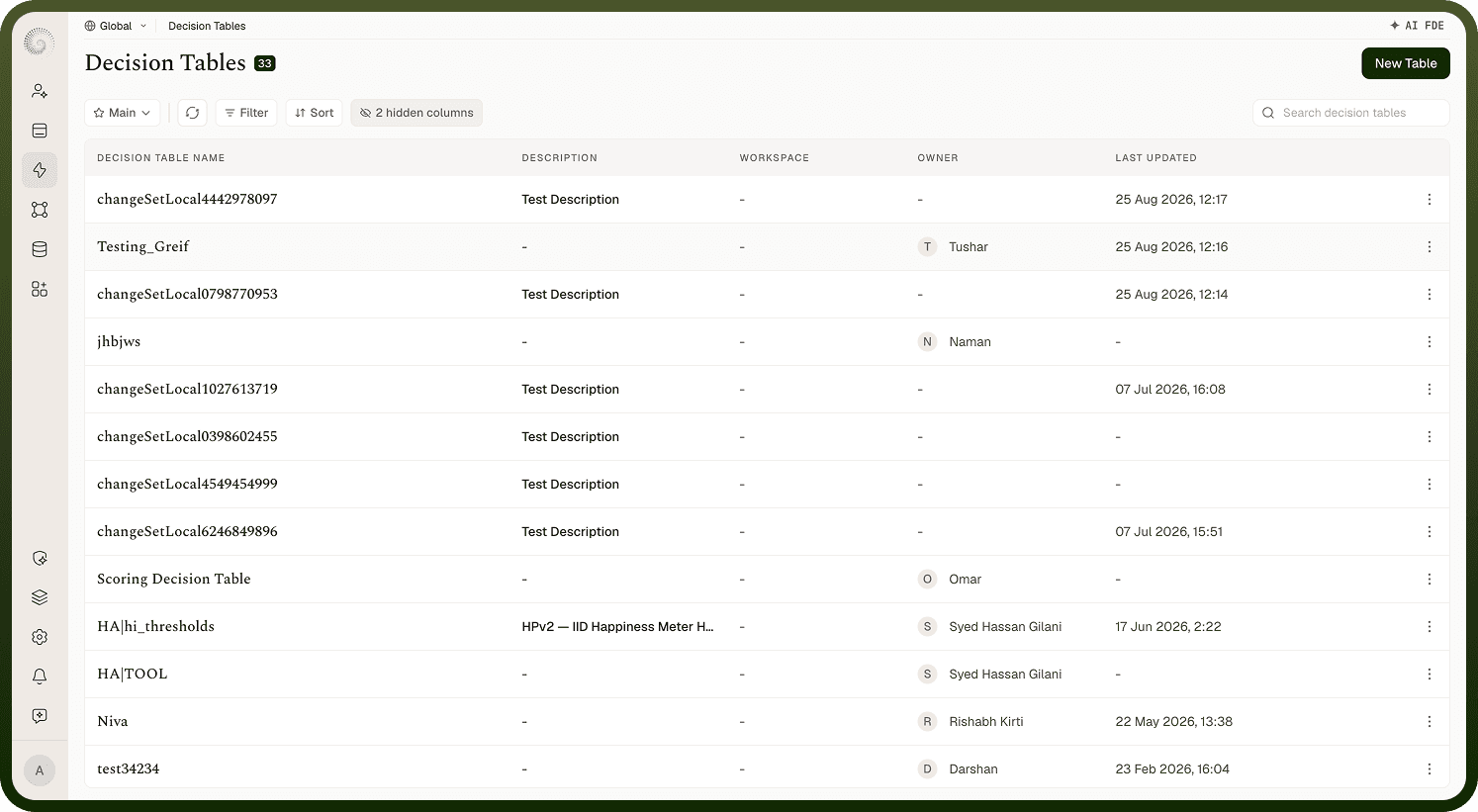
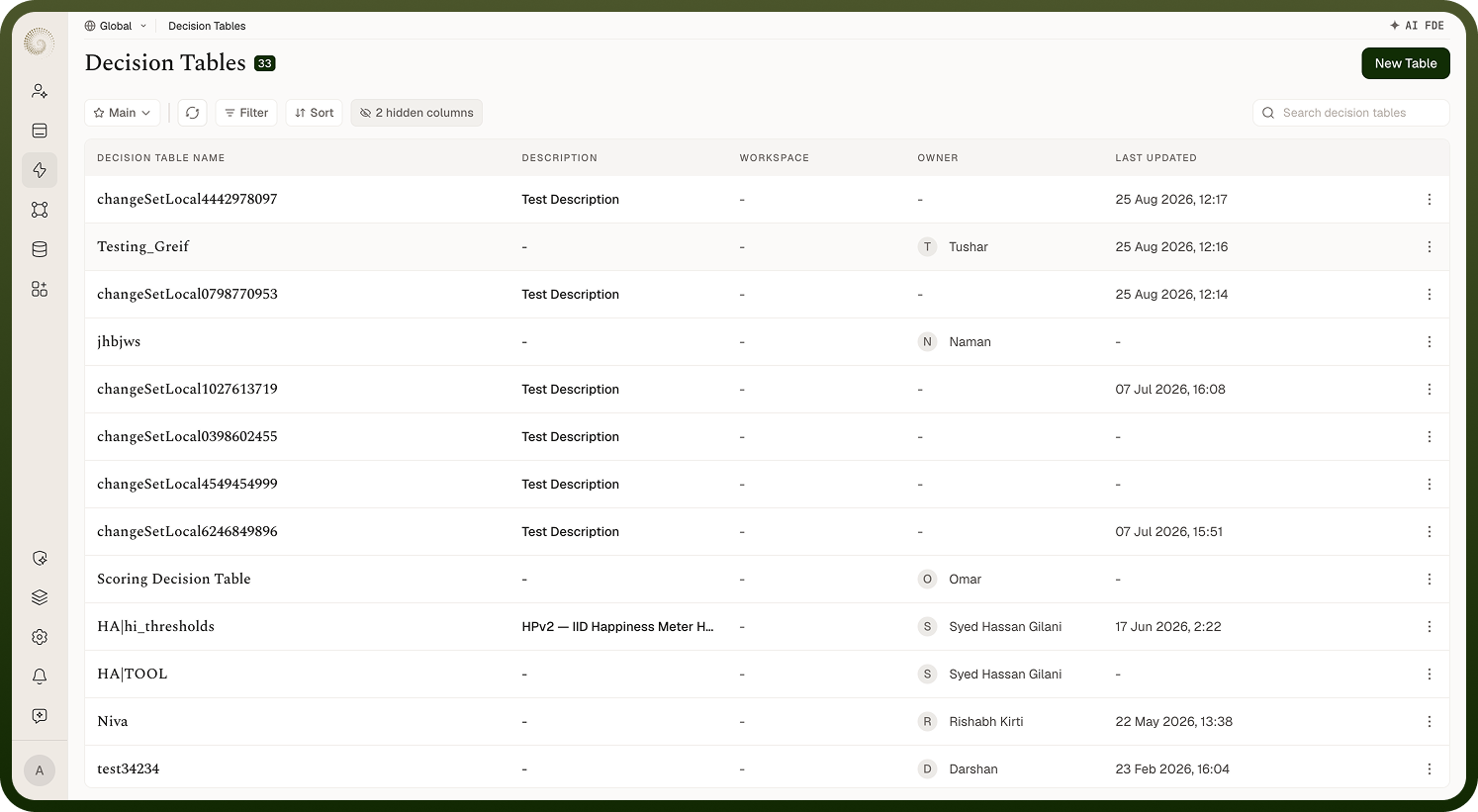
Reusable Logic: Decision tables, templates, code snippets, and callable automation interfaces that any automation or app can invoke.
Code Builder: Build and publish a code app with an AI agent, with branches, Git, and versioned publishing.
Change Sets & Environments: Move configuration between connected environments with dependency resolution, approvals, deployment, and rollback.
Insights & Observability: Project dashboards, cross-module insights, global traces, and user activity.
Platform Administration: Runtime environments, environment variables, tags, business hours, alerts, backups, retention, and theming.
Use Cases
IT and platform teams centralize credentials in Connection Manager and control promotion between environments with change sets.
Operations teams encode approval thresholds and routing rules in decision tables instead of branching logic inside each automation.
Support teams trace a failing run end to end using global traces, then check the connection's health and activity.
Developers extend the platform with a custom connector or a code app when the built-in catalog does not cover a system.
Example: How it looks in action
A finance automation needs to post invoices to an ERP. A platform admin creates the ERP connection once in Connection Manager and shares it; an operations lead puts the approval thresholds in a decision table; the automation calls both. When the flow is ready, it moves from staging to production as a change set that carries the connection, the decision table, and the automation together — resolved as dependencies, reviewed, approved, and deployed in one step.