


What happens when you submit an outbound change set, and how it reaches the destination.
Overview
Submitting moves the change set from Draft to Exporting while the platform does the work, then to Submitted when it's ready. Behind the scenes it: gathers all the selected assets plus their dependencies, takes a snapshot of each at the chosen version, records who owns and shares them (so that's preserved in the destination), and packages everything into a single encrypted bundle stored securely — including any files an asset carries (an agent skill's uploaded files travel with it and are re-created in the destination; a file shared by two assets is packaged once). From there it's either pushed to your connected environment(s) or made available as a file, depending on the change set's type. Once it's Submitted, the contents are fixed.
Where: Outbound change set › Submit
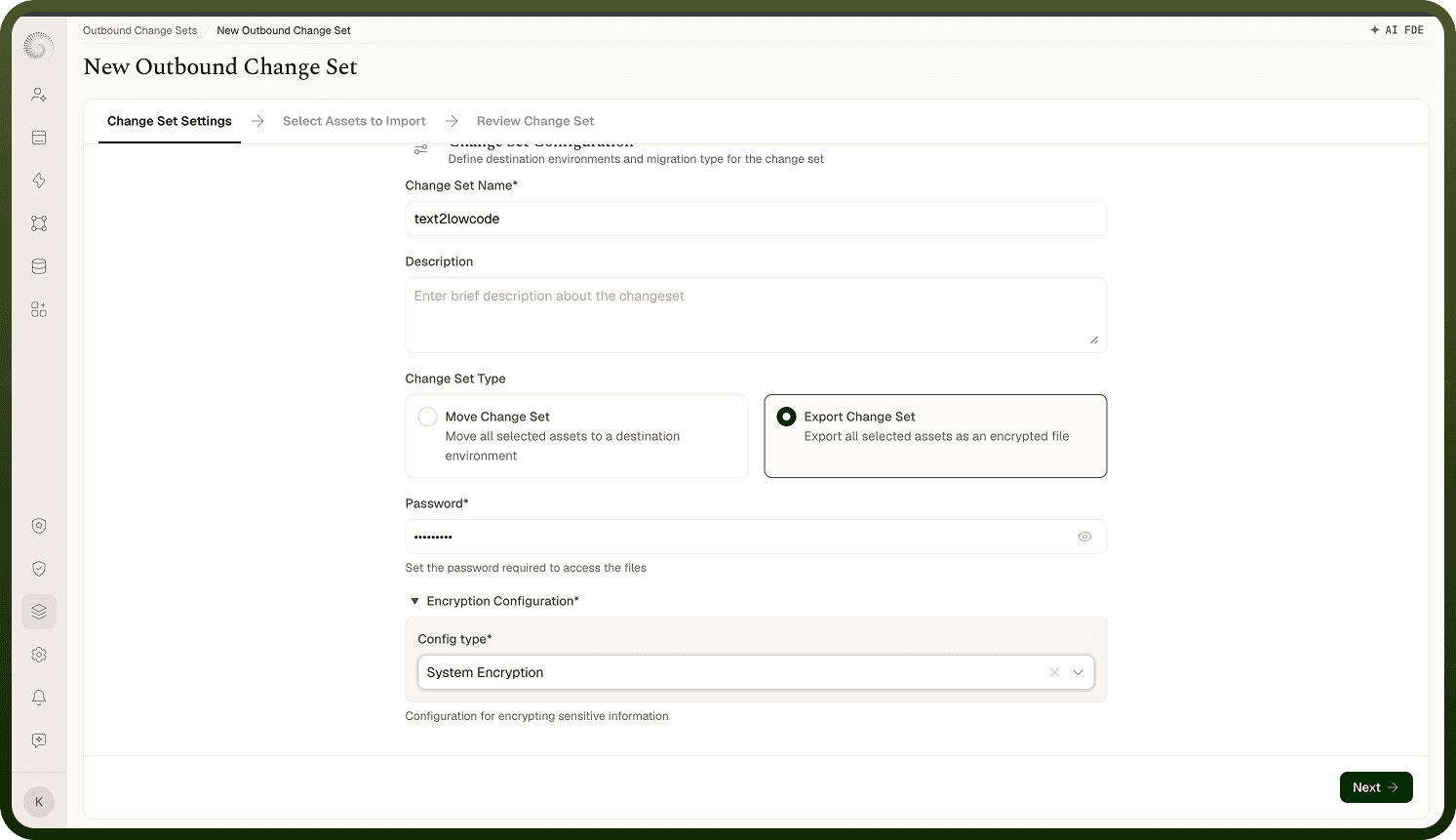
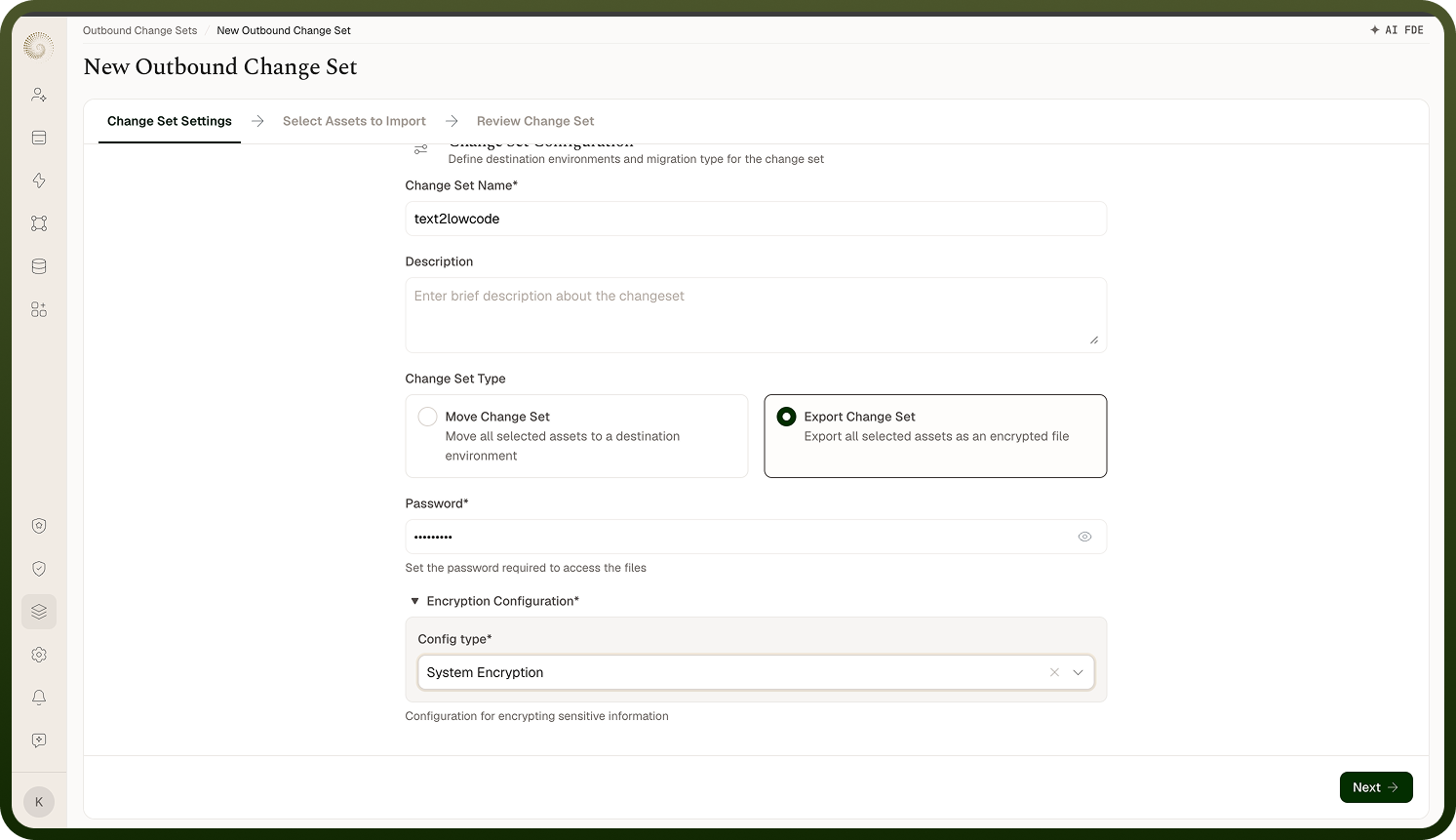
How an Export change set works
For an Export, the platform packages the change set into an encrypted, password-protected file instead of pushing it (a password must be set on the change set before it can be exported). Once it's Submitted, an Export action on the outbound list downloads the file; you transfer it yourself, then in the destination environment use Import Change Set under Inbound and upload it (supplying the password) to create the inbound change set. Use Export when the two environments aren't connected, when policy requires a manual hand-off, or for an offline/air-gapped move. The review, approval, and deploy steps in the destination are the same as for a Move once it's imported.
Where: Outbound change set › Export (file)