


The list screen where you create, open, share, and delete decision tables.
Overview
A decision table encodes business rules as a grid: Condition Variables are the "if" columns, Result Variables are the "then" columns, and each row is a rule. At runtime (usually from an automation) you feed inputs in, matching rows are found, and their result values come back. Use one wherever logic is really a lookup — pricing tiers, routing, eligibility, approval thresholds — so the rules live in an editable table instead of nested conditions.
Where: Decision Tables
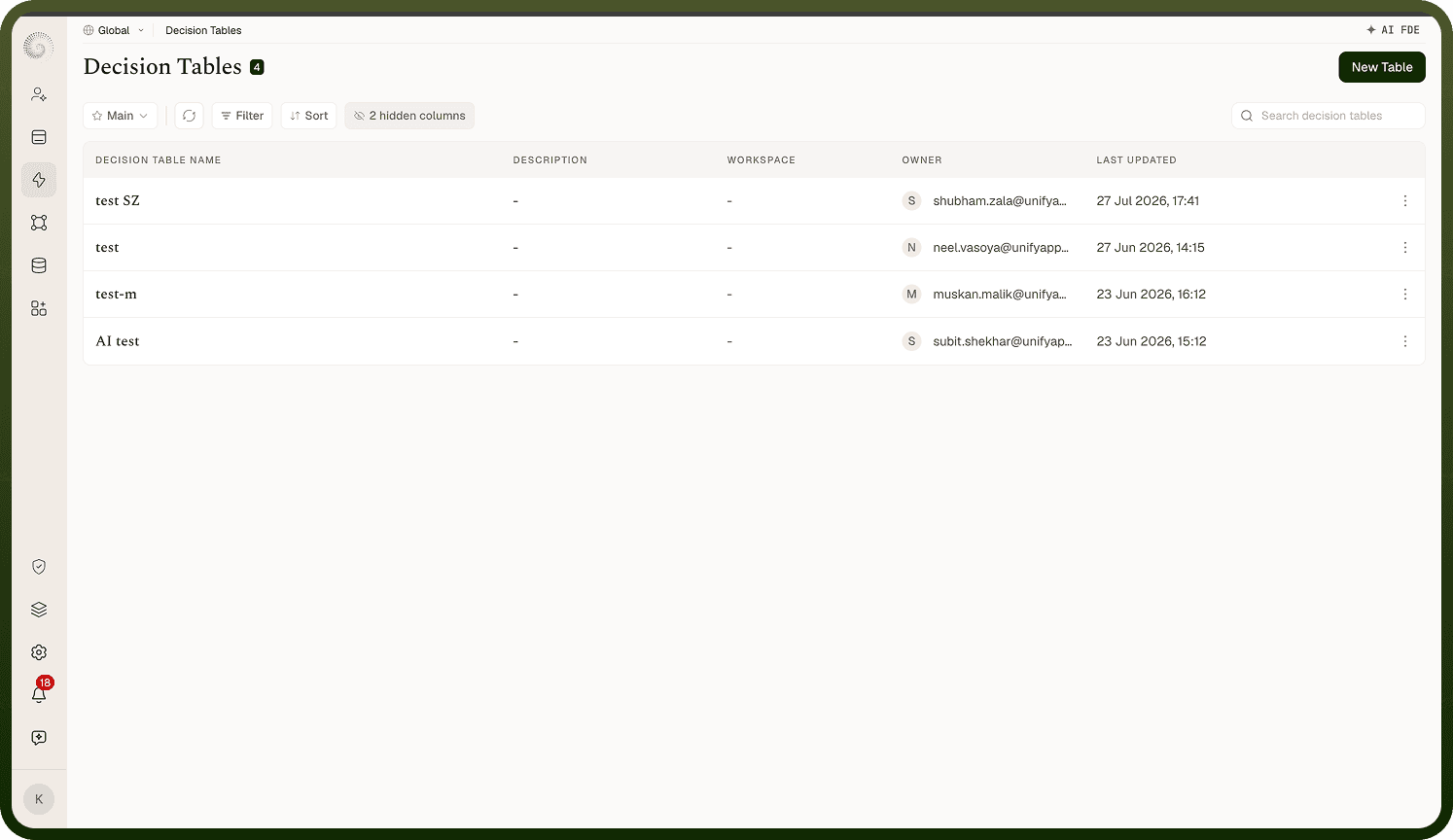
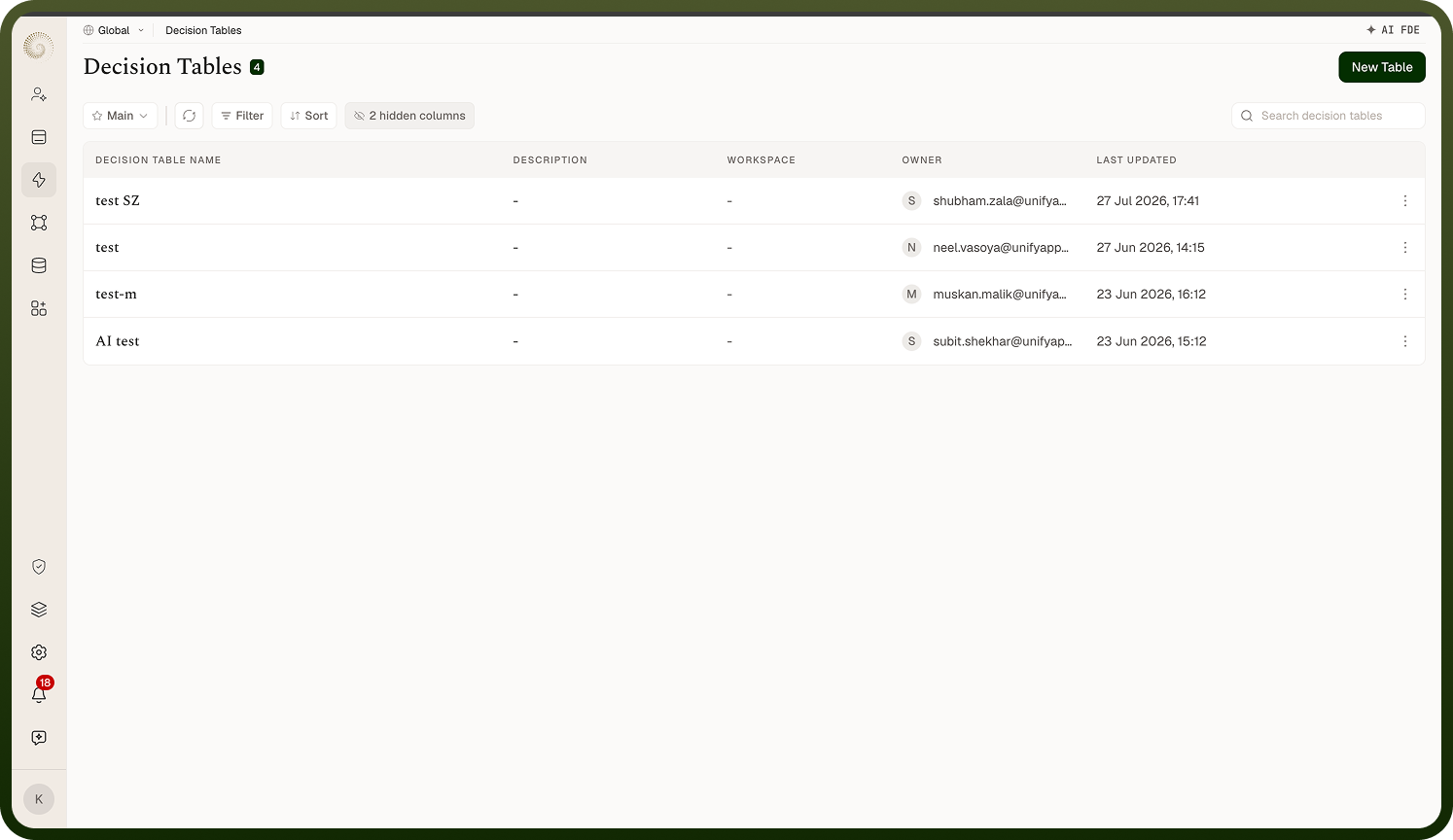
Decision Tables screen
The Decision Tables list shows every table you can access, with a count pill next to the heading. Columns: Decision Table Name, Description, Workspace (only when viewing across all workspaces), Owner, and Last Updated (newest first). Last Updated carries a hover audit tooltip, and the columns menu offers hidden-by-default Created On and Last Updated By columns (remembered per user). A search box ("Search decision tables") matches on name, and you can save filtered views. Clicking a row opens the table's editor. If you haven't created any yet you'll see No Decision Tables with a button to create your first. You can also drag a column heading sideways to reorder the columns; that order is remembered for you personally and survives switching between saved views — it isn't part of a view's definition and doesn't change what anyone else sees.
Where: Decision Tables list
Creating a decision table
Click New Table (shown only if you have create permission). The New Decision Table dialog asks for:
Decision table name — required.
Workspace — the workspace the table belongs to.
Description — optional.
On create you land directly in the new table's editor, ready to add variables and rows. Note: the name must be unique — creating (or renaming) a table with a name that already exists is rejected with a "already exists" error.
Where: Decision Tables › New Table
Row's action menu
Each row has Edit (change name, workspace, description), Share (grant others access), and Delete. Each action only appears if you have that permission on the record. Deleting asks for confirmation — Delete Decision? "Are you sure you want to delete the decision …? This action cannot be undone." — and also removes the table from the rules engine, so any automation still executing it will fail to find it.
Where: Decision Tables list, row actions