


The fields the platform manages for you on every record, in addition to the ones you define.
Overview
On top of the fields you add to the schema, every record carries built-in, system-managed fields:
ID — a unique identifier for the record.
Created time — when the record was created.
Last Updated — when the record was last changed.
Last modified by — who last changed the record.
Owner — the user the record belongs to.
You don't add or edit these in the schema; the platform fills and maintains them. The records table shows the ID and Last Updated columns by default, and the others are available on the record.
Where: Records table, built-in columns
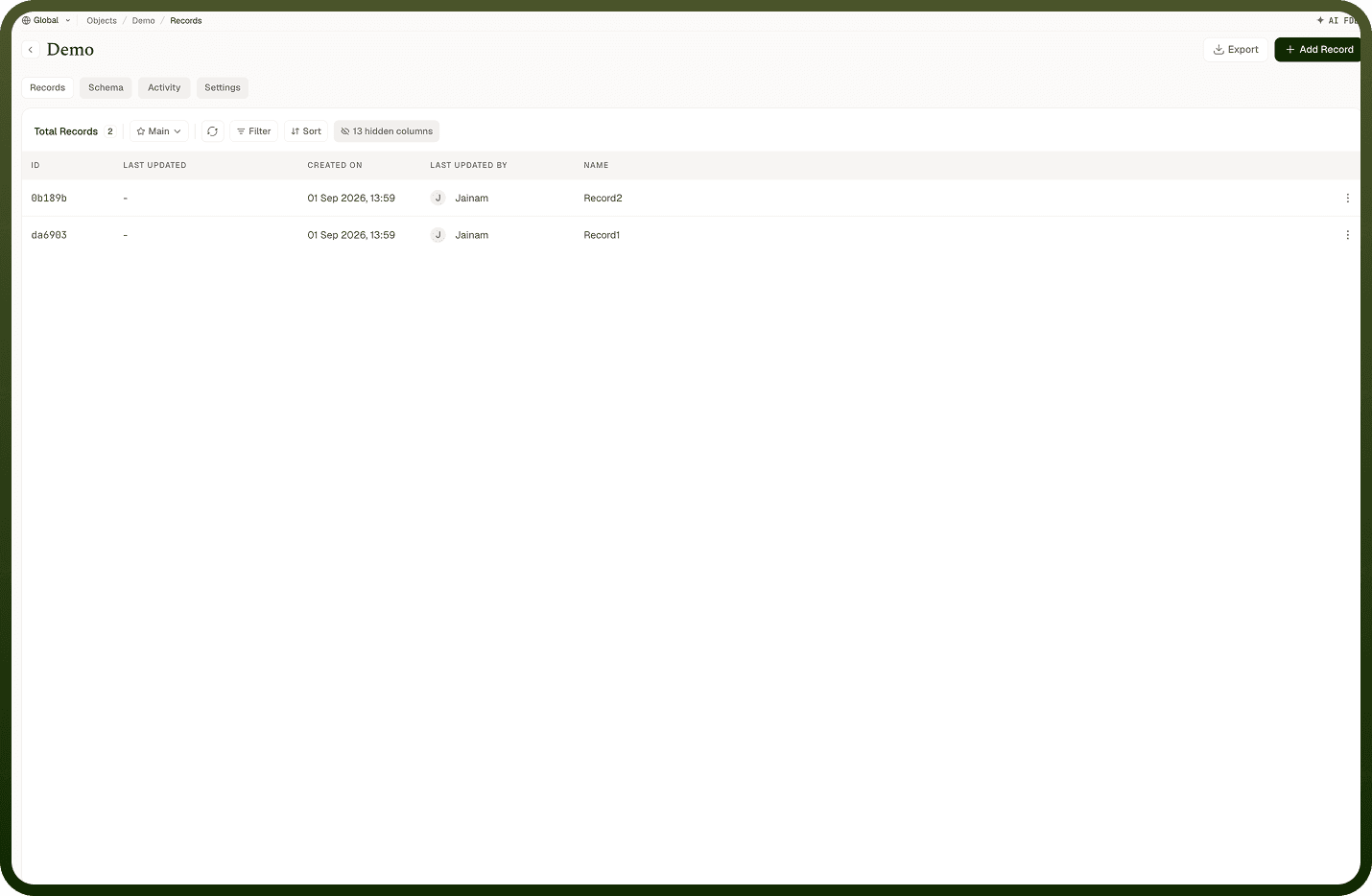
Is the ID field and
Every record has an ID that uniquely identifies it across the object — assigned when the record is created, and it never changes. It's what relationships and the API use under the hood to point at a specific record, and it shows as the first column in the records table. You can't edit or reuse an ID. By default the ID is generated automatically; if the object's schema marks a field as the Primary Key, that field's value becomes the record's ID instead — so an order number or email you designate as Primary Key is the ID. A Unique Key field, by contrast, just enforces uniqueness and lives alongside the ID.
Where: Records, ID column
How created and last-updated times are tracked
The platform stamps each record with a created time when it's first saved and updates a Last Updated time every time the record changes — you don't manage these yourself. The records table shows Last Updated as a date/time column so you can sort and scan by recency. These timestamps are always present, which is why you can answer "what changed recently?" without adding your own date fields. (Detailed before/after history and per-record activity are separate, opt-in capabilities — see the object's settings for audit trail and activity tracking.)
Where: Records, Last Updated column