


Giving other people access to a connection.
Overview
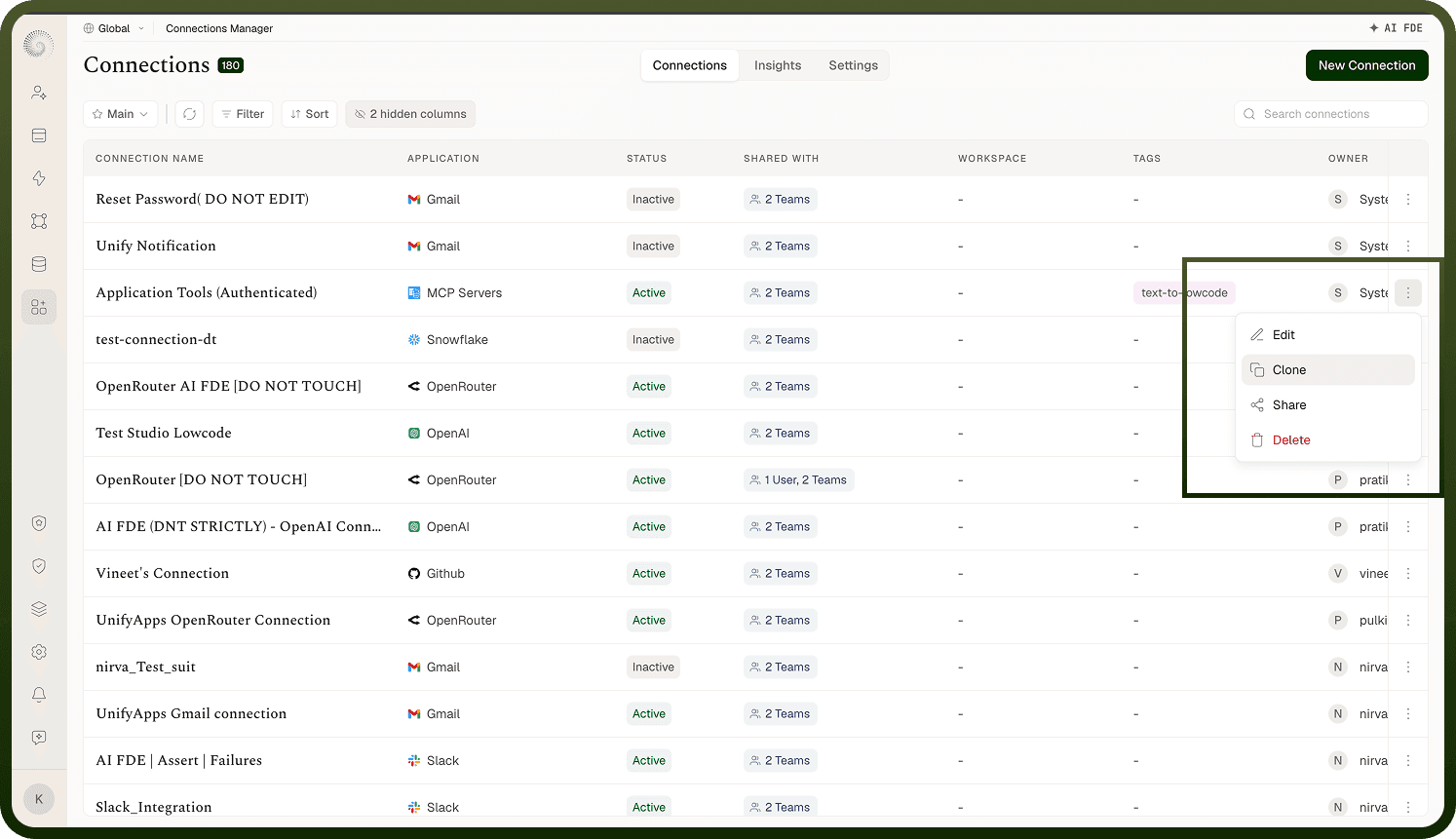
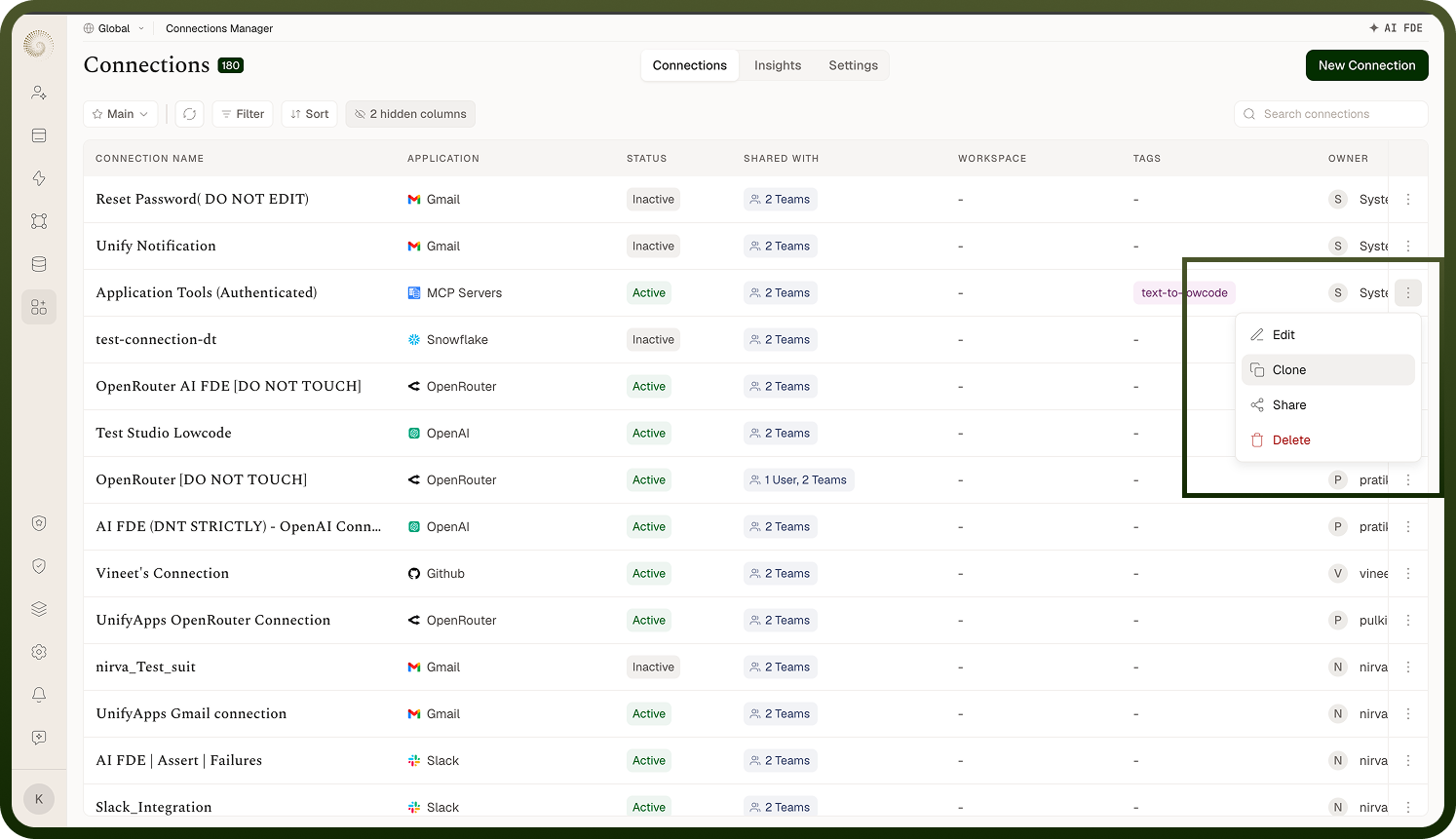
From the connections list, choose Share on a connection, then add the users or user groups you want to give access to and pick a role for each. Sharing lets a colleague use your connection in their automations, or lets a team co-manage it, without each person setting up their own authenticated link to the same app. Add a whole user group to grant access to all its members at once. (The Share action itself requires share permission on the connection.)
Where: Connections › All › Share
Access
Access is granted by assigning a role to each user or group — the dialog's role dropdown lists the roles defined in your organization that cover connections. What a role allows is made up of connection permissions such as: view (see and use the connection), edit (change its name, credentials, and settings), clone, delete, share (manage who else has access), and finer grants like view insights and view settings. Grant the least access that does the job: most people only need a view-level role to use a connection in their work, while edit/share belong to the people who maintain it. Which actions someone actually sees on a connection (Edit, Clone, Share, Delete) follows from these permissions.
Where: Connection share (roles)
Revoking someone's access
Open Share on the connection, and in the person's role dropdown choose Remove Access — they lose access. If their automations were using the connection through that access, those will no longer be able to use it (so coordinate before revoking from someone whose work depends on it). Revoking is how you offboard a person or tighten access when responsibilities change.
Where: Connection share (Remove Access)