


Named holiday calendars that mark whole days as non-working.
Overview
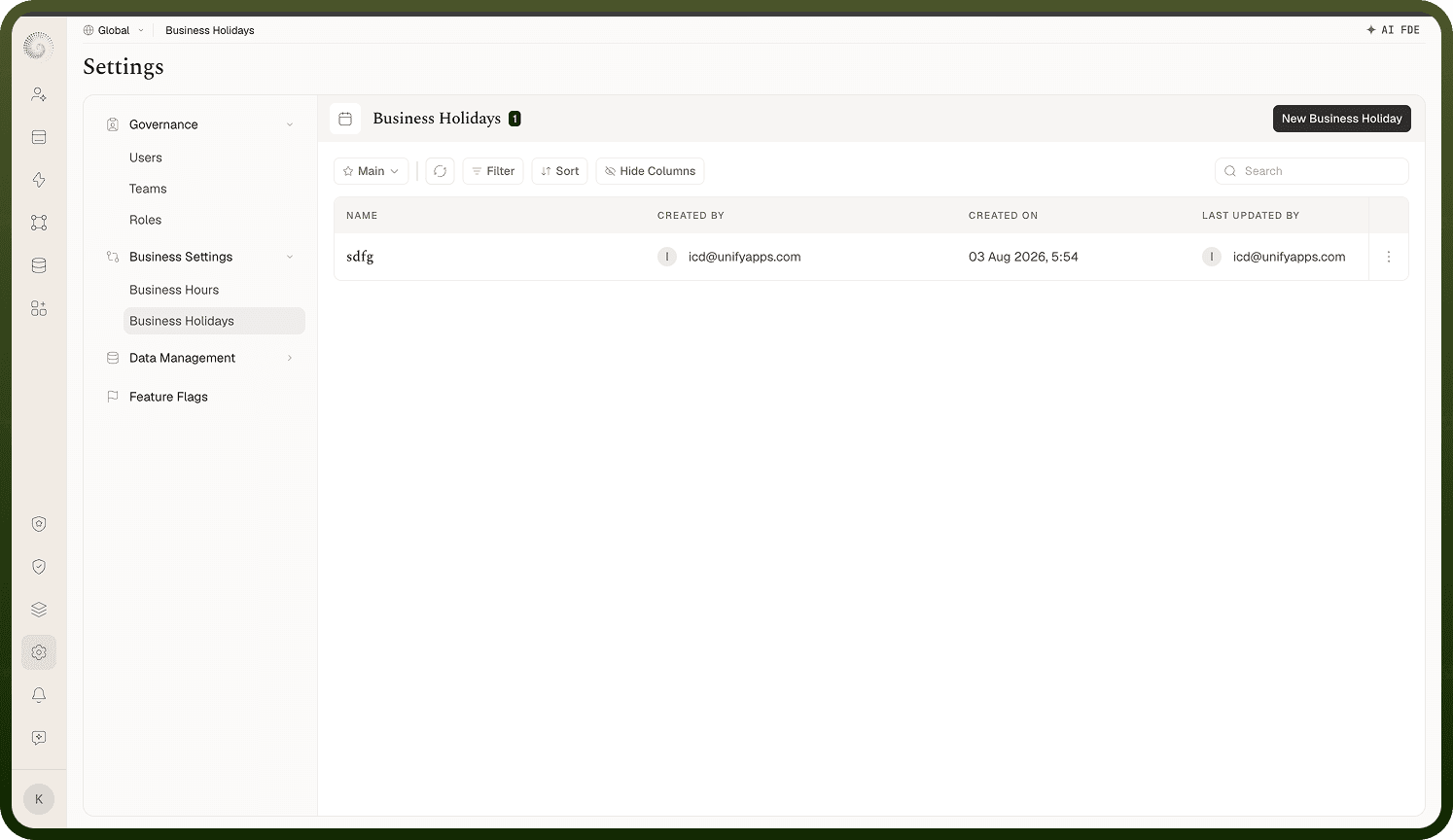
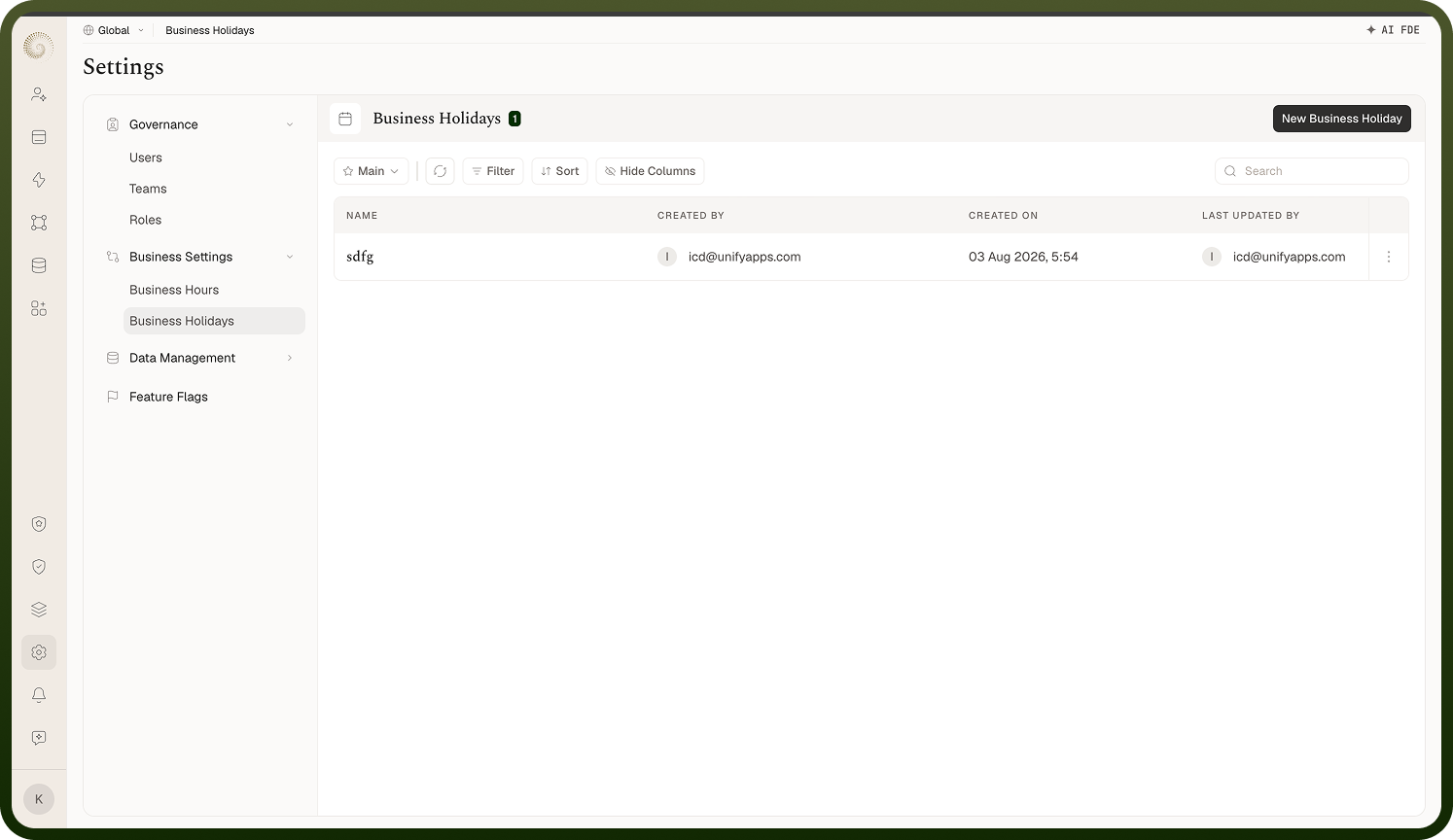
A Business Holidays entity is a reusable list of dated holidays ("One template can be used across multiple campaigns"). On its own it does nothing — it takes effect when a Business Hours schedule links to it: every listed date then counts as a full non-working day for that schedule, on top of the weekly working hours. The manager under Settings › Business Settings › Business Holidays lists your calendars with Name, Created By/On, and Last Updated By/On (the Last Updated On column carries a hover audit tooltip); rows offer Edit and Delete, and New Business Holidays creates one.
Where: Settings › Business Holidays
Creating a holiday calendar
The Setup your new business holidays entity form asks for a Name ("Name your Business Holiday") and the Holiday List ("Define the list of holidays") — a set of rows, each with a date ("Select Date") and a title ("Enter Holiday Title"). Both are required on every row, and the calendar needs at least one entry. Add a row per holiday (New Year's Day, company offsites, regional holidays) and save; edit later as Edit Business Holidays to add next year's dates.
Where: Settings › Business Holidays › create / edit
How holidays affect automations
When an automation node is gated by business hours (see the Business Hours doc) and the linked schedule references a holiday calendar, the runtime compares today's date — in the schedule's time zone — against the holiday list before even looking at the day's working hours. A match means the entire day is outside business hours: the node either waits for the next working window or fails, per its Wait for next window setting. Note the match is by exact date, so recurring holidays need a fresh entry each year.
Where: evaluated at run time via the linked Business Hours