


Seeing which platform objects a generated app reads and writes, and test-running those calls.
Overview
It maps the app's data flow in three layers — Objects (the platform objects the app uses) → Generated functions / hooks (the code the agent wrote to read and write them) → UI components (the screens that call those functions). It only shows wired-up code: a function no component uses, and an object left orphaned by that, are left out. Until the app has been built, the tab is disabled with the tooltip "Cannot open this tab until the app is built"; once open but with nothing to show it reads No data flow yet — "Data flow will appear once the app is built".
Where: Code Builder › Data
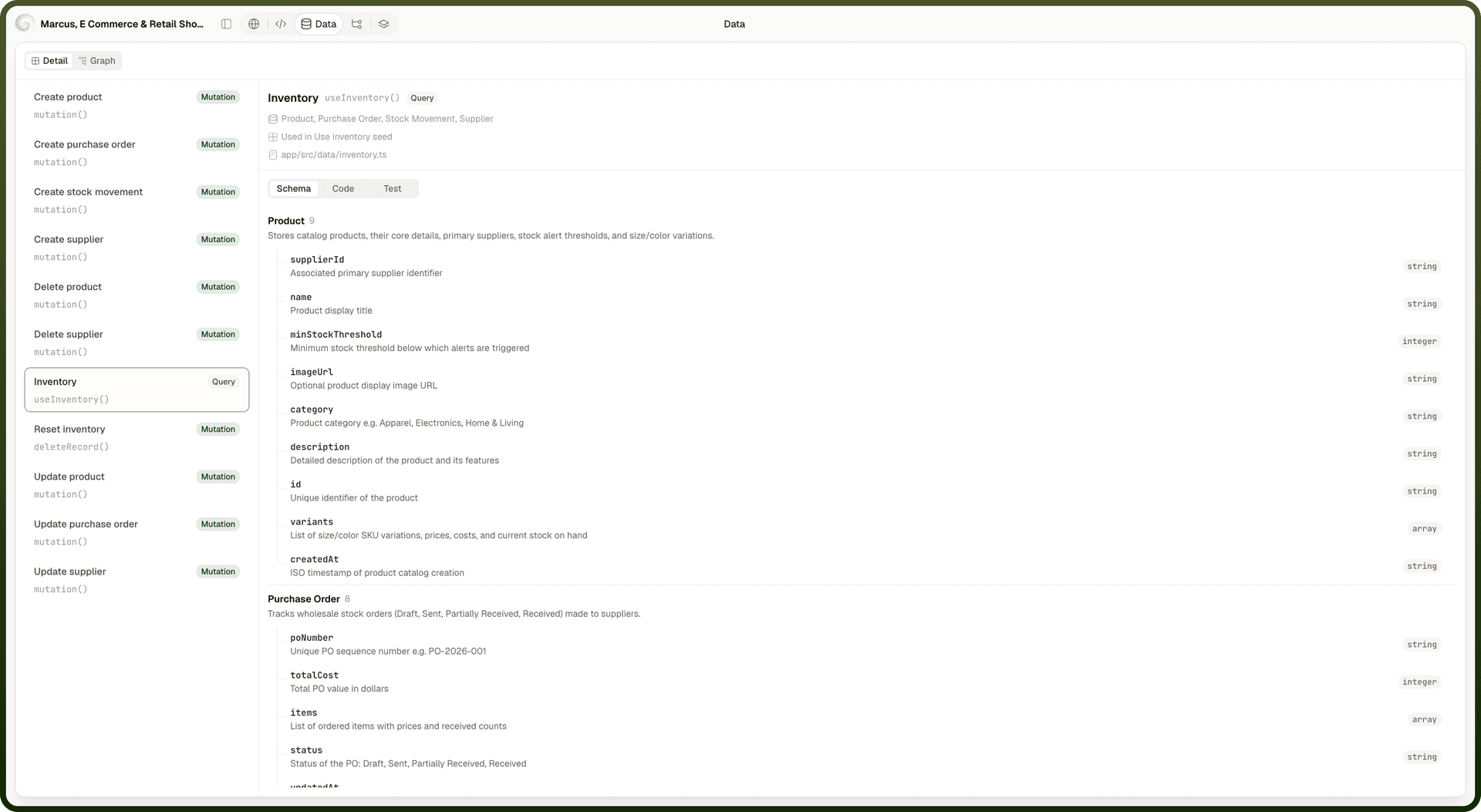
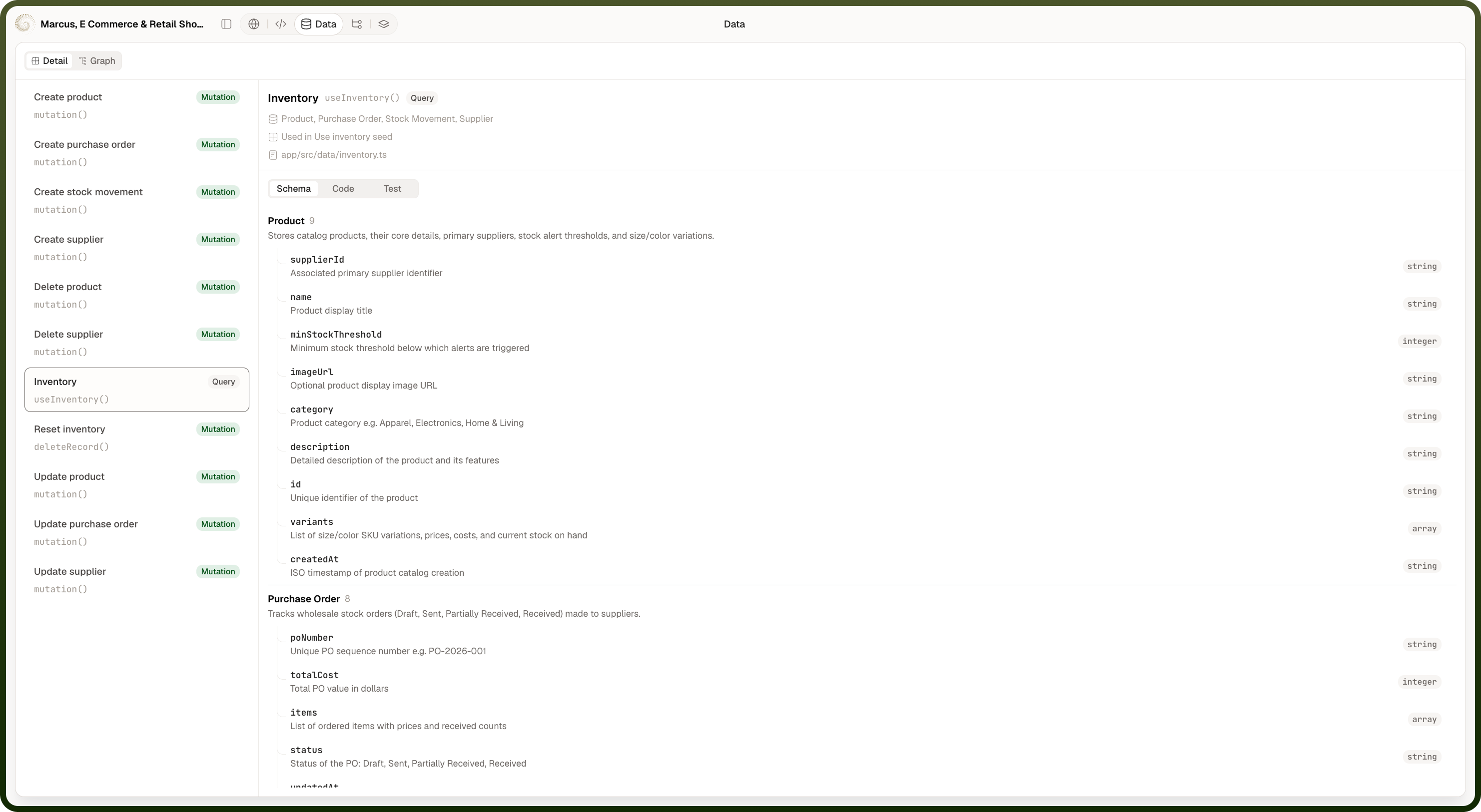
Seeing for one function
The detail header names the function in plain language, shows its signature, and tags it Query, Mutation, or Query + mutation. Under that it lists the objects it touches, Used in (the components that call it), and the source file it lives in. Three sub-tabs then swap the panel below:
Schema — the fields of the object it works with. Hidden when no involved object has a known schema, in which case the panel opens on Code instead.
Code — the function's own source, read-only. If it isn't available you'll see "Source is not available for this function".
Test — an input form plus a Run button.
Where: Code Builder › Data › Detail
Testing a generated function
Open its Test tab. For a read, the form's fields are the function's own parameters; for a write, they're the object's fields, with update and delete leading on the record's id. Pick the action to run if the function offers more than one (Query, Create, Update, Delete), fill in what you want, and press Run. A function that takes nothing says "This function runs without any inputs" and can be run straight away. Results open underneath — a table for a list of records (counted as "1 row returned" / "… rows returned") or raw output otherwise — and Close result dismisses them.
Where: Code Builder › Data › Detail › Test