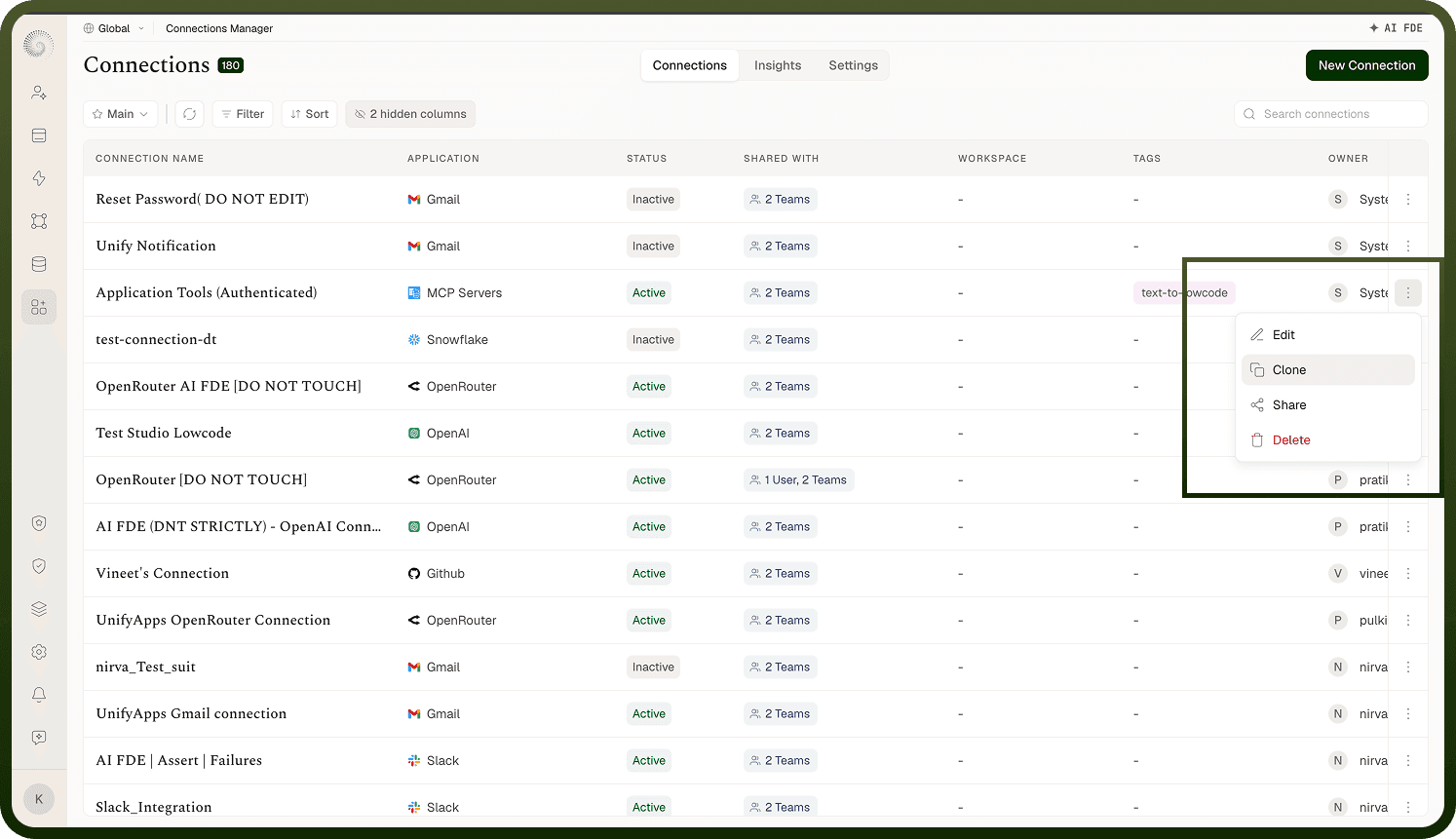
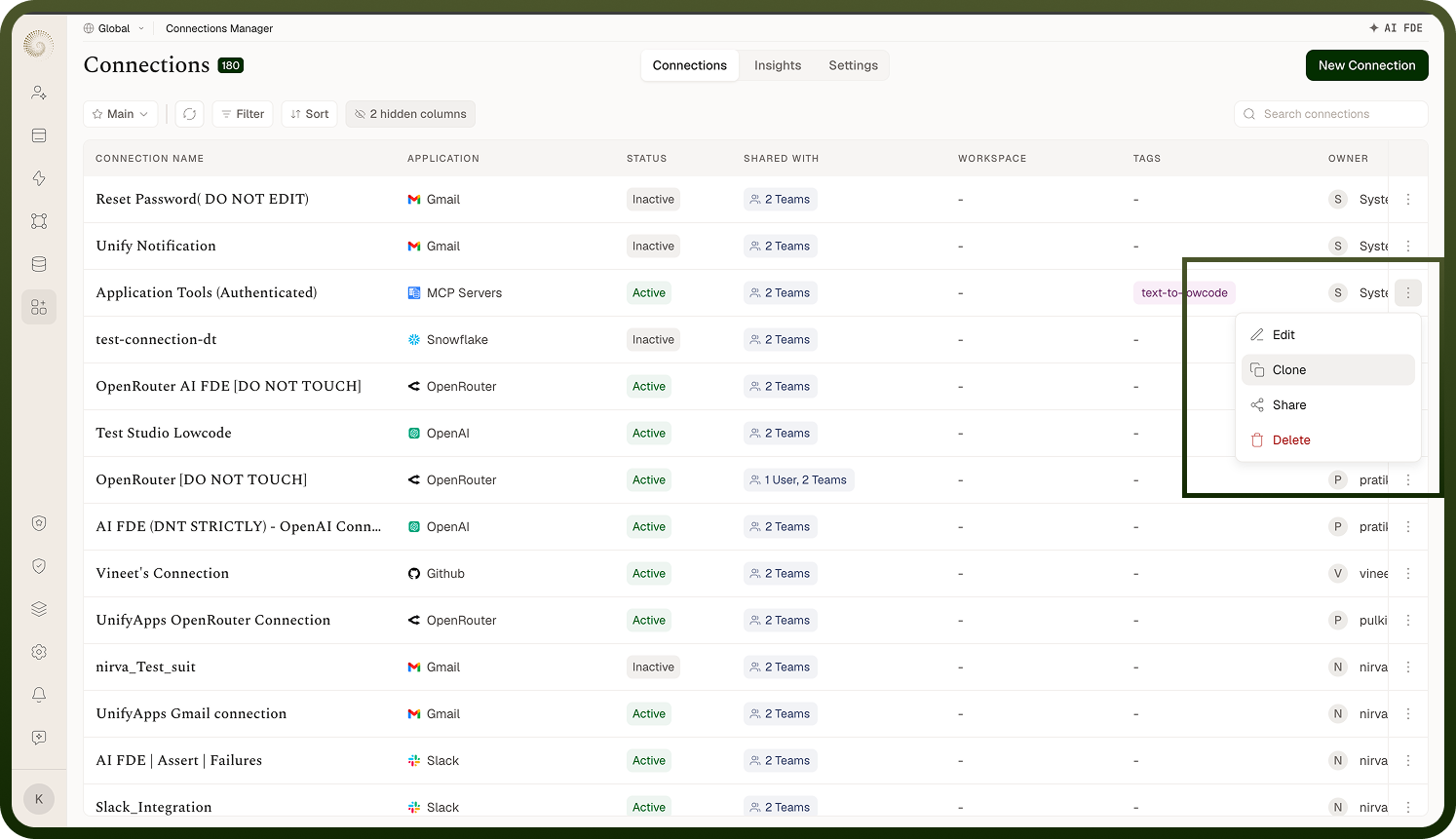
Making a copy of a connection, and what carries over.
Overview
From the connections list, choose Clone on a connection's row. A small dialog opens with a single Name field, pre-filled with the original's name plus a "(clone)" suffix — change it if you like — then confirm with Clone. You're taken straight to the new connection's edit page: a new, independent connection you can manage separately. Cloning is the quick way to stand up another connection that's almost identical to an existing one, instead of going through the whole create-and-authenticate flow again. (The Clone action requires permission to create connections.)
Where: Connections › All › Clone
FAQs
What gets copied when I clone a connection?
A clone takes the original's credentials (so it's authenticated and usable without re-authenticating), its authentication method and inputs, its request-throttling settings (rate limit policy and circuit breaker, where the connector supports them), and its tags. So the moment it's created, the clone works just like the original. This is what makes cloning useful — you don't repeat the login/authorize step, you get a working duplicate immediately. (Because it shares the same credentials, both connections act as the same account on the app unless you later re-authenticate one of them with different credentials.)
Where: Connection clone (what's copied)
What does cloning NOT copy?
A clone is a separate connection, so a few things don't carry over:
it gets its own new identity (it's not the same connection), and a fresh history (the original's activity and health history aren't copied);
who the original was shared with doesn't carry over — the clone starts with you as its owner;
nothing automatically switches to use it — automations and apps that used the original keep using the original; the clone is only used where you choose it.
So cloning doesn't migrate your work onto the copy — it just gives you another connection. If your goal is to move automations to a different account, you clone (or create) the connection and then point those automations at it yourself.
Where: Connection clone (what's separate)
When should I clone a connection?
Clone when you need another connection that's almost the same as one you already have — for example a second connection to the same app for a different team, a near-duplicate you'll then re-authenticate with a different account, or a starting point that already has the right settings. It saves redoing the auth and settings. If you genuinely need a different account on the app, clone and then re-authenticate the copy with those credentials (disconnect it first if it's Active, since credentials are locked on an Active connection); if you need a different app entirely, create a new connection instead.