


Applying a change set to this environment, and undoing it if needed.
Overview
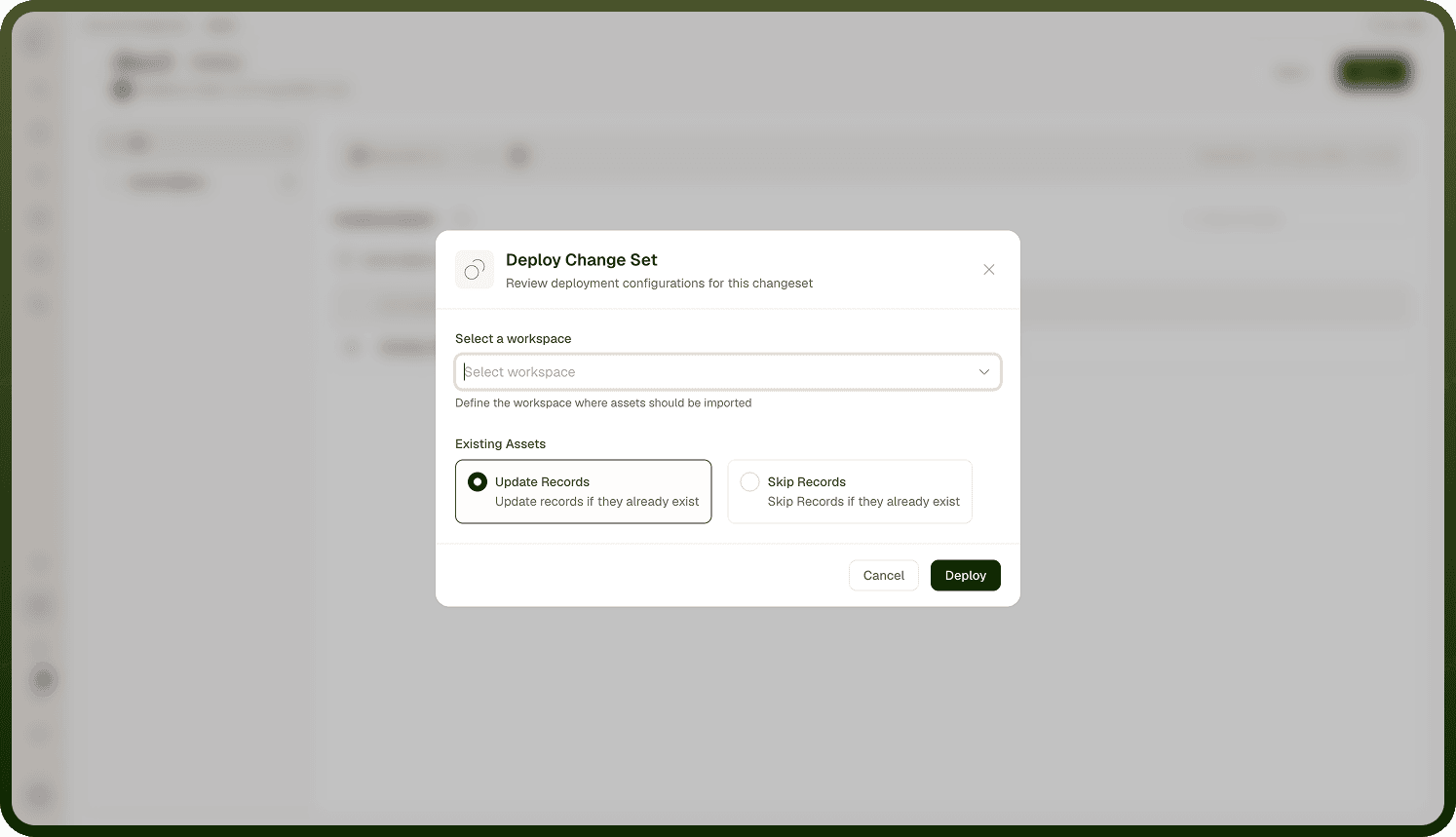
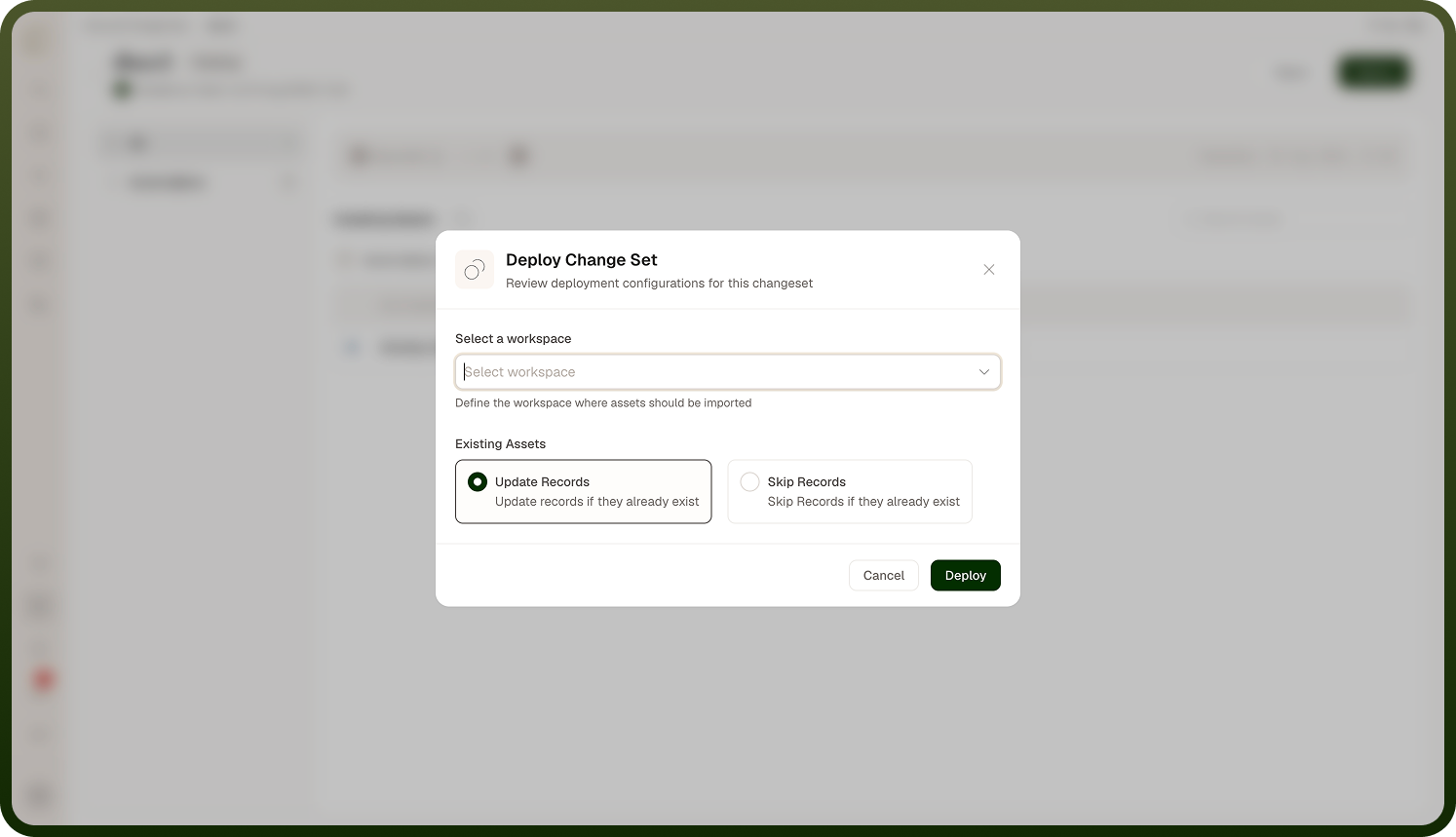
Clicking Deploy opens the Deploy Change Set dialog, where you pick the workspace the assets should be imported into and choose what to do with existing assets — Update Records (update assets that already exist here; the default) or Skip Records (leave them untouched). Deploying then applies the change set's assets to this environment — creating the New ones, updating (or skipping) the Existing ones, and mapping the Replaced ones. Before it changes anything, the platform backs up the current versions of the assets it's about to modify (so a rollback is possible), then applies the assets in dependency order — things that others depend on first (for example connections before the automations that use them) — so references resolve as each asset lands. As it goes it records a per-asset status (Deployed, Failed, Skipped). When it finishes, the change set is Deployed if everything succeeded, or Deployment Failed if any asset errored (which you can investigate via the error report).
Where: Inbound change set › Deploy
Rolling back a change set
One deployment nuance: when a change set deploys with standard deployment, agent skills are deployed automatically even though they don't appear in an agent's deploy tree (a skill attaches to agents by sharing, so it would otherwise arrive as a draft and the agent would run without it).
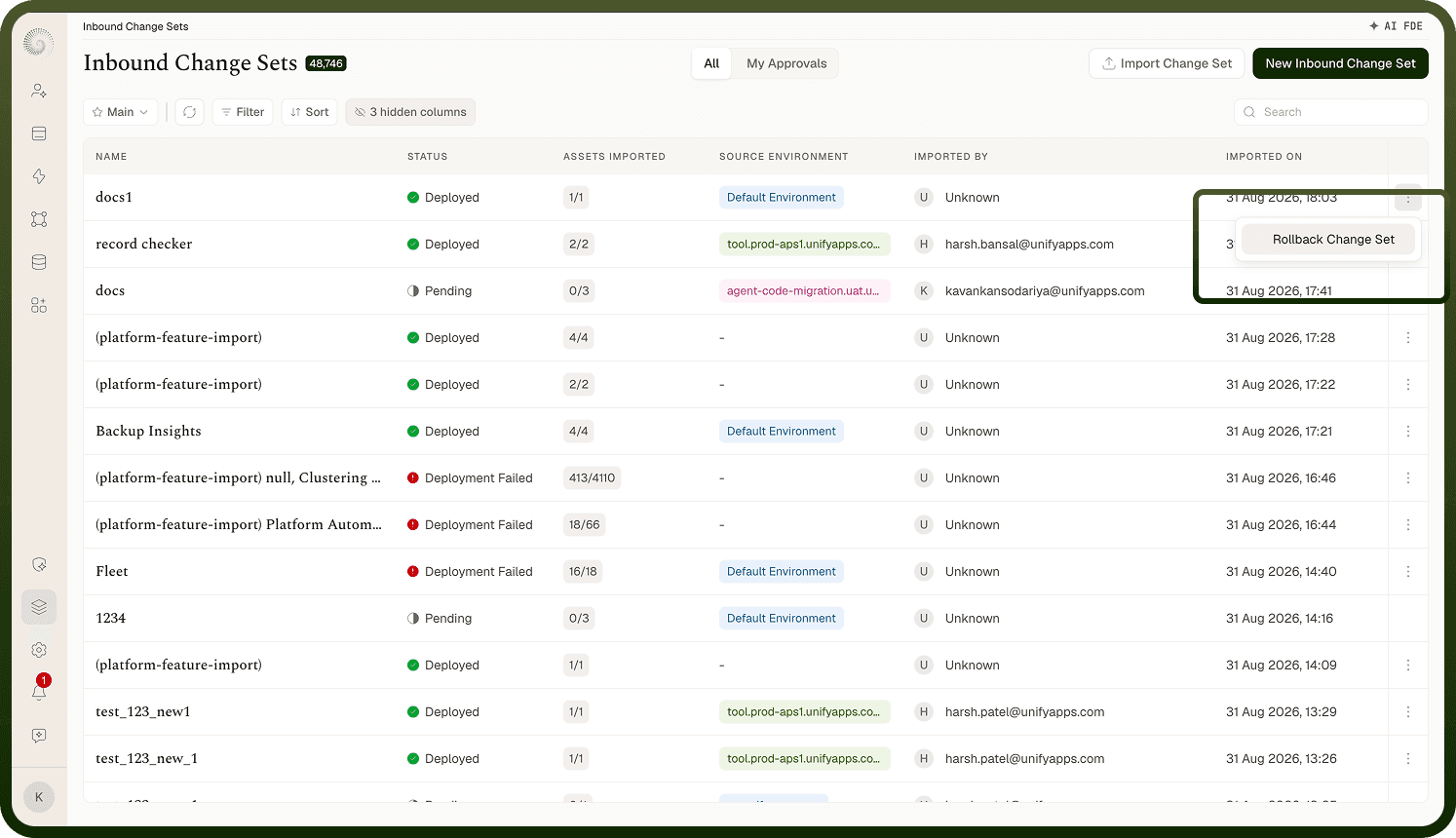
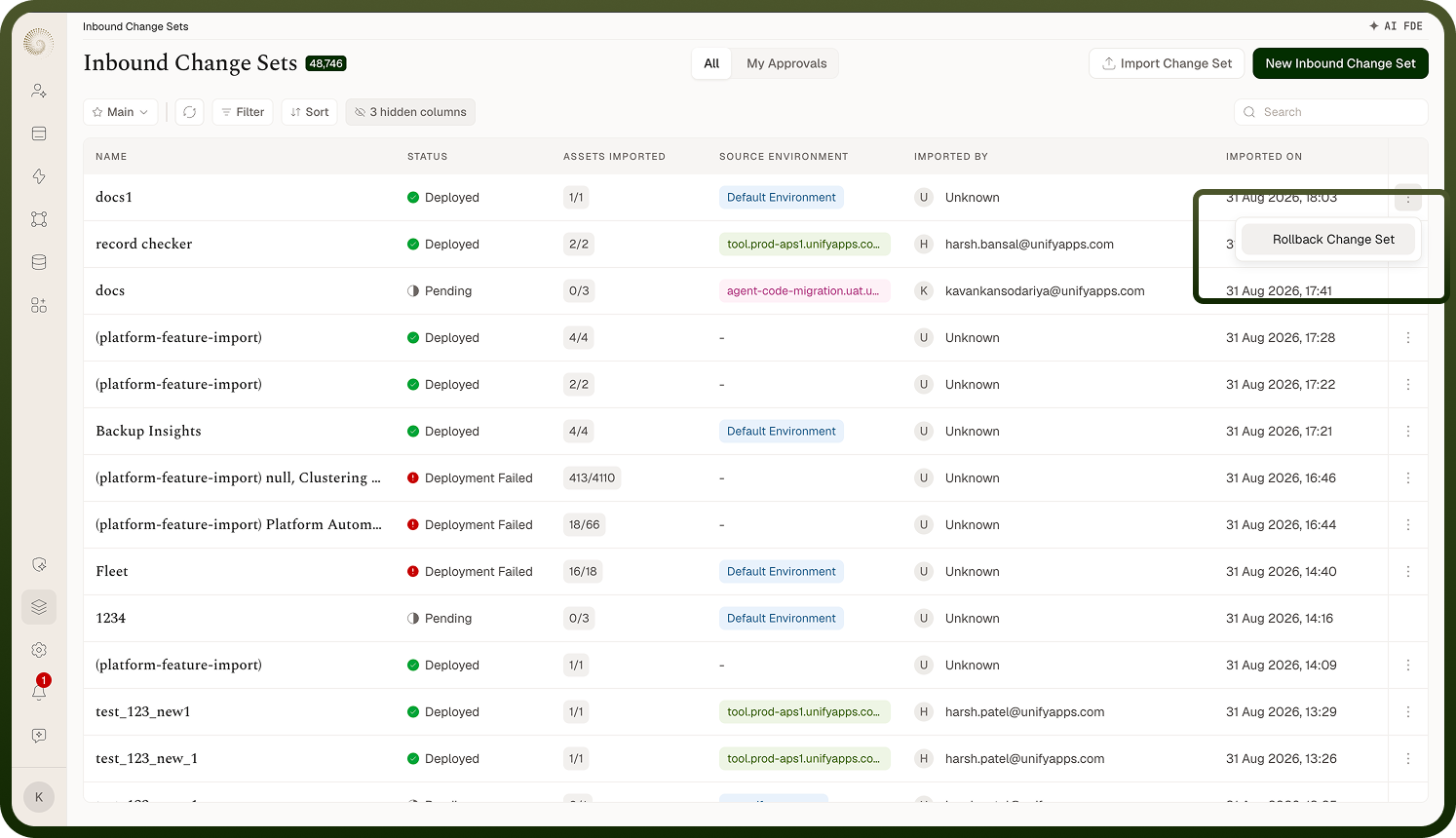
If a deployed change set causes problems, use Rollback Change Set on its inbound entry (available once the change set is Deployed — or Deployment Failed, so a partial deploy can be undone too). A confirmation dialog asks how you wish to roll back:
Only Unedited Records (the default) — reverts only assets that weren't changed after the change set deployed; anything someone has edited since is left alone.
Complete Rollback — reverts everything to the saved version from before the deployment, even assets edited afterwards.
The platform then restores the backup it took before deploying: assets that were newly created by the change set are removed, and assets that were updated are reverted to their pre-deploy versions. It does this in the reverse of the deploy order, so dependents come down before the things they depend on. The change set then shows as Rolled Back, and the source environment is notified so it sees the rollback too. Rollback is your safety net for a promotion that went wrong.
Where: Inbound change set › Rollback Change Set