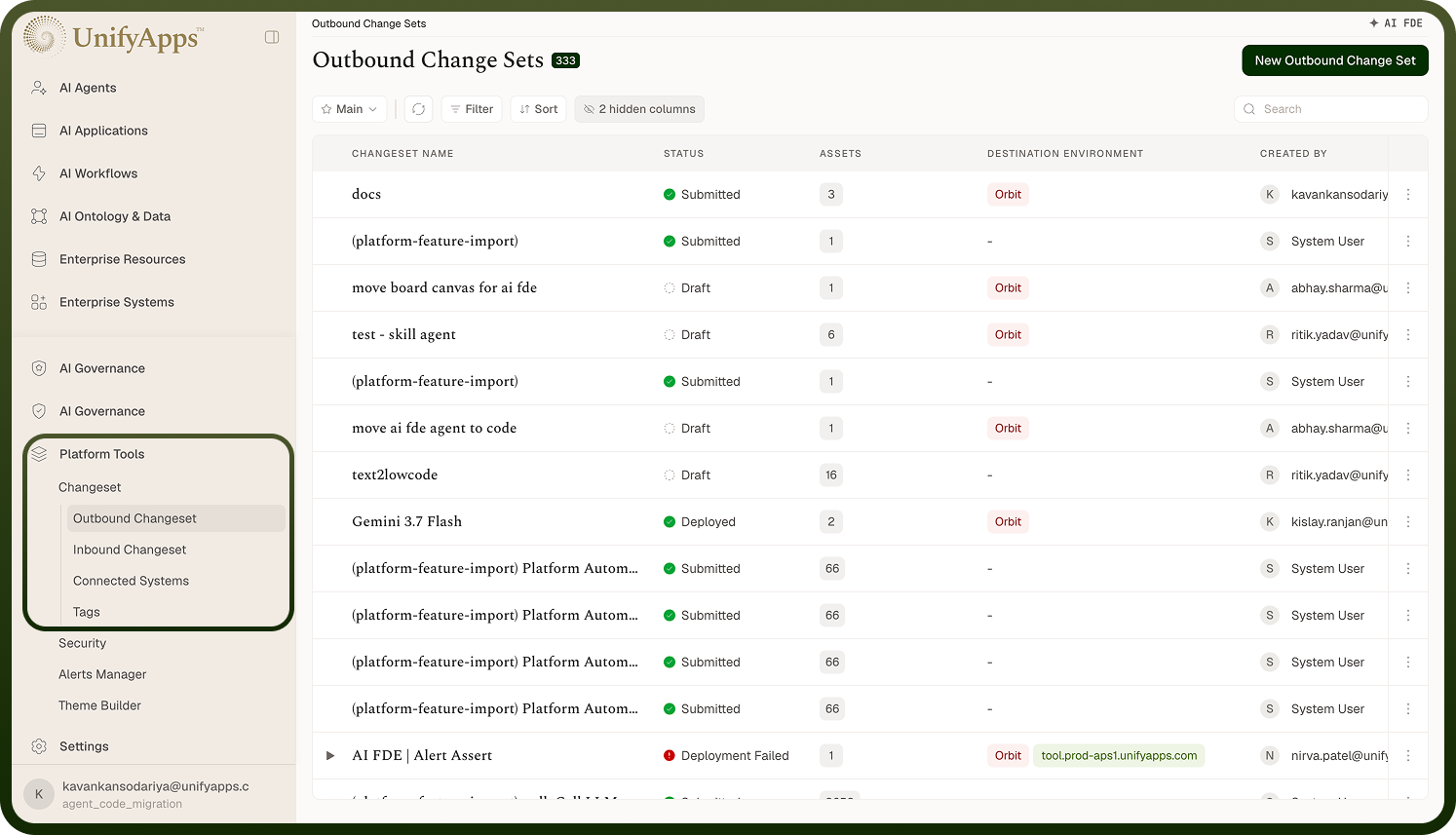
Moving your work between environments — what change sets are and how the pieces fit.
Overview
A change set is a bundle of your assets — automations, objects, connections, apps, AI agents, API endpoints, and more — packaged up so you can move them from one environment to another (for example dev → UAT → production). Instead of rebuilding everything by hand in each environment, you select what changed, the platform gathers everything it depends on, and ships it as one reviewable, approvable, reversible unit. Change Sets is how you promote work safely through your release pipeline. It lives under Settings › Change Sets.
Where: Settings › Change Sets
Change Sets and what's in it
Under Settings › Change Sets there are four areas:
Outbound — change sets you're sending.
Inbound — change sets you've received (with an "all" list and a "my approvals" list).
Connected environments — the links to other environments you push to and pull from.
Tags — labels for grouping related assets so they're quick to select.
You'll typically work in Outbound when shipping changes, Inbound when receiving them, and set up Connected environments once so the two sides can talk.
Where: Settings › Change Sets
FAQs
What's the difference between outbound and inbound change sets?
Every change set exists on two sides:
Outbound — on the source environment (where the work was built). You create it, select assets, and submit/export it. It moves through Draft → Exporting → Submitted, and then reflects what happened in each destination.
Inbound — on the destination environment (where the work is going). When a change set arrives, it appears here for review, approval, and deployment. It moves through Pending → Approved → Deployed. (You can also create an inbound change set yourself by pulling assets from a connected environment.)
So the same change set is outbound in the environment that sends it and inbound in the environment that receives it. Outbound is "what I'm shipping"; inbound is "what I've received to apply."
Where: Change Sets › Outbound / Inbound
What can I put in a change set?
A change set can carry the platform assets you build — automations (workflows), objects (schema, and optionally their records), connections, apps/interfaces, AI agents, templates, environment variables, APIs and API groups, data pipelines, segments and campaigns, roles, connector SDKs, and more. You pick the ones that changed; you don't have to list everything they rely on, because the platform automatically pulls in dependencies (for example the connections and templates an automation needs). Some asset types are dependency-only — they're never picked directly, just brought along when something else needs them.
Where: Outbound change set › select assets
How does a change set get from one environment to another, at a high level?
The end-to-end flow:
Build an outbound change set in the source environment — select assets; dependencies are gathered automatically.
Submit it. The platform snapshots the assets, packages them, and either pushes them to a connected environment (a "Move") or produces an encrypted file you transfer yourself (an "Export").
The destination receives it as an inbound change set (status Pending).
Someone reviews it (new vs. existing assets, conflicts), approves it if approvals are required, and deploys it.
If something's wrong, they roll it back.
The source environment sees the status of each destination (delivered, deployed, rolled back) so you can track promotion.