Who's using the workspace and what they did — login analytics and the user audit timeline.
Overview
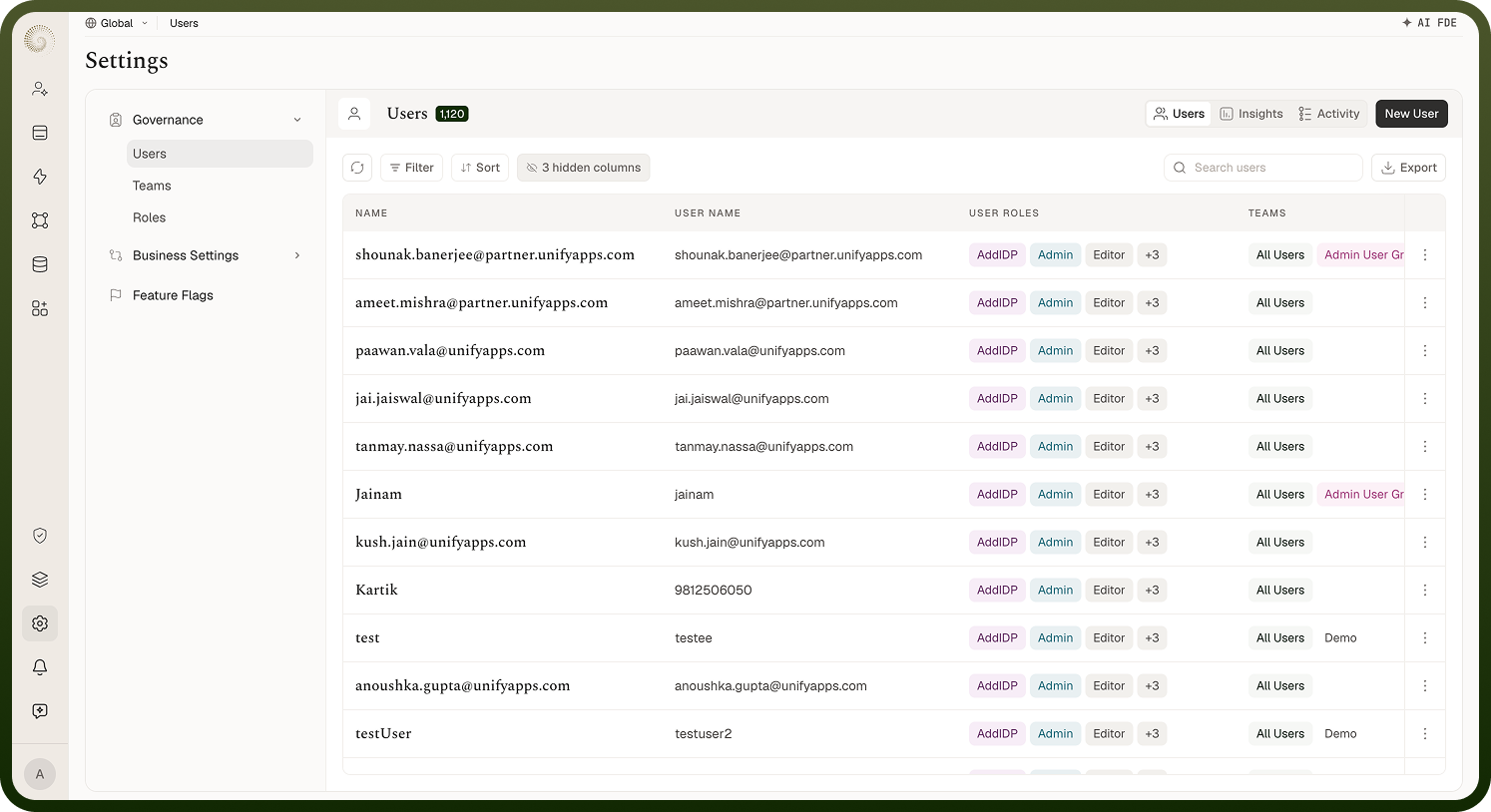
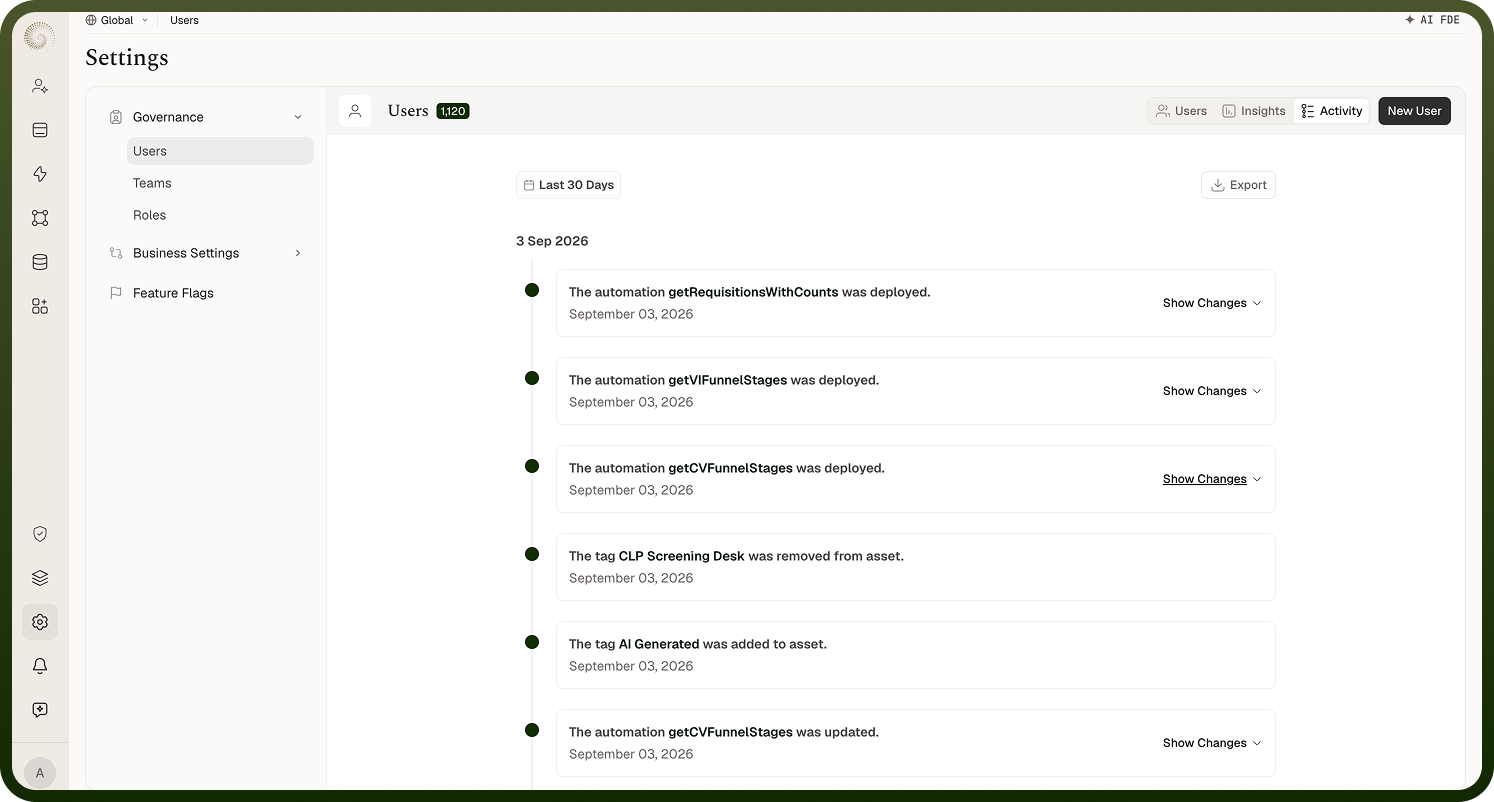
The Users manager under Settings has three tabs — Users, Insights, and Activity. Insights is the login-analytics dashboard; Activity is the audit timeline of user account events. Both tabs appear only if you have permission to view users.
Users Insights
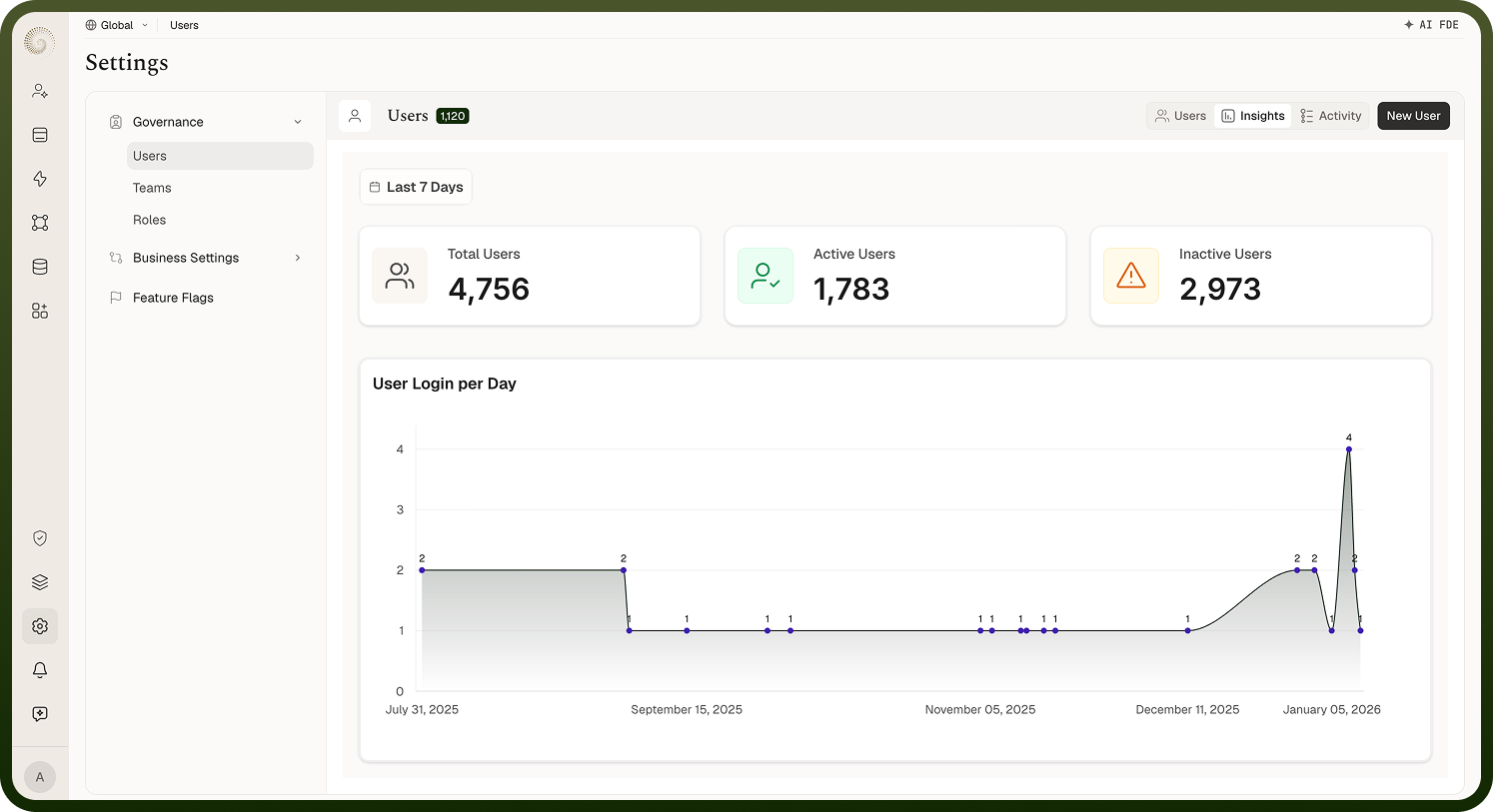
Three stat cards and a chart, scoped by a Date Filter (default last 7 days):
Total Users — everyone in the workspace.
Active Users — users currently signed in (sessions that haven't logged out yet).
Inactive Users — the difference between the two.
User Login per Day — a line chart of logins over the selected range.
Below them, a table lists individual logins with Username and Login Time. Use it to see adoption at a glance and spot who's actually signing in.
Activity tab
A timeline of user account events across the workspace, filterable by Type and User on top of a date range (default last 30 days). You can export the filtered activity as CSV or XLSX. If your filters match nothing you'll see No data found — "Reset the filter options to see data here."
FAQs
What user events are recorded?
The user audit trail captures: logged in, logged out, failed login attempt, user locked, password updated, and updates to a user's group and role memberships. This makes the Activity tab the place to answer security questions like "who failed to log in last night?" or "when did this account get locked?".
Where: Settings › Users › Activity, Type filter
Can I see one user's activity?
Yes — open a user from the Users list and switch to their Activity view. It's the same timeline, pre-scoped to that user, with the same Type filter and date range. Teams and roles have equivalent activity views showing changes to them.
Where: Settings › Users › a user › Activity
What about activity on apps, automations, and other assets?
Assets keep their own audit trails with change types like Created, Updated, Deleted, Shared, Restored, Deployed, Archived, Unarchived, and Imported (automations add lifecycle events such as Paused, Unpaused, and Rolled back). These surface on each asset's own Activity view in its module — the Users tabs cover people, not assets. Note that an application's Activity tab is not currently shown in the app detail tabs.