


What each status means on the outbound and inbound sides, and per asset.
Overview
On the source environment, an outbound change set moves through:
Draft — you're still building/editing it.
Exporting — you've submitted it and the platform is snapshotting and packaging the assets.
Submitted — packaged and sent (or ready as a file); now read-only here.
Approved — a destination has approved it (reflected back from the destination).
Deployed — a destination has applied it.
And the terminal/problem states: Rejected (a destination rejected it), Rolled Back (a destination reverted it), Cancelled (you cancelled it), Failed (export/packaging failed), and Deployment Failed (a destination's deploy hit an error). Because one outbound change set can target several environments, you also see a per-destination status for each (covered under connected environments).
Where: Change Sets › Outbound, Status
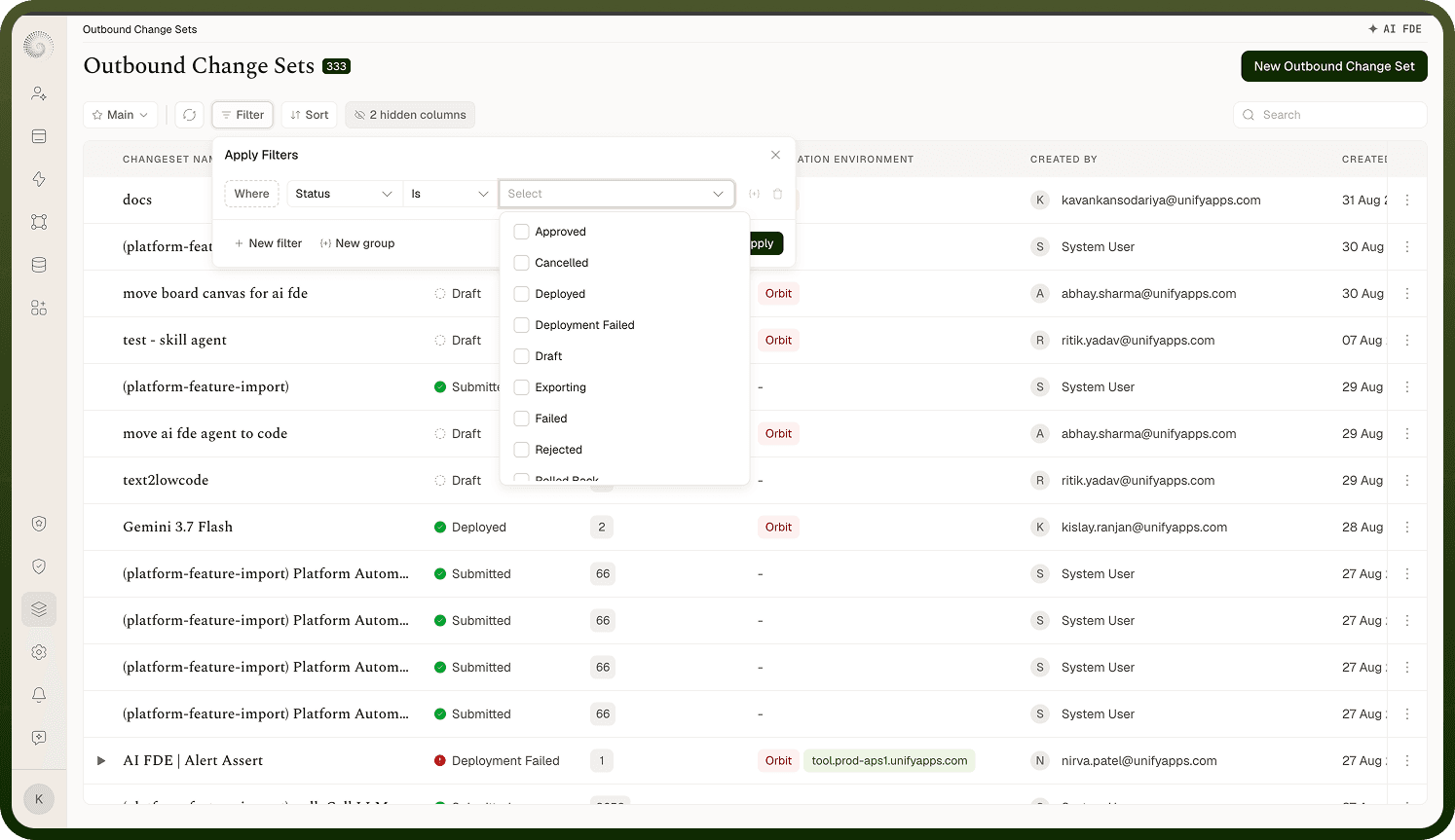
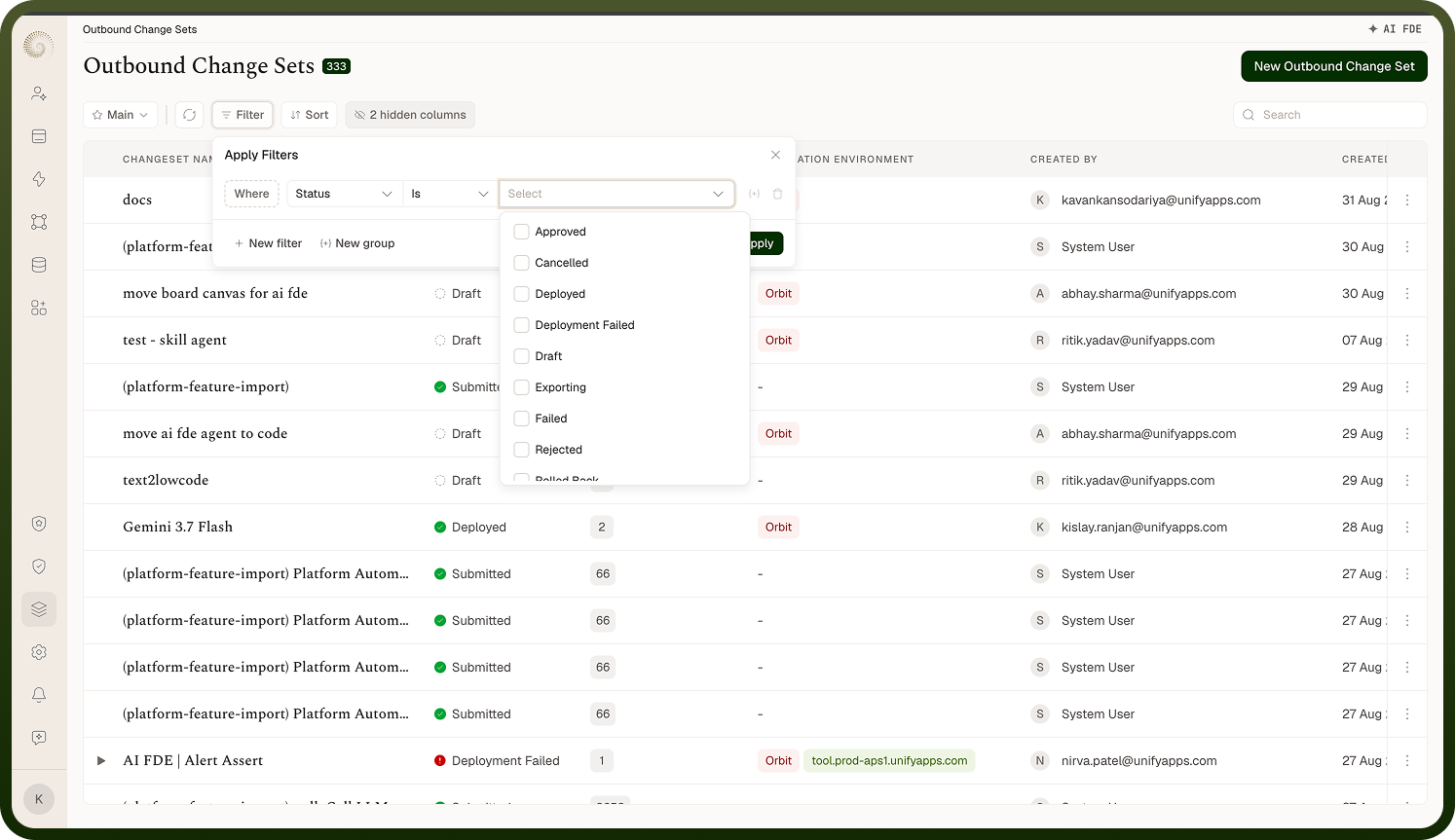
Statuses
On the destination environment, an inbound change set moves through:
Draft — only for an inbound change set you're building yourself by pulling assets from a connected environment; you're still editing it. (Pushed and imported change sets never sit in Draft — they arrive as Pending.)
Pending — received/imported and awaiting review and approval(s).
Approved — all required approvals are in; ready to deploy.
Deployed — applied to this environment.
Plus: Rejected (an approver rejected it), Rolled Back (it was deployed then reverted), Cancelled (the sender deleted/withdrew the change set while it was still pending here), and Deployment Failed (one or more assets errored while applying). Reading the inbound status tells you exactly what's left to do: approve it, deploy it, or investigate a failure.
Where: Change Sets › Inbound, Status