


Overview
The Control Component Selection action turns component-selection mode on or off for the current page. While it is on, an overlay lets the user hover over and click any component on the page. Each click records the component and, on a module's page, fires the On Component Selected event with the picked component's details.
Prerequisite: the event is available only on a module's own page. A module is a sub-app embedded in a host page; its page settings have an Interactions section where it handles events coming in from the host, such as On Component Selected. On an ordinary page the selection is still stored, but no event fires. See Building a Module.
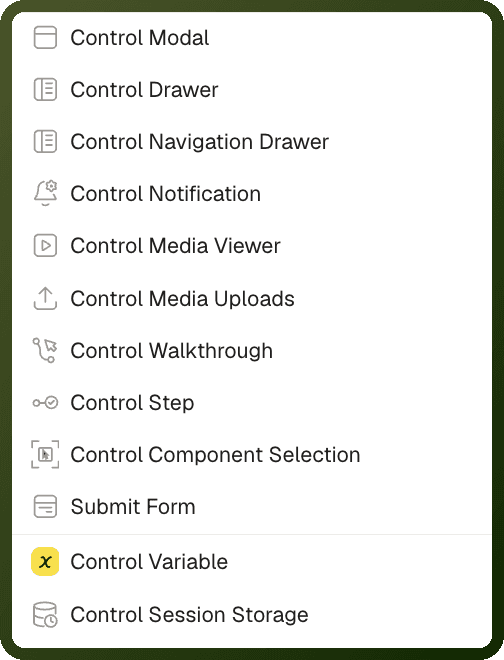
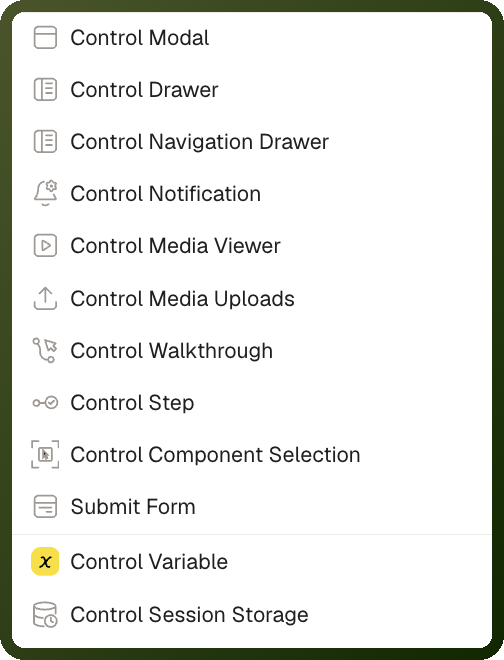
Use it to let a user point at a component and capture which one they picked — for example, an in-app tool that asks "which card do you want to edit?", or a module that reacts to the components on its host page.
Note: This action does not select rows or items in a Table or other list component. For row selection, use the Table component's own row-selection settings.
Parameters
Field | Required | Description |
|---|---|---|
Method | Yes | Start Component selection (default) turns selection mode on. Stop Component selection turns it off and cancels any selection in progress. |
What the action returns
Each time the user clicks a component, the selection is stored in the page's blockSelection state, and on a module's page the On Component Selected event fires. Both carry the same two fields:
Field | Description |
|---|---|
| Every component clicked so far in this selection session, in click order. Clicking the same component again does not add a duplicate. |
| The component that was just clicked. |
Each component entry includes its id, displayName, parentId and a component object with componentType, content and appearance. It does not include the component's runtime value.
How Selection Mode Behaves
It intercepts clicks. While selection mode is on, a click on a component only selects it — a button does not run its own action.
It keeps running. Selection mode stays on after a click. Each new click adds to
selectedBlocksand fires the event again. It stays on until a Stop Component selection action runs — there is no timeout.The chain continues after the first click. Actions placed after Start Component selection in the same chain run as soon as the user clicks the first component.
There is no toggle. Use separate actions for Start and Stop, or gate them with a condition.
Web only. Selection mode has no mobile equivalent.
The event fires only on a module's page. See the prerequisite above.
Step-by-Step Usage Guide
Add the action: In the Events panel of your trigger component (for example, a Button), click + Add Action and choose Control Component Selection.
Start selection: Set Method to Start Component selection.
React to picks: Open the module page's Page Settings, go to Interactions → Events and add actions to On Component Selected. In those actions, open the State explorer and pick Selected Components or Hovered Component under Component Selection to insert the binding.
Stop selection: Add a second Control Component Selection action with Method set to Stop Component selection — for example on a "Done" button, or after the user has picked what they need.
Examples
Start component selection
{ "actionType": "controlBlockSelection", "payload": { "method": "startBlockSelection" } }
Stop component selection
{ "actionType": "controlBlockSelection", "payload": { "method": "stopBlockSelection" } }