


Use this page to understand when bindings re-run, how to keep them from failing on missing data, and what a binding expression can and can't do. For the names you can reference, see Binding Context. For logic that is too heavy or too long for a binding, see Page Functions.
Evaluation Model
UnifyApps evaluates expressions using a lazy, dependency-tracking model. When a block property contains a binding expression, the engine:
Parses the expression and identifies all referenced names (block IDs, variable names, data source names, namespace keys).
Registers those names as dependencies of this expression.
Evaluates the expression immediately with the current values of those dependencies.
Re-evaluates whenever any dependency's value changes.
This is the mechanism behind every reactive pattern in UnifyApps — a search input's change triggers re-evaluation of any expression that reads it, which may trigger a data source re-fetch, which in turn triggers re-evaluation of anything that reads the data source output. The chain runs automatically without event wiring.
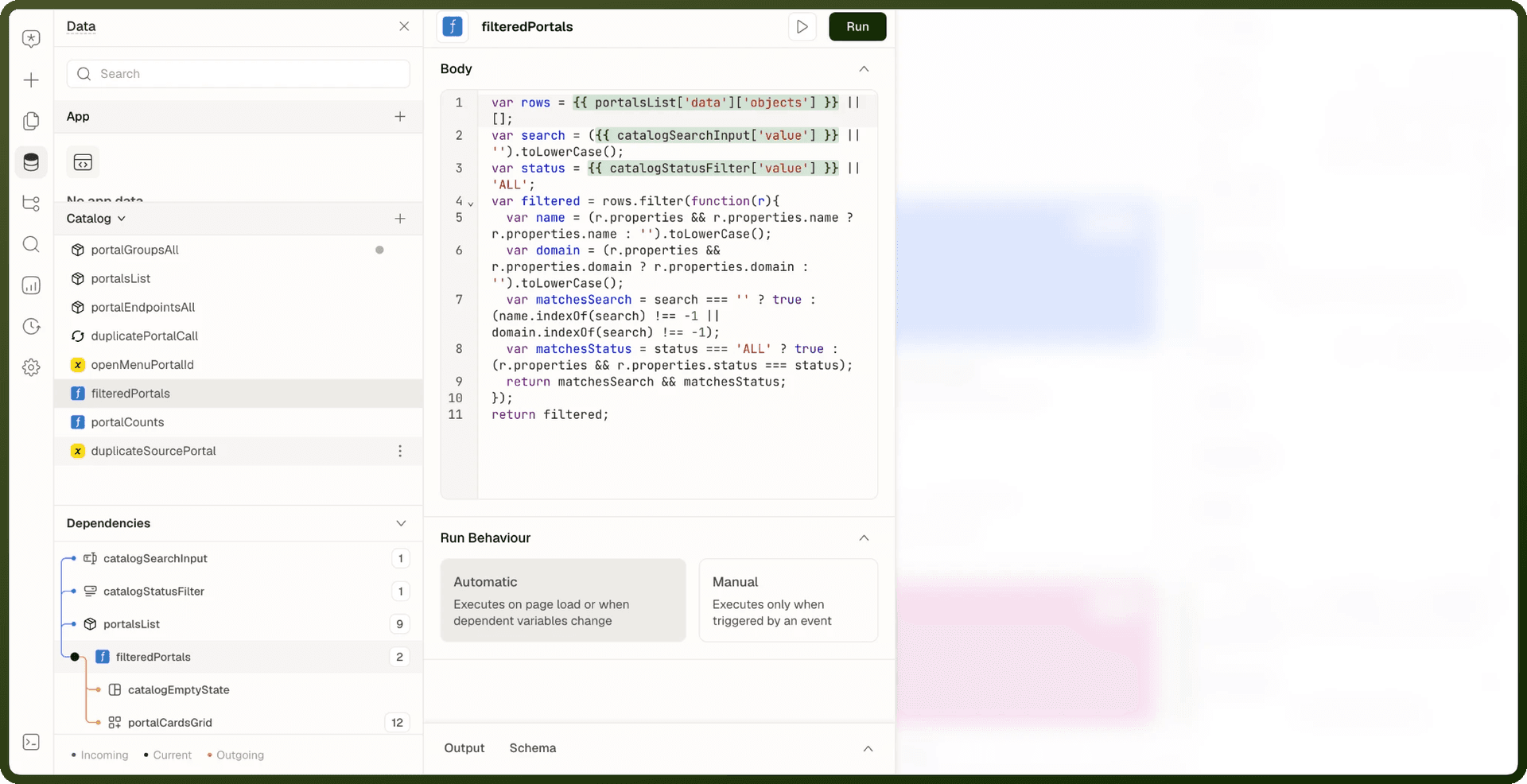
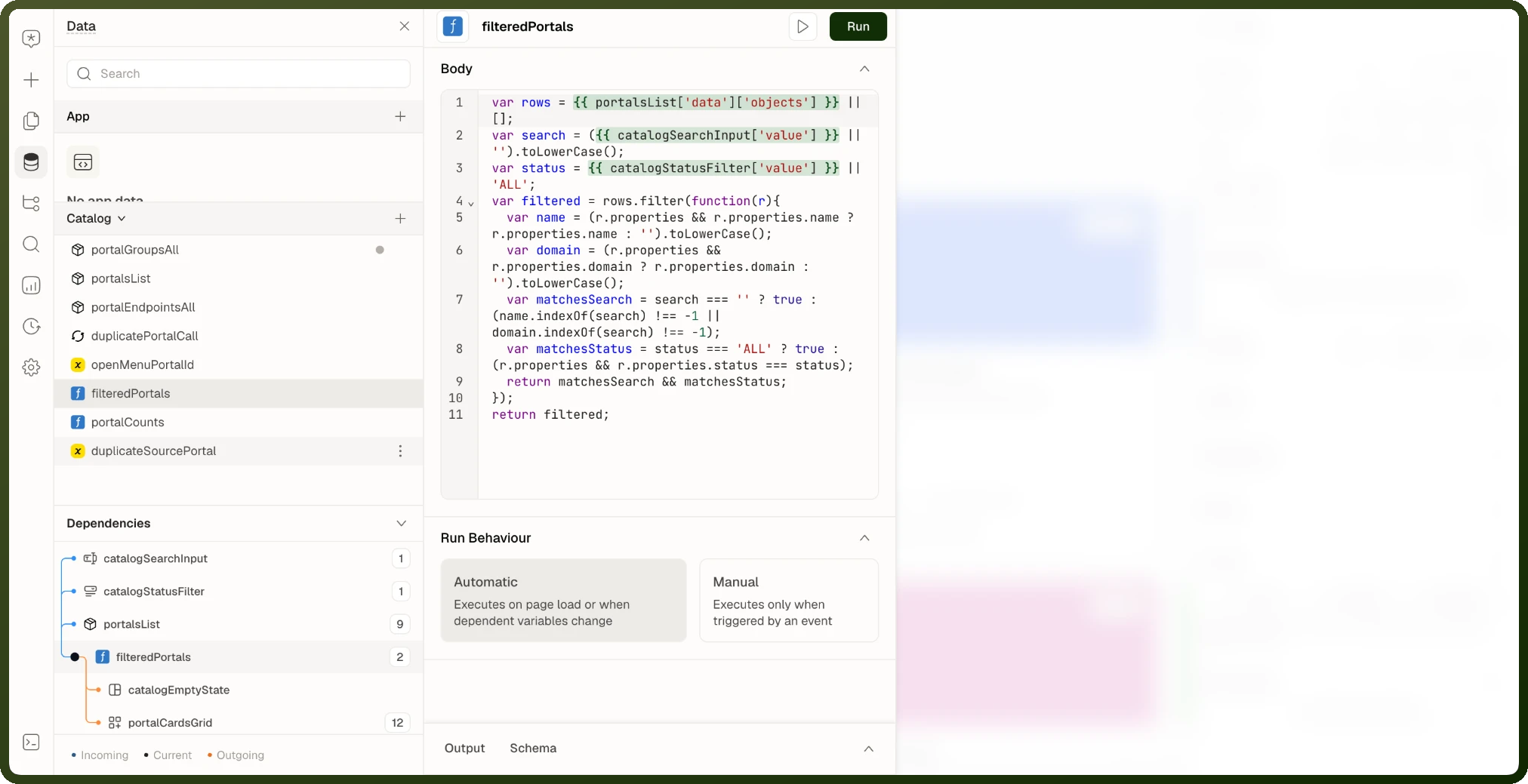
To see these links for a data source or function, open its Dependencies panel, which lists its Incoming and Outgoing dependencies.
Circular Dependency Detection
When expression A depends on expression B and expression B depends on expression A (directly or transitively), the engine detects the cycle before it can cause an infinite loop. The cycle is broken at the last link, and both expressions receive their last computed value. A warning appears in the builder's Output panel identifying the circular path.
Warning: When a circular dependency is detected and broken, the affected expressions are frozen at their last computed value. The page does not crash, but the values shown may be stale. Always resolve circular dependencies by restructuring — typically by introducing a page variable as an intermediary.
For example, say a function fullName reads a text input, and that input's default value reads {{ fullName.value }}. Break the loop with a page variable: set the input's default value from the variable, and update the variable with a Control Variable action on the input's On Change event. Each side now depends on the variable instead of on the other.
Null Safety
A binding that is a plain property path, like {{ user.address.city }}, returns empty when a link in the chain is null or undefined. Any expression with an operator or a call is different: it throws on a null link, and the whole binding renders empty. For example, {{ orders.data.totalCount ?? 0 }} shows nothing — not 0 — while orders.data is still loading.
Add ?. at each link that may be null, especially before ??.
Safe deep property access in expressions
// Plain path — empty if any part of the chain is null {{ order.customer.billingAddress.city }} // With an operator — add ?. at each link that may be null {{ order?.customer?.billingAddress?.city ?? "No city" }} // Array access {{ orders?.[0]?.status }} {{ orders.find(o => o.id === selectedId)?.status }}
Heavy Computation
Expressions run synchronously on the page and have no timeout. A heavy expression — sorting, filtering, or aggregating thousands of records — slows the page down rather than being cut off.
Tip: Move heavy array work into a Page Function — a named JavaScript function defined in the Data panel — and read its result with {{ my_function.value }}. The function recomputes when the values it reads change, so the work runs once instead of in every binding that needs it. See Page Functions.
Error Handling in Expressions
Nullish Coalescing Fallback
Use the ?? operator to provide a fallback when an expression returns null or undefined:
Nullish coalescing for display fallbacks
// Show "Unnamed" when displayName is null or undefined {{ user?.displayName ?? "Unnamed" }} // Show 0 while the data source is still loading {{ orders.data?.totalCount ?? 0 }} // Chain multiple fallbacks {{ record?.nickname ?? record?.displayName ?? record?.email ?? "Unknown user" }}
Guarding Risky Expressions
A binding has no try/catch of its own. To guard an expression that may fail, use ?. with ?? fallbacks. For logic that can genuinely throw, move it into a page function or a Run Script action, where you can use a real try/catch.
Error-tolerant expressions
// Parse JSON safely — utils.parseJson returns the fallback instead of throwing {{ utils.parseJson(rawString, {}) }} // Join tags that may be missing {{ response?.data?.metadata?.tags?.join(", ") ?? "No tags" }}
Showing a Load Error
To show a message when a data source fails, bind a Text or Alert block to the data source's error and make the block visible only when there is one. You can also react to the failure in the data source's On Failure event.
Error message for a failed data source
// Text block content {{ "Failed to load orders: " + orders_query.error?.message }} // Text block visibility {{ !!orders_query.error }}
Performance Characteristics
Memoization
The evaluation engine memoizes expression results: if an expression's dependencies have not changed since the last evaluation, the cached result is returned without re-running the expression body. This means that even if many blocks reference the same expression, it only runs once per dependency change — not once per block that reads it.
What Triggers Re-evaluation
| Change | Re-evaluates |
| User types into a bound text input | All expressions that reference that input's .value |
| A data source finishes loading | All expressions that reference that data source's .data, .isLoading, or .error |
| A page variable is updated via Set Variable action | All expressions that reference that variable's .value |
| A URL parameter changes (navigation) | All expressions that reference pageParams or pageInputs |
| A table row is selected | All expressions that reference table.selectedRow or table.selectedRowIds |
Security Sandbox
Binding expressions run in a restricted execution sandbox that provides safety guarantees for multi-tenant app environments:
Restriction | Enforcement |
|---|---|
No | Expressions cannot read or write |
No | Direct DOM manipulation is blocked. Blocks must be controlled through builder properties, not script. |
No | Expressions cannot make network requests. All data fetching goes through configured data sources. |
No raw browser Storage API | The raw browser Storage API ( |
Note: JavaScript in a Page Function body runs with broader browser access than a binding expression, and console.log works for debugging. A function still can't use an API call: the body runs synchronously and a returned Promise is discarded, so the result of fetch never becomes the function's value. Fetch data with a data source. Keep writes, navigation and other side effects in action chains. See Page Functions.