


Repeatables and Tables render the same blocks once per row, so a binding written once has to mean something different in every row. Row-scoped bindings are how that works: inside a row, a handful of extra names resolve to this row's data, and references to sibling blocks resolve to this row's copy of them.
Inside a Table: context.currentRow
Inside a Table, the row being rendered is available under the Table's own block ID. In a column's Value, in a per-row condition (such as an Editable condition) and in blocks placed inside a cell, {{ my_table.context.currentRow }} is the record behind the row. There is no bare currentRow for Tables: always start with the Table's block ID. In the examples below, my_table is the Table's ID.
Binding | Resolves to | Example |
|---|---|---|
| The full data record for this row. |
|
| Any field from this row's data object. |
|
| This row's position, starting at 0. |
|
Table cell expression examples
// A field from this row {{ my_table.context.currentRow.status }} // Computed per row {{ my_table.context.currentRow.qty * my_table.context.currentRow.price }} // Conditional per row {{ my_table.context.currentRow.status === 'overdue' ? 'red' : 'green' }} // Optional chaining for nullable fields {{ my_table.context.currentRow.customer?.name ?? 'Unknown' }}
Note: Table cell expressions get the standard utils helpers plus three table helpers, all called under utils. For example, {{ utils.formatDate(my_table.context.currentRow.createdAt, 'dd MMM yyyy') }} works in a cell.
Helper | What it does | Example |
|---|---|---|
| Turns a size in bytes into readable text. |
|
| The same duration formatter as on the Built-in Utilities page. |
|
| Returns |
|
Blocks Inside a Table Row
Blocks placed inside a Table cell, such as the blocks in a Custom column's Custom Cell slot, use the same binding. Each row's copy of the blocks gets that row's data:
{{ my_table.context.currentRow.status }}
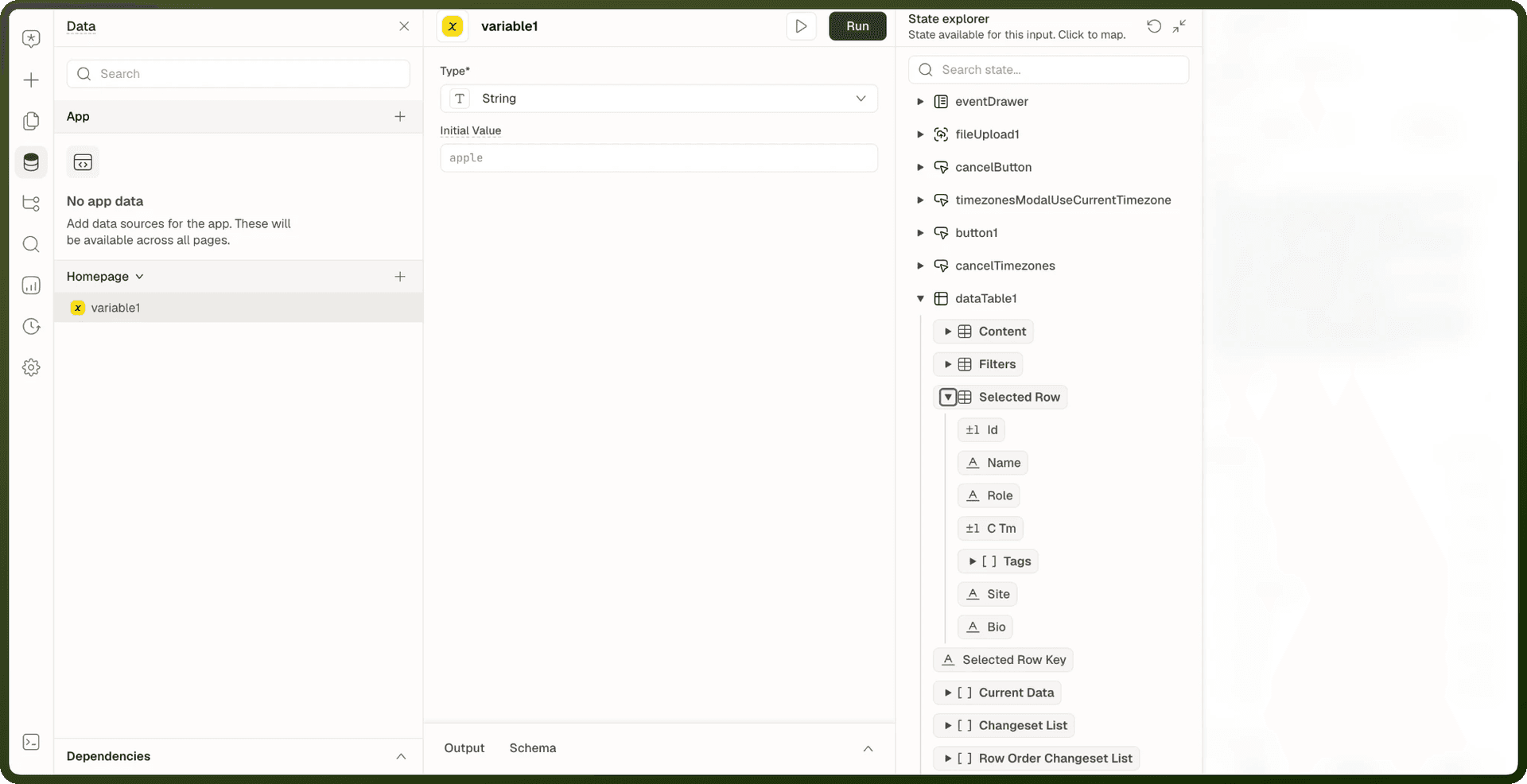
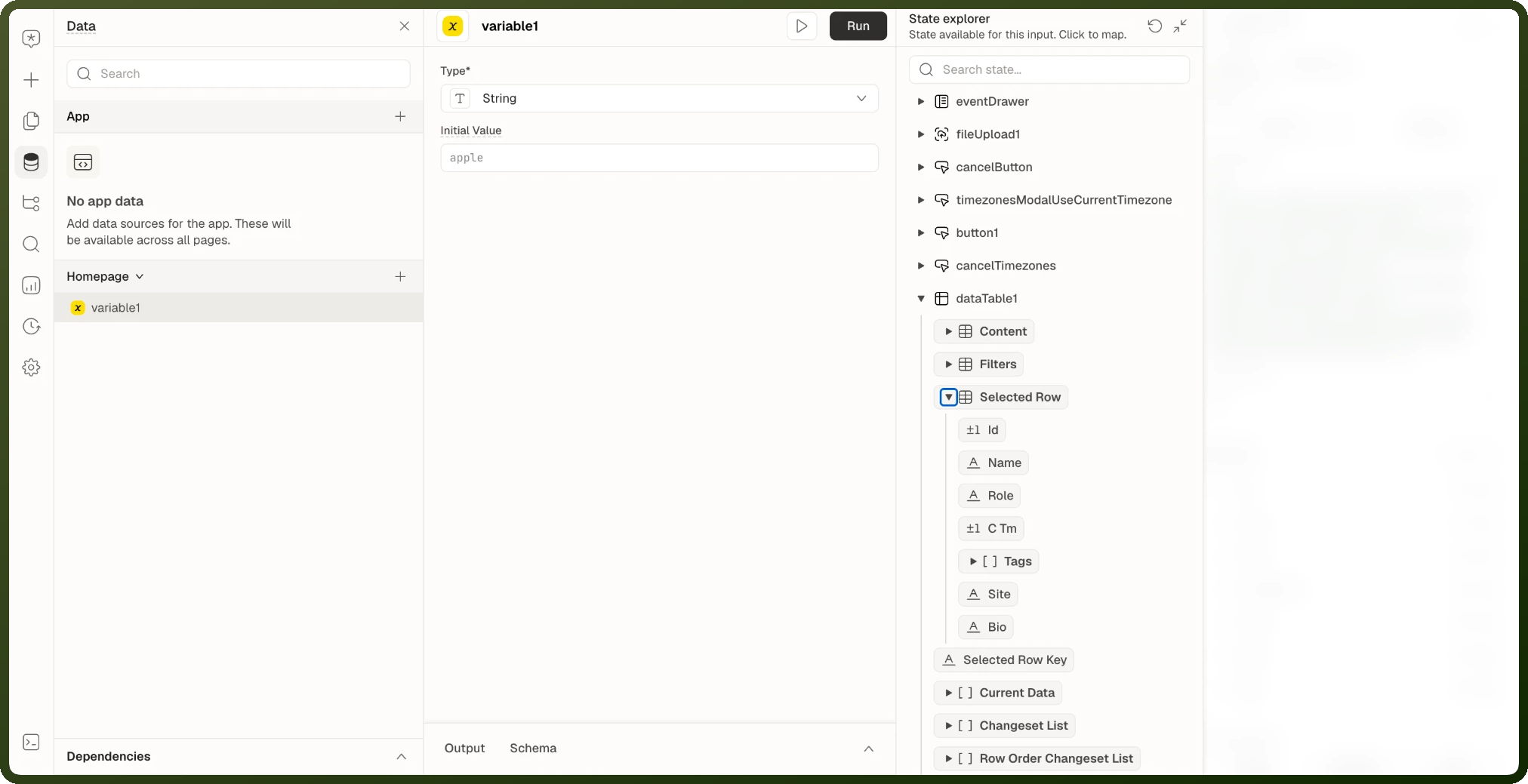
Outside the Table, read the row the user selected through the Table's state, for example {{ my_table.selectedRow }} when Row Selection is set to Single. See Table State and Bindings.
Inside a Repeatable: Row Context
Repeatables have no bare currentRow, currentIndex or currentPrimaryKey. Use the Repeatable's own name, as below. currentIndex and currentPrimaryKey exist only as keys on instances.
Each row of a Repeatable carries three values, reached through the Repeatable's own name:
| Binding | Resolves to |
| {{ my_repeatable.context.item }} | This row's complete data item. |
| {{ my_repeatable.context.index }} | This row's position, starting at 0. |
| {{ my_repeatable.context.primaryKey }} | This row's identity key. |
A block inside row 4 that binds {{ my_repeatable.context.item.title }} shows row 4's title; the same binding in row 5 shows row 5's. You write it once, on the template.
Repeatable row context examples
// This row's title {{ my_repeatable.context.item.title }} // This row's position (0-based) {{ my_repeatable.context.index + 1 }} // A computed value for this row {{ my_repeatable.context.item.quantity * my_repeatable.context.item.price }}
Note: While editing an expression on a block inside a Repeatable, the builder previews values using the first data item. Whatever you see in the builder is always row one's values — even if you clicked on a different row.
Sibling Block Resolution
Inside a row, a plain reference to a sibling block by name resolves to that sibling's copy in the same row, not to a page-wide value. An action inside a row that submits a form submits this row's form, not every row's form.
With Repeatables nested inside Repeatables, the innermost row wins: a name resolves against the closest row that actually contains that block, walking outward only if the inner row doesn't.
Reaching Across Rows: instances
From anywhere — inside a row or outside the Repeatable entirely — the Repeatable exposes instances, an array with one entry per row.
| Key on each instance | Description |
| currentIndex | The row's position (0-based). |
| currentPrimaryKey | The row's identity key. |
| (block names) | One entry per direct child block of the Repeatable, holding that row's copy of the block's state. |
instances examples
// Read the third row's input value {{ my_repeatable.instances[2].price_input.value }} // Count how many rows have a checkbox checked {{ my_repeatable.instances.filter(row => row.done_checkbox.value).length }} // Get all selected row IDs {{ my_repeatable.instances .filter(row => row.select_checkbox.value) .map(row => row.currentPrimaryKey) }}
Rules for instances
| Rule | Details |
| Direct children only | A nested Repeatable inside another doesn't flatten — chain: {{ my_repeatable.instances[0].inner_repeatable.instances[1] }}. |
| Read-only | Mutating array methods (push, sort, reverse) are blocked. Copy first: {{ [...my_repeatable.instances].sort((a, b) => a.total_input.value - b.total_input.value) }}. |
| Unknown key = empty + console warning | Reading a key that isn't currentIndex, currentPrimaryKey, or a direct child block's name produces an empty value and logs a one-time warning. |
| Untouched rows report template state | A row the user hasn't interacted with answers with the template defaults, not a recorded per-row edit. |
Legacy: items
Older pages may bind {{ my_repeatable.items[0] }} — this still resolves, but instances is the current form and what autocomplete describes. Prefer instances for any new bindings.
Common Patterns
Pattern — Row status badge color
// In a Table column expression: {{ my_table.context.currentRow.status === 'open' ? '#22c55e' : my_table.context.currentRow.status === 'overdue' ? '#ef4444' : '#6b7280' }}
Pattern — Conditional action per row
// Button visibility inside a Repeatable row: visible: {{ my_repeatable.context.item.status !== 'closed' }} // The button's action then uses this row's ID: Navigate to: /orders/{{ my_repeatable.context.item.id }}
Pattern — Select all / count checked
// Count selected rows (checkbox named row_check in each row): {{ my_repeatable.instances.filter(r => r.row_check.value).length }} selected // Show "Select all" button only if not all are checked: visible: {{ my_repeatable.instances.some(r => !r.row_check.value) }}
Gotchas
Gotcha | Details |
|---|---|
No bare currentRow in Tables |
|
Nested Repeatables don't flatten | instances of an inner Repeatable live under the outer row's instance — you must chain, not access the inner directly from the outer. |
Builder always previews row 1 | Whatever row you clicked to edit, the expression editor shows row 1's values. To check other rows, open the page in Preview, where every row renders with its own data. |
Related Pages
Repeatable — the Repeatable block, its row bindings and instances.
Table State and Bindings — the Table's selection, filter and sort state.
Binding Context — every name an expression can read.