


Bitbucket is a Git-based source code management solution designed for teams to collaborate on code, manage repositories, and streamline development workflows. Bitbucket Server provides secure, self-hosted infrastructure and powerful REST APIs that enable seamless integration with external systems for automation, reporting, and DevOps processes.
Authentication
Integrating your application with Bitbucket Server enables secure access to repositories, projects, users, and other resources through Bitbucket REST APIs. Before starting, ensure you have the following information:
Connection Name: Choose a meaningful name for your connection. This name helps identify the connection within your application or integration settings, such as MyAppBitBucketIntegration.Hostname: Enter the hostname of your Bitbucket server. For example, if the url in the browser is http://host:port/context/rest/api-name/api-version, the host name would be http://host:port.Authentication Type: Select the authentication method you want to use. Supported authentication types:
API Token
Basic Authentication
API Token Based:
Log in to your Atlassian account.
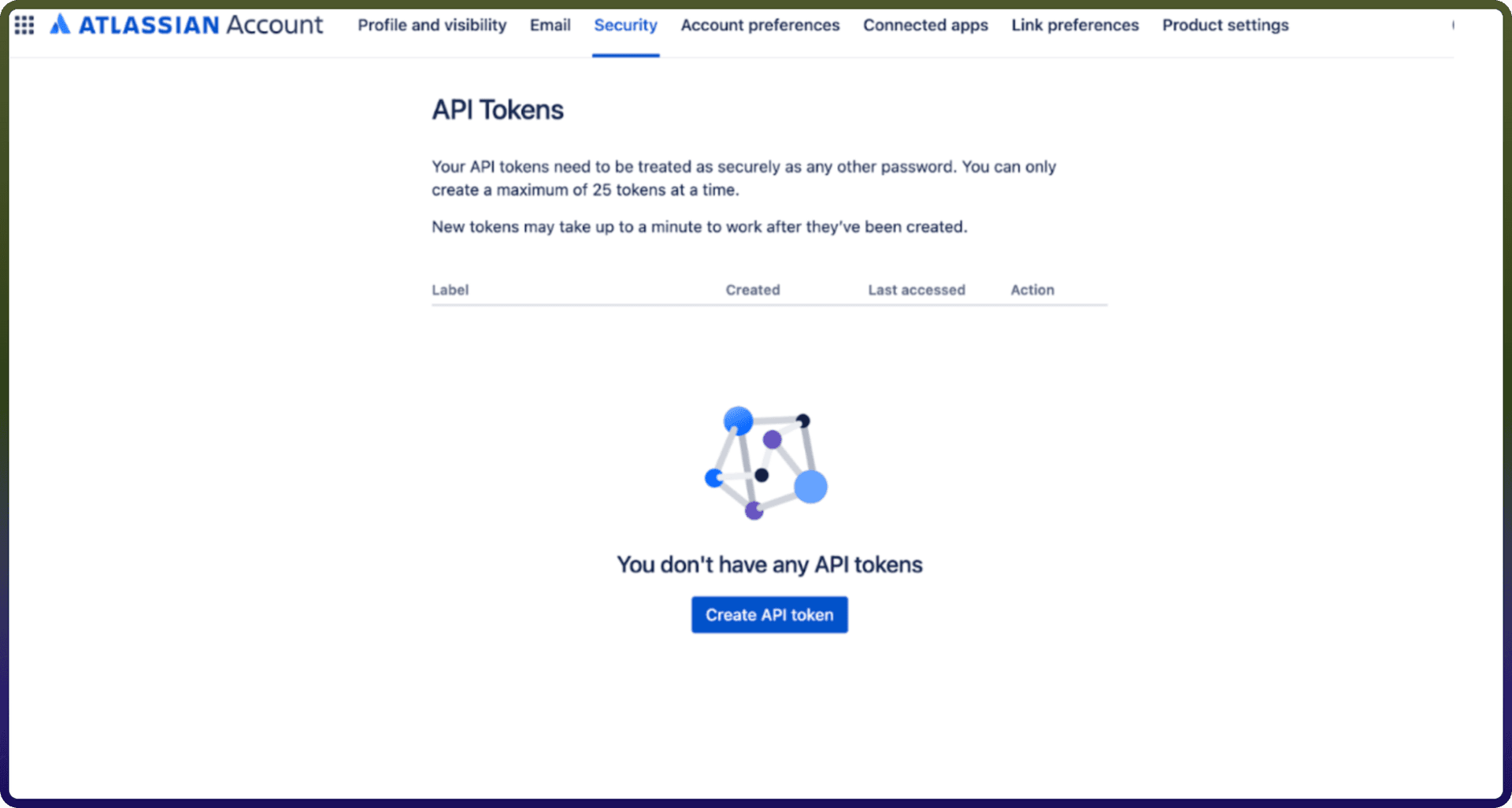
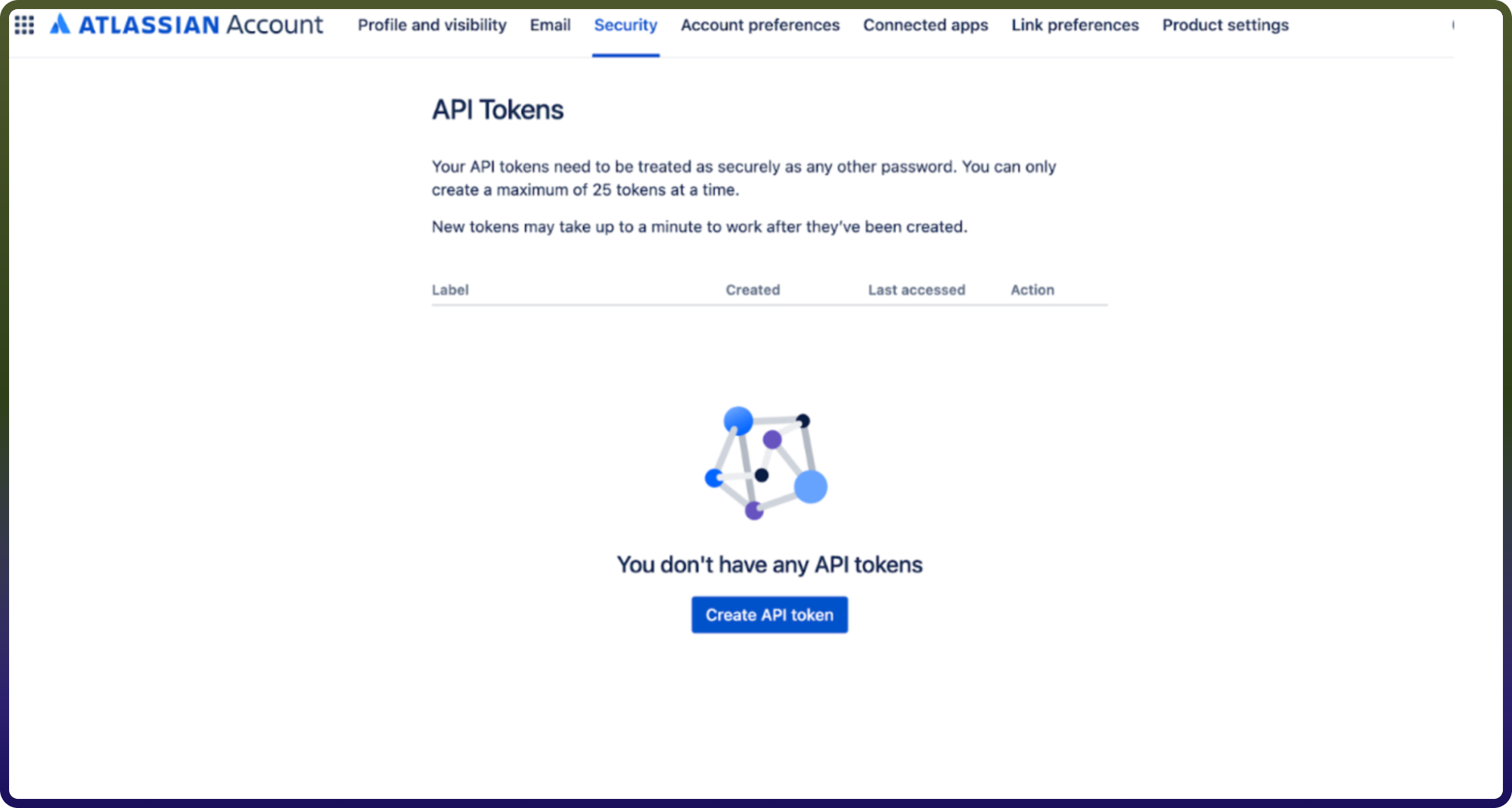
Navigate to the API token management page https://id.atlassian.com/manage/api-tokens
In the API token section, click on create API token. Ensure to keep this key secure as it grants access to Bitbucket's services and is billed based on usage.
Basic Authentication:
Log in to your Bitbucket Server.
Use your Bitbucket username in the Username field.
Use your Bitbucket account password in the Password field.
ACTIONS :
Action Name | Description |
| Adds a comment to a pull request in Bitbucket |
| Creates a pull request in a repository in Bitbucket |
| Deletes a pull request by ID in a repository in Bitbucket |
| Gets file content in a repository in Bitbucket |
| Gets a pull request by ID in a repository in Bitbucket |
| Gets a comment by ID in a pull request in Bitbucket |
| Gets raw content of a file in a repository in Bitbucket |
| Lists files in a repository in Bitbucket |
| Lists files in a path in Bitbucket |
| Lists users with global permission in Bitbucket |
| Lists users with permission to a project in Bitbucket |
| Lists projects in Bitbucket |
| Lists pull requests in a repository in Bitbucket |
| Lists repositories in a project in Bitbucket |
| Lists users with permission to a repository in Bitbucket |
Update pull request | Updates a pull request by ID in a repository in Bitbucket |
Update pull request comment | Updates a comment by ID on a pull request in Bitbucket |