


Use the GetResponse connector to create and automate email marketing campaigns.
Integrating your application with GetResponse lets you use these operations in an automation. It exposes 21 actions, listed below. Add the connector from the Connections area, authenticate, then select its operations in the automation builder. Capabilities: actions.
Authentication
Before you begin, make sure you have the following information:
Connection Name: Choose a meaningful name for your connection. This name helps you identify the connection within your application or integration settings.
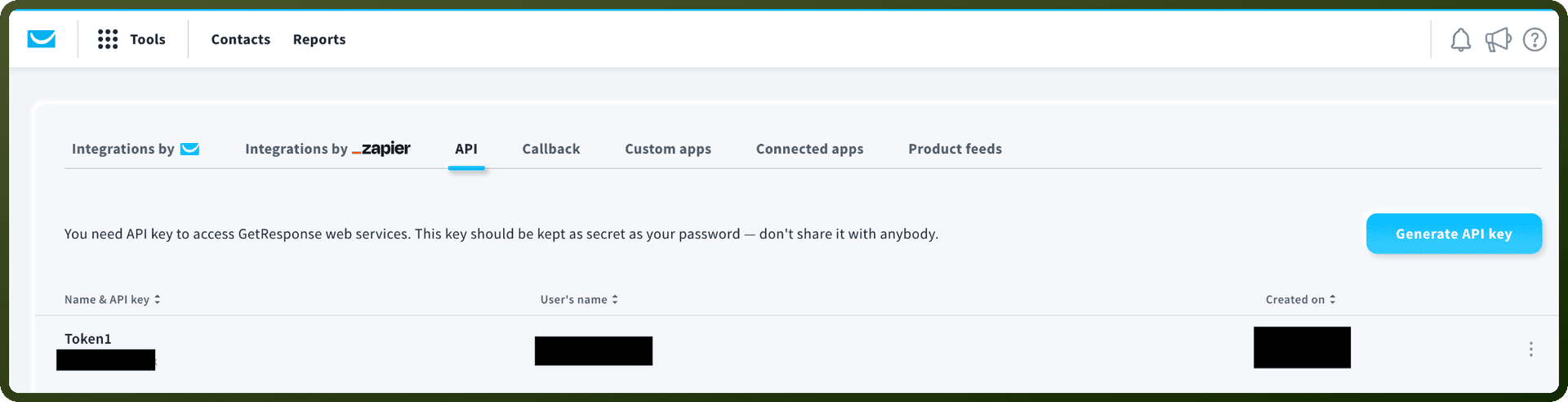
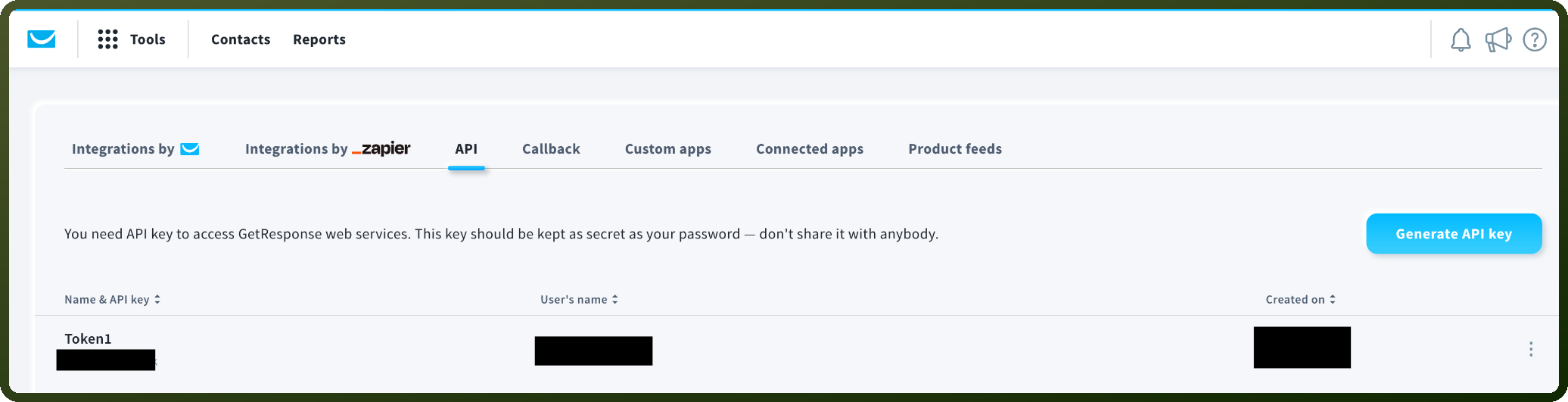
Authentication Type: GetResponse supports OAuth authentication.
Obtaining Your OAuth Client Credentials
Log in to your GetResponse account.
Go to the OAuth applications page at app.getresponse.com/authorizations.
Register a new application by entering a name, a short description, and a redirect URL for it.
Save the application to register it.
Open the application you just created from the list.
Copy the Client ID and Client Secret shown there and store them securely — you'll use both to authenticate.
Actions
Action Name | Description |
|---|---|
Add contact | Adds a new contact in GetResponse |
Create campaign | Creates a new campaign in GetResponse |
Create file | Creates a file in the GetResponse |
Create folder | Creates a folder in the GetResponse |
Create tag | Creates a tag in GetResponse |
Delete contact | Deletes a contact in GetResponse |
Delete file | Deletes a file in the GetResponse |
Delete folder | Deletes a folder in the GetResponse |
Delete tag | Deletes a tag by ID in GetResponse |
Get account information | Gets personal account information from GetResponse |
Get all campaigns | Gets all campaigns in GetResponse |
Get all contacts | Gets all contacts in GetResponse |
Get billing information | Gets billing information from GetResponse |
Get campaign | Gets a single campaign by ID in GetResponse |
Get send limits | Gets current send limits for your GetResponse account |
Get tag | Gets a tag by ID in GetResponse |
List files | Lists files from the GetResponse |
List folders | Lists folders from the GetResponse file library |
List industry tags | Lists industry tags configured in your GetResponse account |
Update account | Updates personal account information in GetResponse |
Update contact | Updates an existing contact in GetResponse |