


Use the Avaza connector to manage projects, timesheets, and invoicing.
Integrating your application with Avaza lets you use these operations in an automation. It exposes 33 actions, listed below. Add the connector from the Connections area, authenticate, then select its operations in the automation builder. Capabilities: actions.
Authentication
Before you begin, make sure you have the following information:
Connection Name: Choose a meaningful name for your connection. This name helps you identify the connection within your application or integration settings.
Authentication Type: The authentication method for this connector is defined in the connection setup. Select the connector in the Connections area to see the fields it requires.
Authentication & setup
Avaza API supports OAuth2 authentication and Personal Access Tokens.
OAuth2 Authorization Code Flow (Server-to-Server)
This is the most secure method for backend integrations.
Step 1: Register Your App
Navigate to Settings > Manage Developer Apps
Click Add OAuth App (requires admin rights)
Register app details:
App name and description
Client type: server
Redirect URL
Required permission scopes
Step 2: Get Credentials The system generates:
Client ID
Client Secret (⚠️ Save immediately—not displayed again)
Step 3: Get Access Tokens Exchange credentials for:
Access Token: Valid for 24 hours
Refresh Token: Valid for 180 days
OAuth2 Implicit Flow (SPAs/Mobile)
Simplified single-step flow for browser and mobile apps. Supports PKCE extension (recommended for security).
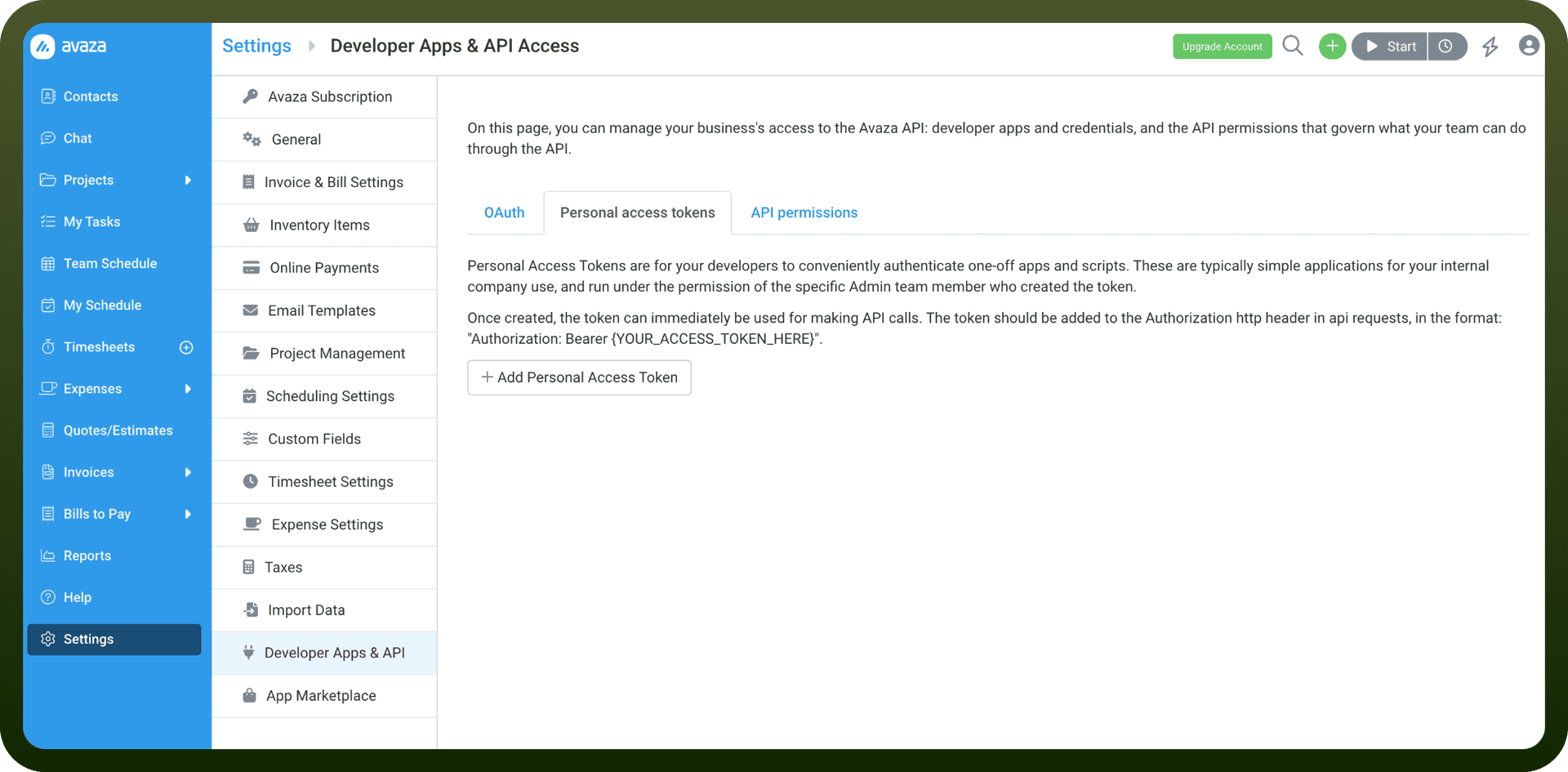
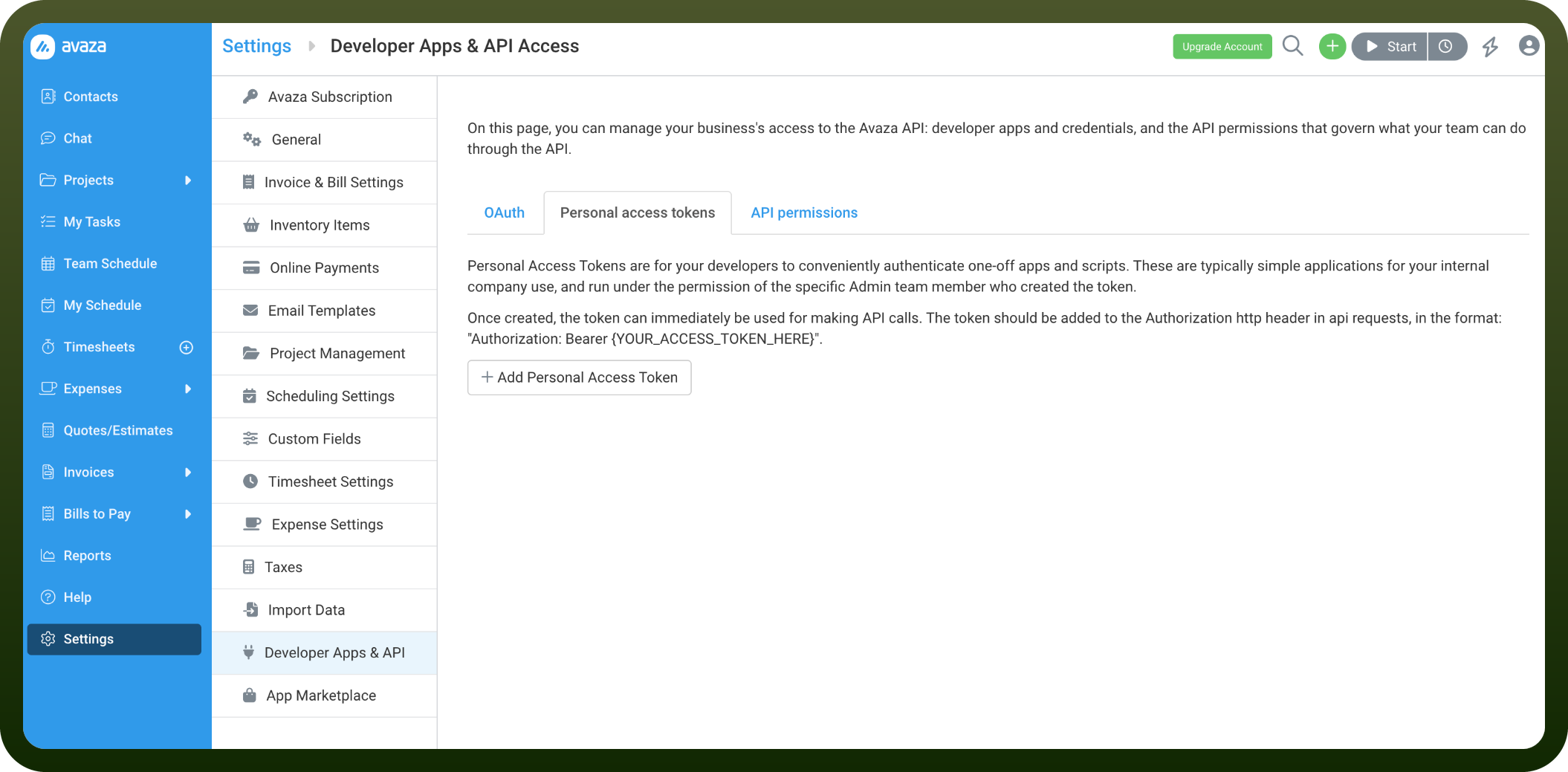
Personal Access Tokens
Developer convenience method for one-off scripts and integrations.
Actions
Action Name | Description |
|---|---|
Create bill | Creates a bill in Avaza |
Create bill payment | Creates a bill payment in Avaza |
Create company | Creates a company in Avaza |
Create contact | Creates a contact in Avaza |
Create estimate | Creates an estimate in Avaza |
Create expense | Creates an expense in Avaza |
Create invoice | Creates an invoice in Avaza |
Create payment | Creates a payment in Avaza |
Create project | Creates a project in Avaza |
Create section | Creates a section in Avaza |
Create task | Creates a task in Avaza |
Create timesheet | Creates a timesheet in Avaza |
Delete expense | Delete an expense in Avaza |
Delete section | Delete a section in Avaza |
Delete task | Delete a task in Avaza |
Delete timesheet | Delete a timesheet in Avaza |
Get account | Get account details in avaza |
Get bill | Get a bill by bill id in Avaza |
Get bill payment | Get a bill payment by bill payment id in Avaza |
Get company | Get company details by company id in Avaza |
Get contact | Get a contact by contact id in Avaza |
Get estimate | Get an estimate by estimate id in Avaza |
Get expense | Get an expense by expense id in Avaza |
Get invoice | Get an invoice by invoice id in Avaza |
Get payment | Get a payment by payment id in Avaza |
Get project | Get a project by project id in Avaza |
Get task | Get a task by task id in Avaza |
Get timesheet | Get a task by task id in Avaza |
Update company | Update company in Avaza |
Update expense | Update an expense in Avaza |
Update project | Update a project in Avaza |
Update task | Update task in Avaza |
Update timesheet | Update timesheet in Avaza |
About the API
Avaza provides comprehensive endpoints for:
Project Management: Project creation, management, and collaboration
Resource Scheduling: Allocate and schedule resources
Team Communication: Chat and team messaging
Time Tracking: Timesheets and time entry management
Expense Management: Expense tracking and reporting
Invoicing: Standard, recurring, and retainer invoices
Quotes and Estimates: Create and manage quotes
Business Reporting: Analytics and insights
The API documentation is available at https://api.avaza.com/ with Swagger specification for reference.