


Use the Amazon Lex connector to build chatbots and voice assistants.
Integrating your application with Amazon Lex lets you use these operations in an automation. It exposes 10 actions, listed below. Add the connector from the Connections area, authenticate, then select its operations in the automation builder. Capabilities: actions.
Authentication
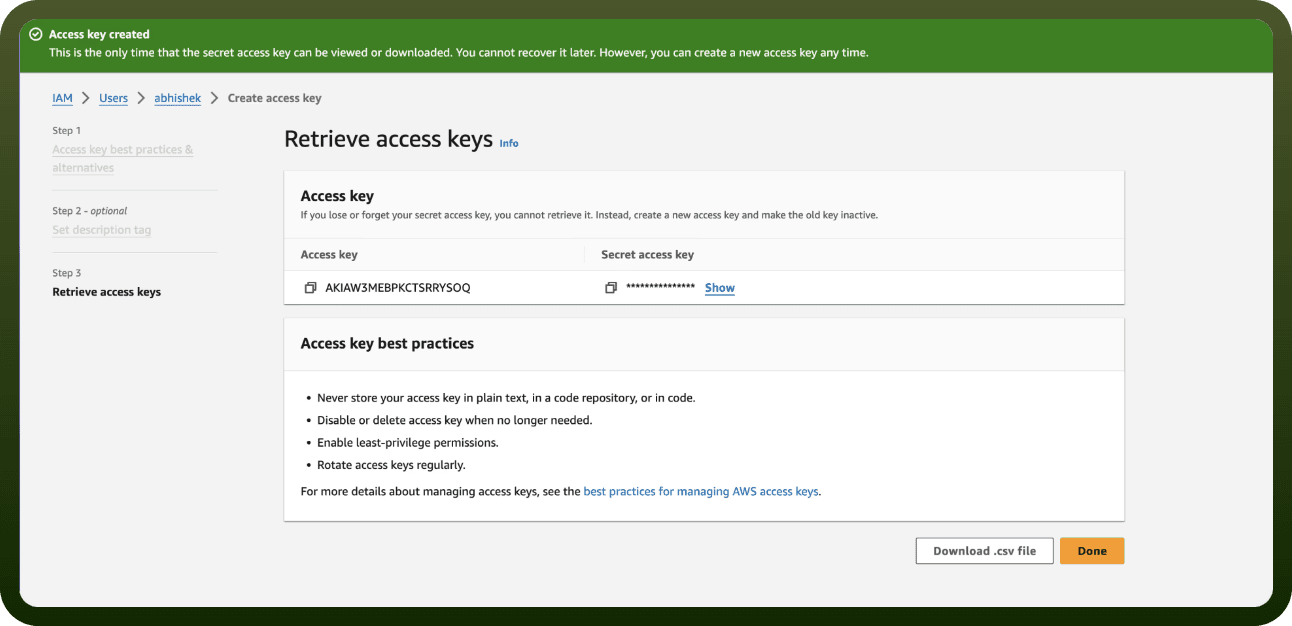
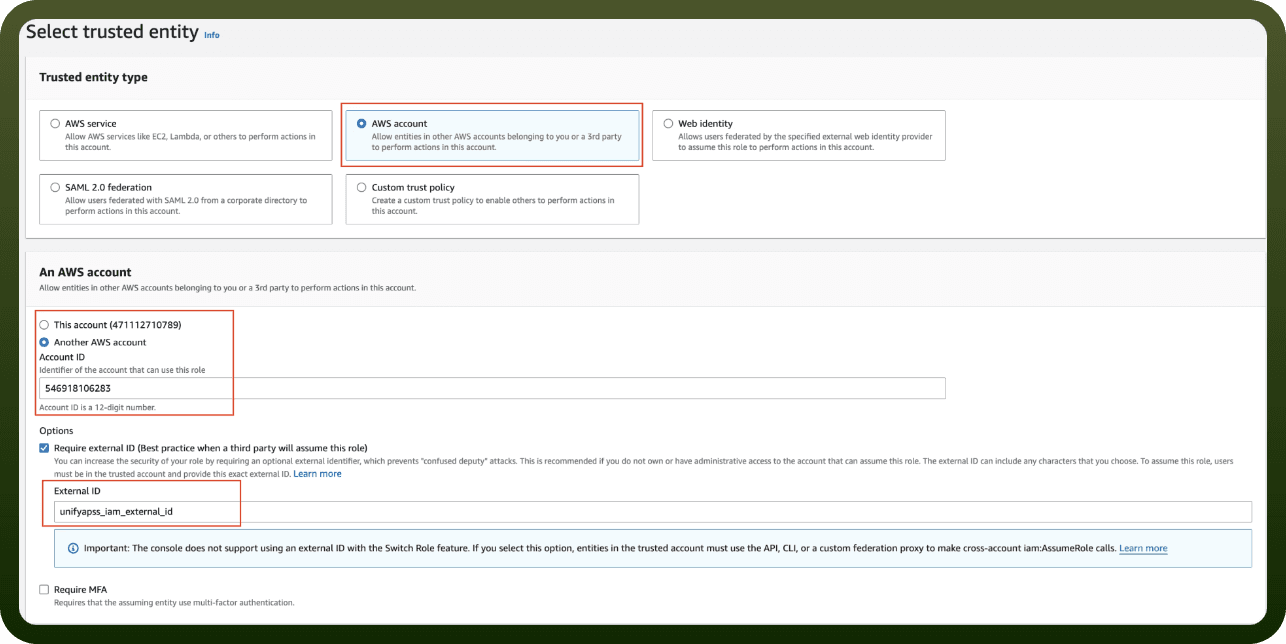
Before you begin, make sure you have the following information:
Connection Name: Choose a meaningful name for your connection. This name helps you identify the connection within your application or integration settings.
Authentication Type: The authentication method for this connector is defined in the connection setup. Select the connector in the Connections area to see the fields it requires.
Actions
Action Name | Description |
|---|---|
Get bot | Retrieve Bot information from Amazon Lex |
Get bot aliases | Retrieve bot aliases information from Amazon Lex |
Get intent | Retrieve intent information from Amazon Lex |
Get slot types | Retrieve slot type information from Amazon Lex |
Get version | Retrieve object versions in Amazon Lex |
Post text | Sends user input to Amazon Lex |
Upsert bot | Creates a bot or replaces an existing one |
Upsert bot alias | Creates a bot alias or replaces an existing one in Amazon Lex |
Upsert intent | Creates a intent or replaces an existing one in Amazon Lex |
Upsert slot type | Creates a slot type or replaces an existing one in Amazon Lex |